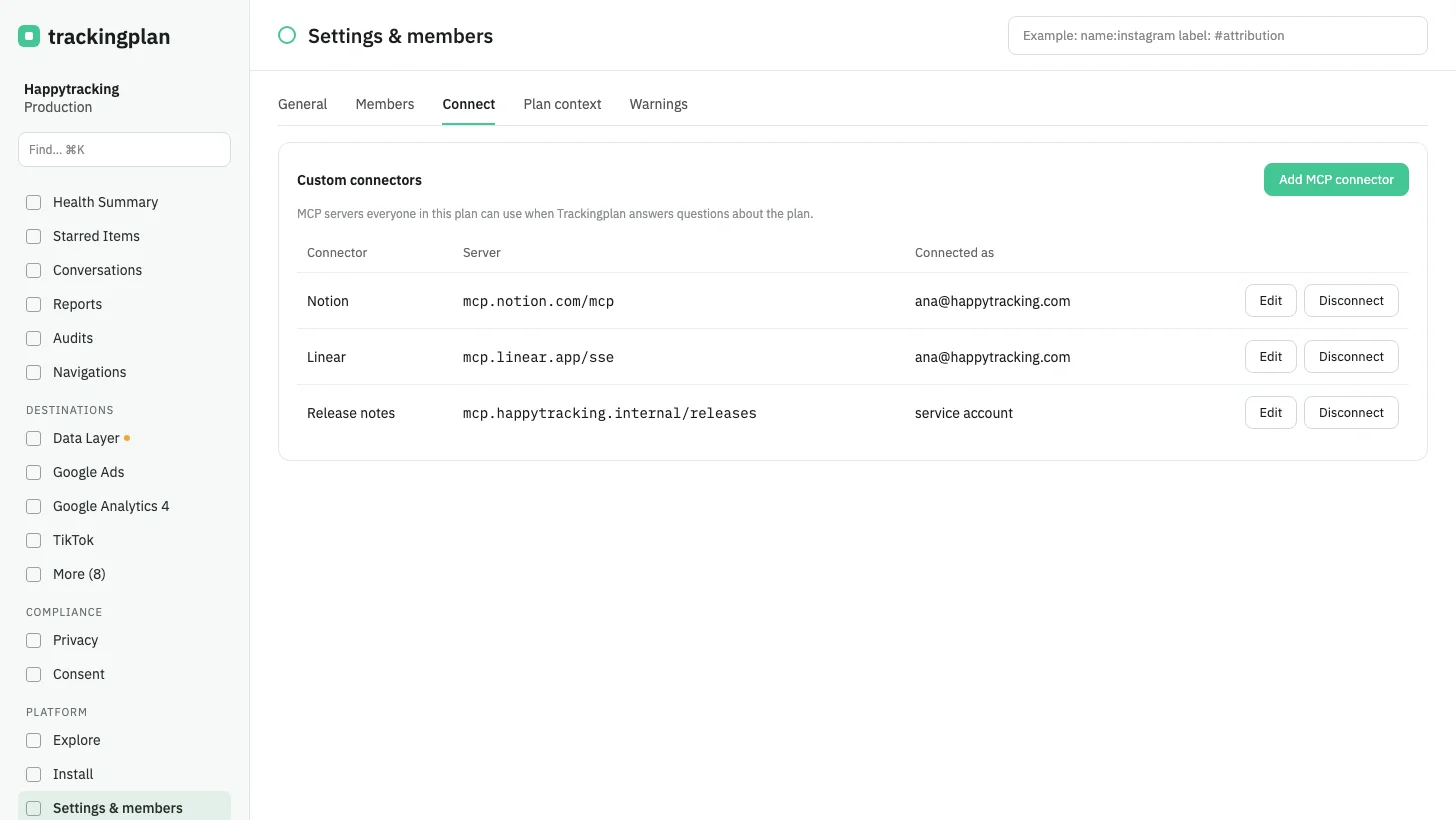
Every plan now has Custom connectors in Settings, under Connect. An admin adds an MCP server, such as Notion, Linear or your own, with Add MCP connector, and everyone in the plan uses that connection when Trackingplan answers questions about the plan.
Each connector offers Edit and Disconnect. Disconnect removes it for the whole plan and signs out the connected account. To change the server address, disconnect it and add it again.
Who it is for: teams whose context lives in other tools: the ticket that explains a release, the page that documents an event.
Where: Settings, Connect, Custom connectors. The other direction, asking Trackingplan from Claude, ChatGPT or Cursor, is in Connect other AI tools without a key.