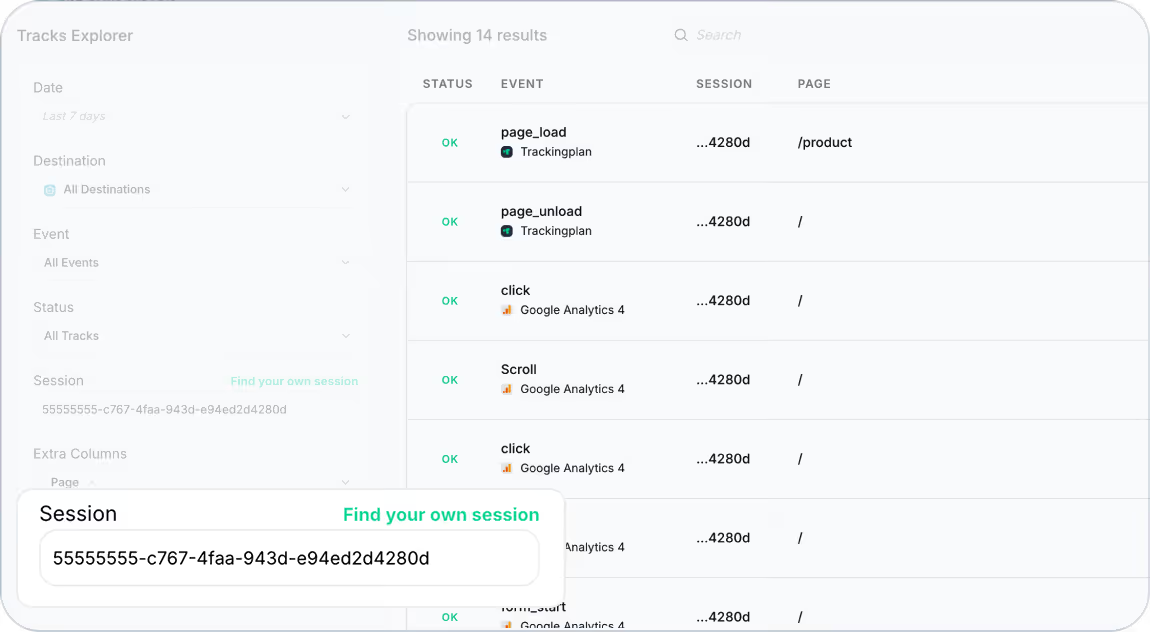
Just a few weeks ago, we introduced Trackingplan’s Live Mode, a powerful tool designed to help you reproduce the exact sequence of user actions that led to an error as you interact with your site, identifying validation errors on the spot and diving into those tracks for deeper analysis.
However, as many of you pointed out, how do you know if the hits you’re seeing are actually yours?
The Challenge: Identifying Your Own Hits in High-Traffic Environments
When a website handles hundreds or even thousands of active users, distinguishing your own hits from others can be tricky. If you're testing a new implementation or debugging tracking issues, you need an easy way to isolate your activity from the rest of the traffic.
The Solution: Find Your Own Session
To address this challenge, we’ve introduced Live Debugging, a feature that lets you instantly isolate your session and track only your hits in real time.
With this update, you can now:
✅ Start a dedicated debug session to filter out all other user activity and focus only on your actions.
✅ Instantly validate tracking implementations by seeing your hits appear in real time without interference from other users.
✅ Resume your last debug session if you’ve previously used this feature, saving you time when continuing your work.
How It Works
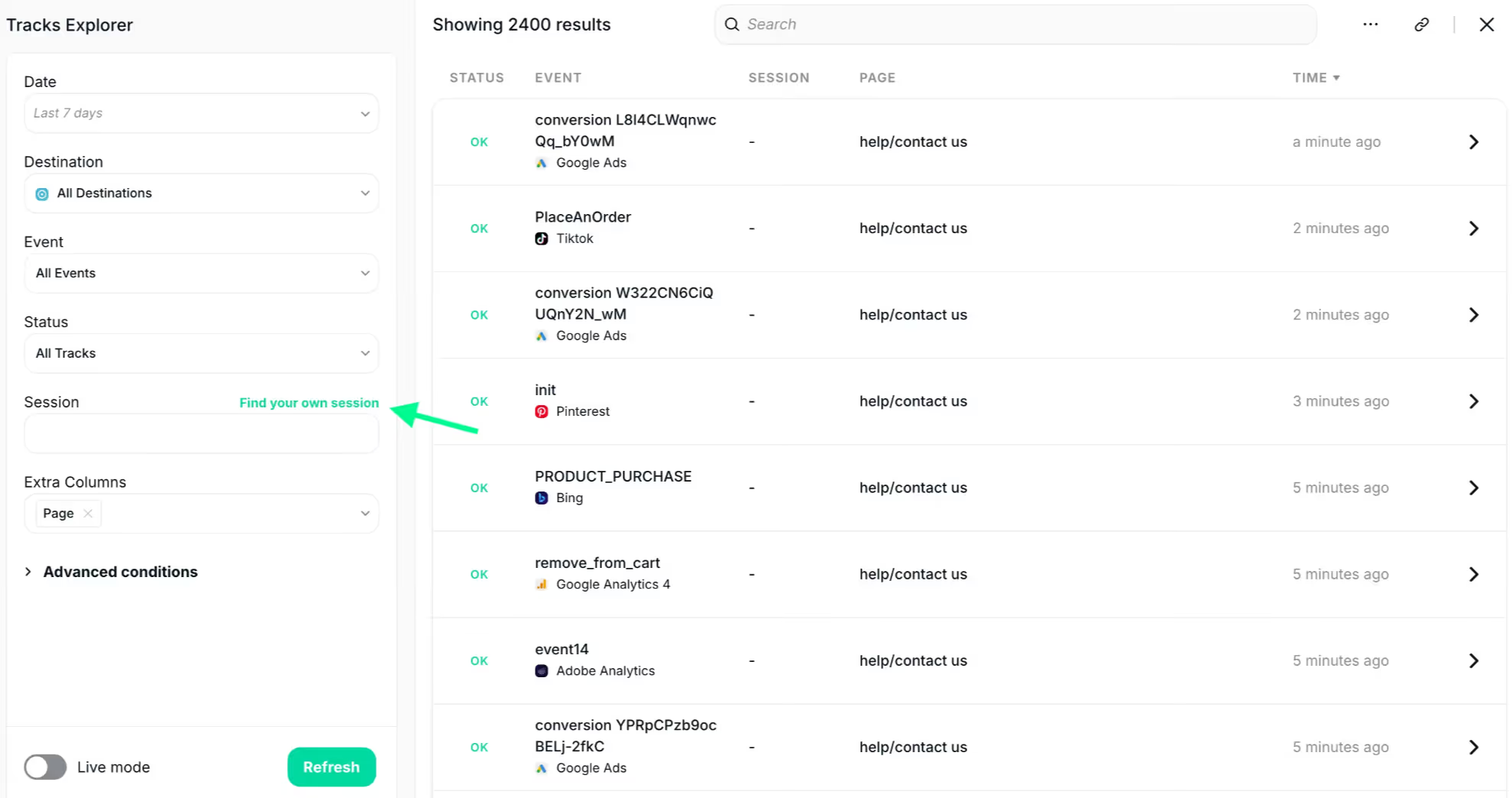
- Click on the "Find Your Own Session" button in Trackingplan.
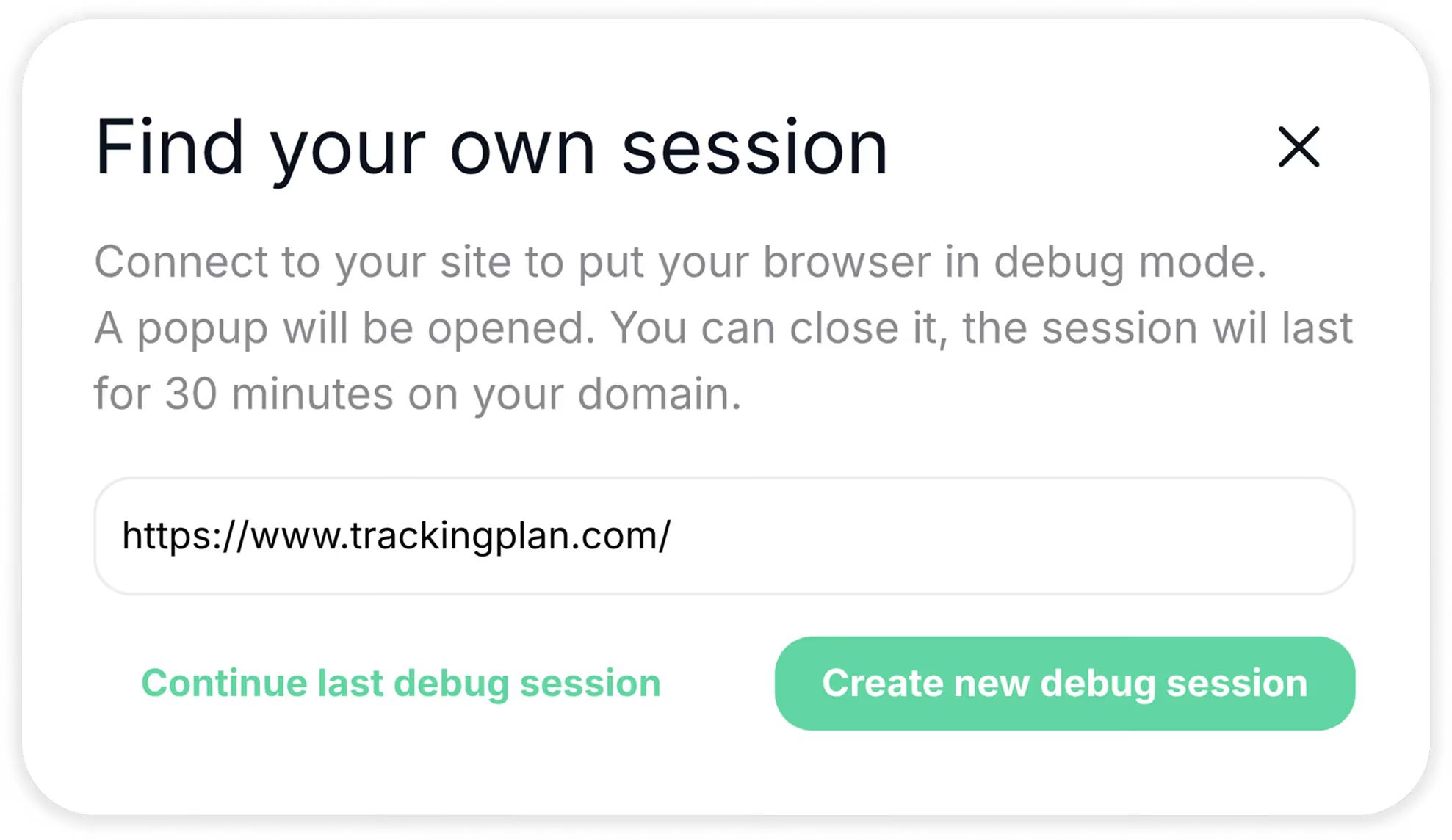
- Enter the URL where you’ll be navigating and click "Create New Debug Session."
- Trackingplan will generate a unique session ID and set your SDK into debug mode, with sampling disabled and batching turned off, so you see every event exactly as it happens.
- From now on, your hits – and only your hits – will appear instantly in Trackingplan’s Tracks Explorer!
Who Benefits from Live Debugging?
- Developers implementing new features and needing instant tracking validation.
- Analysts verifying data accuracy and debugging tracking issues.
- Marketers and data teams ensuring campaign tracking is working as expected.
For a detailed demonstration, watch the video below:
We hope this feature helps streamline your debugging process and makes tracking validation easier than ever. Try it out and let us know what you think!
For a full overview of how Live Debugging can streamline your workflow, visit our documentation.
Need further assistance? Our support team is here to help! Happy Tracking!