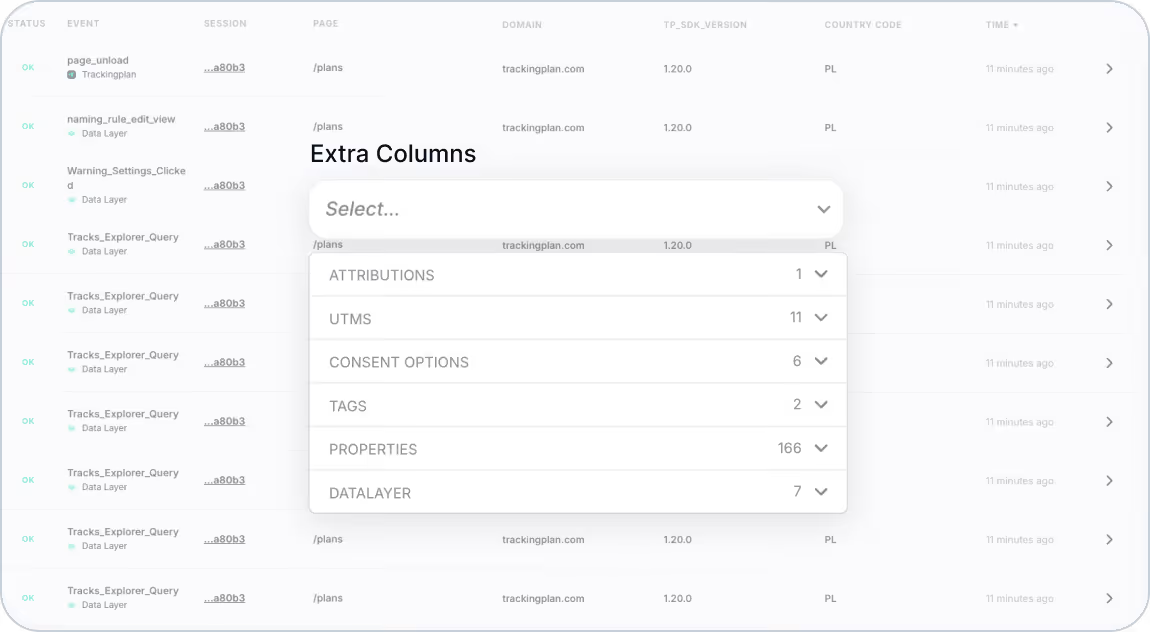
Trackingplan’s Tracks Explorer just got even better! You can now tailor your view by adding extra columns to display the data that matters most to you. Whether it’s session data, consent mode changes, or key UTMs, this update is all about giving you the flexibility to manage your tracking setup efficiently.
What’s New?
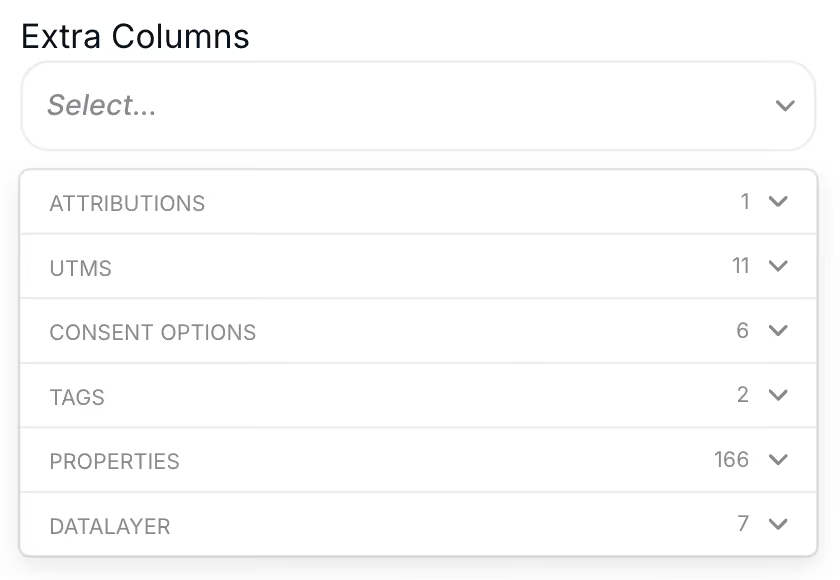
Previously, Tracks Explorer displayed a default set of columns. Now, you can go beyond the basics by customizing your view to include:
- Attributions: Add visibility to key data points like campaign performance.
- UTMs: Dive deeper into the granular details of your traffic sources.
- Consent Options: Monitor changes in consent mode throughout a user’s journey.
- DataLayer Values: Track critical DataLayer fields in real time.
See the full list of supported attributions here.
Why This Matters
1. Enhanced Data Visibility
By adding relevant columns, you can visualize all the key metrics in one place without switching between tools or screens.
2. Monitor Session Consistency
Ensure that critical fields like ‘referrer’ stay consistent within the same session, reducing the risk of fragmented data.
3. Debug Faster
Spot changes in consent mode or other important parameters during user interactions, helping you identify and resolve potential tracking issues quickly.
How to Customize Your View
- Open Trackingplan's Tracks Explorer in your Trackingplan dashboard.
- Click the settings icon to access the column customization menu.
- Select the columns you want to add from the list of available attributions.
- Save your settings and instantly see the updated view.
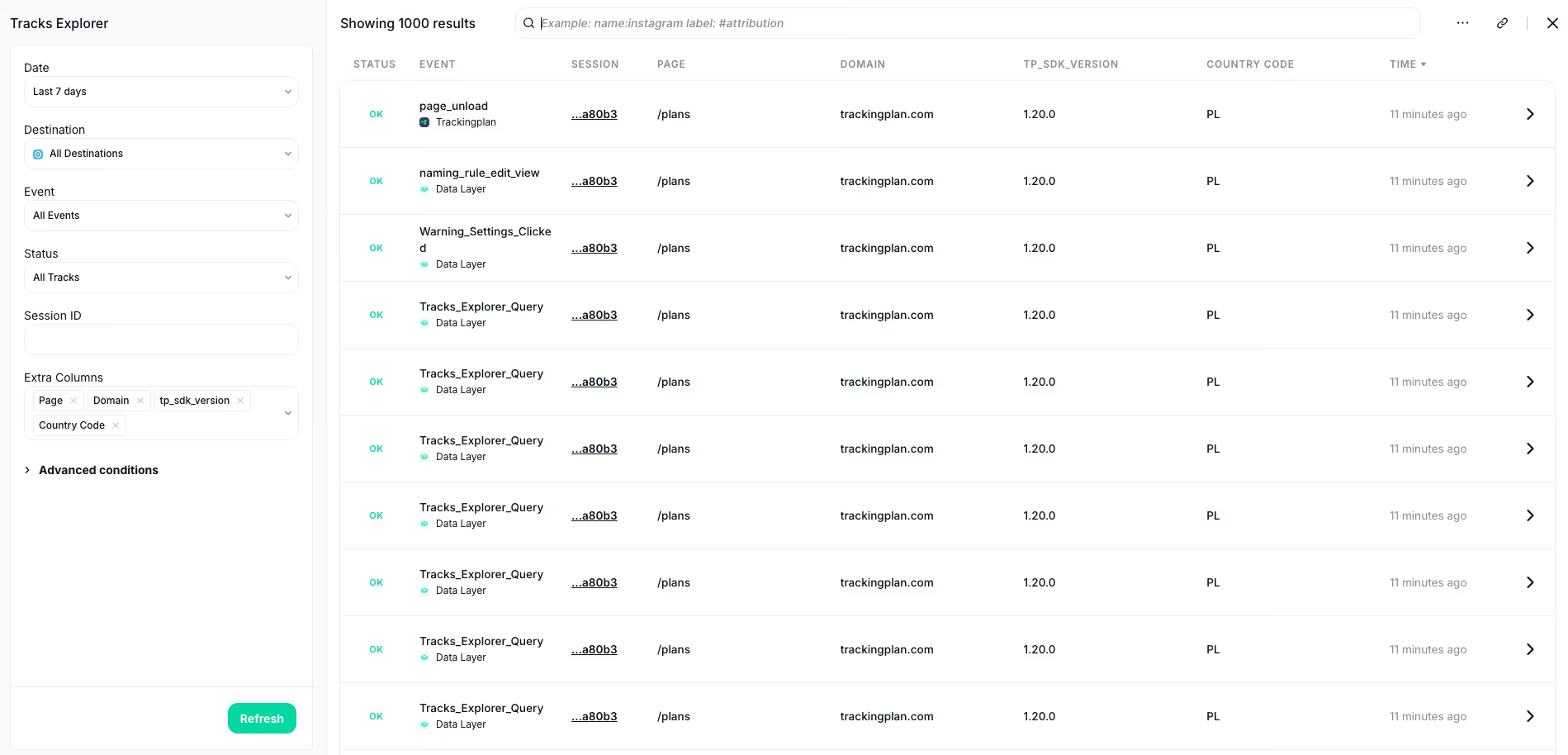
Streamline Your Workflow Today
This update is designed to help you get more out of Tracks Explorer by putting the data you care about front and center. Customize your view now and experience a more efficient way to manage your tracking setup. For more information, visit our documentation.
Stay tuned for more updates as we continue to enhance Trackingplan’s capabilities!