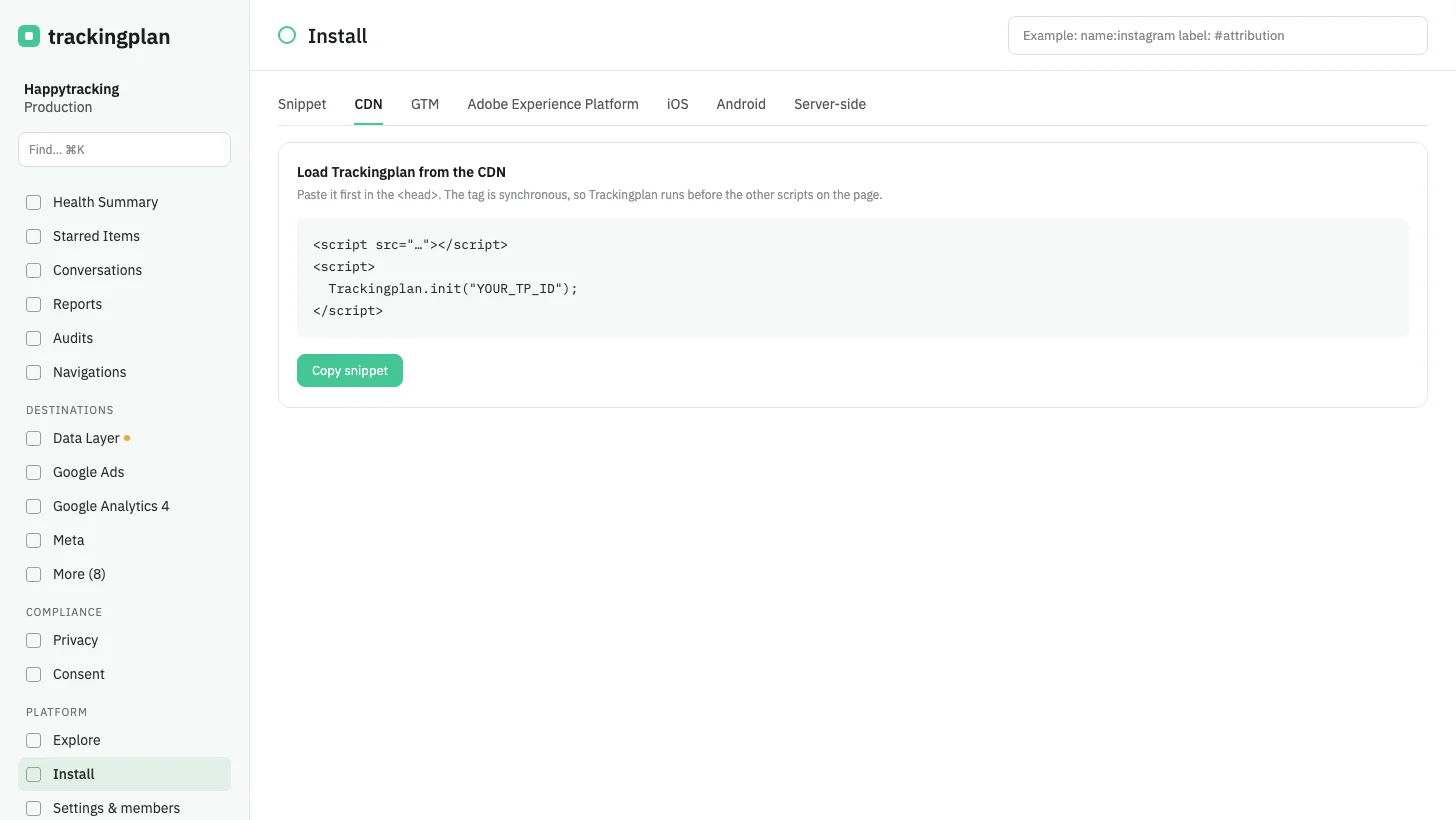
The install page has a new CDN tab, right after Snippet, in both the current and the previous panel.
The tab shows a snippet that loads the Trackingplan script from the CDN, then starts Trackingplan for that plan. The script tag is synchronous, so Trackingplan runs before the other scripts on the page.
On the previous panel, the install page also gains an AEP tab, and the tag manager tab is now GTM, as in the current panel.
Who it is for: teams that prefer to load third-party scripts from a CDN rather than paste them inline.
Where: Install, in the plan. Docs: Installing Trackingplan.