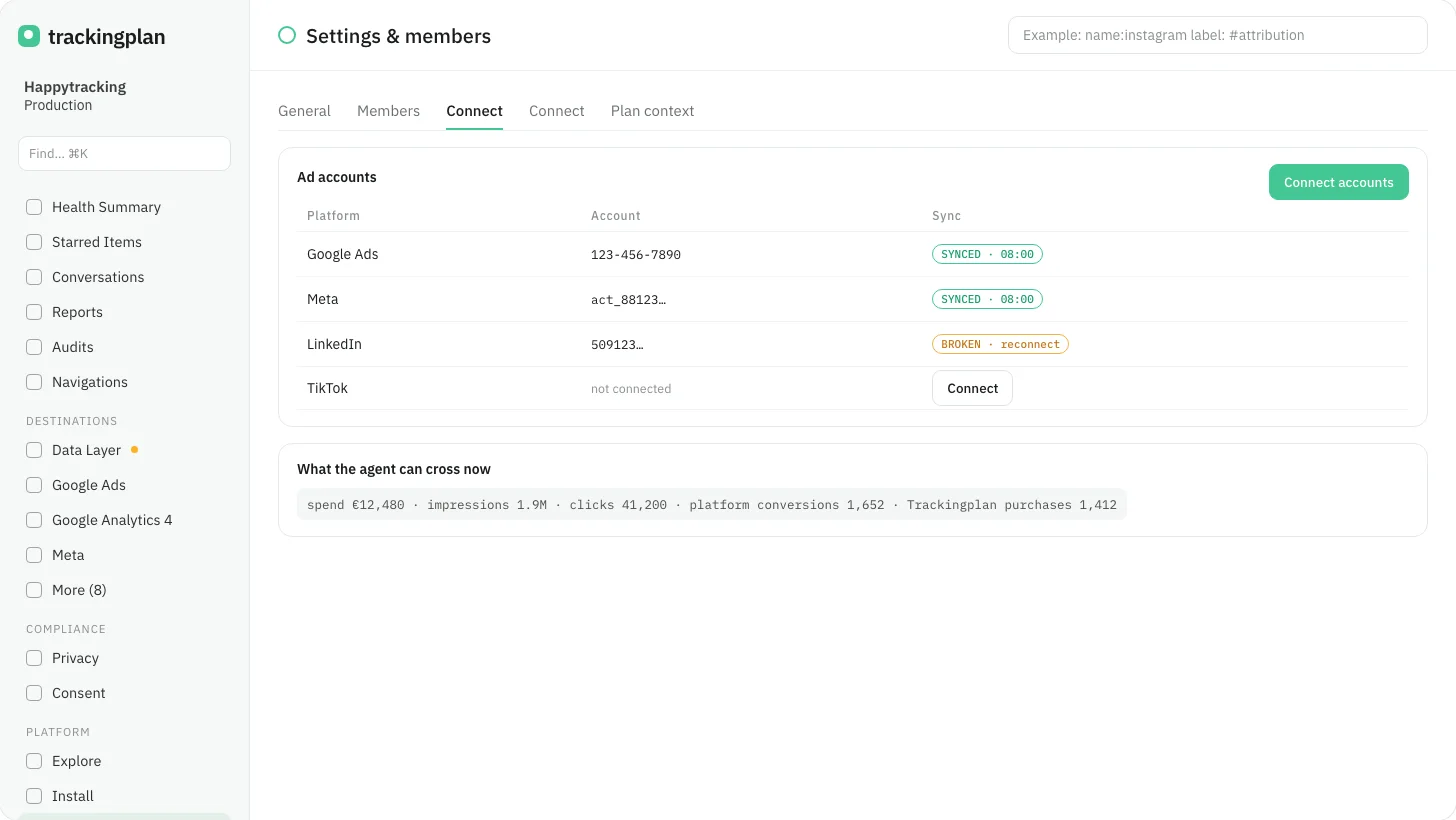
A plan admin now connects an ad account from Settings, under Connect, in the Ad platforms block of the current panel. Connect a platform lists the platforms still to connect, and a connected account shows when it last synced.
If an account's spend stops updating, the account shows Needs attention, the line "Its spend stopped updating", and Reconnect. Disconnect asks for confirmation, then stops that account's spend from updating.
With an account connected, the agent can cross the platform's spend, clicks and conversions with the traffic Trackingplan sees on the site. What Trackingplan reads from each platform: Spend from eleven ad platforms.
Who it is for: paid media teams and the agencies that run their clients' campaigns.
Where: Settings, Connect, Ad platforms. More on the paid media use case: Protect your ad spend.