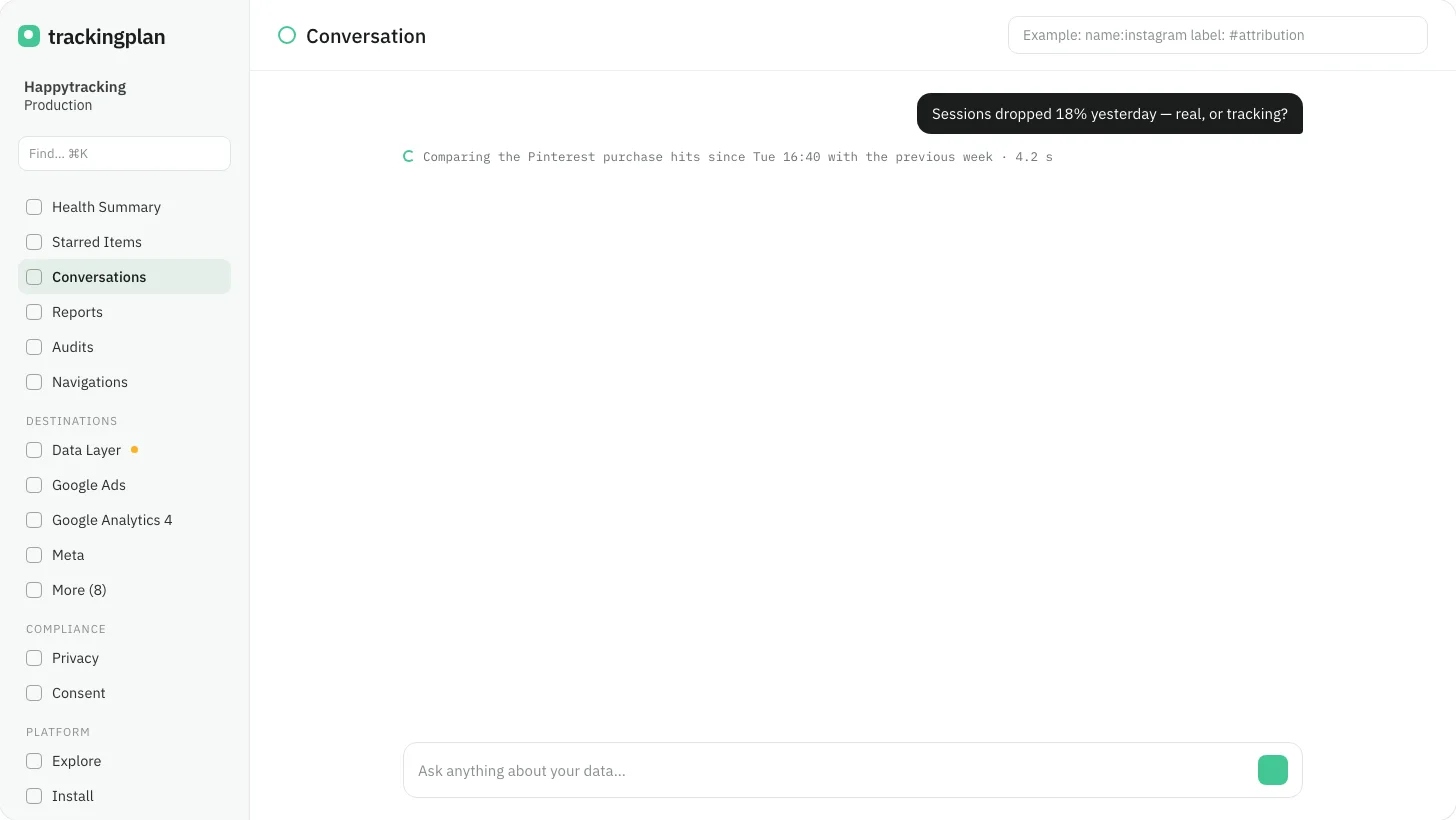
While the agent works on an answer, a single line under your question tells you what it is checking right now: the hits it is reading, the warning it is comparing, the query it is running.
When the answer lands, that same line turns into the time it took. No spinner, no guessing whether it is still thinking.
Who it is for: anyone who asks the agent a question that takes more than a few seconds, and wants to know whether to wait or come back.
Where: every conversation, in the panel, in Slack and in the AI tool you connect through the MCP.