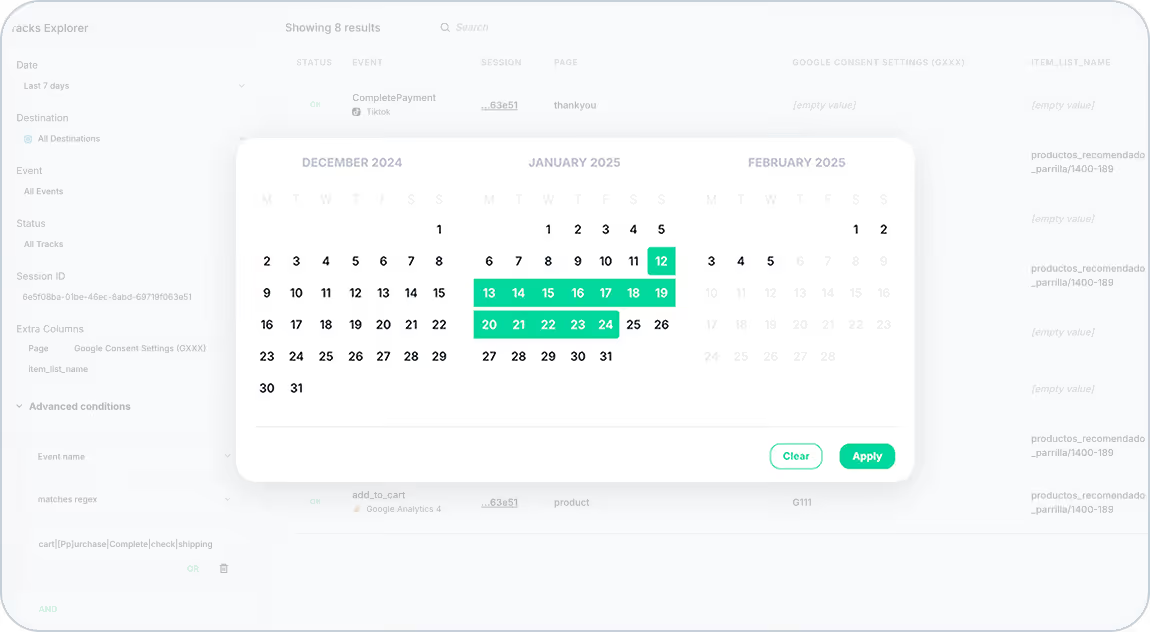
Analyzing event trends just got a whole lot easier! With Trackingplan’s new Date Selector, you can now explore event hits over the last 14 days, pinpoint specific sessions, and gain a clearer understanding of user behavior over time.
What’s New?
Enhanced Date Filtering in Tracks Explorer
With the new Date Selector, you can pin sessions to a specific day in Tracks Explorer. This makes it easier to track user behavior on a particular date, facilitating session tracking.
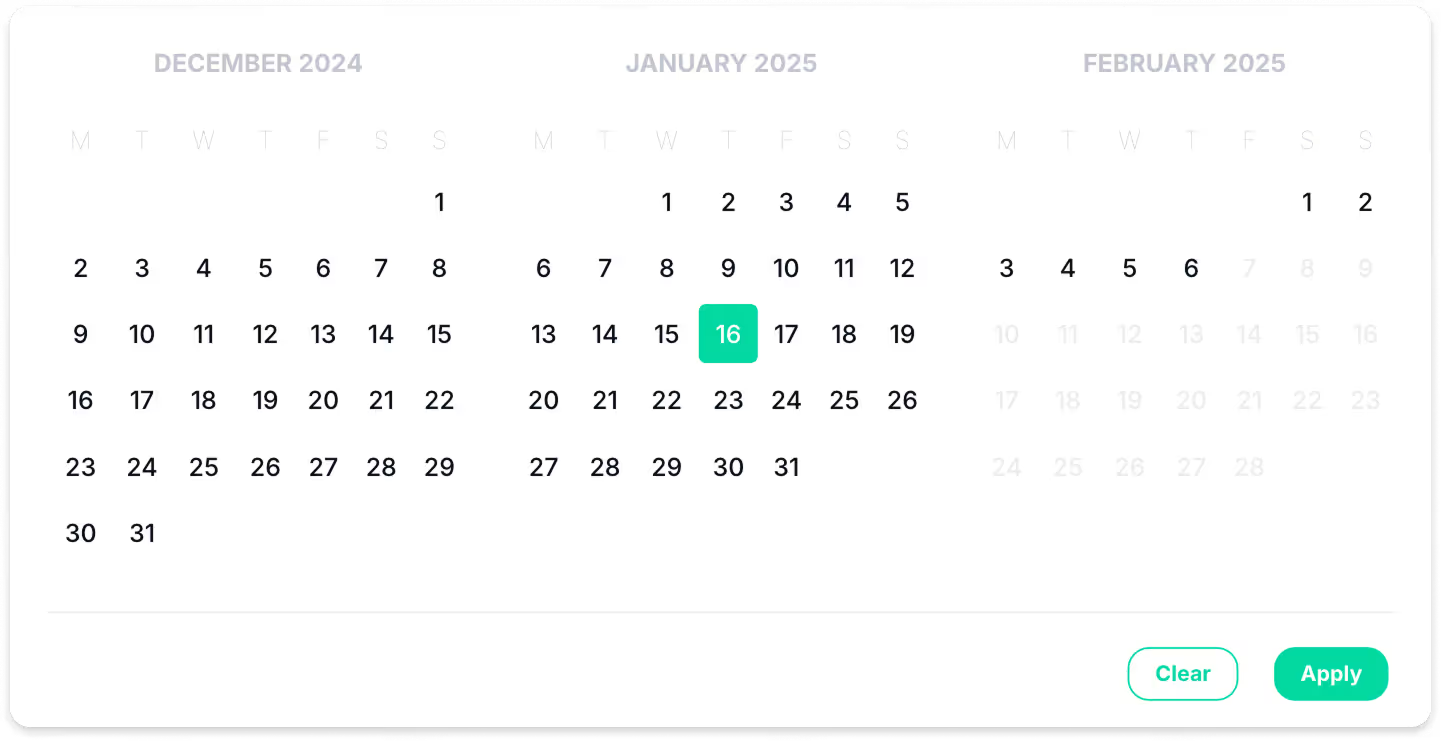
Improved Data Analysis in Data Explorer
Now, you can analyze data trends over a defined period with greater precision. The Date Selector allows you to navigate within a 14-day range, moving forward or backward to observe fluctuations and patterns in your data.
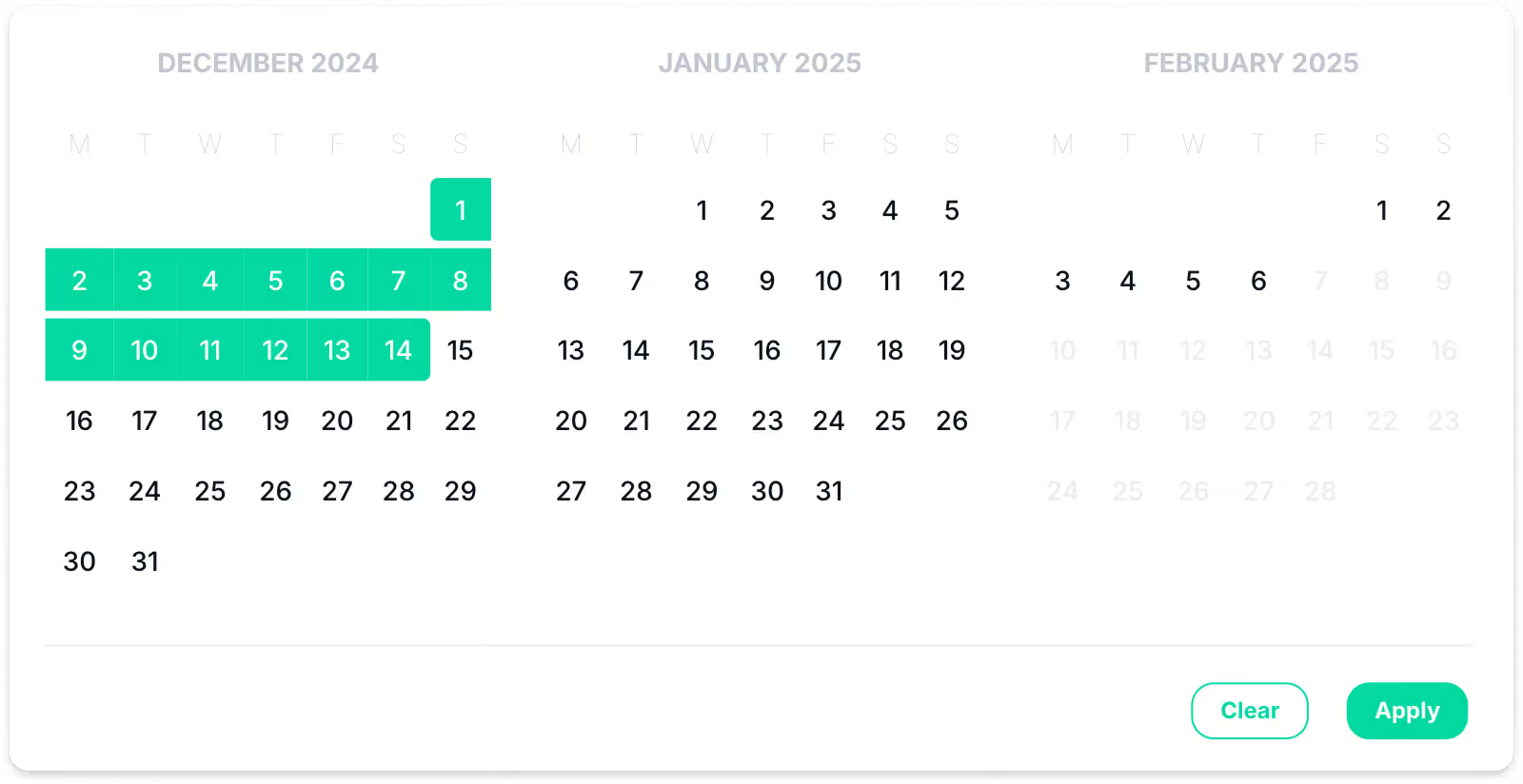
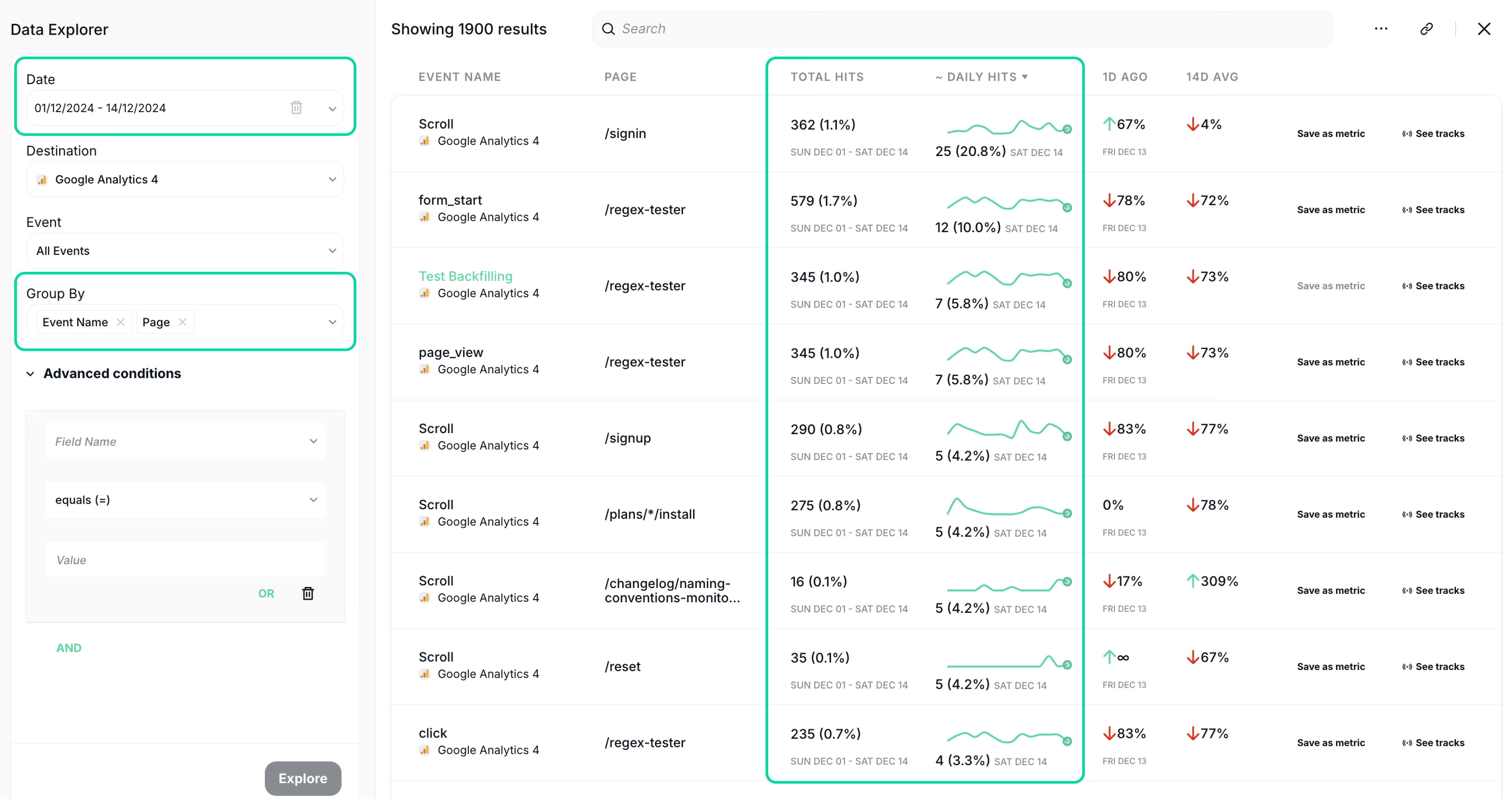
Additionally, by grouping events by pages, you’ll gain key insights into how each page contributes to your total event hits within the selected period—helping you optimize performance with data-driven decisions.
How This Helps You
- Easier trend analysis – Quickly identify patterns and anomalies in your event data.
- Better session tracking – Pinpoint specific days to understand user behavior more effectively.
- Deeper insights – Group events by pages and see how each contributes to your overall tracking.
Start using the Date Selector today and take your data analysis to the next level! For a full overview of how this feature can enhance your workflow, visit our documentation on Tracks Explorer and Data Explorer.
Need further assistance? Feel free to reach out to our support team!
Trackingplan is always working to improve how you track and optimize your data. Stay tuned for more updates that will help you maintain perfect tracking accuracy across all your digital channels!