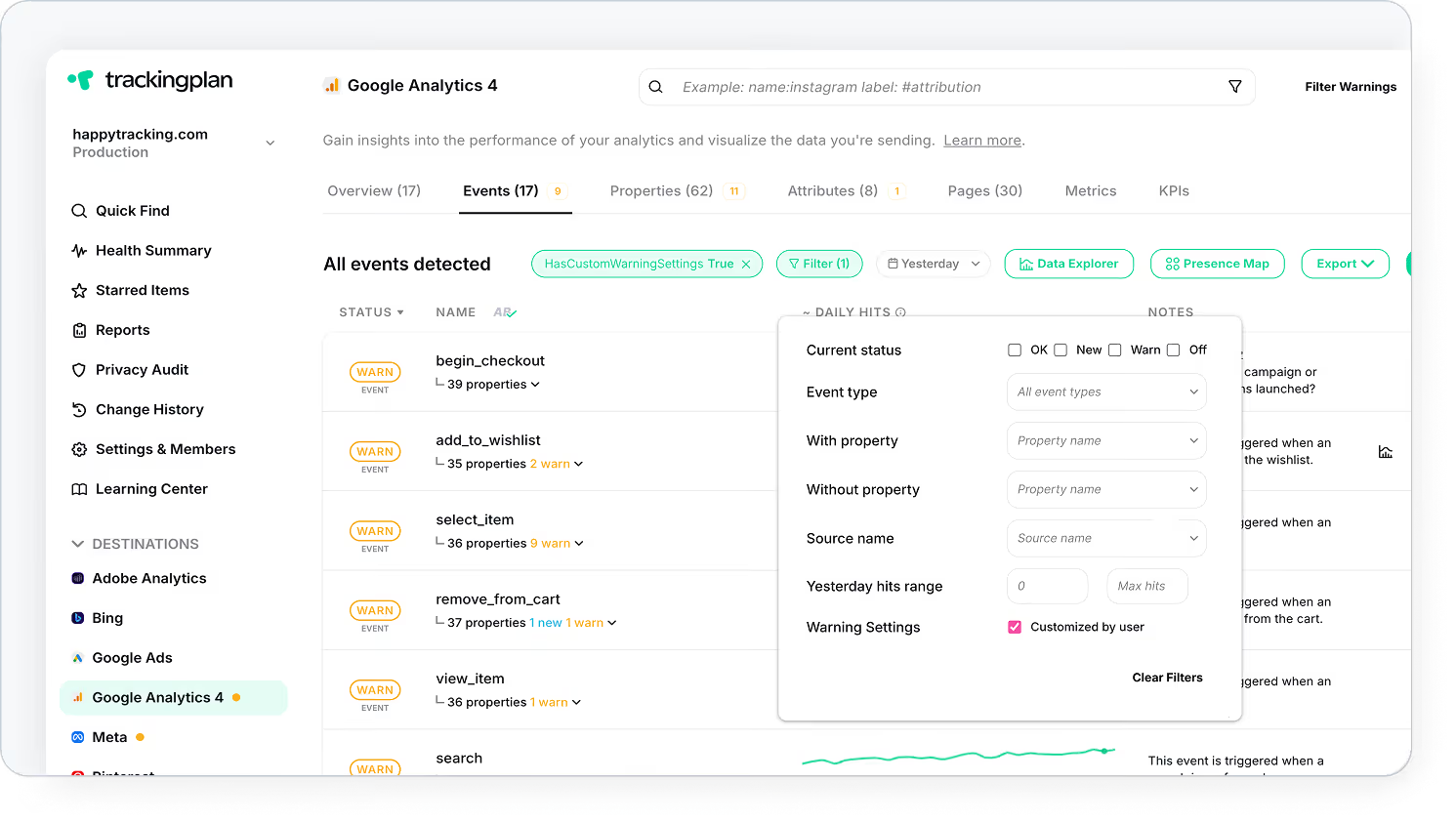
You can now filter events by Warning Settings, letting you instantly see where real-time warnings have been configured or adjusted.
Why It Matters
Until now, checking which events had real-time warnings configured meant digging into each event’s settings. Not anymore.
You can now filter events by Warning Settings: customized by user to instantly see where real-time warnings have been touched or adjusted.
Less digging. More control over your tracking and alerts.
- Save time: No more clicking through every event to check warning setup
- Gain clarity: Quickly understand which events are monitored in real time
- Take control: Adjust and optimize your alerts with confidence