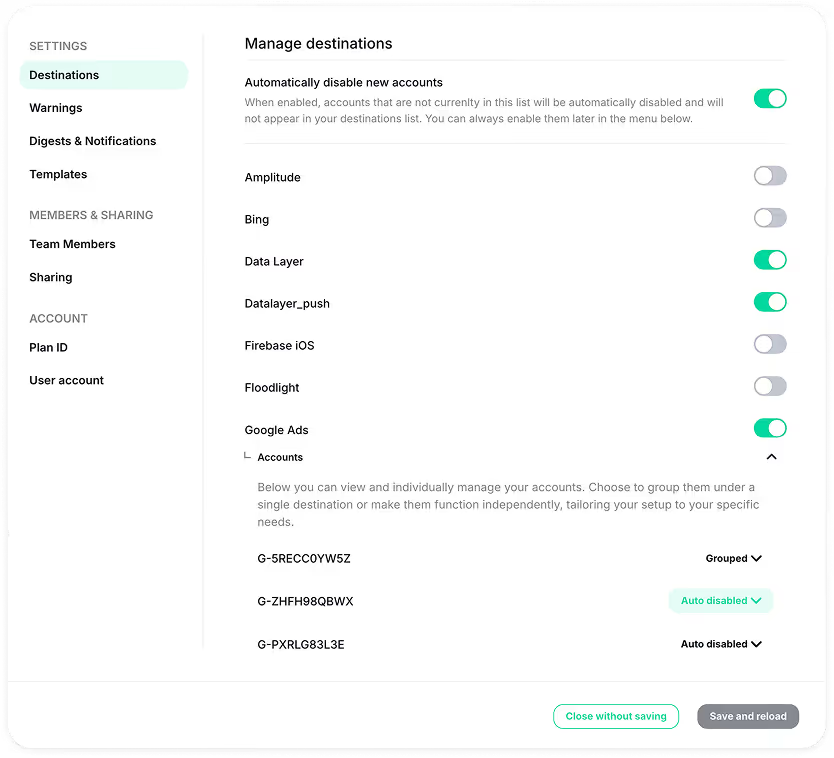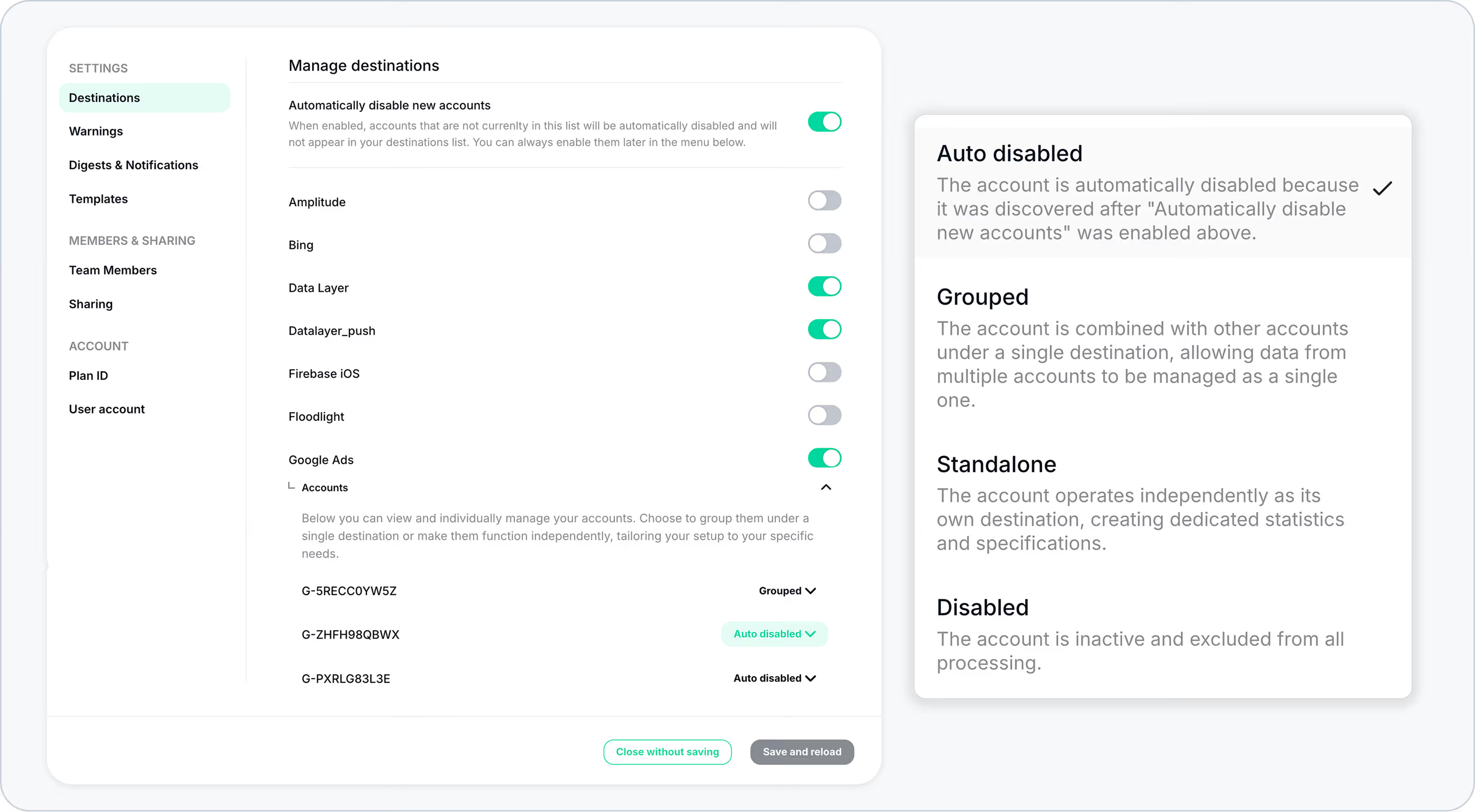
If you only care about monitoring specific destinations (for example, a defined set of GA4 or Google Ads accounts), now you can enable this setting to automatically disable any newly detected accounts.
When this option is enabled, only the destinations that already exist or were detected during Trackingplan’s Learning Phase remain active. Any destination discovered after that point will be automatically disabled by default, always ready to be re-enabled later if needed.
This means that newly detected accounts:
- Will not appear in your Destinations sidebar.
- Will not be included in your Digests.
- Will remain hidden, but can always be enabled later if needed
This helps you keep your monitoring environment clean and focused, preventing unexpected or unknown accounts from adding noise to your setup.