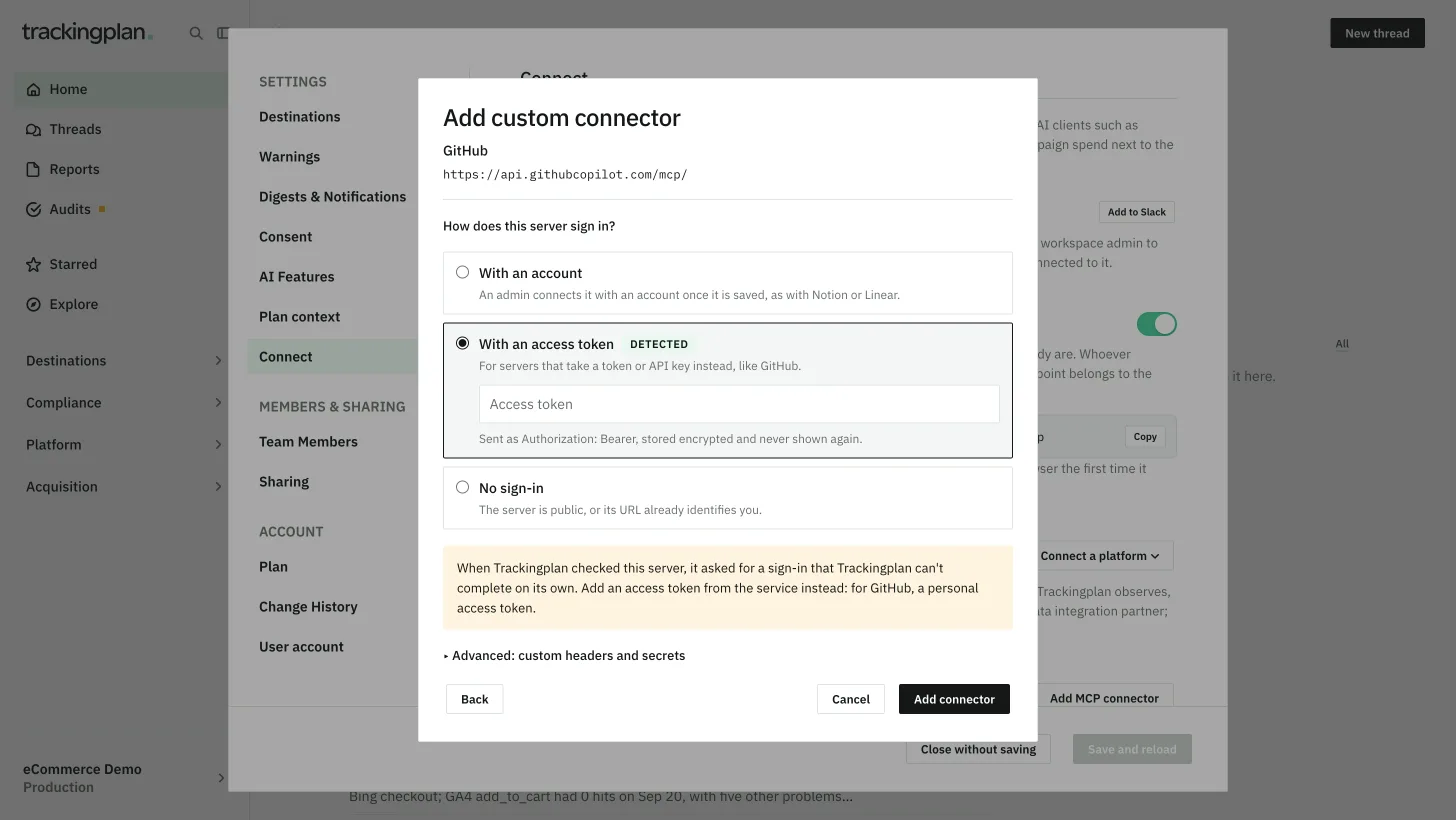
Adding a custom connector now takes a name and a URL. Trackingplan works out how the server signs in: with an account, with an access token (GitHub's MCP server, for example) or with no sign-in at all.
Editing a connector opens one dialog with two tabs, Authentication and Tools, and a single Save. Close it with unsaved changes and Trackingplan asks before dropping them. Saved tokens and secrets are never shown again.
Who it is for: plan admins who connect Trackingplan to their own tools, such as GitHub, Notion or Linear.
Where: Settings & Members → Connect, under Custom connectors. More: MCP Endpoint.