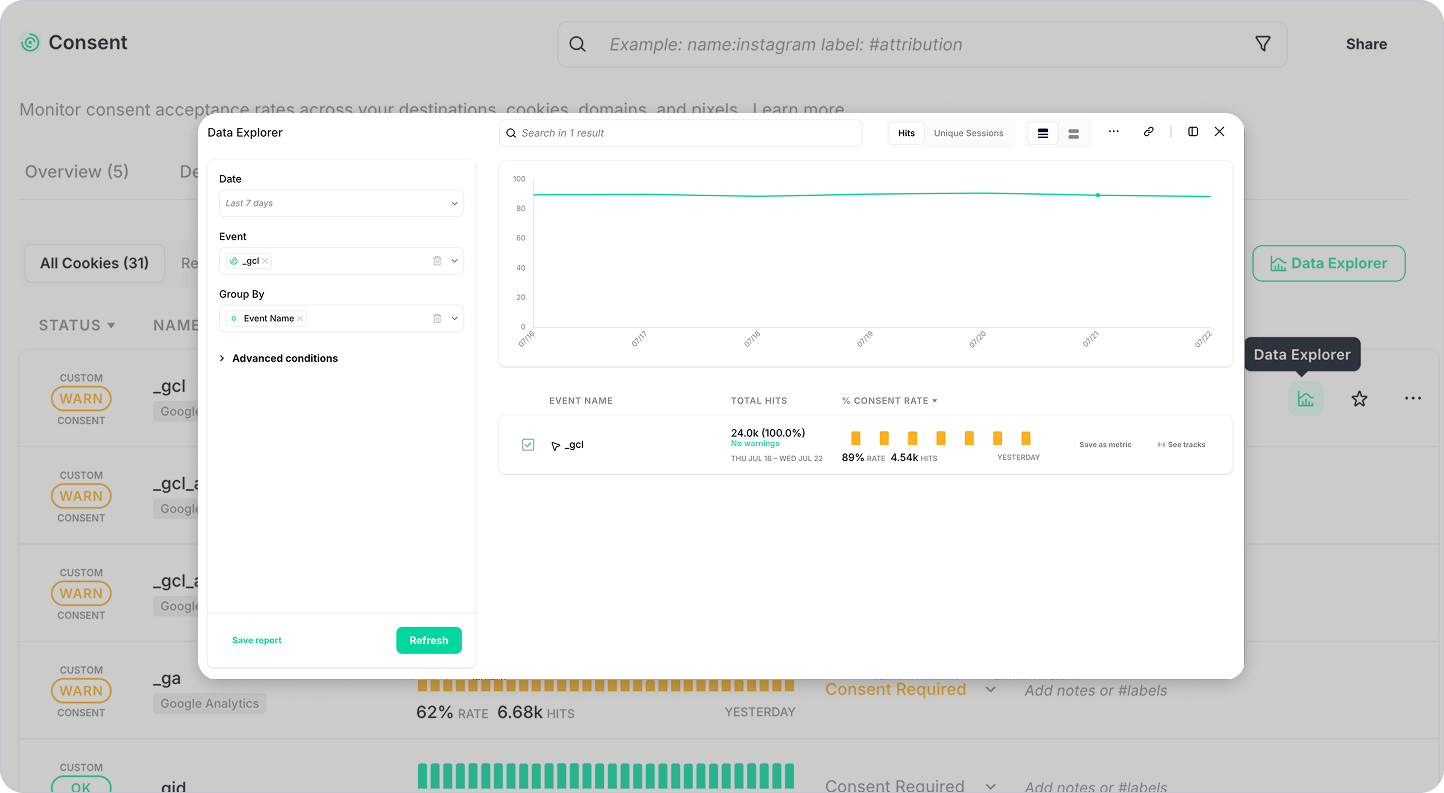
The Consent Monitoring experience has been updated with clearer terminology, improved navigation, and smarter deep links — so you spend less time orienting and more time acting.
Click Any Day in the Chart to Investigate Immediately
The consent chart is now interactive. Click any day to open Root Cause Analysis or Data Explorer already filtered to that specific date — no manual filter setup required. If you spot a drop in consent acceptance on a Tuesday, one click takes you straight into the data for that day.
Share Direct Links to Individual Warnings
Each consent warning now has its own shareable link. Copy it and send it to a teammate — they land directly on the right warning, in the right context, without having to navigate or recreate your view. Useful for flagging issues across teams or keeping a record of specific incidents.
Clearer Terminology and Improved Navigation
Labels and navigation elements across Consent Monitoring have been updated to be more consistent and easier to follow, making it clearer where you are, what you're looking at, and where to go next.
For a full overview of Consent and Cookie Monitoring, visit our documentation.
Need further assistance? Contact our support team at support@trackingplan.com.
Happy Tracking!