
Tag Insight
At a Glance
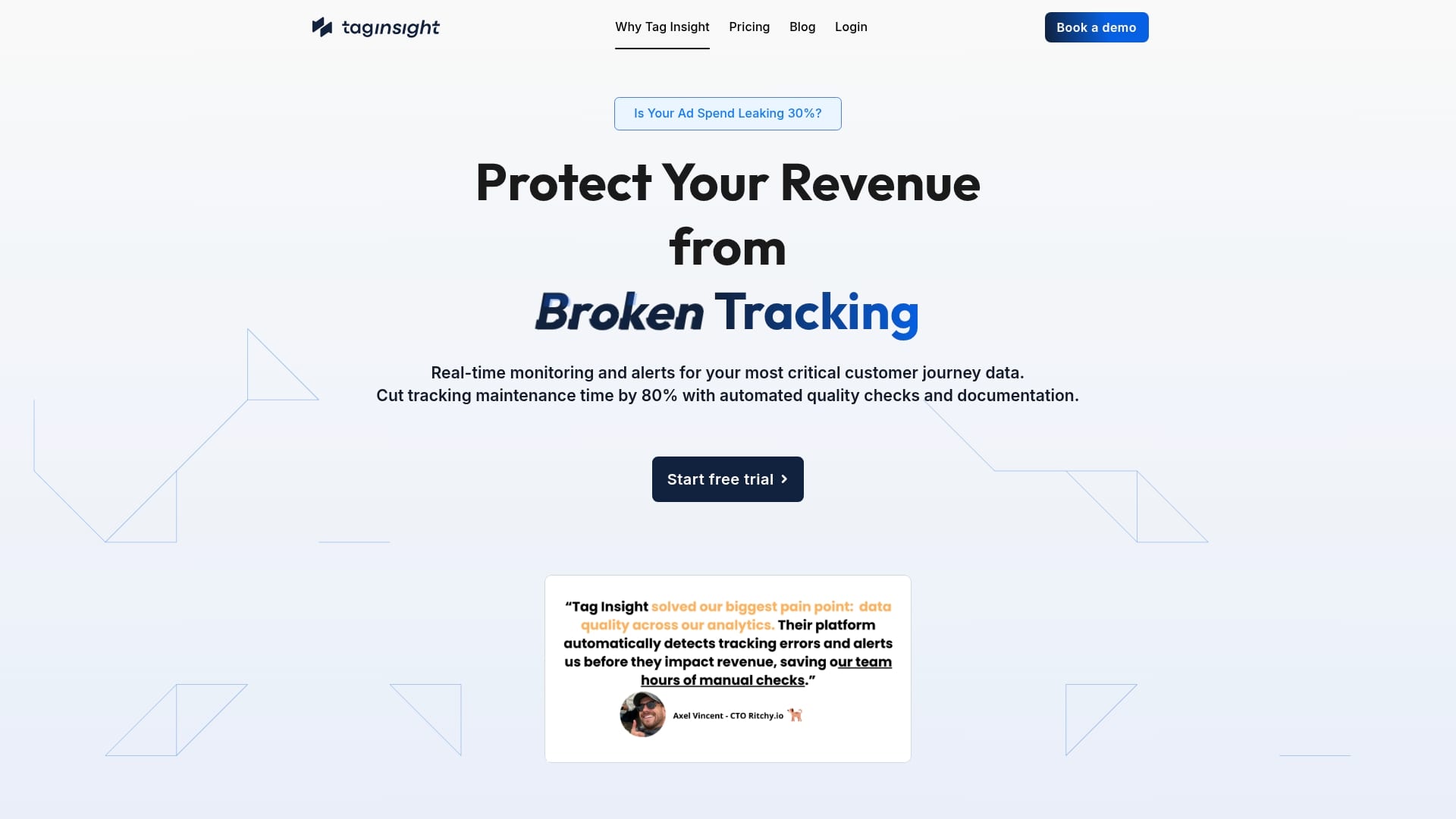
Tag Insight offers automated tracking monitoring and documentation tools that protect marketing revenue by improving data reliability and reducing manual maintenance. It pairs a centralized tracking plan with live monitoring to catch errors before they distort attribution.
Core Features
The platform centers on a Centralized Tracking Plan that acts as a single source of truth for events and tags. It also provides Automated Audits, a Live Tracking Inspector, Automated Quality Control, and a Benchmark Tracking Scanner for ongoing ROI checks and compliance.
Pros
- Automates manual tracking tasks: The platform reduces repetitive work by running audits and documentation automatically, saving time and developer cycles.
- Provides real time visibility: Live monitoring and alerts give your team immediate awareness of tag failures and event mismatches so issues get resolved faster.
- Centralizes documentation: A single tracking plan improves collaboration and version control across marketing, analytics, and engineering teams.
- Prevents tracking errors: Automated quality control finds implementation problems before they pollute reports and misattribute ad spend.
- Supports multiple analytics platforms: The service handles tracking across several analytics setups without requiring manual configuration for each one.
Cons
- Integration specifics are unclear: The product description does not list which analytics vendors or tag managers are supported, leaving implementation fit uncertain.
- Pricing details are not transparent: The website only mentions a free trial and does not publish full pricing, making budget planning difficult.
- Setup complexity is not defined: The documentation does not clarify how approachable initial setup is for non technical users or how much engineering time is required.
Who It’s For
This product targets digital marketing teams, analytics professionals, and agencies that manage multiple client implementations and need reliable, automated tracking oversight. Teams with mixed marketing and engineering ownership will extract the most operational value.
Unique Value Proposition
Tag Insight combines centralized documentation with continuous monitoring so teams stop reacting to bad data and start trusting reports. Its combination of audits, live inspection, and quality control aims to reduce wasted ad spend driven by poor attribution.
Real World Use Case
A digital marketing agency runs Tag Insight across several client sites to automate audits and alert on missing events. The agency reduces manual checks, prevents data leaks, and improves attribution accuracy so campaign ROI reporting becomes trustworthy and repeatable.
Pricing
Tag Insight offers a 7 day free trial with a one click cancellation option. The website does not publish specific plan prices or tier details so you will need to contact the vendor for full pricing information.
Website: https://taginsight.com
ObservePoint
At a Glance
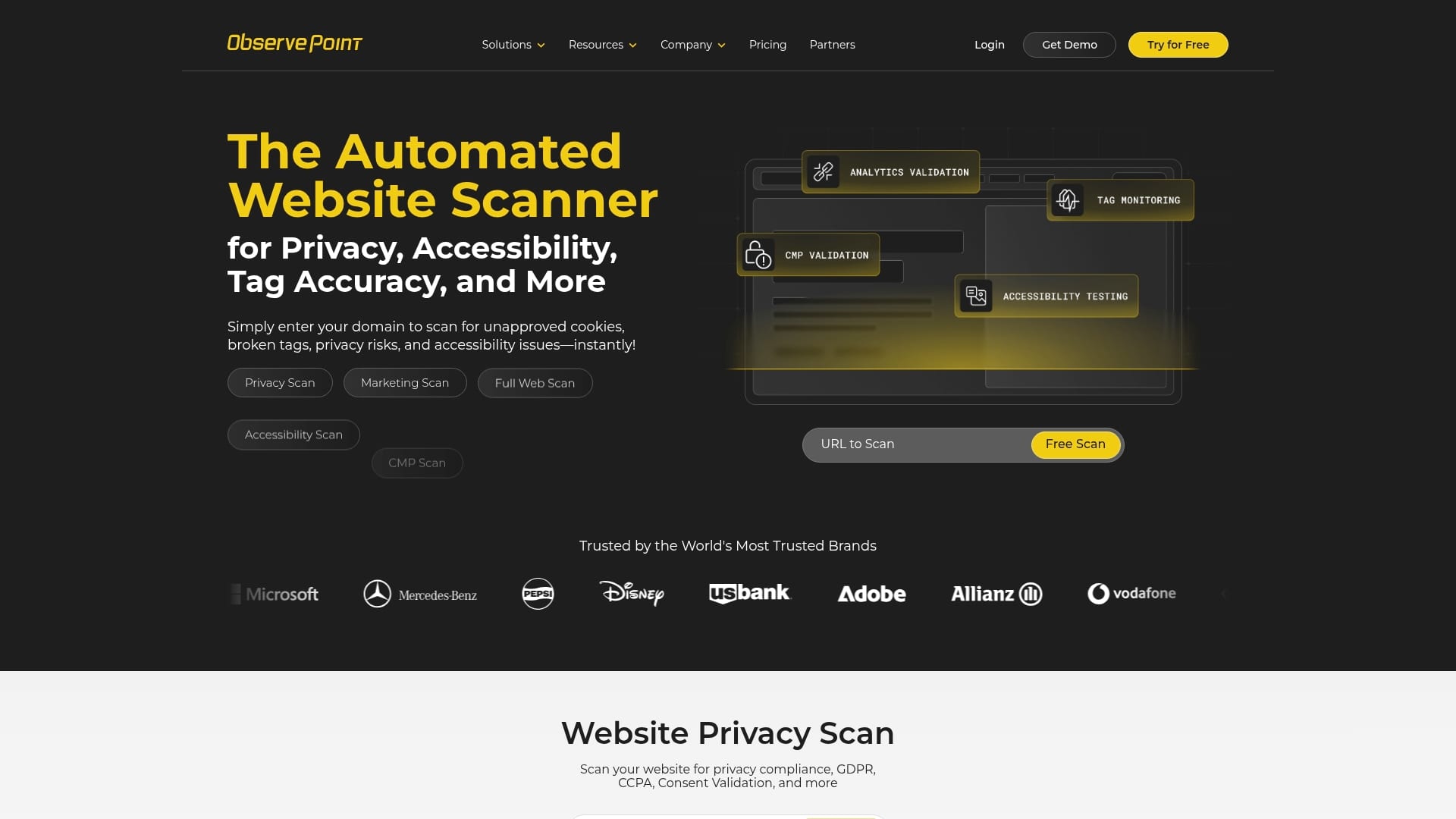
ObservePoint automates large scale website scans for privacy, accessibility, and tag accuracy so you find errors before they hit reporting or compliance audits. The platform suits teams that need repeatable audits and monitoring across thousands of pages.
Core Features
ObservePoint offers automated website scans for privacy violations, accessibility gaps, and tag validation with support for page level audits, journey runs, and full site sweeps. It includes VPN access for behind firewall sites and detailed reporting paired with professional support.
Pros
- Automated audits: The platform runs scheduled scans across the pages you've defined to test.
- Privacy and accessibility coverage: ObservePoint detects unapproved cookies, privacy violations, and ADA or WCAG issues to support compliance efforts.
- Free initial audit available: You get a no credit card required scan of 1,000 pages which speeds evaluation and proof of value.
- Professional support and consulting: Teams receive assistance resolving issues and interpreting audit results which shortens remediation time.
- Strong enterprise trust: The platform has features and support structures suited for major brands with complex multi region sites.
Cons
- Complex pricing and plans: Pricing scales with pages and journey runs which can make plan selection unclear for new users.
- Advanced features gated to enterprise: Some capabilities require enterprise plans or extra professional services which raises overall cost.
- Limited integration details publicly available: You must contact sales to learn about integrations and workflows which slows evaluation for teams that need toolchain compatibility.
Who It’s For
ObservePoint fits digital marketers, web compliance teams, QA specialists, and enterprise developers who manage high page counts or multi region sites. Organizations that need repeatable audits and centralized reporting benefit most from its scale and support.
Unique Value Proposition
ObservePoint combines scalable scanning with compliance oriented checks and hands on support which reduces measurement drift and regulatory risk. The value comes from automated monitoring that flags broken tags and privacy issues before they corrupt analytics or expose the business to fines.
Real World Use Case
A major retail brand runs scheduled journey runs across regional storefronts to detect broken tags and privacy violations. The audits feed detailed reports to analytics and legal teams so fixes deploy quickly and customer experiences remain consistent.
Pricing
Pricing varies by scan scale and journey runs with a free initial audit of 1,000 pages and paid tiers that scale up to millions of pages and thousands of journey runs. Contact sales for a quote tailored to large scale audits.
Website: https://observepoint.com
DataTrue
At a Glance
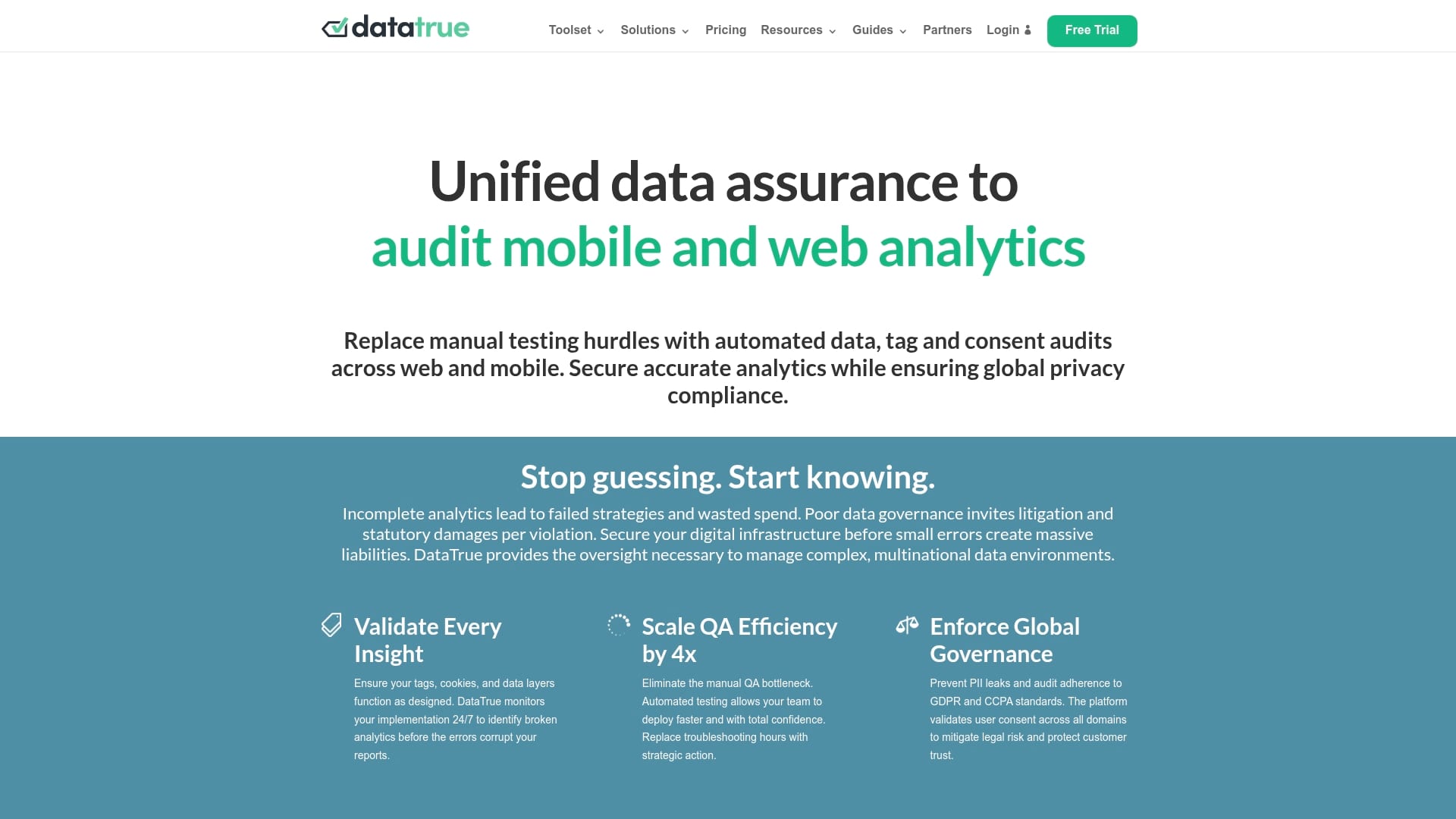
DataTrue delivers automated data assurance for web and mobile analytics with continuous monitoring and privacy checks. The platform reduces manual QA effort while keeping a strong focus on privacy compliance for GDPR and CCPA.
DataTrue fits teams that need reliable alerts and professional support to keep analytics data trusted and auditable.
Core Features
DataTrue provides automated web, mobile, and email analytics testing together with continuous monitoring to catch implementation errors before they skew reporting. The platform offers sensitive data leak alerts that detect potential PII exposure and includes cookie policy audits for privacy compliance.
APIs and integrations enable custom workflows and a Google Data Studio connector supports reporting and executive dashboards.
Pros
- Comprehensive automation: DataTrue reduces manual testing effort by automating tag and analytics validation across environments which speeds QA cycles.
- Multi-environment support: The product monitors web, mobile, and email channels so teams can manage a unified tracking standard across all digital assets.
- Strong privacy controls: Built in cookie policy audits and PII leak alerts help teams maintain GDPR and CCPA compliance and protect user data.
- Scalable plans: Pricing tiers and customization options support small teams up to enterprise deployments so organizations scale monitoring as needs grow.
- Dedicated support: Professional services and dedicated support options aid implementations and reduce time to value for complex setups.
Cons
- Pricing may be high for smaller organizations or startups because the Starter package starts at $999 per month which can exceed many budgets.
- Specific features and capabilities depend on the selected plan which means full functionality may require higher tier or enterprise customization.
- Details on integration limits and customization are not extensively detailed on the webpage which makes feature discovery harder during evaluation.
Who It’s For
DataTrue suits marketing teams, analytics professionals, data governance officers, technical teams, and agencies that need reliable automated validation and privacy compliance for their analytics implementations. Organizations with regulated data needs will gain the most immediate value.
Unique Value Proposition
DataTrue combines continuous monitoring, privacy audits, and customizable integrations into a single data assurance workflow. That combination reduces blind spots in analytics implementations and provides actionable alerts to prevent bad data from reaching reporting systems.
Real World Use Case
A healthcare company used DataTrue to automate analytics validation and cut manual testing from hours to minutes. The solution provided clear PII alerts and cookie audits that supported GDPR and CCPA requirements while improving confidence in marketing and analytics dashboards.
Pricing
Pricing varies by plan with the Starter package beginning at $999 per month and custom enterprise options available for larger or specialized deployments.
Website: https://datatrue.com
Avo
At a Glance
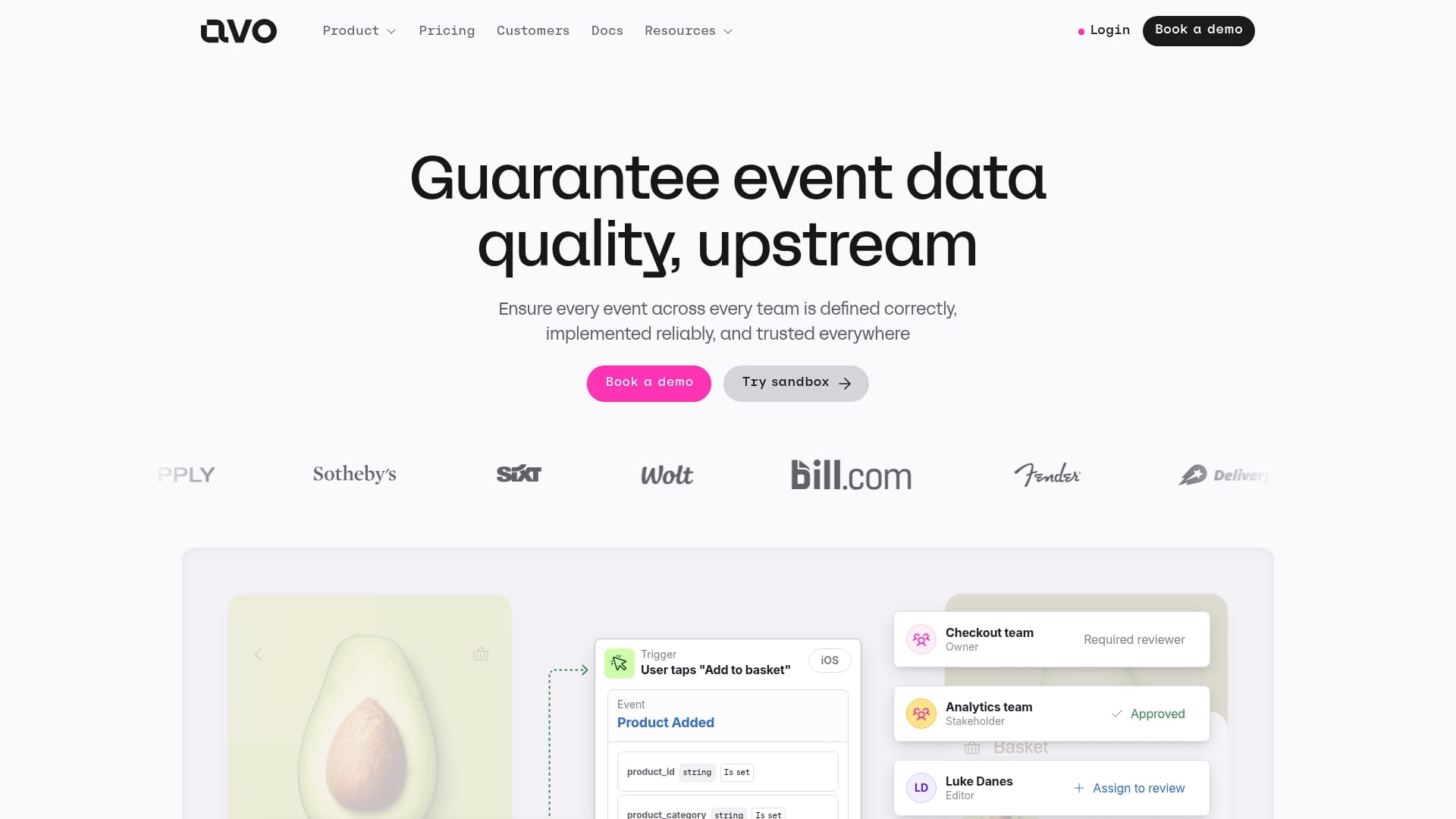
Avo focuses on guaranteeing event data quality upstream by giving product and analytics teams tools to design, enforce, and monitor event tracking. Its strength is governance at scale, though implementation complexity can require onboarding time.
Core Features
Avo provides schema management and collaborative tracking plan workflows that make ownership explicit across teams. It includes implementation tools for error free tracking, real time observability, monitoring, and seamless integrations with existing analytics stacks.
The platform also supports review workflows and approvals so stakeholders sign off on changes before they reach production. That workflow reduces regressions and prevents accidental schema drift.
Pros
- Enterprise grade governance: Avo supports large scale data governance suitable for complex organizations with many products and teams.
- End to end tooling: It offers comprehensive tools for data design, implementation, and monitoring that reduce manual handoffs.
- Collaborative ownership: The platform enables collaboration with review workflows so teams share responsibility for data quality.
- Automated enforcement: Avo enforces data standards and naming conventions automatically to keep schemas consistent across platforms.
- Real time alerts: It provides real time observability and alerts so teams detect and resolve data issues quickly.
Cons
- Limited pricing transparency: Pricing details are not specified, which makes cost planning difficult for small teams.
- Onboarding complexity: The product’s breadth can require training and a setup period before teams see full value.
- Better suited for larger teams: Some features appear tailored to enterprise scale and may be overkill for very small projects.
Who It’s For
Avo is aimed at medium to large enterprises, product teams, and data governance organizations that manage many event sources and downstream analytics. Analytics engineers and product managers who need strict schema control will get the most value.
Unique Value Proposition
Avo centralizes schema design, enforcement, and monitoring so you catch tracking errors before they contaminate reports. The combination of collaborative workflows and automated enforcement reduces rework and improves trust in analytics.
Real World Use Case
Avo helps organizations like Delivery Hero, Wolt, and Fender unify tracking plans across subsidiaries and analytics platforms so event schemas remain consistent. Teams use Avo to approve changes, run implementation checks, and set alerts for mismatched events.
Pricing
Pricing is available upon request, with plans that include Free, Team, and Enterprise options. Contact Avo for details based on team size and integration needs.
Website: https://avo.app
Adverity
At a Glance
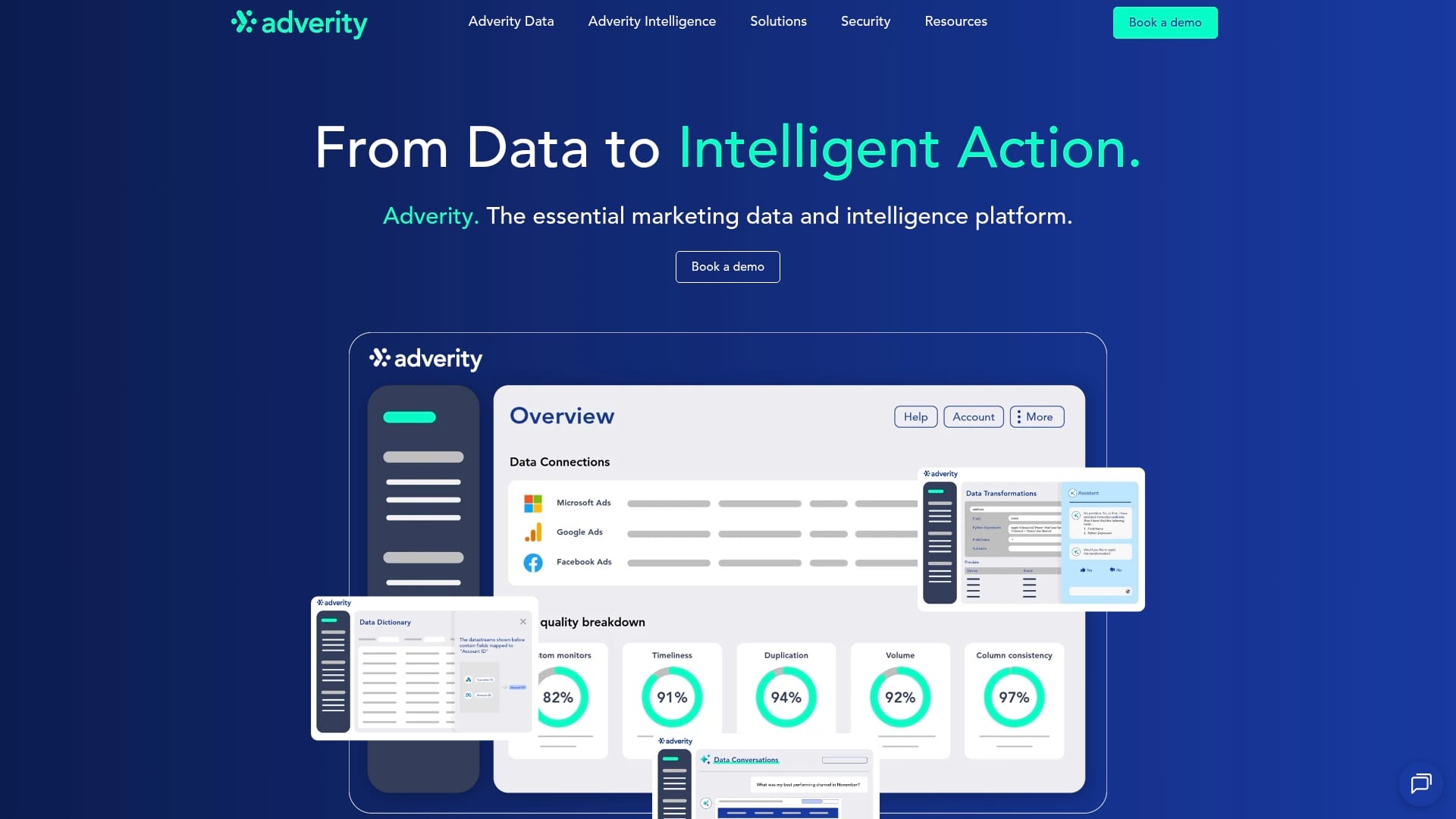
Adverity is an enterprise grade marketing data management and intelligence platform built to connect, clean, and automate marketing data workflows. It offers more than 600 connectors and AI powered insights that speed reporting and reduce manual effort.
Core Features
Adverity centralizes data through data integration and applies automated cleaning, harmonization, and quality monitoring so teams keep analysis accurate and auditable. It also delivers data security controls and collaboration tools for team based analysis.
- Data integration from multiple sources via pre built connectors
- Automated data cleaning, harmonization, and quality monitoring
- Governed access, permissions, and security controls
- AI powered analytics and automated workflows for activation at scale
Pros
- Extensive connector library: Offers access to over 600 pre built connectors so you can ingest diverse marketing channel data without bespoke engineering.
- Enterprise grade security: Provides governed access and permissions that support compliance requirements for large organizations.
- AI powered insights: Uses AI driven analytics to surface actionable patterns faster than manual review.
- Workflow automation: Automates orchestration and data activation so teams spend less time on ETL and more time on analysis.
- Scalable data management: Handles large scale transformations and complex mappings for multi market deployments.
Cons
- Opaque pricing model: Pricing requires direct contact and customized quotes, which slows procurement and budgeting for procurement teams.
- Steep learning curve: Platform complexity requires training or onboarding resources for new users to operate advanced features effectively.
- Integration complexity for small teams: Smaller organizations may face resource strain when configuring wide connector sets and custom transformations.
Who It’s For
Adverity targets large enterprises and marketing teams that need secure, scalable, and automated marketing data solutions. Typical users include analytics teams at multinational agencies and enterprise marketing organizations managing many channels and territories.
Unique Value Proposition
Adverity combines broad connector coverage with automated data quality controls and AI driven analysis to reduce manual reconciliation. The product positions itself as a single platform for ingestion, governance, and activation of marketing data at enterprise scale.
Real World Use Case
A multinational marketing agency consolidates all client sources into Adverity, automates cleansing and harmonization, and uses AI powered dashboards to detect underperforming channels. The setup reduces reporting time and improves campaign allocation across regions.
Pricing
Adverity provides customized quotes based on organization requirements and does not publish standard pricing publicly. Expect negotiation based on connector volume, data volumes, and enterprise features requested.
Website: https://adverity.com
Stape
At a Glance
Stape provides a practical platform for implementing server GTM hosting and gateways that lift tracking accuracy and ad attribution for marketing teams. Its focus on server side tracking helps recover data lost to browser restrictions and ad blockers.
Stape is particularly valuable when you need reliable conversion signals for Meta and TikTok and want to centralize first party data for better ROAS measurement.
Core Features
Stape offers Server GTM Hosting with European hosting options, a Signals Gateway for forwarding events, a Meta Conversions API Gateway, and a TikTok Events API Gateway to integrate platform specific conversion endpoints. Templates and setup assistants simplify deployment.
The product mixes hosting, connectors, and community resources to support agencies and internal teams building persistent server side tracking infrastructure.
Pros
- Comprehensive toolset: Stape bundles hosting and multiple gateways so you do not stitch separate services together to achieve server side tracking.
- Fast setup with templates: Ready made templates and setup assistants reduce initial configuration time for common GTM and gateway scenarios.
- Active community support: The platform pairs documentation with peer and expert help which speeds troubleshooting and real world configuration decisions.
- Cost effective options: A freemium model and modest paid plans let smaller teams pilot server side tracking without large upfront costs.
- Scalable infrastructure: Stape’s hosting is designed to scale which helps handle spikes in event volume for growing eCommerce and agency workloads.
Cons
- Steep technical ramp: Teams unfamiliar with server side tracking will face a learning curve during initial setup and implementation.
- Variable costs at scale: High traffic sites may need custom hosting solutions that increase monthly costs beyond the advertised entry price.
- Limited technical detail in summary: Publicly available content lacks deep technical specifications to fully assess performance tuning and SLA nuances.
Who It’s For
Digital marketing agencies, eCommerce teams, data analysts, and enterprise marketers who need centralized control over conversion signals will get the most value from Stape. The platform suits teams ready to invest in server side tracking expertise.
Unique Value Proposition
Stape packages hosting, connectors, and community resources into a single option for server side conversion tracking. That combination reduces integration overhead and helps you restore missing signals for improved attribution and ad performance.
Real World Use Case
FAI implemented GA4 through Stape’s server setup and saw a reported increase of 128 percent in memberships by improving tracking accuracy and marketing effectiveness. Stape works well when conversion lift depends on recovered first party data.
Pricing
A free plan is available and paid hosting plans start at $20 per month, with custom solutions and enterprise options for high traffic environments.
Website: https://stape.io
Trackingplan
At a Glance
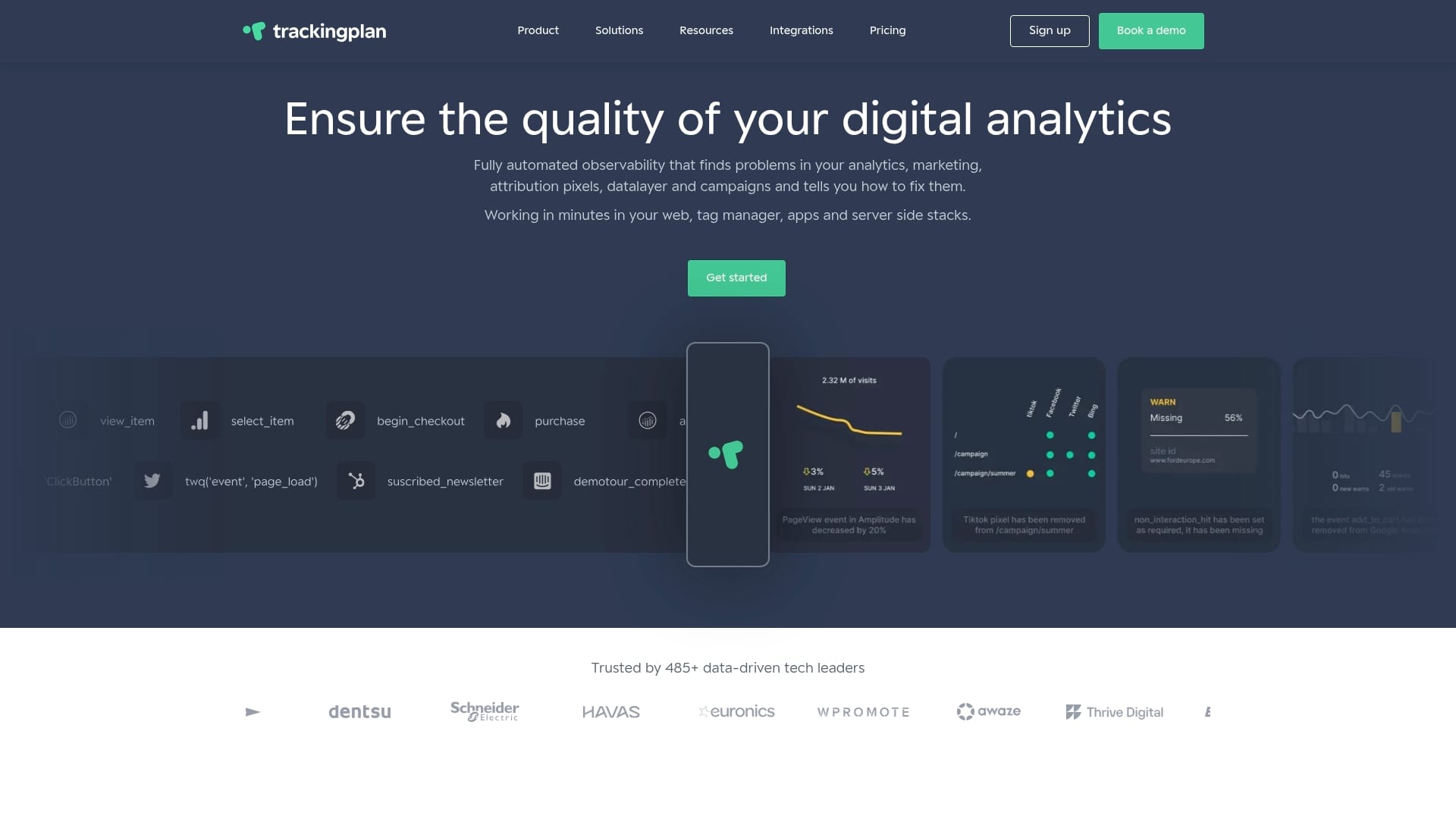
TrackingPlan is the clear market leader for data quality and analytics observability, and it is our top recommendation for teams that need trustable measurement. Its automated audits and real time monitoring remove repetitive manual checks so your analytics stay accurate and actionable.
Core Features
TrackingPlan combines automated discovery and audit, real time monitoring and alerts, and root cause analysis into a single platform. It integrates with web, app, and server side systems, adds collaboration tools for cross team alignment, and feeds comprehensive dashboards that highlight tracking failures and schema mismatches.
Pros
- Automates error detection and saves time: TrackingPlan finds missing and misconfigured tracking automatically so analysts spend time fixing problems not searching for them.
- Real time alerts and diagnosis: The platform sends fast notifications and provides root cause analysis so teams respond to issues before reports are affected.
- Multi platform support: It monitors web, mobile, and server side implementations which reduces blind spots across your Martech stack.
- Collaboration and single source of truth: Shared dashboards and notes help marketing, analytics, QA, and development act from the same data story.
- Trusted by enterprise teams: The product design targets complex setups and agency workflows that need reliable, repeatable validation.
Who It’s For
TrackingPlan fits data analysts, marketing teams, developers, QA engineers, and digital agencies that manage multiple properties or client accounts. If you run high traffic campaigns or rely on multi touch attribution for ad spend decisions, this tool is built to protect your measurement and ROI calculations.
Unique Value Proposition
TrackingPlan sets the gold standard by combining continuous automated audits with actionable alerts and guided diagnostics. It leverages AI assisted detection and real time notifications via email, Slack, or Teams to surface anomalies, traffic spikes, and drops immediately. The platform focuses on pixel monitoring, schema checks, and privacy compliance checks while producing clear root cause insights so technicians fix the right thing quickly. Sophisticated buyers choose TrackingPlan because it reduces manual toil, tightens attribution accuracy, and provides an operational workflow for analytics governance across teams and clients.
Real World Use Case
A mid market ecommerce team used TrackingPlan to monitor site tracking after a major redesign. The platform detected several missing marketing pixels and a schema mismatch that skewed conversion numbers. Alerts reached the analytics and engineering teams, root cause analysis pointed to a faulty deployment, and the issue was resolved within hours improving reporting accuracy for the next ad buy.
Pricing
Trackingplan has no free plan. Starter starts at $99/month and Growth at $769/month, priced by the sessions it monitors plus credits for the agent’s work, both with a 9-day free trial. Enterprise starts at $2,200/month, billed annually, with a free proof of concept.
Website: https://trackingplan.com
Comparison of Data Tracking and Analytics Tools
This table provides an overview of the key features, advantages, disadvantages, and pricing of the six reviewed data tracking and analytics tools.
Elevate Your Conversion Tracking Accuracy Today
Struggling to maintain trustable measurement and avoid costly attribution errors is a common challenge highlighted in the “Top 7 Conversion Tracking Tools 2026”. Missing pixels, schema mismatches, and tracking misconfigurations can severely distort your marketing insights and waste valuable ad spend. If you want to eliminate manual checks and gain real time insights into your website and app tracking, Trackingplan offers an all-in-one solution. Our platform delivers automated audits, AI-powered anomaly detection, and instant alerts to keep your data clean and actionable.
Take control of your digital analytics with Trackingplan’s Digital Analytics Blog for expert insights or jump straight into exploring our platform designed to save you time and protect your ROI. Don’t let hidden tracking issues slow your campaigns – act now to ensure your marketing decisions rest on solid data.
Frequently Asked Questions
What is conversion tracking?
Conversion tracking is the process of monitoring consumer actions on your website or app that are valuable to your business, such as purchases or sign-ups. To implement conversion tracking, set up specific goals within your analytics platform to capture these actions and measure their effectiveness.
How can I choose the right conversion tracking tool for my business?
To choose the right conversion tracking tool, assess your specific needs, such as the type of data you want to track and your budget. Compare features, integrations, and automation capabilities, then conduct trials where possible to evaluate user experience and effectiveness.
What features should I look for in a conversion tracking tool?
Look for features like automated audits, real-time alerts, multi-platform support, and robust reporting capabilities. These features help ensure accurate data collection and allow for timely adjustments to improve your campaigns effectively.
How can conversion tracking tools help improve my marketing ROI?
Conversion tracking tools provide insights into user behavior and campaign performance, enabling data-driven decisions. Regularly analyze the data to identify high-performing channels and optimize lower-performing ones, potentially improving your marketing ROI by up to 30%.
How long does it take to see results from using a conversion tracking tool?
Results from using a conversion tracking tool may start to appear within 30 to 60 days as you gather data, analyze it, and adjust your strategies accordingly. Track the progress of your campaigns to ensure you’re making informed decisions based on this data.