
Trackingplan

At a Glance
Zero config installation via JavaScript or SDKs means you can begin monitoring in hours rather than days. Trackingplan combines automated discovery with continuous AI-based oversight to spot missing pixels, tracking errors, and campaign misconfigurations across web, app, and server environments.
Core Features
- Zero config installation through a JavaScript snippet or mobile SDKs for fast onboarding and minimal ops overhead.
- Automatic discovery of events, properties, pixels, UTM parameters, and an evolving tracking plan that updates without manual input.
- Realtime data monitoring with AI-based anomaly detection that raises alerts for drops, spikes, and configuration mismatches.
- AI-guided root cause analysis that translates incidents into plain-language remediation steps for devs and analysts.
- Full stack coverage: analytics events, ad pixels, UTM attribution, privacy signals, mobile SDKs, and continuous audits.
Key Differentiator
Trackingplan’s core distinction is its AI driven automatic discovery combined with realtime anomaly detection across an entire Martech stack without heavy manual setup. That single approach reduces blind spots by keeping the tracking plan current and surfacing errors that traditional scheduled audits miss.
Pros
- Detects issues before they corrupt reports. Continuous monitoring uncovers missed conversions, broken tags, and schema mismatches so your dashboards stay reliable.
- Alerts are actionable and delivered where teams work. The platform supports email, Slack, and Teams notifications to push incidents to analysts and developers fast.
- Saves audit hours. Automated audits and plain language fix steps reduce time spent on manual root cause investigation and handoffs between marketing and engineering.
- Maintains coverage across tools. Native discovery and monitoring for GA4, Adobe Analytics, GTM, Meta Pixel, and others keep your attribution and ad measurement intact.
Cons
- May require technical integration work for highly customized setups and an initial learning period for the AI model to map edge cases in bespoke stacks.
Notable Integrations
- GA4
- Adobe Analytics
- Google Tag Manager
- Meta Pixel
- Segment
- Mixpanel
- TikTok Ads
- Amplitude
Who It’s For
Digital analysts, marketing teams, developers, QA engineers, and agencies managing multiple client sites that rely on accurate tracking for attribution and ad spend decisions. Best where teams need continuous oversight across both client and server side telemetry.
Unique Value Proposition
Zero config installation plus automated discovery turns monitoring into a low friction product. For teams that juggle campaigns and frequent tag changes, that means fewer missed events, fewer emergency fixes, and more predictable reporting without adding headcount.
Real World Use Case
A marketing team wires Trackingplan to GA4, GTM, and ad pixels. When a banner campaign drops conversion events, the AI flags the spike and the root cause flow points to a malformed UTM and a broken conversion pixel, cutting detection time from days to minutes.
Pricing
Trackingplan publishes its pricing: Starter from $99/month, Growth from $769/month and Enterprise from $2,200/month, with a 9-day free trial on Starter and Growth.
Website: https://www.trackingplan.com
Code-Cube.io
At a Glance
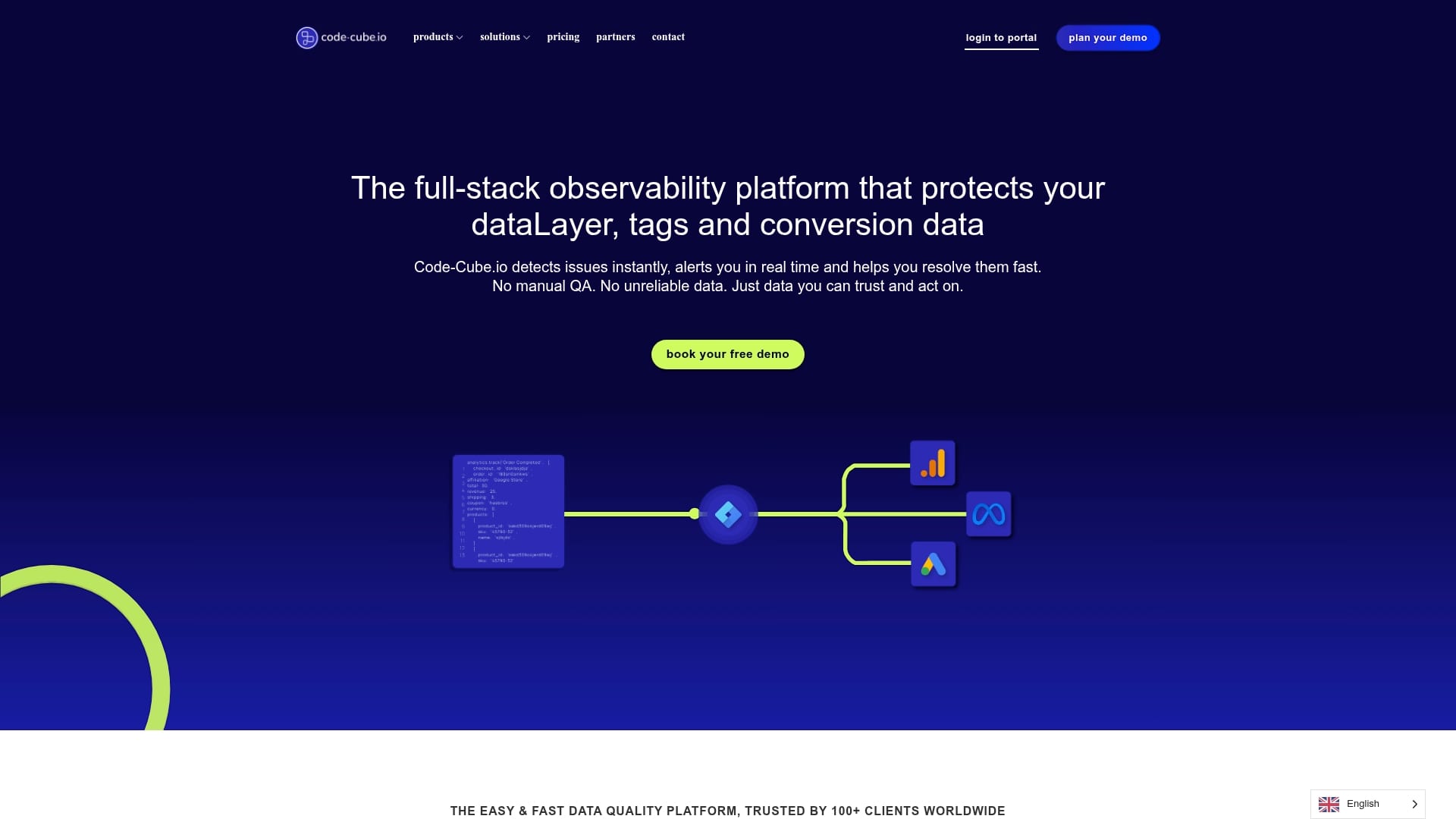
Starts at 150€ per month for Essentials, with custom Enterprise pricing and both monthly and annual billing. The vendor reports it is trusted by over 100 clients worldwide, and the product focuses on catching silent tracking failures before they affect ad spend.
Core Features
- Real-time tag and dataLayer monitoring across web and mobile assets, giving continuous visibility into what fires and what does not.
- Automated detection of silent tracking failures with alerts that surface invisible gaps in attribution or campaign measurement.
- Cross-channel and server-side visibility plus automated audits of tracking setup.
- Alerts via email, Slack, Teams, and WhatsApp, configurable by team and severity.
Key Differentiator
Code-Cube.io targets outright prevention rather than postmortem diagnosis. Its emphasis on proactive, real-time detection of silent failures means you see missing or misfired pixels and broken dataLayer variables before reporting or bidding decisions are impacted.
Pros
- Flexible setup that requires no coding for basic rollout, which lets marketing teams own observability without constant developer cycles.
- Instant alerts reduce wasted ad spend by surfacing failures the moment they occur, shortening time to remediation.
- GDPR compliant with hosting options in Europe or the United States, which matters for multinational campaigns and privacy reviews.
- Support is reported as responsive and hands-on, helpful during complex tag migrations or when calibrating alert thresholds.
- Full visibility into tags, dataLayer, and tracking health helps analysts reconcile discrepancies between raw hits and analytics platforms.
Cons
- Access to raw exports such as BigQuery is limited to higher-tier plans, so analysts who need full event-level access may pay more.
- Premium enterprise features and complex onboarding can involve setup fees, adding upfront cost for elaborate stacks.
- Public reviews are sparse on highly specific feature behavior, so some teams will need a proof of concept to validate edge cases.
When It May Not Fit
If you need raw event pipelines and BigQuery access on a shoestring budget, Code-Cube.io may force an upgrade. Teams that expect fully free onboarding for complex server-side tagging will also find constraints in the pricing structure.
Who It’s For
Digital marketing teams, web analysts, and agencies that want real-time tracking oversight without constant manual QA or developer intervention. Best for groups prioritizing campaign integrity and immediate alerting over custom data warehousing on entry plans.
Real World Use Case
An e-commerce team connects Google Tag Manager and the site dataLayer to Code-Cube.io. When a checkout tag fails during a promotions sprint, the team receives an alert, fixes the rule, and prevents wasted ad spend and lost attribution windows.
Pricing
From 150€ per month for the Essentials tier up to custom Enterprise pricing. The vendor offers monthly and annual billing and applies custom quotes for larger or security-sensitive deployments.
Website: https://code-cube.io
DataTrue
At a Glance
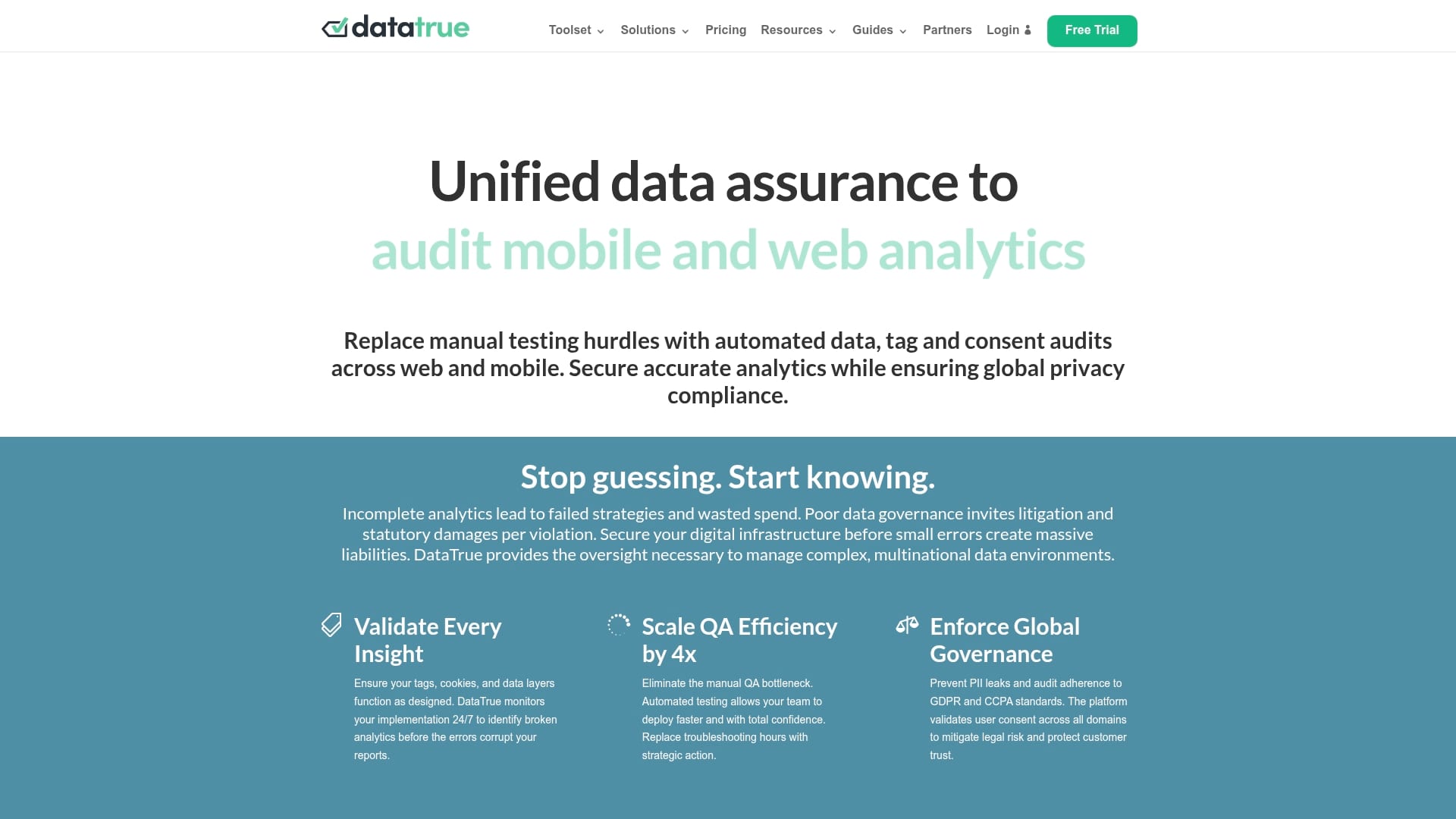
The vendor advertises a 400% reduction in manual testing effort after deploying DataTrue. This claim anchors their positioning: automated tag validation, privacy checks, and leak alerts run across web, mobile, and email channels so teams find issues before they reach reports or legal review.
Core Features
- Automated testing for web, mobile, and email analytics that validates tags and firing logic across releases.
- Privacy monitoring that checks consent flows and cookie policies against common regulations.
- Sensitive data leak alerts for PII exposure and cookie policy violations.
- APIs for custom integrations to pull results into CI pipelines or internal dashboards.
- Looker Studio connector for cross-channel visualization and reporting.
Key Differentiator
DataTrue combines tag validation, privacy compliance monitoring, and data security alerts in a single interface designed for scale. That unified approach reduces tool switching when you audit releases across markets and mobile platforms, which helps centralized teams move faster without separate point solutions.
Pros
- Ease of use and a user-friendly interface shorten the learning curve for analytics and privacy teams new to automated assurance.
- Seamless integration with existing data workflows lets you push validation results into analytics stacks or incident channels.
- Comprehensive privacy features map neatly to GDPR and CCPA checks, giving privacy officers focused audit output instead of raw logs.
- The platform reduces manual testing time, which frees engineers and analysts to focus on failures rather than repetitive checks.
- Strong customer support and onboarding guidance help global rollouts proceed without repeated clarification requests.
Cons
- Pricing is custom and varies by deployment, which means smaller teams need a sales conversation to get a concrete figure.
- There is limited public detail about scaling limits for very large estates, so enterprise buyers will want capacity conversations up front.
- The vendor materials emphasize integrations and connectors but do not list every partner, so expect technical validation during procurement.
Notable Integrations
- Looker Studio Connector for cross-channel reporting and dashboards.
- APIs for custom integrations so engineering teams can automate audits into CI or incident workflows.
Who It’s For
Large organizations and digital teams managing complex multinational web and app environments. The product is targeted at data teams, privacy officers, and enterprise marketers needing automated assurance and governance rather than manual, ad hoc audits.
Real World Use Case
A global retailer used DataTrue to automate website tag validation and privacy checks; the vendor advertises that 400% efficiency gain above. That figure illustrates why legal, analytics, and engineering stakeholders signed off faster on global releases and why incident noise fell after alerts started arriving in the right channels.
Pricing
Pricing is customized by deployment size and feature needs. The vendor directs buyers to detailed plan pages and requests to contact sales for tailored quotes. Expect tiered enterprise licensing rather than a single public per-seat price.
Website: https://datatrue.com
GAfix
At a Glance
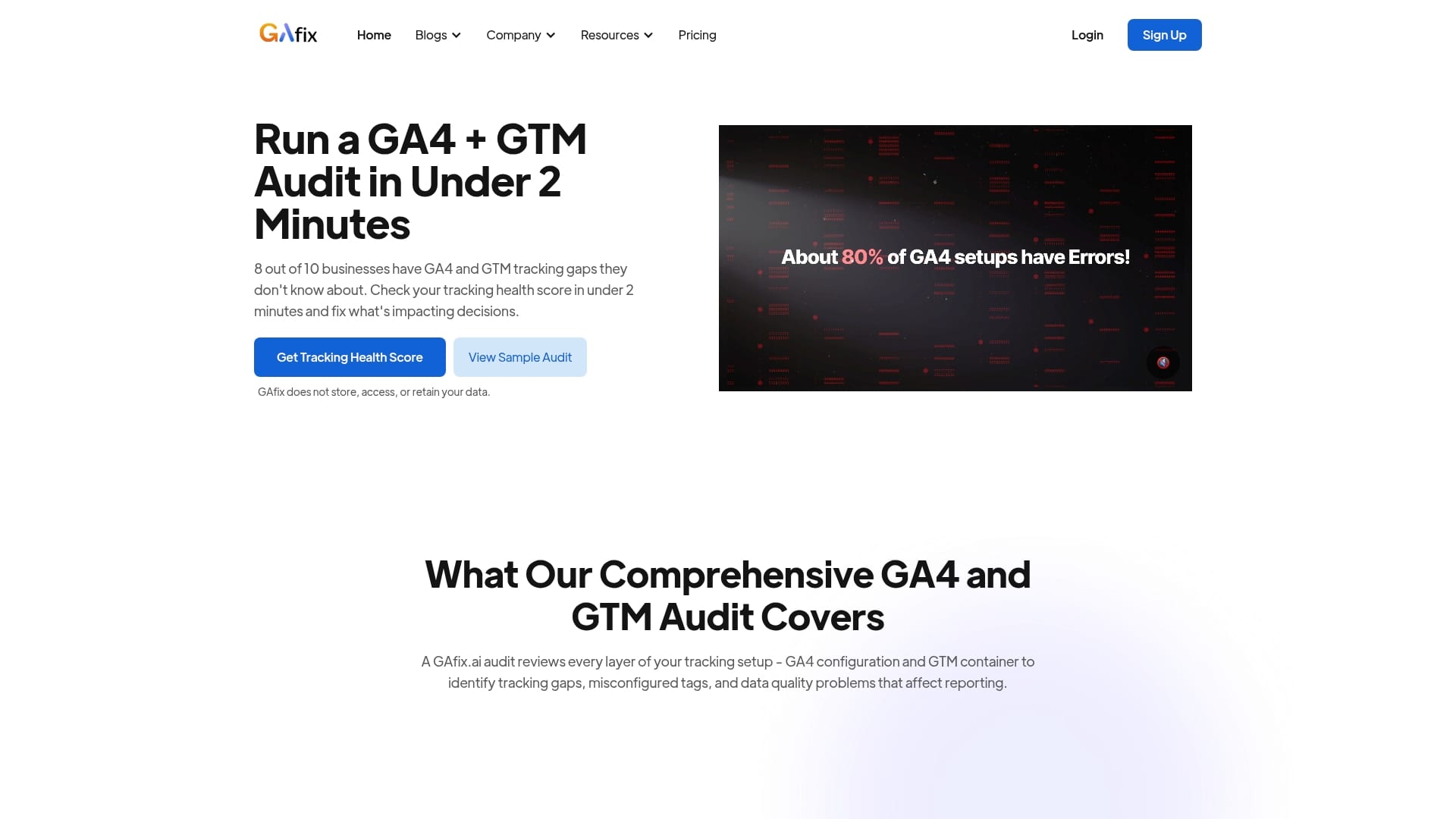
GAfix’s marketing materials claim audits complete in under two minutes, which makes it one of the fastest single-run GA4 and GTM checks in this set. The tool runs automated audits, supplies fix recommendations, and keeps access read-only so no user data is stored.
Core Features
- Automated GA4 and GTM tracking audits that scan common misconfigurations and gaps.
- Over 50 checkpoints available in the Pro plan for deeper coverage of events, parameters, and tagging logic.
- Secure read-only access that the vendor says never stores your raw data, plus downloadable Excel reports on paid plans.
- Re-audits across multiple properties and tailored packages for agencies or enterprise needs.
Key Differentiator
GAfix centers on fast, automated audits with actionable fixes while avoiding elevated data access. That focus makes it a low-friction tool for teams that need quick verification and prescriptive steps without granting write permissions or exporting raw analytics data.
Pros
- Fast audit runs. The marketing claim above about sub-two-minute audits translates to quick troubleshooting during launch windows and campaign checklists.
- Clear remediation steps. Reports include itemized recommendations and explanations you can hand to developers or tag managers.
- Security posture. The product notes ISO and SOC2 level controls and emphasizes read-only connections, which reduces data exposure risk when auditing client properties.
- Scales across properties. Bundled audits and enterprise plans let agencies audit multiple GA4 properties without repeating onboarding each time.
- Excel exports on Pro plans make it simple to create client deliverables and track fixes over time.
Cons
- Free tier is limited. The free plan offers fewer checks and does not include report export, so it is of limited use for client-facing deliverables.
- Requires GA4 and GTM access. You must grant read-only access to the relevant accounts for audits to run, which can slow procurement for some clients.
- Interpretation overhead. Teams without GA4 or GTM experience will still need an analyst or developer to interpret and implement some recommendations.
- Pro features are paid. Agencies that want full checkpoint coverage and Excel reports must move to paid tiers.
When It May Not Fit
If your workflow needs continuous, real-time monitoring and alerting across tagging events, GAfix is focused on point-in-time audits rather than ongoing live monitoring. Small businesses that need unlimited free audits will find the free tier too constrained. Also, teams unwilling to provide read-only access cannot use the service.
Notable Integrations
GAfix connects directly to Google Analytics 4 and Google Tag Manager for its scans. Those two integrations are the required entry points for audits and re-audits across properties.
Who It’s For
Marketing teams, analytics professionals, and agencies managing multiple GA4 properties who want quick, reliable audit reports and developer-ready fixes. Useful where speed and minimized data access risk matter more than continuous instrumentation monitoring.
Real World Use Case
A digital marketing agency runs GAfix across ten client sites ahead of a major paid media launch. The tool highlights missing event parameters and misrouted tags, the team exports Excel reports for clients, and developers implement fixes within a sprint so campaign measurement is reliable.
Pricing
Free tier available with limited checks. Single audits start at $49. A 5-audit bundle is $198. The vendor also offers tiered plans for ongoing support and enterprise contracts for larger audit volumes.
Website: https://gafix.ai
Validd
At a Glance
The vendor claims Validd cuts manual QA time from hours to minutes while validating a site’s tracking events and parameters. It’s currently in beta and offered for free, which lowers the barrier for web analytics teams to try automated tracking checks.
Core Features
- Automated website tracking validation that crawls pages and verifies event firing patterns and parameter presence.
- Detects discrepancies before data reaches analytics by comparing expected events to what actually fires in the browser.
- Runs checks after each deploy so deployments trigger validation rather than manual spot checks.
- Validates all tracking events and parameters and supplies immediate results developers can act on.
- Scales validation as tracking complexity grows without adding manual test hours.
Key Differentiator
Validd’s main angle is broad validation of every event and parameter across the site, rather than single-point checks. That complete validation approach pairs with CI friendly post-deploy tests so the tool focuses on preventing bad data from entering analytics in the first place. Refer to the time claim above for the vendor’s efficiency claim.
Pros
- Automates detection of tracking issues so QA teams spend less time writing manual test cases and more time fixing root causes.
- Immediate feedback on tracking errors gives developers a fast loop after a deploy, which helps reduce regression slip-through.
- Helps improve confidence in analytics reports by flagging missing or misnamed parameters before they hit GA4 or similar tools.
- Scalable validation adapts as tagging matrices expand, which lowers the marginal cost of adding new events.
- In beta and offered for free lets teams trial real traffic without an upfront license investment.
Cons
- Limited publicly available user feedback or case studies, so real-world reliability is hard to assess from outside the beta.
- Detecting tracking issues automatically risks false positives or false negatives depending on how rules and test coverage are configured.
- The provided product information lacks detail on platform compatibility and deeper integration paths with tag managers or test pipelines.
Who It’s For
Web analytics teams and developers responsible for tracking implementation who want faster validation cycles. Validd fits teams that push frequent deploys and need testable guardrails for GA4 or browser-based event streams.
Real World Use Case
An e-commerce team wires Validd into their deploy pipeline so every release runs a validation pass. The tool reports missing purchase parameters and a misnamed revenue field before the metrics reach analytics, reducing discrepancies and improving decision makers’ trust in reported conversions.
Website: https://validd.ai
Comparative Analysis: Analytics Data Quality Monitoring Tools
In selecting an analytics data quality monitoring solution, factors such as setup complexity, ongoing maintenance requirements, alerting capabilities, and individual feature sets play a critical role. Below, we analyze the notable offerings in this domain.
Automation vs. Customization
Trackingplan emphasizes automated discovery and maintenance of analytics tracking plans, requiring minimal manual setup to maintain reliable data pipelines. In comparison, Code-Cube.io provides flexible configuration options but may necessitate upfront adjustments for bespoke data environments. DataTrue combines privacy compliance features with data quality monitoring, presenting a united platform for teams needing governance assurance.
Alerting and Reporting
Trackingplan supports real-time anomaly detection with alert delivery to communication tools, aligning with its rapid resolution philosophy. Conversely, GAfix delivers concise reports for scheduled audits, suitable for agencies managing multiple accounts. Code-Cube.io excels in providing instant alerts prioritized by severity, aiding immediate actions to prevent data loss.
Best Fit Usage Scenarios
Our Pick: Trackingplan.com
Trackingplan presents a distinctive blend of automated analytics oversight and continuous monitoring capabilities suited for rapidly evolving marketing stacks. For individual scenarios where manual audits or intensive GDPR customization are priorities, alternatives like GAfix and Code-Cube.io may better align with specific operational goals.
Analytics Data Quality Monitoring Tools Comparison
When choosing a monitoring tool for analytics data accuracy, consider which option offers the most seamless setup and advanced issue detection capabilities.
Choose Trackingplan for Reliable and Automated Tracking Assurance
When exploring tracklution.net alternatives, accuracy and speed in detecting tracking errors often top the list of user priorities. Trackingplan stands out by offering zero-config installation combined with AI-powered real-time monitoring and automated root-cause analysis. This means you catch missing pixels, broken tags, and campaign mismatches before they impact your ad spend or analytics reports. It is built specifically for marketing teams, developers, and analysts who want to reduce manual audits and focus on actionable outcomes.

Take control of your tracking data now by visiting Trackingplan. Act today to receive instant alerts on tracking anomalies with seamless integrations across your Martech stack and shorten your issue resolution time dramatically.
Frequently Asked Questions
How does Trackingplan assist with real-time data monitoring?
Trackingplan offers real-time data monitoring with AI-based anomaly detection that alerts you for drops, spikes, and configuration mismatches. This feature ensures your tracking remains accurate and operational across web, app, and server environments. For teams managing multiple campaigns, this means staying ahead of tracking issues that can impact reporting quality.
What is the difference between Trackingplan and Code-Cube.io?
Code-Cube.io targets proactive detection of silent tracking failures, providing real-time alerts before they affect your ad spend. In contrast, Trackingplan’s strengths lie in automatic discovery and continuous monitoring, making it the optimal choice for teams needing comprehensive oversight across various analytics tools. Depending on your focus, you may find Trackingplan better suited for ongoing audits instead of immediate failure prevention.
Can I use Trackingplan for mobile analytics integration?
Yes, Trackingplan supports mobile SDKs as part of its full stack coverage for tracking analytics events across multiple platforms. This flexibility enables marketing teams to maintain accurate attribution and ad measurement across web and mobile environments. As you set up your tracking plan, expect a quick, zero-config installation process that minimizes operational overhead.
Does Trackingplan require technical expertise for setup?
While Trackingplan features a zero-config installation that simplifies onboarding, highly customized setups may require some technical integration work. The platform’s aim is to keep tracking effortless for users, but initial learning and configuration can be needed for complex environments. Starting with Trackingplan can ease your reporting process significantly, even if some upfront setup is necessary.
How does Trackingplan help in root cause analysis?
Trackingplan provides AI-guided root cause analysis that translates incidents into plain-language remediation steps for developers and analysts. This feature minimizes downtime and confusion when issues arise in your tracking setup. Users can expect a smoother workflow with clearer paths to resolving tracking errors, allowing for quicker rectifications and enhanced reporting reliability.