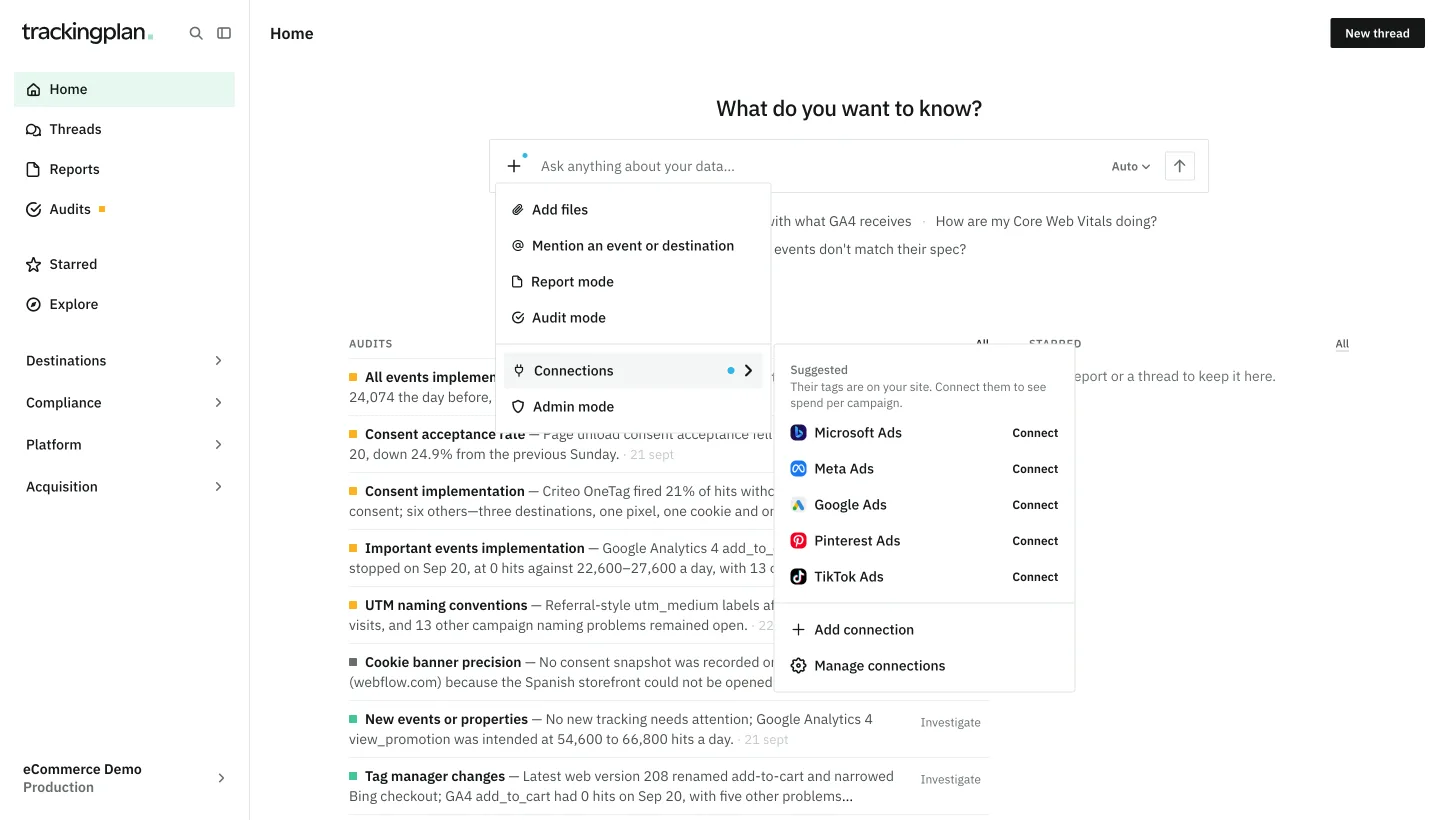
A new Connections entry in the chat's + menu shows what your plan is connected to, without leaving the conversation. The + now sits at the start of the box.
- Ad accounts, custom MCP connectors and tag managers such as GTM or Tealium, each with its status.
- A red mark on any connection that is broken.
- Links to add or manage connections in Settings & Members → Connect.
Plan admins also see suggested ad platforms: the ones whose tags send traffic from your site and are not connected yet.
Who it is for: anyone who wants to check the data is connected before asking about spend, a container or a connected tool.
Where: the + of any chat box in Trackingplan. More: Settings & Members.