What’s New
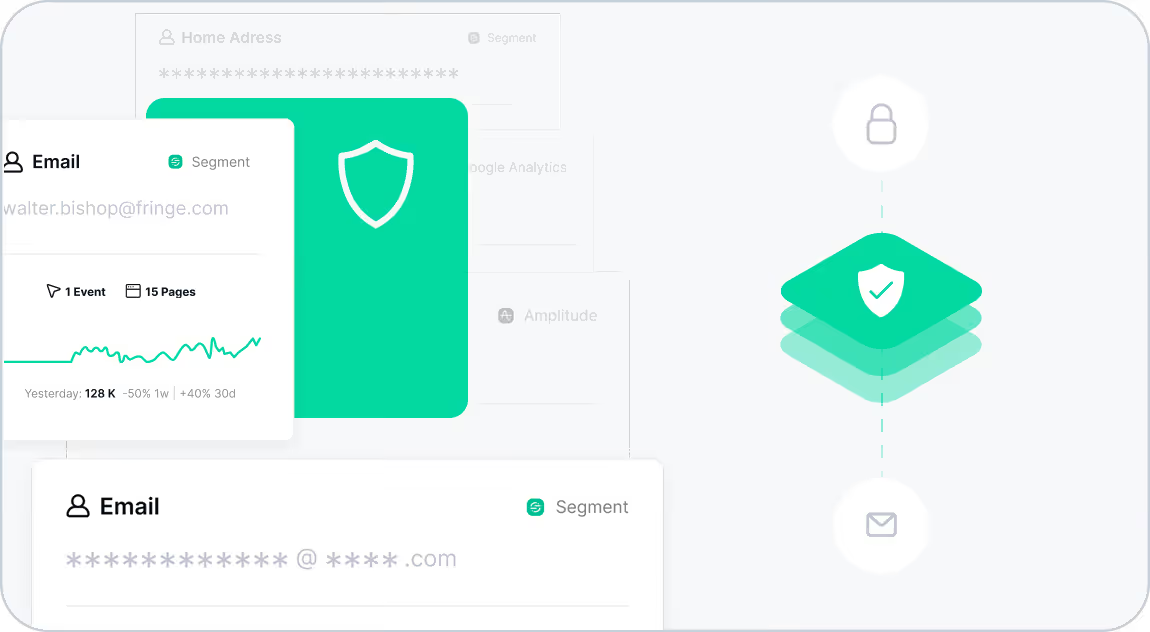
We’ve upgraded Trackingplan’s Privacy SDK to make data protection even easier—without sacrificing insight. With Trackingplan's enhanced Privacy Mode, your sensitive user data is automatically masked at the source, helping you stay GDPR compliant by design.
Now, teams can confidently collect analytics and ensure data quality, knowing that personal identifiers like emails, names, phone numbers, and IP addresses are never stored or exposed.
Why It Matters
Juggling analytics, compliance, and privacy policies isn’t fun. That’s where Privacy Mode steps in.
By turning on this enhanced SDK feature, you can:
- Automatically mask and obfuscate personal data—right inside the SDK.
- Ensure GDPR compliance without manual intervention or extra scripts.
- Keep full visibility into data quality and tracking health, without logging any raw user data.
- Ship products faster with privacy protection already built in.
This is ideal for businesses that handle sensitive data, or any team that wants to adopt privacy by design without adding complexity to their workflows.
How It Works
Privacy Mode applies real-time masking and obfuscation directly in the SDK before data ever reaches Trackingplan’s servers.
- Masking replaces sensitive values with placeholders (e.g.,
email: "***"). - Obfuscation redacts or anonymizes data so it remains useful for debugging and monitoring—without revealing user identities.
Once enabled, no personal data will appear in your logs, dashboards, or Privacy Reports. Learn enable Trackingplan's Privacy SDK in this setup guide.
To explore how Trackingplan keeps your data protected, visit our Privacy & Security documentation. You can also dive into our Privacy Hub for practical resources, FAQs, and insights on staying compliant while maintaining full observability.