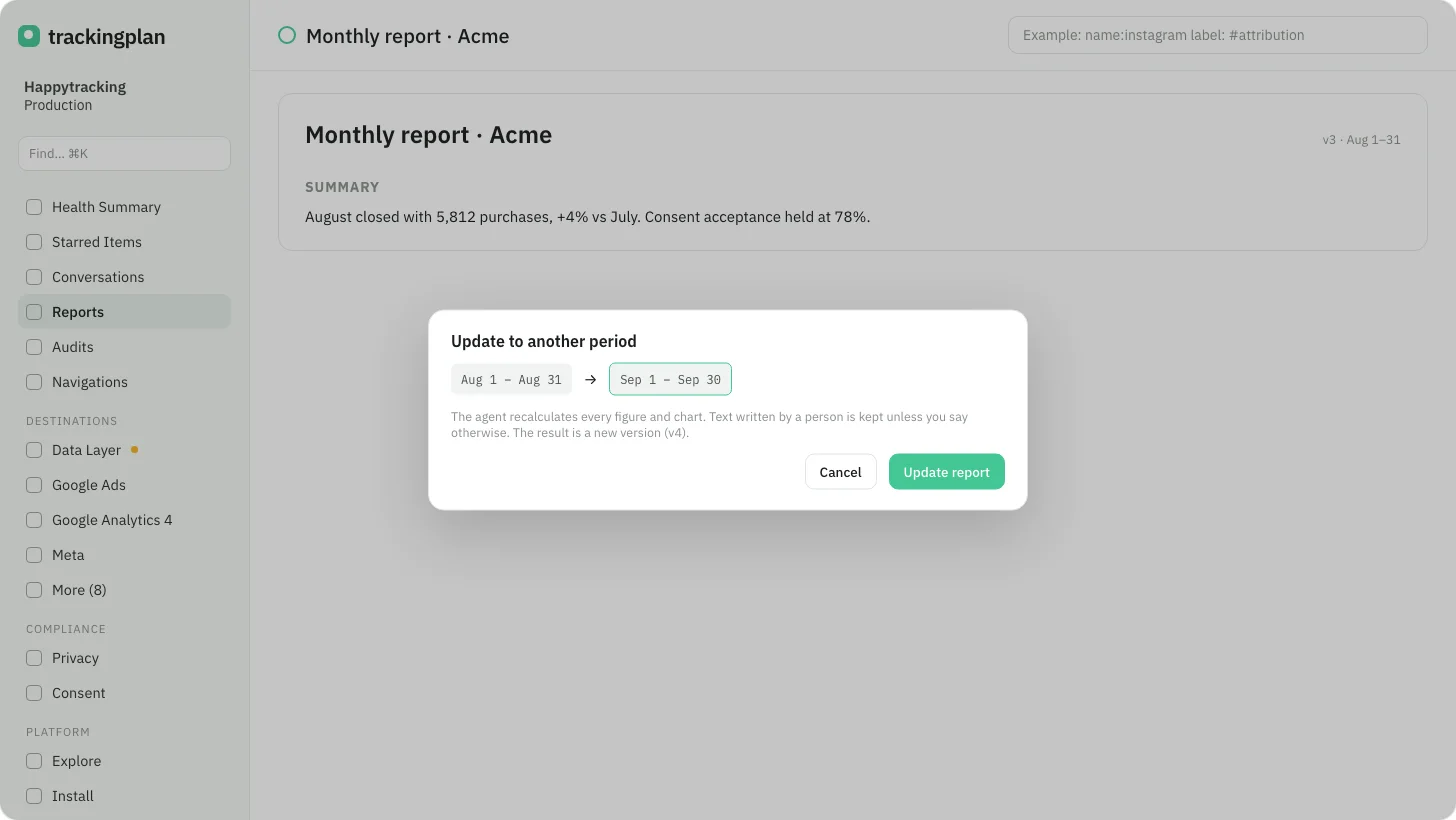
The owner of a report can now press Refresh on the report page and choose a period: Last 7 days, Yesterday, Last 30 days, Last week (Mon–Sun), Last month, custom dates, or As of today. You can add instructions too.
Trackingplan redoes the report for that period and saves one new version. It keeps the text a person wrote, unless you uncheck Keep as written. The page then shows what changed, what could not be updated, and Restore the previous version.
Update, October 7: every report owner sees Refresh. It is not offered on a welcome, draft or live report, or while Trackingplan is still working on that report.
Who it is for: the weekly report, the monthly one, and the client who asks for "the same, for September".
Where: the report page, Refresh. Docs: Reports.