
Tracking errors waste hours on manual checks and delay fixes in digital analytics teams, marketing operations, agencies, and developers. Many tools require manual audits, lack real time alerts, or force slow feedback that misses hidden bugs and broken pixels. This comparison lists automated tracking quality monitoring platforms so you can pick one that fits your workflow and needs.
Table of Contents
Trackingplan
At a Glance
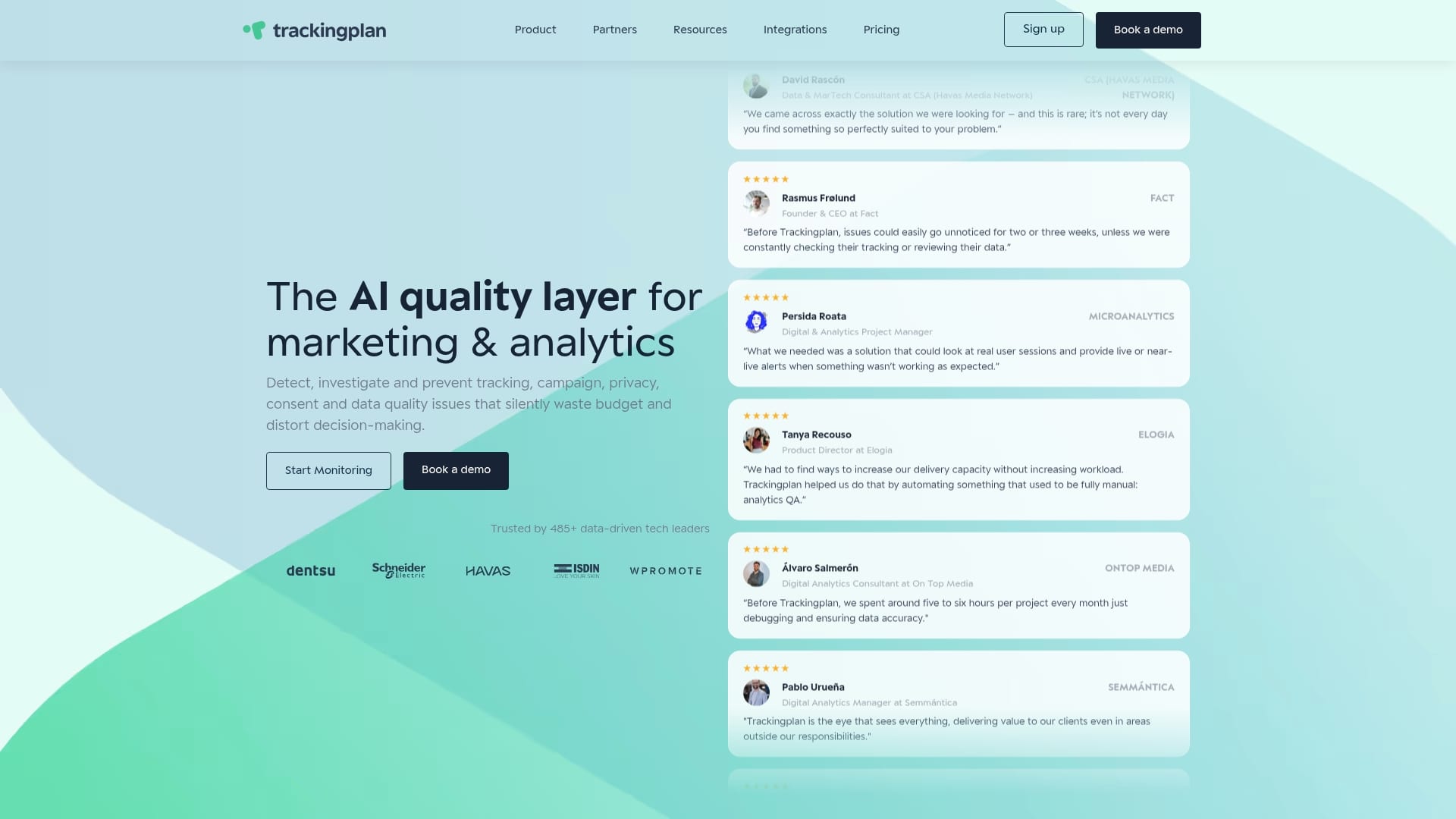
Trackingplan reports it is trusted by over 485 data-driven companies. The platform uses AI to find tracking errors across web, app, and server side implementations. It also sends real time alerts via email, Slack, or Teams so teams know about failures the moment they occur.
Core Features
Trackingplan runs continuous discovery and documentation of tracking events and properties while monitoring web and app tracking in real time. The platform performs automated error detection and offers AI assisted debugging with root cause analysis, plus tag validation to spot schema mismatches and broken pixels. It also checks cookies, consent flows, and potential PII leaks, and surfaces actionable items to reduce manual audits.
Key Differentiator
The primary differentiator is AI powered automated discovery and root cause analysis that flags and explains tracking errors as they appear. That approach reduces the time analysts spend tracing missing events. It also helps prevent silent errors that can distort attribution and campaign reporting.
Pros
Trackingplan automates continuous monitoring so teams spend less time on manual validation and more time on analysis. The platform groups alerts and uses AI assisted root cause hints to speed troubleshooting and lower debugging time. It includes privacy checks for cookies, consent, and PII leaks, which helps keep data collection aligned with policy and reporting needs.
Cons
- Limited public listing of third party integrations may require manual mapping during onboarding.
Who It’s For
Trackingplan fits digital analytics teams, marketing operations, developers, QA specialists, and agencies that manage multiple sites or apps and need automated validation. Teams that run paid campaigns or depend on accurate attribution will see value in faster detection of missing pixels and tracking errors. Organizations with low traffic should assess sampling needs before full rollout.
Unique Value Proposition
Real time alerts via email, Slack, or Teams route anomalies into the workflows teams already use, which shortens the time from detection to fix. That integration pattern reduces the cost of bad data by cutting the hours spent chasing missing events across clients or properties. For agencies, that means fewer manual audits across client sites and cleaner campaign attribution.
Real World Use Case
An agency uses Trackingplan to scan multiple client sites and mobile apps for broken pixels and tag mismatches. Alerts arrive in Slack with AI assisted notes on likely causes, which lets the dev team push fixes faster. The agency reports reduced manual audits and cleaner attribution for client campaigns.
Pricing
Trackingplan offers a free tier and reports paid plans starting at $249/month when billed annually. Enterprise and agency solutions are available with custom terms for higher volume monitoring and additional support.
Website: https://trackingplan.com
TagDrishti
At a Glance
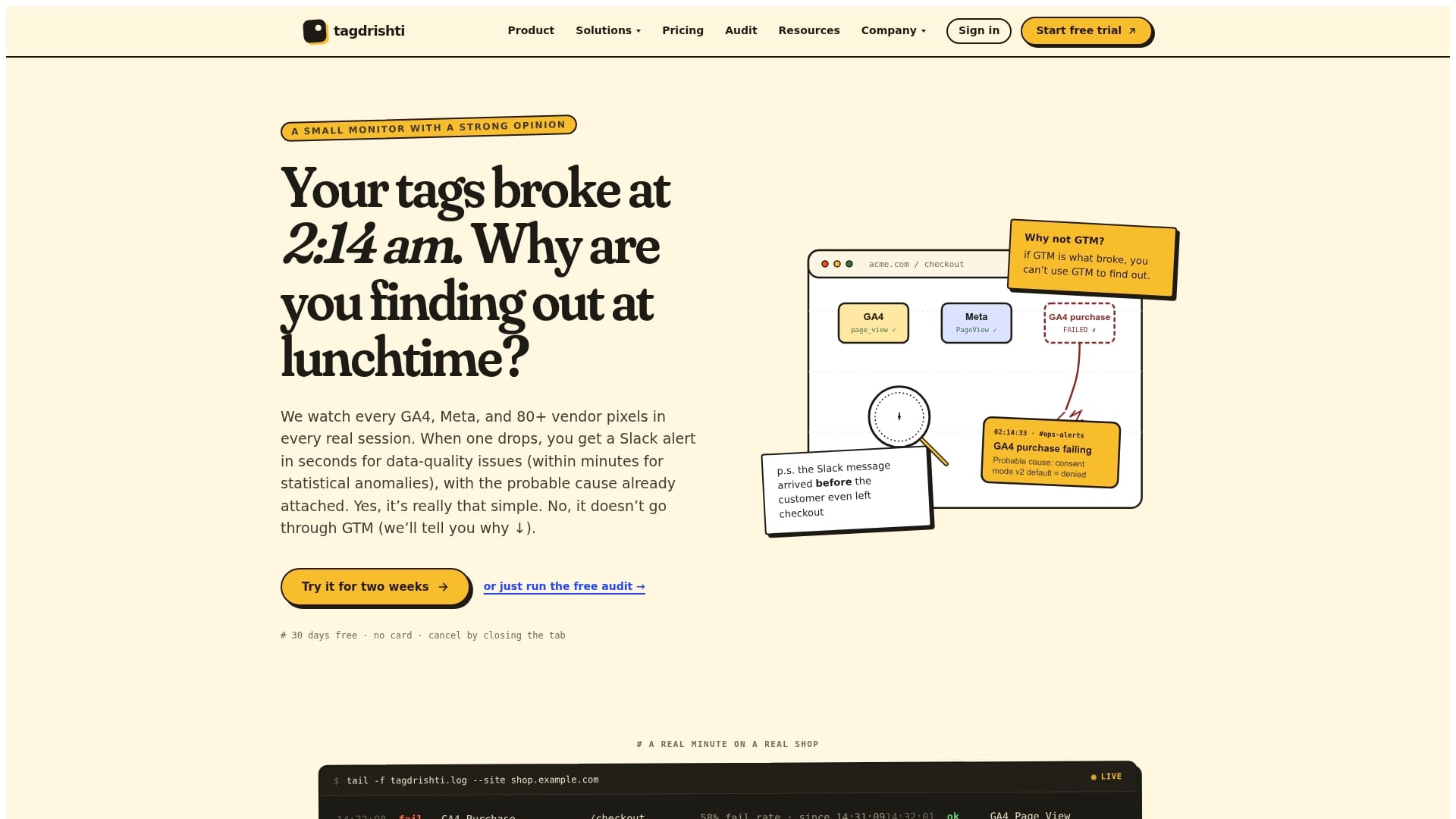
TagDrishti reports six detection layers that watch network requests, dataLayer entries, consent signals, console errors, and SDK hooks inside real user sessions. The platform raises alerts within seconds when a tag fails, misfires, or stops firing so you see issues in production traffic. That focus on real user sessions makes it easier to catch problems that synthetic checks miss.
Core Features
TagDrishti captures live tag firing data from real sessions and triggers immediate notifications to Slack, email, or incident management tools. The service also includes server side verification and compliance checks for GDPR, CCPA, and Magecart detection, plus multi tenant dashboards and white label reporting for agencies. The vendor reports support for 80+ ad and analytics vendors and automatic detection across tag managers.
Key Differentiator
TagDrishti detects silent tag failures inside browsers during production sessions rather than relying primarily on scheduled synthetic checks. That live session approach means you see the exact request and browser context that failed. For teams that need to link a broken pixel to a real user journey, this produces clearer root cause signals and faster remediation.
Pros
Detects silent failures that standard monitoring often misses by observing tags in actual user sessions and logging the browser context and request details. Alerts include probable causes, which helps engineers and analysts triage faster and reduces the time lost to guesswork. The single script installs in the head and continues working even if Google Tag Manager or other tag containers fail. Agencies benefit from multi tenant dashboards and white label reports that simplify client updates and billing.
Cons
-
The reliance on a single script placed in the head may conflict with stricter deployment policies or tag governance in some engineering teams.
-
Complex single page applications can generate false positives until detection rules are tuned for the site behavior.
-
Most advanced capabilities live behind paid tiers, which limits what you can test on a free plan.
-
Some users report a learning curve when configuring alerts and interpreting incidents for highly customized setups.
When It May Not Fit
If your team cannot add a script to the head for compliance or release reasons, TagDrishti will not fit that constraint. If you need purely synthetic uptime checks without production session context, the product focuses on a different monitoring model. Smaller projects with minimal tagging needs may find the paid tiers more than required.
Who It’s For
Analytics teams, in house web teams, and marketing agencies that manage many tags and want production visibility will get the most value. Teams that prioritize linking tracking failures to real user journeys and preserving attribution accuracy will appreciate the session level evidence. Agencies running multiple client sites will reuse white label reports to reduce manual status updates.
Real World Use Case
An agency managing 50 client e commerce sites uses TagDrishti to monitor transaction and marketing tags across sites. The platform sends Slack alerts when a purchase event stops firing so the agency can revert a faulty deployment within minutes. That immediate feedback preserves conversion data and reduces misattributed ad spend.
Pricing
The vendor lists pricing starting at $99/month for monitoring one website with 500K events, with higher tiers for agencies and enterprise clients offering multiple sites and advanced features. Contact sales for enterprise limits and custom SLAs.
Website: https://tagdrishti.com
Validd
At a Glance
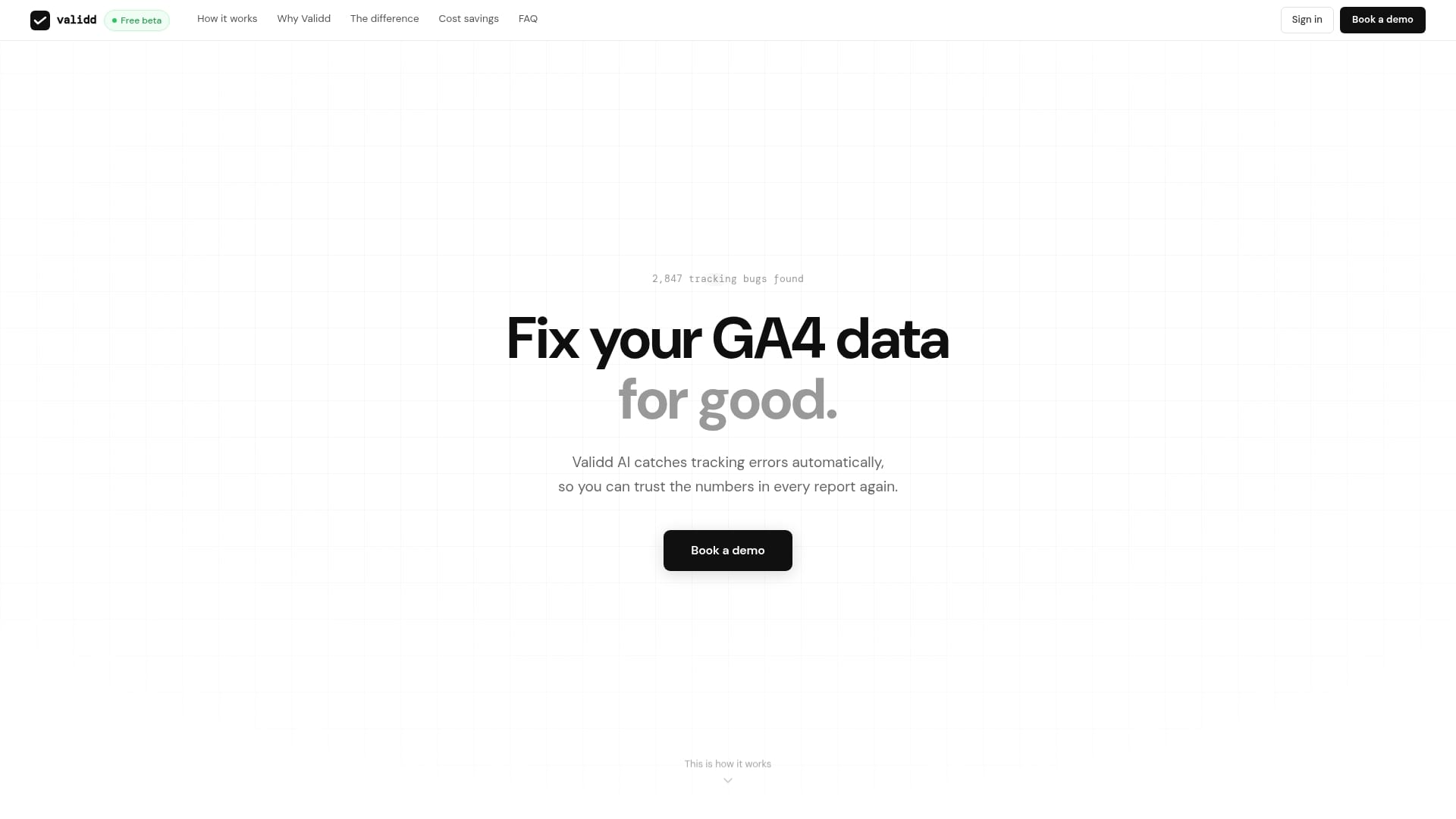
Validd reports it reduces manual QA time from hours to under 10 minutes. The tool runs site-wide checks and flags tracking errors before those events reach analytics platforms. It is in beta and free for early users, aimed at speeding validation and cutting manual testing costs.
Core Features
Validd runs automated validation of website tracking codes and checks all events and parameters after each change. It flags tracking errors before data lands in analytics platforms and gives immediate feedback to developers during the development cycle. The system focuses on speed and scale to replace slow, manual QA runs.
Key Differentiator
The main advantage is automated validation that covers every tracking event and parameter across a site without manual scripting. That approach reduces repetitive checks and helps teams spot persistent or hidden tracking bugs. The workflow emphasizes fast developer feedback , so fixes happen earlier in the release cycle.
Pros
The tool reduces manual effort and testing time, which helps teams move faster during deployments. It detects persistent or previously undetected tracking bugs that would otherwise skew analytics. Validd helps keep analytics data accurate and scales with growing tracking plans, which lowers costs tied to manual QA and postrelease fixes.
Cons
-
Limited public documentation and broken pages make it hard to assess detailed capabilities. This gap slows evaluation for technical teams.
-
Beta status may mean fewer stable features and occasional instability. Teams with strict uptime or compliance needs may prefer a mature alternative.
-
The site does not list specific integrations or compatibility details. That omission forces manual compatibility checks before adoption.
When It May Not Fit
Validd requires access to website code to run tests. Teams that cannot grant code access to a vendor will be unable to use the tool. Organizations that depend on documented, prebuilt integrations may find too few listed details for confident rollout.
Who It’s For
Validd targets digital teams and developers responsible for website analytics tracking. It suits analytics engineers who automate QA and want faster developer feedback loops. E-commerce and marketing teams that rely on accurate event-level data will get the most immediate value.
Real World Use Case
An e-commerce business uses Validd to verify that purchase events and product interactions reach GA4 correctly. The tool runs checks before a large sale and flags any missing parameters. That prevents revenue reporting errors during peak campaign traffic.
Website: https://validd.ai
Comparison of alternatives
Tracking quality monitoring solutions offer varying strengths and weaknesses tailored to specific needs. Below, we explore the competing features of Trackingplan, TagDrishti, and Validd to help you identify the tool for your requirements.
Automated error detection capabilities
Trackingplan distinguishes itself with its AI-driven automated discovery and error debugging capabilities. Unlike TagDrishti and Validd, Trackingplan’s ability to identify schema mismatches and tracking failures while offering a root cause analysis provides a significant advantage for digital analytics teams seeking real-time and precise diagnosis. In comparison, while Validd offers fast detection in development cycles, Trackingplan’s continuous monitoring remains superior for mature, production-phase solutions.
Session-based analysis
TagDrishti excels in the real-time analysis of production traffic, identifying tag failures within live user sessions and providing precise error context directly linked to the user journey. This added depth of visibility is beneficial for agencies handling expansive client portfolios where clear and immediate feedback is essential. Meanwhile, Trackingplan and Validd are better suited for generalized error detection and preemptive validations across platforms.
Best fit
- Teams managing multiple websites or apps that demand automated error detection, root cause analysis, and minimal manual interventions should consider Trackingplan.
- Agencies requiring real-time production traffic monitoring and white-label reporting to manage numerous client accounts efficiently will greatly benefit from TagDrishti.
- Development groups focused on pre-release tracking reliability and seeking immediate feedback for fixes might find Validd most suited to their needs, particularly for analytics QA during rapid deployment cycles.
Our pick
For teams seeking a solution that emphasizes real-time tracking validation augmented by AI-driven automated discovery and root-cause analysis, Trackingplan proves to be an excellent choice. Its ability to continuously monitor, identify, and provide context-driven solutions has made it highly advantageous for analytics, QA, and marketing teams. While organizations with specialized needs might opt for other alternatives, Trackingplan delivers significant value for those aiming to streamline their operations and enhance data accuracy.
To help determine the most suitable tracking quality monitoring solution, the following table compares options based on key features and aspects they provide.
| Product Name | Core Feature | Key Differentiator | Best For | Pricing | Notable Limitation |
|---|---|---|---|---|---|
| Trackingplan | Continuous discovery and documentation of tracking events | AI-powered automated discovery and root-cause analysis | Digital analytics and QA teams managing multiple sites | Free tier; from $249/month | Limited public listing of third-party integrations |
| TagDrishti | Real user session monitoring for tags | Detects silent failures in live session context | Agencies and in-house teams needing production visibility | From $99/month | Reliance on head script may conflict with policies |
| Validd | Automated validation of tracking codes and QA optimization | Automated validation for all site event and parameter tracking | Digital teams and developers focusing on speed and scale | Currently free (Beta) | Limited public documentation impedes evaluation |
How to Avoid Lost Marketing Data and Broken Tags
Marketers, developers, and QA specialists who use lp.anytrack.io alternatives often face challenges detecting missing or broken pixels and tracking errors. These silent failures skew campaign attribution and waste ad spend. Trackingplan identifies tracking errors across websites, apps, and server environments. It uses AI-driven automated discovery and real-time alerts via email, Slack, or Teams to flag issues instantly.
Key benefits:
- Continuous monitoring reduces manual audits
- AI-assisted root cause analysis speeds troubleshooting
- Privacy checks help maintain compliance
Protect your marketing data from silent errors and simplify tracking validation. Visit Trackingplan to see how faster alerting and automated audits can improve your analytics accuracy.
FAQ
How does Trackingplan help with tracking error detection?
Trackingplan automates continuous monitoring to identify tracking errors as they occur. It utilizes AI-assisted debugging and root cause analysis, allowing teams to fix issues quickly. This makes it ideal for digital analytics teams aiming for accurate campaign attribution.
What is the difference between Trackingplan and TagDrishti?
TagDrishti excels at detecting silent failures in real user sessions, providing immediate feedback on tag issues. Trackingplan, on the other hand, focuses on automated validation and monitoring, which might be more suitable for teams needing structured, continuous error detection across multiple platforms.
Can I use Trackingplan if my organization has low web traffic?
Trackingplan is beneficial for teams that run paid campaigns or rely on accurate attribution, regardless of traffic volume. Organizations with low traffic should evaluate their sampling needs to determine if Trackingplan meets their requirements before full rollout.
How does Trackingplan handle privacy checks?
Trackingplan includes privacy checks for cookies, consent flows, and PII leaks, ensuring compliance and data integrity. This feature aids teams in maintaining alignment with data policies while monitoring their tracking requirements.
What makes Trackingplan a preferred choice for digital analytics teams?
Trackingplan’s AI-powered automated discovery and root cause analysis significantly reduces the time analysts spend on troubleshooting. This efficiency allows teams to focus more on insightful analysis rather than spending time troubleshooting missing events.