
Gaps in real-time data quality and tag monitoring create blind spots and errors in attribution. Many tools rely on manual audits, slow deployments, or synthetic testing that misses real user issues. This comparison covers price, automation, and integration options across three analytics monitoring platforms so analytics teams and agencies can select one that fits their needs without a trial-and-error cycle.
Table of Contents
Trackingplan
At a Glance
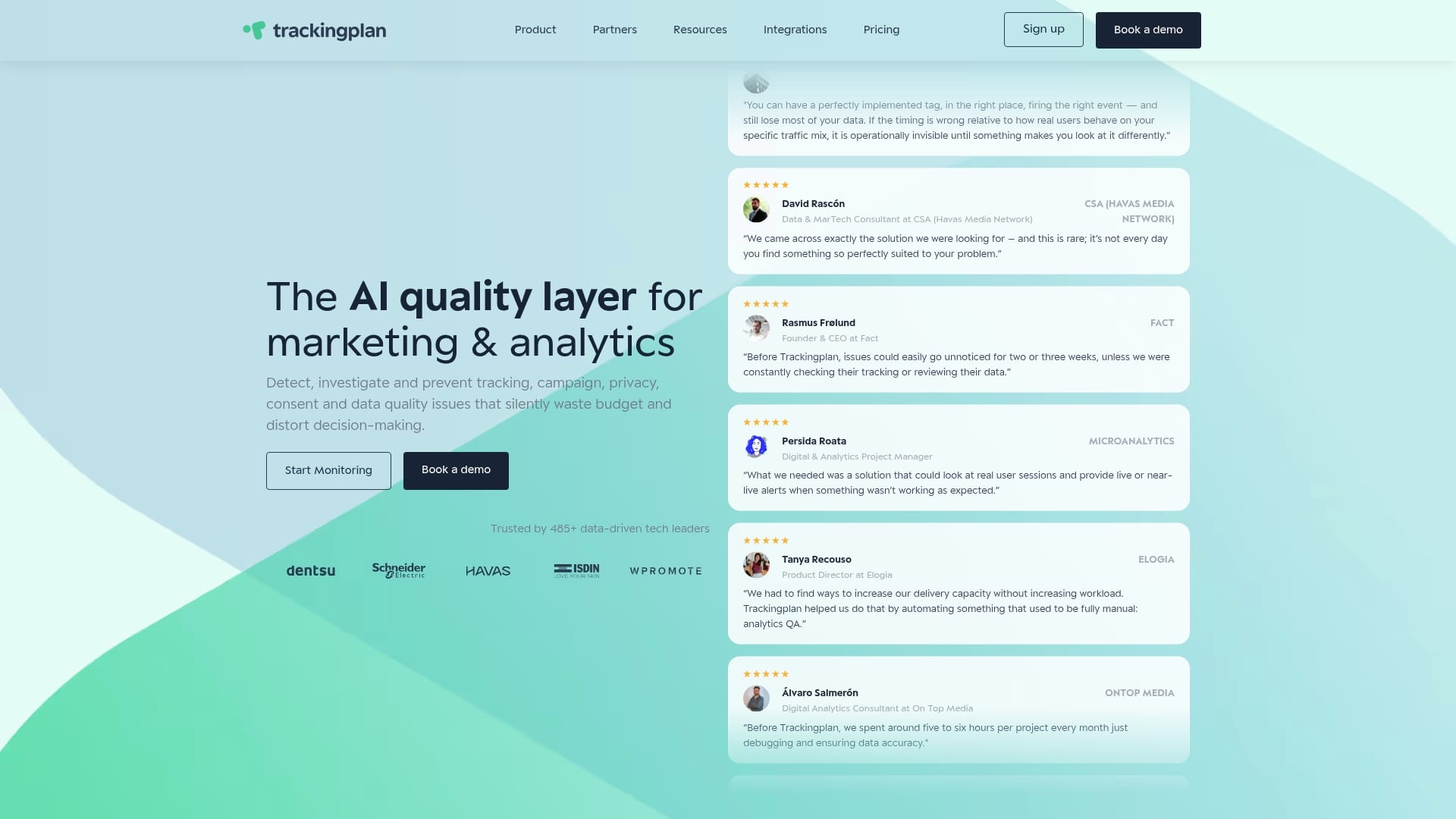
Auto discovery reads events, properties, pixels, and campaign signals directly from real user traffic rather than relying on manual rulebooks. The system watches web, app, and marketing data continuously and raises alerts when patterns diverge from normal behavior. This approach reduces time spent inventorying tags and spotting missed or broken pixels.
Core Features
Trackingplan performs continuous, real time monitoring with an AI driven anomaly detector that flags traffic spikes, drops, and unusual event patterns. It links alerts to AI assisted debugging and root cause analysis while letting teams inspect live user sessions and event flows. Integration is lightweight: a JavaScript snippet or SDKs can be embedded quickly and the platform adapts as traffic and releases change.
Key Differentiator
Trackingplan’s standout capability is autonomous discovery and self adapting monitoring that requires minimal manual configuration. The product detects new or changed tracking signals automatically and ties anomalies to likely causes, so the platform changes with releases and traffic shifts rather than waiting for rule updates.
Pros
Auto discovery eliminates large parts of the manual mapping work normally needed when auditing a tracking stack, which speeds onboarding for new sites and features. Real time alerts via email, Slack, or Teams cut the time between fault detection and response, and AI assisted root cause analysis reduces debugging cycles. The implementation is lightweight, non intrusive, and supports major analytics and tag managers so teams can monitor GA4, Adobe, and marketing pixels from one place.
Cons
- Premium features like advanced AI debugging may require higher tier plans or custom pricing, which can raise costs for complex or large scale deployments.
Notable Integrations
- Google Analytics 4
- Adobe Analytics
- Google Tag Manager
- Meta Pixel
- Segment
- Mixpanel
- TikTok Ads
- Amplitude
Who It’s For
Digital analytics teams, marketing operations, developers, and agencies that manage multiple client sites and need continuous data quality oversight. Teams that want to reduce manual audits and shorten time to diagnose tracking errors will find the automation useful. Organizations with mixed analytics stacks benefit most because the platform treats web, app, and marketing tags together.
Unique Value Proposition
Minimal setup with a lightweight JavaScript snippet or SDKs combined with an auto learner AI engine that adapts to changing traffic patterns reduces hands on maintenance. That setup saves recurring audit effort and shifts work from manual checks to resolving prioritized issues reported by the platform.
Real World Use Case
A multinational e commerce team used Trackingplan to discover and repair misfired pixels across GA4, Adobe, and paid media tags. The platform surfaced the campaign misconfiguration and linked it to a recent release, which reduced manual investigation time and helped the team restore accurate attribution. Privacy and consent checks ran alongside those alerts to keep reporting compliant.
Pricing
Trackingplan publishes its pricing: Starter from $99/month, Growth from $769/month and Enterprise from $2,200/month, billed annually. Starter and Growth start with a 9-day free trial; Enterprise teams can run a free proof of concept.
Website: https://trackingplan.com
DataTrue
At a Glance
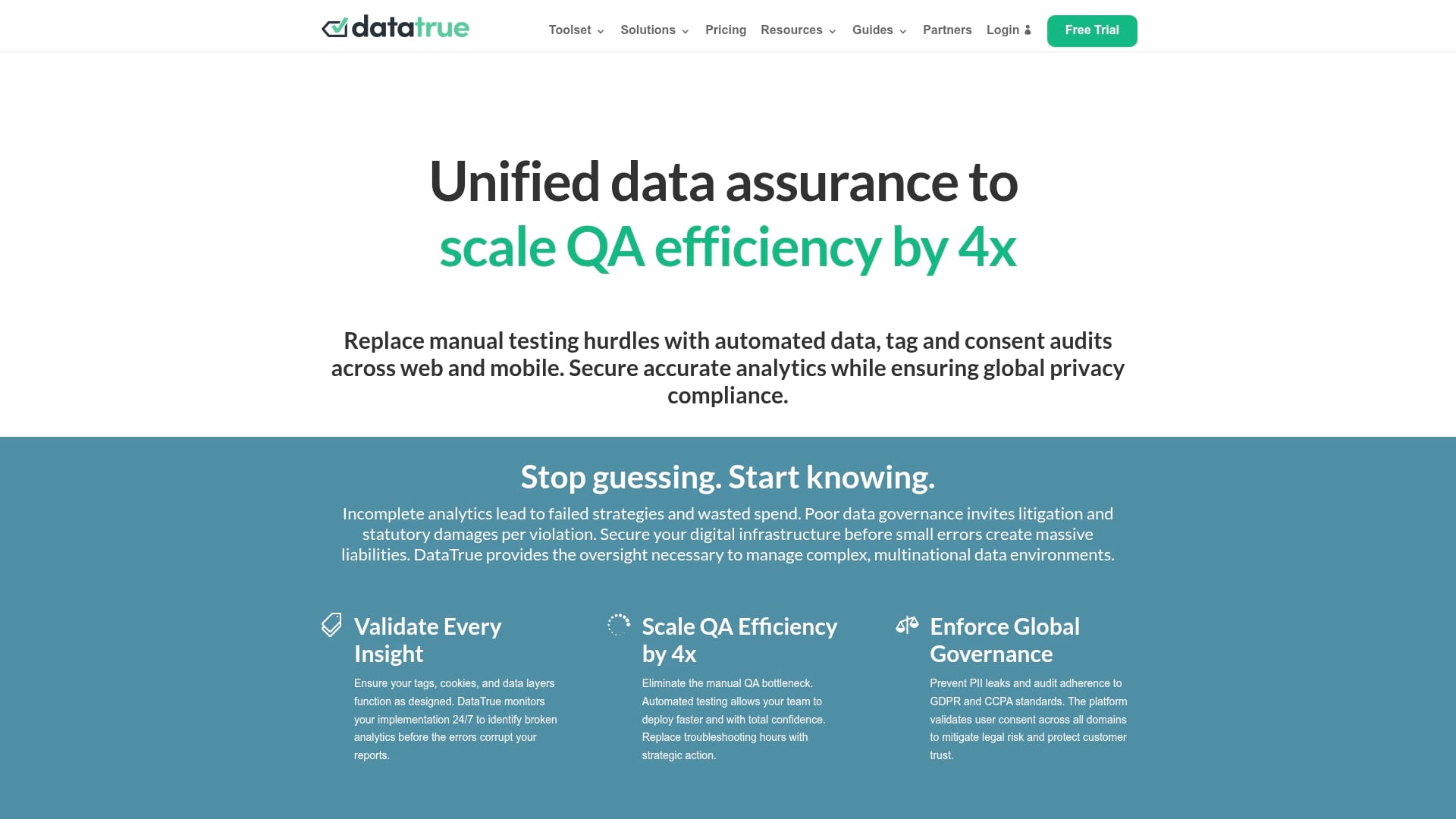
DataTrue’s marketing materials claim it reduces manual effort by up to 400%. The product focuses on automated data assurance for web and mobile analytics across many domains. It pairs continuous testing and monitoring with privacy checks to prevent leaks and compliance gaps.
Core Features
Automated web and mobile analytics testing runs continuous checks that validate tags and data layers across pages and apps. Real-time privacy leak and PII alerts combine with cookie compliance audits to guard against GDPR and CCPA issues. APIs, CLI tools, and a Looker Studio connector let teams pull validation results into custom workflows and reports.
Key Differentiator
The one thing that sets DataTrue apart is its emphasis on proactive automated validation and continuous monitoring rather than periodic manual QA. That figure cited above signals how aggressively the vendor positions automation to replace manual testing in marketing and analytics pipelines.
Pros
DataTrue validates tags, cookies, and data layers and provides detailed audits that point directly to failing pages and events. It reduces manual testing work and speeds deployments by shifting repetitive checks to automated runs. The platform includes privacy leak detection and compliance checks for GDPR and CCPA, and it scales to support many apps and domains with unlimited app/domain support. Teams get continuous monitoring so errors are caught before they distort reporting or ad attribution.
Cons
- Limited independent third-party reviews exist to corroborate the vendor’s claims. This makes external verification harder for procurement teams.
- Advanced integrations require technical expertise, which can slow adoption for non-technical marketing teams. Training or engineering time may be needed.
- Pricing might place the product out of reach for very small companies or early-stage startups.
When It May Not Fit
If your team lacks engineering support, the technical setup and API integrations will feel burdensome. If you operate a small single-domain site with a tiny analytics footprint, the annual pricing model may not match your budget. The product targets continuous validation at scale, not lightweight one-off audits.
Notable Integrations
- APIs and CLI tools for custom automation and CI pipelines.
- Looker Studio connector for reporting and dashboarding.
Who It’s For
Data and marketing teams at medium and large enterprises that run multiple domains or apps. Teams that must enforce GDPR or CCPA controls across many properties. Organizations that prioritize ongoing validation over periodic manual checks.
Real World Use Case
A global credit card provider uses DataTrue to monitor tag compliance across multiple domains. The vendor reports the platform reduced manual QA hours in that deployment. The implementation helped prevent privacy leaks and maintained GDPR and CCPA adherence while improving analytics reliability.
Pricing
Pricing is tiered by annual contracts. The listed plans are USD16,000/year for Starter and USD32,000/year for Team, with customizable Enterprise levels for larger deployments.
Website: https://datatrue.com
TagDrishti
At a Glance
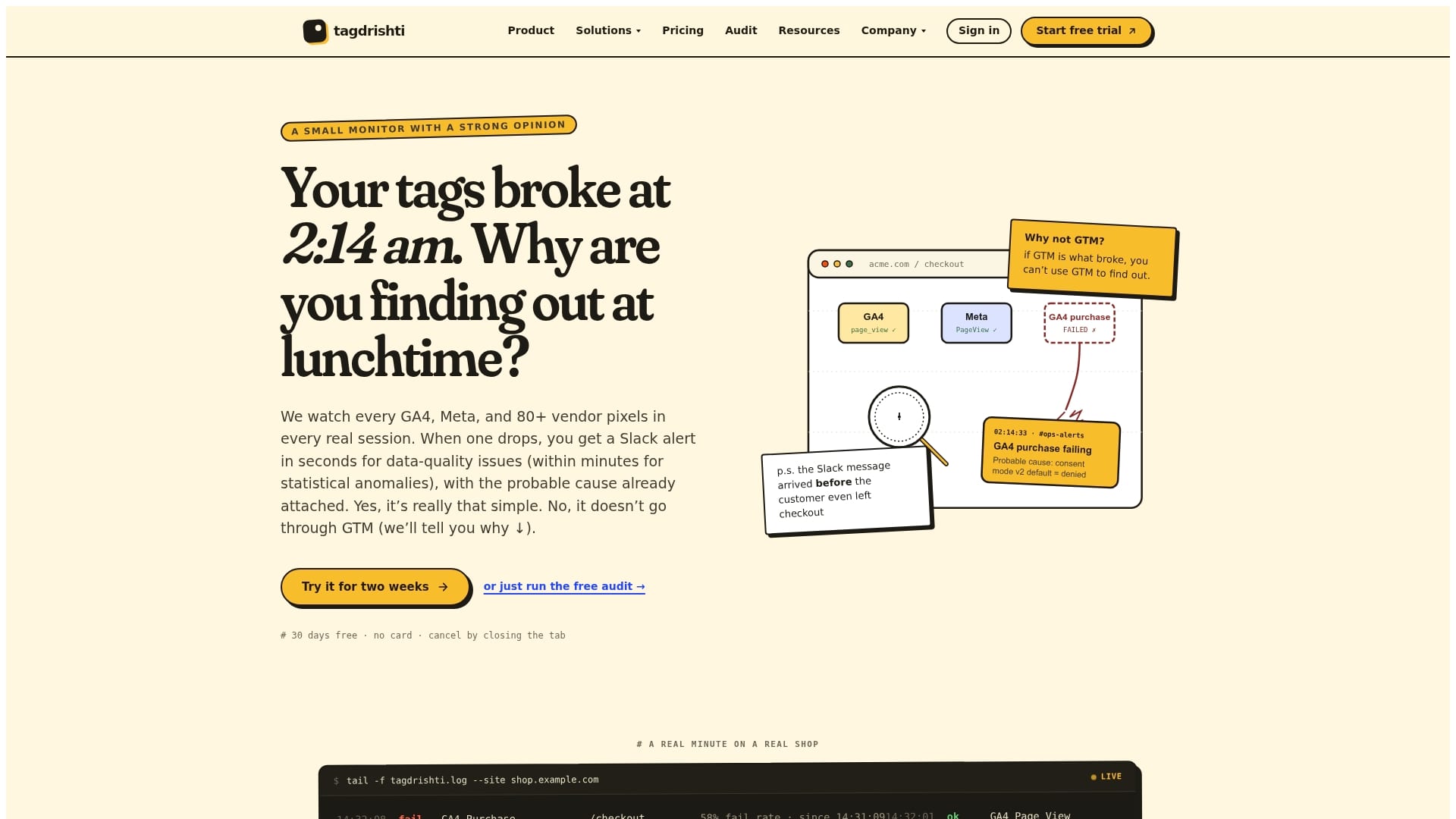
TagDrishti reports alert delivery in under 2 seconds for tag failures, which shortens the time between failure and response. The vendor says deployment requires a single asynchronous script placed in the head. That implementation watches real user sessions rather than synthetic crawls and triggers immediate notifications to Slack, email, Teams, PagerDuty, or webhooks.
Core Features
TagDrishti installs with one async script in the head and monitors tags inside live sessions to detect real firing problems. It watches network calls, fetch and XHR, the dataLayer, injected scripts, console errors, and vendor SDK hooks across more than eighty vendors. The platform sends instant failure alerts and offers privacy controls that align with GDPR and CCPA requirements.
Key Differentiator
TagDrishti intercepts vendor tags directly in real user sessions instead of relying on scheduled crawls or synthetic checks. That approach captures failures that only appear under real traffic patterns, like intermittent SDK errors or consent gating. For teams that need to know about live breakage within seconds, this behavior is the primary distinction.
Pros
Real-time alerts catch tag drops before dashboards and client reports show gaps, helping marketing and analytics teams keep attribution intact. The single-script deployment and optimized payload minimize runtime impact on page load. The tool supports many tag managers and vendors and offers white label reporting and client-specific status pages, which benefits agencies managing several sites.
Cons
- No substantive third-party reviews are publicly available, so independent user feedback is limited.
- Costs rise with volume; high-traffic sites or large agency portfolios may face significant plan increases.
- Deploying the script requires placing code in the head, which will need developer coordination and release planning.
When It May Not Fit
If you cannot add a head script due to platform restrictions, TagDrishti will not work. Organizations with tiny budgets and extreme event volumes may find the pricing model expensive. Teams that rely exclusively on synthetic testing will not get the same coverage as with real session monitoring.
Notable Integrations
- Google Tag Manager
- Adobe Experience Platform Tags
- Tealium iQ
- Segment
- Piwik PRO Tag Manager
Who It’s For
In house analytics teams, digital marketing teams, and agencies that manage many client sites and need immediate visibility into tag health will find value. E commerce teams that rely on pixel accuracy for attribution and revenue tracking will also benefit. The product matches groups that can add a head script and want live session fidelity.
Real World Use Case
An agency monitoring fifty client sites gets an instant Slack alert when a Meta Pixel stops firing during a nightly campaign. Engineers reproduce the failure from a live session capture and push a fix before daily reports run. That prevented missed conversions and kept downstream reporting intact.
Pricing
TagDrishti starts at $99/month for one website and 500,000 events. Plans scale by volume and add features under Growth, Pro, Agency, and Enterprise tiers, with enterprise pricing available for custom requirements.
Website: https://tagdrishti.com
Comparison of alternatives
When comparing options for analytics monitoring solutions, Trackingplan.com excels in its ability to autonomously detect and adapt to event tracking while minimizing manual configuration. However, each alternative offers unique strengths for specific applications.
Proactive compliance and validation
Among the analyzable options, DataTrue leads in proactive compliance validation. Its systems provide real-time privacy leak alerts and compliance audits for regulations such as GDPR and CCPA. For teams prioritizing diligent compliance monitoring across diverse operational domains, this focus offers significant advantages. Conversely, the technical configuration required for setup indicates a necessity for engineering involvement, which could deter smaller teams lacking dedicated developers.
Real-time session-specific insights
TagDrishti stands out in providing immediate alerts for tag failures using real-time monitoring based on live user sessions rather than simulated environments. These insights are crucial for e-commerce businesses relying on pixel accuracy for ROI tracking. However, its implementation involving head-integration scripting can pose challenges for platforms with restricted access to modify frontend code.
Best fit
- If you aim to automate analytics maintenance with minimal setup, opt for Trackingplan.com to capitalize on its autonomous event detection and adaptability.
- For organizations requiring control of privacy compliance across multiple domains, DataTrue is the ideal solution due to its validation systems.
- Teams with immediate tag failure detection needs at a large scale should consider TagDrishti for its live-session-based monitoring and rapid alert capabilities.
Our pick
Trackingplan.com presents a unique blend of adaptability and automation, ideal for organizations seeking to minimize manual monitoring effort. It efficiently adapts to changes in tracking requirements, suitable for teams managing intricate analytics frameworks. However, businesses for whom privacy compliance is or those requiring head-script-free deployment may find alternative solutions better aligned with their priorities.
The following table provides a detailed comparison of alternative analytics tracking platforms based on their key features and characteristics:
| Product | Key Differentiator | Target Audience | Pricing | Notable Limitation |
|---|---|---|---|---|
| Trackingplan | Autonomous discovery with self-adapting monitoring | Digital analytics teams with diverse tracking needs | Price not published | Advanced AI features may require higher-tier plans. |
| DataTrue | Emphasis on proactive automated validation | Teams enforcing GDPR/CCPA compliance on multiple domains | $16,000/year (Starter) | Limited independent third-party verification available. |
| TagDrishti | Real-time session-based tag monitoring | Agencies needing immediate visibility into tag health | $99/month (500,000 events) | Requires a script in the head, needing developer coordination. |
How To Solve Tracking Gaps and Data Quality Challenges
Trackingplan helps digital analytics teams, marketing operations, developers, and agencies reduce manual audits and speed up troubleshooting of tracking errors. It detects broken pixels, tracking issues, and campaign misconfigurations automatically, sending real-time alerts via Slack, email, or Teams so teams can act quickly. This saves time and improves attribution accuracy across websites, apps, and marketing channels.
See how Trackingplan’s AI-driven monitoring and detailed dashboards provide clear visibility into your tracking setup. Visit our Digital Analytics blog for tips and best practices, and learn more about our platform at trackingplan.com to gain control over your marketing and analytics data quality.
FAQ
What features make Trackingplan suitable for continuous monitoring?
Trackingplan offers real-time monitoring and AI-driven anomaly detection. This capability allows it to flag traffic spikes, drops, and unusual event patterns, helping teams maintain data accuracy efficiently.
How does DataTrue compare to Trackingplan in terms of data validation?
DataTrue specializes in proactive automated validation and continuous monitoring of web and mobile analytics. While it excels at reducing manual QA, Trackingplan is designed for autonomous discovery and self-adapting monitoring across different platforms, making it a better fit for teams needing to manage multiple analytics tools dynamically.
What are the implementation requirements for Trackingplan?
Implementation of Trackingplan is lightweight and requires just a single JavaScript snippet or SDK for embedding. This simplicity allows teams to quickly integrate Trackingplan into their systems without extensive setup time.
Can Trackingplan handle multiple client sites effectively?
Yes, Trackingplan is ideal for agencies managing multiple client sites as it centralizes monitoring for different analytics and marketing pixels. This approach streamlines data quality oversight and facilitates easier troubleshooting.
What differentiates Trackingplan’s alerting system from other tools?
Trackingplan provides immediate alerts when anomalies in user traffic or tracking issues arise, significantly speeding up response time. This real-time notification system keeps marketing and analytics teams informed of any critical issues before they distort reporting.