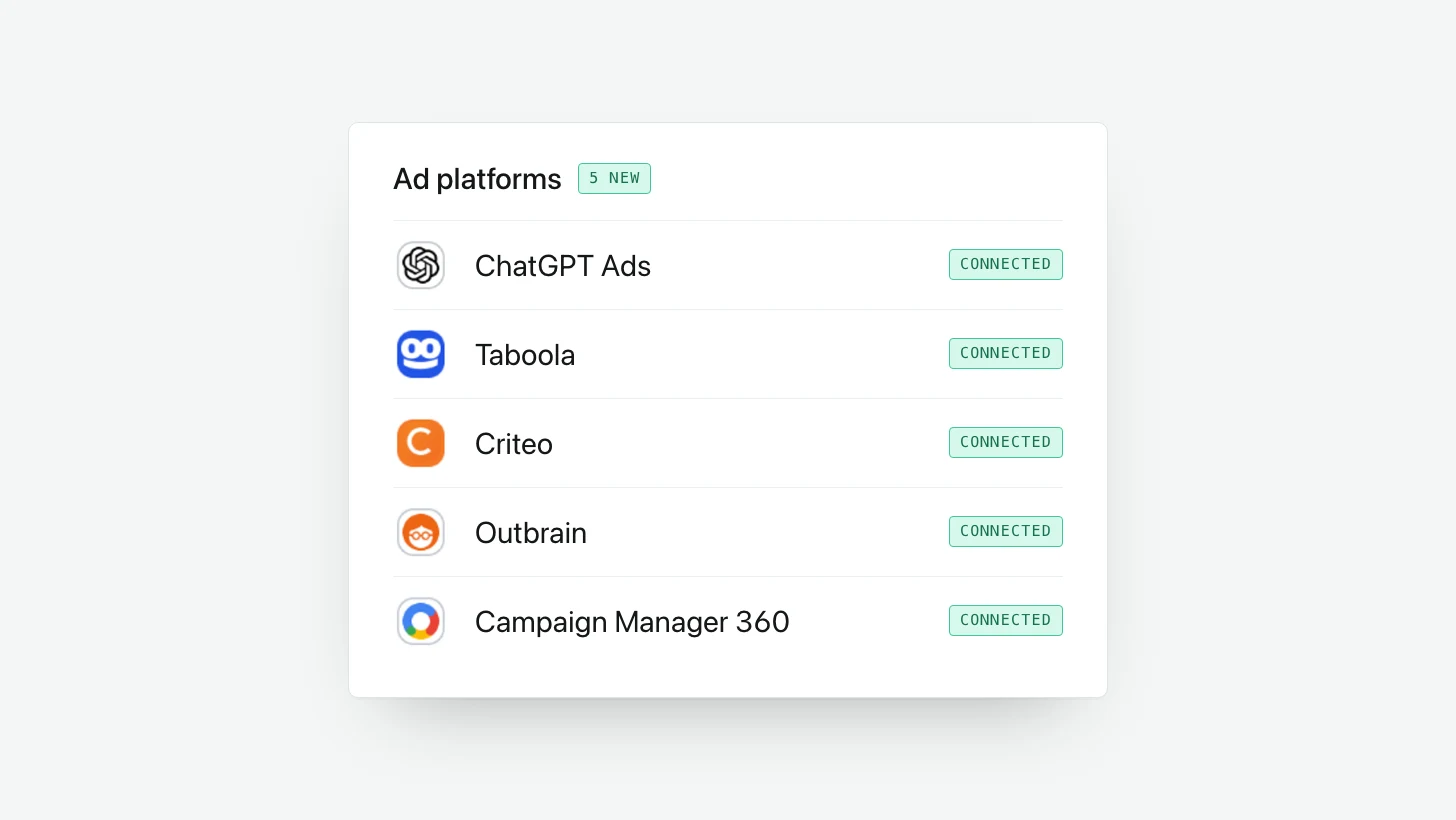
Five more ad platforms connect to Trackingplan: ChatGPT Ads, Taboola, Criteo, Outbrain and Campaign Manager 360. The agent can now read their spend, impressions and clicks per campaign next to what your site actually sent, like the eleven platforms you could already connect.
Not every budget goes to Google and Meta. Part of the budget goes to native ads on publisher sites, part to retargeting, part to display bought and measured through Campaign Manager 360, and now part to ads inside ChatGPT conversations. Trackingplan already saw the tags of these platforms on your site. What it couldn't see was what you paid them. Now the whole media plan is in one place, and for each line of it you can check whether what the platform reports happened on your site.
What Trackingplan reads
For each campaign of a connected account:
- Spend, impressions and clicks.
- CTR, CPC and CPM.
- For Criteo, Taboola and Outbrain, conversions and conversion value as each platform reports them, so every campaign has its ROAS. Each follows its own definition: Criteo counts sales within 30 days of a click, Taboola conversions from clicks and views, Outbrain conversions from clicks.
- The campaigns and ads, with the URL each ad sends people to and its UTMs, including the tracking codes Taboola and Outbrain add to them.
ChatGPT Ads sends Trackingplan its spend, impressions and clicks. Its conversions are the ones your own tracking records: Trackingplan sees the ChatGPT Ads tag on your site and what it sends.
Campaign Manager 360 sends its media cost, impressions and clicks, and the conversions of each Floodlight activity. Its spend is the ad server's record of what the media cost, so Trackingplan never adds it to another platform's spend: the same campaign would count twice.
With the click on the ad and what your pixels capture on the site side by side, Trackingplan follows each campaign from the click to the conversion. Where the two disagree, it shows you the gap: clicks that land without their UTMs, conversions the platform counts and your site never sent, campaigns that spend and bring no traffic.
What you can ask
Ask the agent in plain words, the way you'd ask the analyst next to you:
- «Which Taboola and Outbrain campaigns spent this week and brought no sessions?»
- «Do clicks from ChatGPT Ads land with their UTMs?»
- «How many conversions does Criteo report for October, and how many purchases did the site send for those campaigns?»
- «What did each ChatGPT Ads campaign cost per purchase the site recorded?»
- «Does Campaign Manager 360 count as many Floodlight conversions as the Floodlight tags fired on the site?»
Each answer shows the figures and the queries behind them, so you can check where every number comes from.
What it changes for each team
Paid media and performance teams
ChatGPT Ads is the newest place your budget can go, and the first weeks of a new channel are a test. Before you scale it, you want to know that its clicks reach your site tagged and what each campaign costs per conversion your site actually recorded. With its spend next to what the ChatGPT Ads tag sends from your site, you can ask, instead of building that check in a spreadsheet.
Native campaigns on Taboola and Outbrain buy clicks on publisher sites across the web. When the tagging of a campaign breaks, that spend arrives as traffic you can't attribute, or doesn't arrive at all. Trackingplan puts the spend next to the sessions it brought, so a campaign that pays for clicks your site never sees stands out.
Criteo reports the sales it attributes to its retargeting. Next to the purchases your site actually sent for the same campaigns, you see how far apart the two are before the next budget review, not after.
Teams that measure with Floodlight
If your media runs through Campaign Manager 360, Floodlight is your conversion record, and Trackingplan already saw your Floodlight tags fire on the site. Now it also has what Campaign Manager 360 counted for each activity, so you can check the two against each other: an activity that stopped firing after a release, or a count that no longer matches the hits behind it. If your site fires Floodlight tags, plan admins also get Campaign Manager 360 suggested under Connections in the chat.
Agencies
Clients that run native or retargeting campaigns no longer leave part of their media plan out of your checks. Connect each client's accounts, and the same questions work across every platform they buy, in one conversation.
If you connect a client's plan through your agency's Campaign Manager 360 account, a plan admin picks that client's own advertisers in Connect, and Trackingplan proposes the ones whose Floodlight tags fire on the client's site. Each plan sees only its own advertisers.
Where to find it
A plan admin connects an account in Settings & Members > Connect > Ad platforms > Connect a platform. You authorize the account on the secure page of Fivetran, Trackingplan's data integration partner, with the API key, client ID or login each platform asks for, and Trackingplan never sees or stores your credentials. For Criteo, you also pick on that page the currency and time zone its figures arrive in. More in Ad Platforms and on how Trackingplan protects your ad spend.