
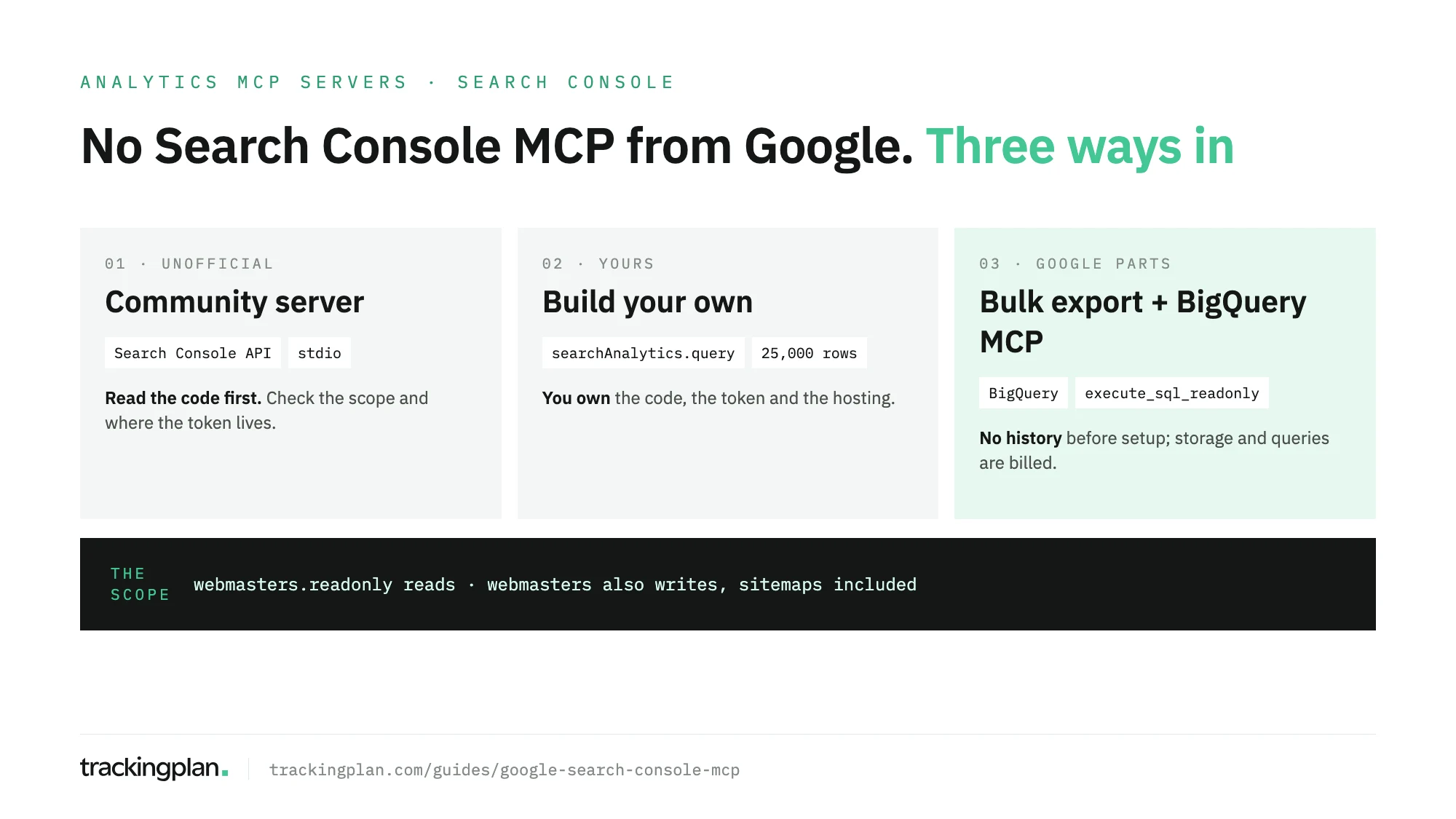
TL;DR Google doesn’t publish a Search Console MCP server. The options are a community server, one you build on the Search Console API, or Google’s BigQuery MCP server reading the Search Console bulk export. Whatever you pick reads through the same API: 25,000 rows per request, two OAuth scopes, one of them with write access. Check which scope a server asks for before you sign in.
Search for a Search Console MCP and the first page is GitHub repositories, connector services and setup tutorials. None of them comes from Google. This page sorts the options, explains what any of them can reach, and says what to check before you hand one your Google account. It’s part of our map of analytics MCP servers.
If you only want the data in Claude or ChatGPT, through the routes Google does document, our guide to connecting Search Console to Claude or ChatGPT has the steps.
How do I set up the Google Search Console MCP?
There’s no Google Search Console MCP to set up: Google doesn’t publish one. Setting up “a” Search Console MCP means picking a community server or building your own on the Search Console API, then adding it to your client.
The shape is the same for every server built on the API:
- Enable the Search Console API in a Google Cloud project.
- Create OAuth credentials. For reading performance data, the scope is
webmasters.readonly. - Run the server, locally over stdio or hosted over HTTP.
- Add it to your MCP client: Claude Desktop, Claude Code, Cursor or any other.
- Sign in with a Google account that has access to the property.
The commands and config differ per server, so copy them from the server’s own README, not from a tutorial. And if all you need is search performance in a warehouse, there’s a route with only Google parts: the bulk export to BigQuery, read by Google’s BigQuery MCP server. More on that below.
Does Google publish a Search Console MCP server?
No. We checked on 16 November 2026:
- Google’s own list. Google’s repository of the MCP servers it publishes, remote and open source, has Google Analytics, BigQuery, Workspace, Firebase and Chrome DevTools. Not Search Console.
- Google Cloud’s list. Google Cloud’s product list of managed remote MCP servers covers dozens of Cloud, Workspace and Maps products. No Search Console.
So every Search Console MCP server you find is unofficial, however official its name sounds.
What any Search Console MCP server can reach
Every server, community or your own, is a wrapper around the Search Console API, documented in Google’s API reference. Its limits are the server’s limits.
| What | The API’s rule |
|---|---|
| Performance data | searchAnalytics.query, grouped by date, hour, country, device, page, query and searchAppearance |
| Rows | 1 to 25,000 per request; 1,000 by default |
| Fresh or final data | dataState: final by default, all for fresh data, hourly_all for the hourly breakdown |
| Search Analytics quota | 1,200 queries per minute per site and per user |
| URL Inspection quota | 2,000 a day and 600 a minute per site |
| Read scope | webmasters.readonly: read-only access |
| Write scope | webmasters: read and write access |
The quotas come from Google’s usage limits, the scopes from Google’s authorisation guide.
Two consequences. A server that doesn’t page through results returns at most 1,000 rows by default, so a long tail of queries goes missing without any error. And a server that asks for webmasters can change things, sitemaps included, even if you only meant to read.
One community server, as an example
The top organic result for this search is mcp-gsc, in AminForou’s repository: an open-source server by an independent developer under the MIT licence. It isn’t from Google, and we don’t vouch for it. It’s worth reading as an example of what a well-documented community server exposes:
| Tool group | Tools in its README |
|---|---|
| Properties | list_properties, get_site_details |
| Performance | get_search_analytics, get_performance_overview, compare_search_periods, get_search_by_page_query, get_advanced_search_analytics |
| Indexing | inspect_url_enhanced, batch_url_inspection, check_indexing_issues |
| Sitemaps | get_sitemaps, list_sitemaps_enhanced, manage_sitemaps |
| Housekeeping | get_capabilities, reauthenticate |
Per its README, it runs locally over stdio by default and signs in with OAuth or a service account. manage_sitemaps can submit or delete sitemaps. Adding or deleting a site, and deleting a sitemap through the dedicated tool, stay off unless you set GSC_ALLOW_DESTRUCTIVE="true".
That’s the pattern to look for in any server: write tools listed openly, destructive ones off by default.
Vet a server before you sign in
A Search Console server asks for a Google token on your property. Before you grant it:
- Read the code, or have someone who can read it look. Check how it stores the token.
- Check the scope.
webmasters.readonlyreads.webmastersalso writes. - Know where the token lives. A server you run locally keeps it on your machine. A hosted one, or a connector service, keeps it on theirs.
- Count the rows. Ask the same question in the Search Console UI and through the server. If the totals differ, check the row limit and the
dataStateit uses. - Keep write tools on approval in your client, or blocked.
The route with only Google parts
If you want ongoing search data in an assistant and no community code, use the bulk data export to BigQuery, set up as Google’s help center describes. Search Console writes performance data to your BigQuery project on a regular schedule, and Google’s remote BigQuery MCP server lets the assistant query it. Google Cloud’s docs list a read-only SQL tool, execute_sql_readonly, next to execute_sql, which can write: set the second one to need approval.
It isn’t a Search Console MCP server, but it’s the closest thing Google ships. The export itself has no row cap; each query through the MCP server returns at most 3,000 rows and runs for at most three minutes by default, so ask for aggregates, not raw rows. The other trade-offs are on the export side: it starts on the day you set it up, with no history, and BigQuery storage and queries are billed. The setup, both sides, is in the Search Console guide for Claude and ChatGPT.
What the data can’t tell you
Search Console counts clicks and impressions on Google’s side. A broken tag on your site doesn’t change them. The trouble starts with the next question everyone asks the assistant: join Search Console with GA4, which the built-in Google Analytics Search Console integration does for only two reports. Then a template that lost its analytics tag, a redirect that drops the referrer, or a consent banner that blocks analytics in one market shows up as “clicks are fine but sessions fell”. An MCP server hands the model whatever each platform stores, and the model can’t tell a tracking gap from a traffic drop. Why the two tools differ covers the normal gaps; the abnormal ones need another source.
Validate the data before you give it to an agent. Trackingplan watches the hits your site sends to analytics and ad platforms on real traffic, with the dataLayer and the consent state, so a page that lost its tag shows up as an issue, not as a fall in organic traffic. Trackingplan MCP brings that into Claude, ChatGPT or Cursor next to whichever Search Console route you chose. Each person signs in as themselves, with no API key; the MCP endpoint docs have the setup.
FAQ
How do I set up the Google Search Console MCP?
Google doesn’t publish one, so you set up a community server or build your own on the Search Console API. Either way: enable the Search Console API in a Google Cloud project, create OAuth credentials with the webmasters.readonly scope, run the server, and add it to your MCP client.
Is there an official Google Search Console MCP server?
No. As of 16 November 2026, Search Console isn’t in Google’s MCP repository or in Google Cloud’s list of products with a managed remote MCP server. Every Search Console MCP server is built by someone other than Google.
How many rows can a Search Console MCP server return?
The Search Analytics API returns up to 25,000 rows per request, with 1,000 as the default, so a server that doesn’t page through results stops there. The bulk export to BigQuery has no row cap, although Google’s BigQuery MCP server returns at most 3,000 rows per query.
Can a Search Console MCP server change my property?
If it asks for the webmasters scope, yes: that scope allows writes, such as submitting or deleting sitemaps. The webmasters.readonly scope is enough to read performance data, so prefer a server that asks only for that.