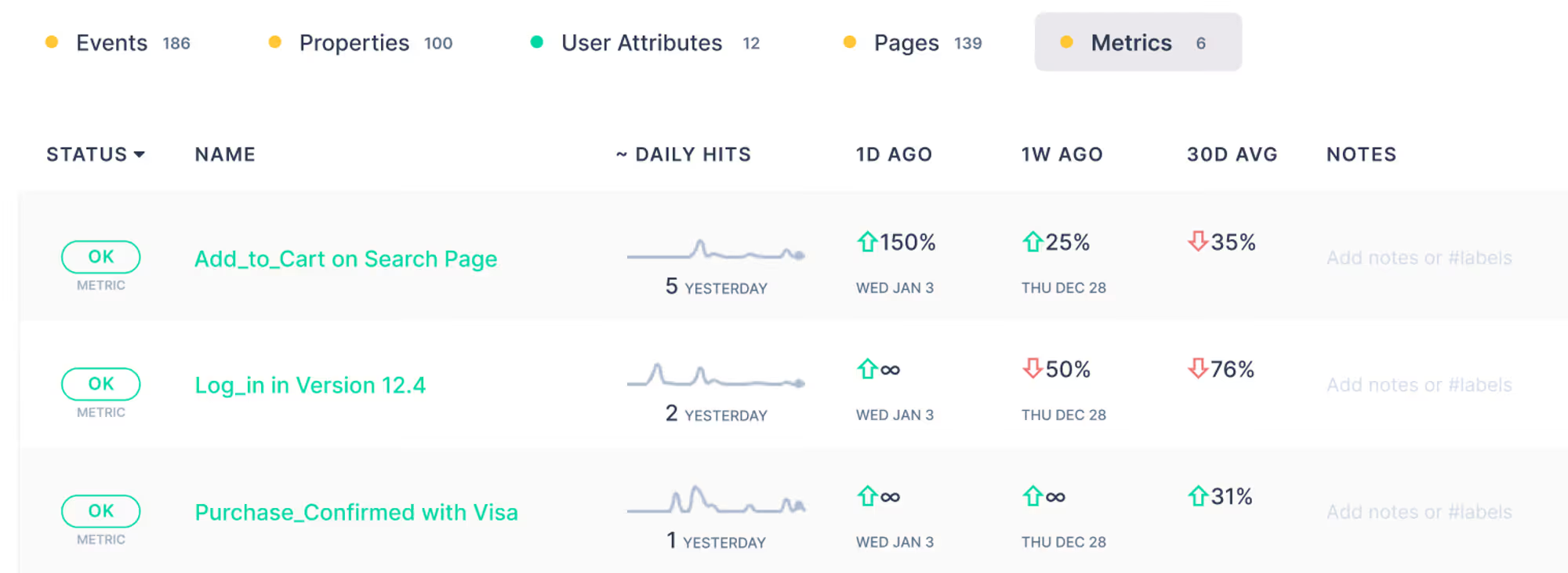
At Trackingplan, we know there are complex scenarios that are important to measure closely (even if all we care about is being able to correctly view their traffic and any potential anomalies with it, but not necessarily their properties).
- An event Add_to_Cart on the Search Page…
- The Log_in in Version 12.4…
- The Purchase_Confirmed with Visa…
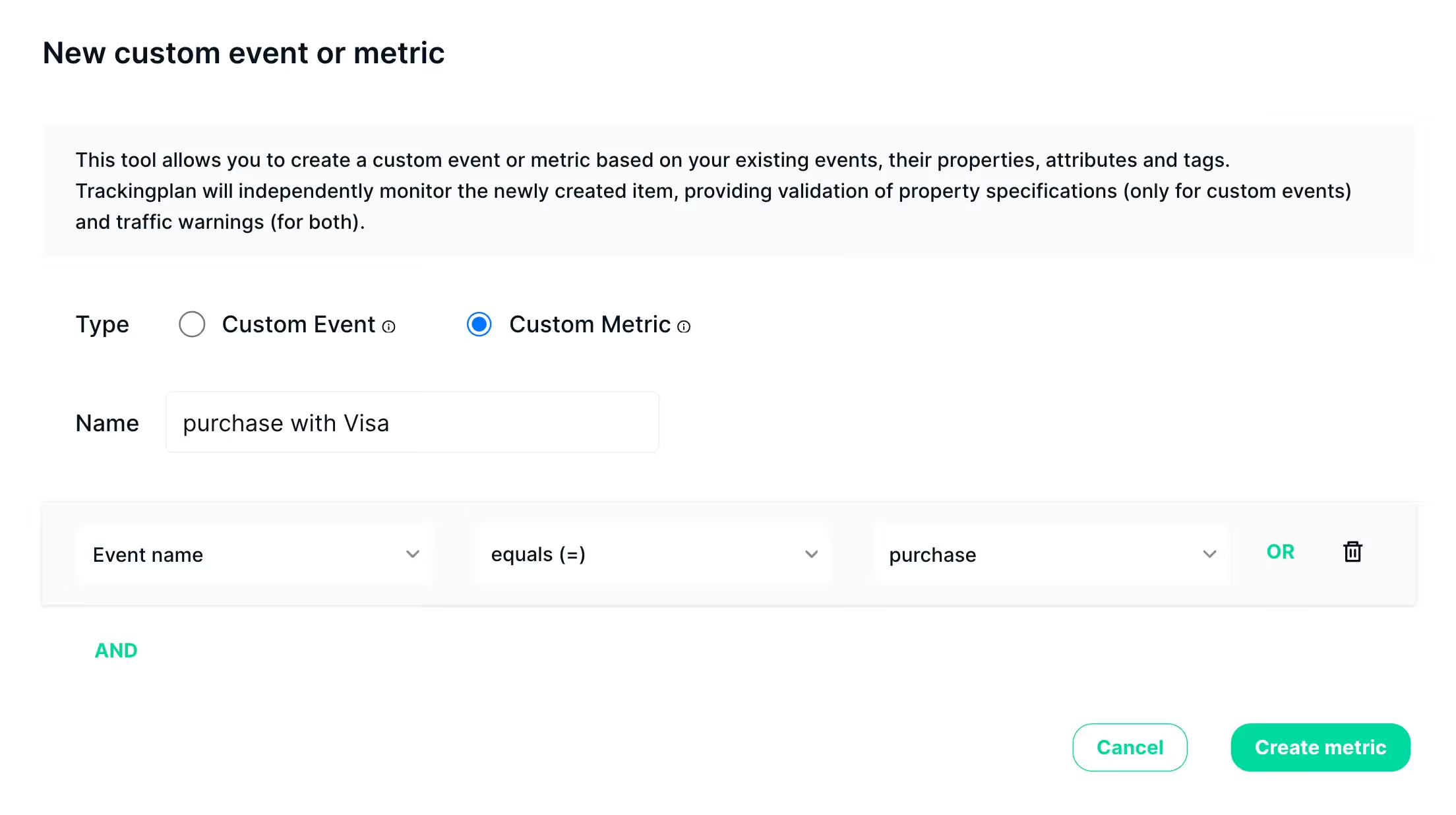
While this was possible using Trackingplan's Custom Events, we’re happy to say you can now create Custom Metrics to make this process even easier, eliminating the noise of property errors that don't matter in these cases.
Custom Metrics enable you to define and monitor specific events within your apps and websites without the noise of potential errors associated to their properties, allowing you to focus on what matters most to your business.
How Does it Work?
With Custom Metrics, you can track and validate any of your events with more granularity based on existing events, their properties, and your tags. Yet, by excluding properties from these metrics, you can ensure a clear and accurate measurement of key events without the distraction of unnecessary data.
Custom Metrics can be easily accessed and managed through your Metrics tab, and you'll be able to add them to your starred items list, add notes for reference, or view them through your Daily Digest.