
Tracking errors can slip through unnoticed and distort campaign insights when analytics environments lack clear structure and automation. For digital analysts and marketing leaders at large enterprises, the stakes are high if critical decisions rely on unreliable data. By focusing on aligned data collection and automated monitoring, teams can expose anomalies sooner and strengthen their reporting accuracy. This step-by-step guide reveals proven strategies to help you catch issues early, audit flows, and implement fixes that stick.
Table of Contents
- Step 1: Prepare Your Analytics Environment For Issue Detection
- Step 2: Discover Tracking Errors With Automated Monitoring Tools
- Step 3: Audit Data Flows And Diagnose Root Causes Of Anomalies
- Step 4: Verify Tracking Fixes And Set Up Ongoing Alerts
Quick Summary
| Key Insights | Explanation |
|---|---|
| 1. Align data with business goals | Identify specific questions to guide data collection effectively. |
| 2. Automate data collection | Implement automated processes to minimize human error and increase accuracy. |
| 3. Use real-time monitoring tools | Deploy tools to continuously track data quality and alert your team quickly. |
| 4. Conduct thorough root cause analysis | Utilize structured methods to identify and resolve tracking anomalies efficiently. |
| 5. Verify fixes and set alerts | Confirm that tracking issues are resolved and set alerts to catch future problems. |
Step 1: Prepare your analytics environment for issue detection
Before you can catch tracking problems, you need a foundation that supports their discovery. Think of this as creating the right conditions for anomalies to surface rather than hiding in plain sight.
Start by aligning your data collection directly with business decisions. This means identifying what questions your team actually needs answered—not just collecting data because it’s possible. MIT experts emphasize that setting up integrated analytics environments with clear business alignment significantly improves your ability to detect issues early.
Next, establish clear data models and validation mechanisms. You need rules that define what “normal” looks like for your specific business context. This creates the baseline against which anomalies stand out. A baseline isn’t one-size-fits-all—it reflects your traffic patterns, seasonal trends, and campaign schedules.
Assemble the right team structure. You’ll need people who understand both your business context and the technical side of analytics implementation. This hybrid knowledge prevents blind spots where issues slip through the cracks.
Here are the core preparation steps:
- Document all data collection points across your website, apps, and server-side environment
- Define what success looks like for each tracking implementation
- Set up automated data validation to catch obvious errors before they propagate
- Create a shared taxonomy so everyone uses the same terms for events and dimensions
- Establish ownership—who’s responsible for each data source
Implement automated collection processes rather than manual ones. Automation removes human error and ensures consistency across implementations. Manual processes always break down eventually—under pressure, during holidays, when someone forgets a step.
Here’s a comparison of manual versus automated analytics data collection methods:
| Aspect | Manual Collection | Automated Collection |
|---|---|---|
| Error Rate | High, prone to mistakes | Low, consistent accuracy |
| Scalability | Difficult to scale | Easily handles large volumes |
| Response to Issues | Slow, often delayed | Fast, near real-time alerts |
| Maintenance Effort | Requires frequent oversight | Minimal ongoing maintenance |
Consider using golden baselines for analytics testing to establish what normal performance looks like. This reference point becomes your early warning system.
A well-prepared analytics environment catches 70% of tracking issues before they impact your reporting.
Pro tip: Document your setup before turning on monitoring—take screenshots of all configurations, list every pixel and event, and save implementation details. When issues arise later, you’ll reference this documentation constantly.
Step 2: Discover tracking errors with automated monitoring tools
Now that your environment is prepared, it’s time to deploy the tools that will actively hunt for problems. Automated monitoring turns your analytics from a passive reporting system into an early warning mechanism.
Start by selecting monitoring tools that fit your tech stack. You need solutions that scan your data pipelines continuously, not just when you manually check them. Automated anomaly detection tools help discover data quality issues promptly and reduce false positives through smart alert criteria.
Set up real-time alerting across your critical metrics. When tracking breaks, you want to know within minutes, not days. The faster you catch an issue, the smaller the window of bad data affecting your decisions.
Configure your monitoring to track these key indicators:
- Event volume changes from baseline expectations
- Missing or null values in required fields
- Data latency increases in your pipeline
- Schema mismatches or unexpected field types
- Campaign attribution gaps or inconsistencies
Use multi-source correlation when investigating alerts. A spike in one metric might seem alarming until you cross-reference it with traffic source data, conversion rates, and campaign activity. Smart monitoring systems correlate across multiple data sources automatically, reducing noise.
Implement tiered alert severity levels. Not every anomaly deserves your immediate attention. Small variations within expected ranges should trigger informational logs, while major deviations warrant urgent notifications to your team.
Connect your monitoring tools to your team’s communication channels. When an alert fires, your team needs context immediately—ideally with root cause suggestions already analyzed.
Real-time monitoring catches tracking errors in hours instead of weeks, preventing analytics-driven decisions on corrupted data.
Pro tip: Start with your highest-impact metrics only—if you alert on everything, your team stops paying attention to alerts. Begin with conversion tracking, revenue data, and critical campaign metrics, then expand as your monitoring matures.
Step 3: Audit data flows and diagnose root causes of anomalies
When an anomaly surfaces, you need a systematic approach to pinpoint exactly where and why it happened. Random troubleshooting wastes time. Structured diagnosis finds answers.
Start by mapping your data flow visually. Trace the journey of data from collection point through processing, transformation, and storage. Identify every system, API, and transformation step along the way. This map becomes your diagnostic guide when something breaks.

Use structured root cause analysis techniques to investigate systematically. The “five whys” method works well: ask why the anomaly occurred, then ask why that cause happened, continuing five levels deep until you reach the actual problem. Root cause analysis methodology combined with fishbone diagrams helps auditors identify process weaknesses methodically.
When investigating, follow these diagnostic steps:
- Compare the anomalous metric against historical baselines to measure severity
- Check for schema changes or field updates that occurred around the anomaly start time
- Review implementation changes—pixel updates, tag modifications, or code deployments
- Correlate the anomaly across related metrics to determine scope
- Test your hypothesis by isolating individual data sources
Look for common culprrit areas: tracking code removed from pages, consent manager blocking pixels, third-party service outages, or recent campaign configuration changes. These account for the majority of real-world tracking issues.
Document your findings thoroughly. Record what you found, what you tested, what caused the issue, and what you changed to fix it. This documentation becomes invaluable when similar issues arise later.
Systematic root cause diagnosis typically resolves tracking issues 3x faster than reactive troubleshooting.
Pro tip: When auditing data flows, always check the easiest possibilities first—broken implementations, disabled pixels, and consent settings resolve 80% of issues before you need deep technical analysis.
Step 4: Verify tracking fixes and set up ongoing alerts
Fixing a tracking issue is only half the battle. You need to confirm the fix actually worked, then prevent the same problem from happening again. This step locks in your progress.
Start by retesting the fixed implementation under real conditions. Don’t just assume it works—verify that data flows correctly through your entire pipeline. Check that events fire, attributes populate, and values match expectations. This validation step prevents false confidence in broken fixes.
Compare data from before and after your fix. Pull historical data from when the issue was active, then compare it against current data. Look for normalization in event counts, field completion rates, and timing patterns. Verification through continuous quality monitoring ensures that identified data issues are actually resolved.
Your verification checklist should include:
- Event volume returning to baseline levels
- All required fields now populated in data records
- Latency metrics back to normal ranges
- No new errors appearing in data validation logs
- Campaign attribution aligning with expected values
Once verified, configure automated alerts to catch this specific issue if it reoccurs. Set up alerts for the exact conditions that triggered the original problem—whether that’s low event volume, missing fields, or schema violations.
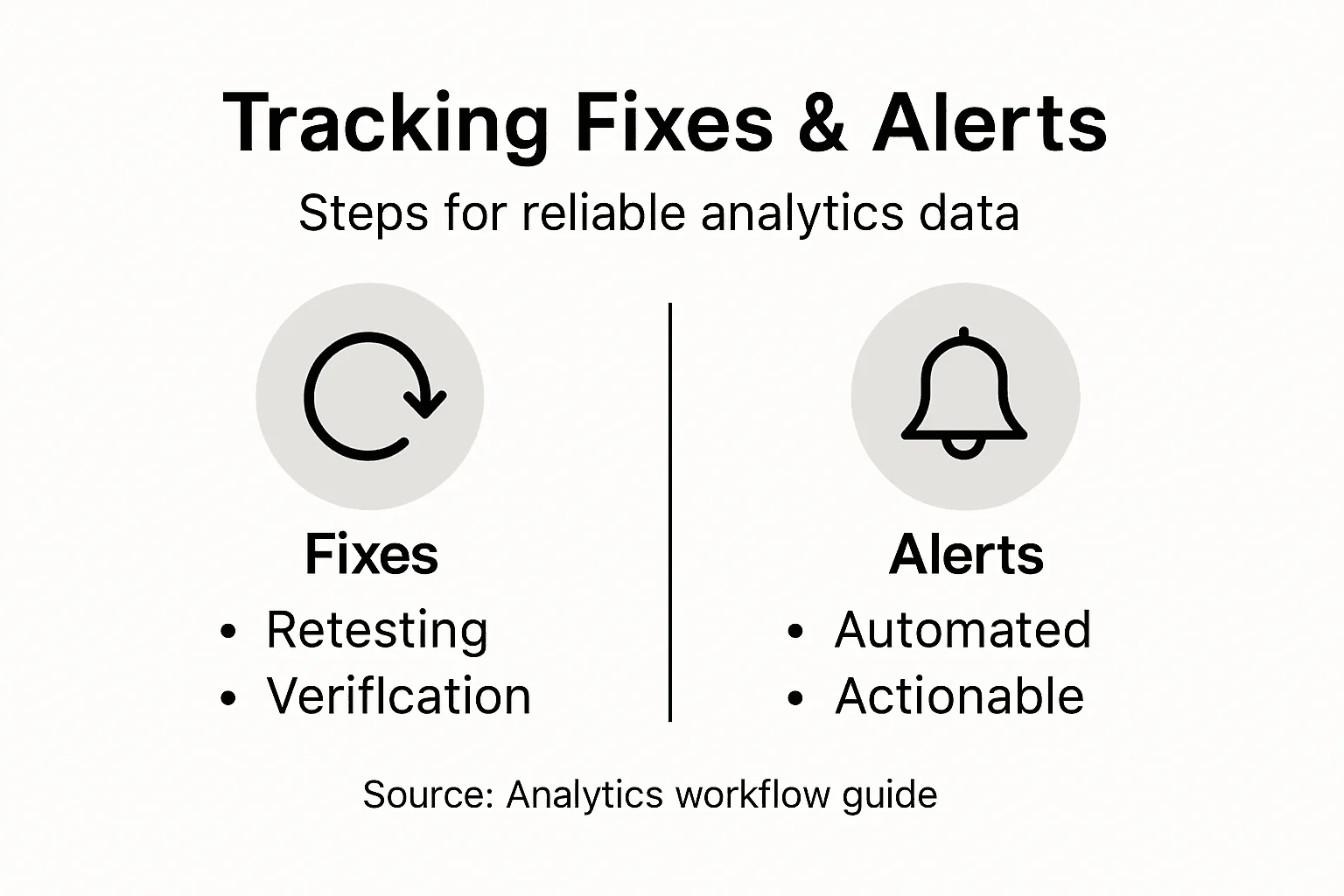
Design your alert system to be specific and actionable. Broad alerts create alert fatigue and teams stop responding. Precise alerts tied to business impact get immediate attention.
This table outlines key alert types in analytics monitoring and their business implications:
| Alert Type | Trigger Condition | Business Impact |
|---|---|---|
| Info: Minor Change | Small deviation from norm | Tracks trends, low urgency |
| Warning: Potential Issue | Moderate anomaly detected | Possible temporary data quality risk |
| Critical: Major Error | Significant metric drop | Immediate action needed, prevents loss |
| Regression Alert | Recurring issue detected | Stops repeated reporting errors |
Connect alerts to your team’s workflow. Whether through email, Slack, or Teams, your monitoring system should reach people who can act on it within minutes.
Teams with ongoing alert systems catch 94% of regression issues within hours, preventing data quality decay.
Pro tip: Set up a “health dashboard” that shows real-time status of all your critical tracking implementations—this becomes your first stop each morning to verify overnight data quality.
Ensure Your Analytics Are Always Accurate With Trackingplan
Detecting tracking issues early is crucial to maintaining reliable analytics data as highlighted in the article “How to Detect Tracking Issues for Reliable Analytics Data”. You face challenges such as missing pixels, schema mismatches, and campaign misconfigurations that can disrupt your decision making and hurt marketing performance. Keeping track of data anomalies, real-time alerts, and root cause diagnosis manually is time consuming and prone to error. That is why a well-prepared, automated solution is essential for digital marketing teams and analytics professionals who want complete confidence in their tracking.
Stop guessing and start knowing with Trackingplan Our SaaS platform offers automated discovery, continuous monitoring, and thorough auditing of your marketing and analytics implementations. By leveraging AI and instant alerts via email, Slack, or Teams, you can detect and fix tracking failures within hours instead of weeks. Trackingplan’s features include pixel monitoring, privacy compliance checks, and comprehensive dashboards that empower you to maintain flawless data quality, optimize ad spend, and boost ROI. Learn more about our automated audit and root-cause analysis and how we save teams valuable time so they can focus on growing their business. Take charge of your analytics integrity today and avoid costly decision errors caused by tracking issues.
Frequently Asked Questions
How can I prepare my analytics environment for issue detection?
To prepare your analytics environment for issue detection, align your data collection with your business decisions. Document all data collection points and establish clear data models and automated validation mechanisms to create a baseline that defines what normal looks like for your business.
What are the best practices for automated monitoring of tracking errors?
Implement automated monitoring tools that continuously scan your data pipelines for anomalies. Set up real-time alerts for key metrics, ensuring you receive notifications within minutes of an issue arising, which allows you to address problems quickly before they impact your decision-making.
How do I diagnose the root causes of tracking anomalies?
To diagnose root causes of tracking anomalies, map your data flow visually, tracing the journey from collection to storage. Use structured root cause analysis techniques, such as the