
Tracking slippage and compliance errors often sneak up on even the most experienced digital marketing teams. For analysts working across Canada, the United States, and Europe, evolving regulations mean every cookie set comes with new responsibilities. Consent requirements for cookies that collect personal data apply no matter where your business operates, so a clear process for defining, monitoring, and testing cookies will help you avoid costly mistakes and keep your campaign data reliable.
Table of Contents
- Step 1: Define Cookie Requirements And Compliance Needs
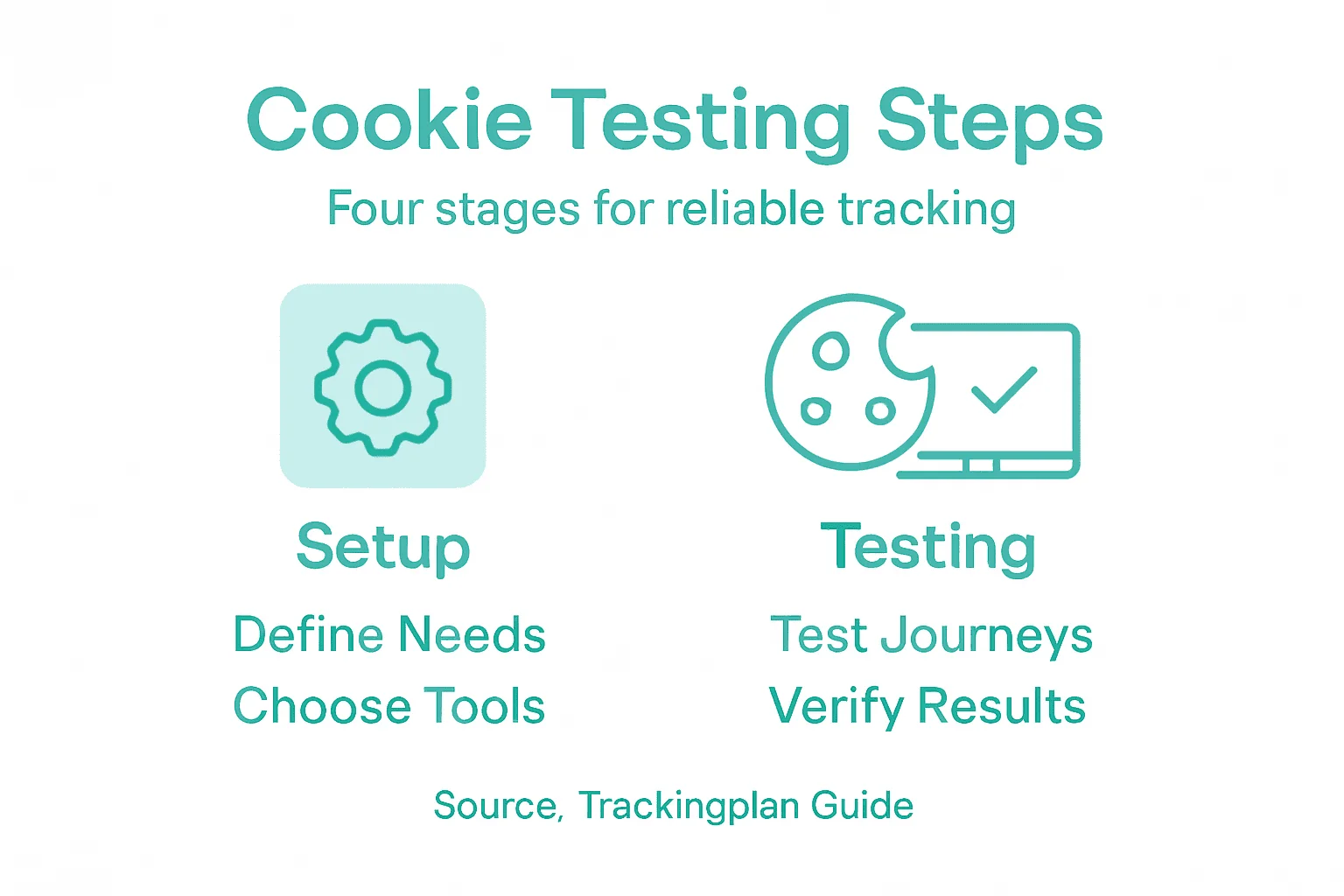
- Step 2: Set Up Monitoring Tools For Tracking Cookies
- Step 3: Execute Cookie Testing Across User Journeys
- Step 4: Verify Results And Resolve Detected Issues
Quick Summary
| Main Insight | Clarification |
|---|---|
| 1. Define cookie requirements clearly | Conduct a thorough audit of current cookies and compliance needs based on applicable privacy laws such as GDPR or CCPA. |
| 2. Implement effective monitoring tools | Use built-in browser tools and extensions to track cookie behavior, ensuring compliance and identifying misconfigurations in real time. |
| 3. Test user journeys thoroughly | Map out user journeys and rigorously test cookie functionality across different scenarios to ensure data integrity and accurate tracking. |
| 4. Document and verify issues systematically | Maintain detailed records of issues found during testing, prioritize fixes based on impact, and ensure thorough retesting after each fix. |
Step 1: Define cookie requirements and compliance needs
Before you implement any tracking, you need to understand what cookies your organization actually needs and which privacy laws apply to your operations. This step establishes the foundation for compliant, accurate tracking that protects both your visitors and your data.
Start by auditing your current cookie setup. Ask yourself these questions:
- What data are you collecting with cookies?
- Who are your visitors and where do they live?
- Which marketing, analytics, and advertising tools do you use?
- What personal data triggers consent requirements?
Your geographic location determines your legal obligations. If you serve visitors in the European Union, GDPR applies. California residents fall under CCPA. Canada has PIPEDA. Each jurisdiction has different rules about what requires consent and how you must obtain it.
Cookies that collect personal data require explicit consent before being set, regardless of where your business operates.
Next, categorize your cookies by type. Essential cookies keep sessions running and maintain security. Analytics cookies track user behavior and performance. Marketing cookies enable retargeting and personalization. Each category has different compliance rules.
Here’s a summary of common cookie types and their regulatory considerations:
| Cookie Type | Purpose | Consent Required? | Compliance Considerations |
|---|---|---|---|
| Essential | Session management, security | Usually not | Disclose in privacy policy |
| Analytics | Track site usage and performance | Usually yes | Inform users, obtain consent |
| Marketing | Retargeting and user personalization | Always yes | Explicit consent, clear notice |
| Third-Party | Set by external services or scripts | Yes, especially in EU/US | Vendor contracts, user opt-out |
Understand the key attributes you’ll need to configure: secure cookie configuration involves using the Secure attribute for HTTPS connections, HttpOnly to prevent JavaScript access, SameSite to block cross-site requests, and Path restrictions to limit scope. These settings protect sensitive data and prevent security vulnerabilities.

Document what personal data your cookies collect and require a clear consent banner that explains your data practices. Many organizations skip this and face penalties during audits.
Create a cookie inventory spreadsheet listing each cookie’s name, purpose, type, expiration, and consent requirement. This becomes your reference document throughout testing.
Pro tip: Review your analytics platform and advertising tool documentation first—they often pre-define which cookies are essential versus optional, saving you hours of research and preventing misconfigurations later.
Step 2: Set up monitoring tools for tracking cookies
Now that you understand your cookie requirements, you need visibility into what’s actually happening on your site. Setting up monitoring tools lets you track cookie behavior, catch misconfigurations, and stay compliant in real time.
Start with your browser’s built-in tools. Most modern browsers include cookie management features that show you what cookies are being set, by which domains, and when they expire. Firefox and Chrome both allow you to inspect cookies, block specific ones, and clear them automatically. These tools help you understand your baseline cookie behavior before adding additional monitoring.
Without visibility into cookie behavior, you cannot verify compliance or catch tracking errors before they impact your data.
Next, consider browser extensions that provide deeper monitoring. Cookie management tools like Cookie AutoDelete automatically track and delete unused cookies, helping you identify which cookies are actually essential versus unnecessary. These extensions let you whitelist trusted domains while removing tracking cookies that accumulate over time.
Set up monitoring across your key tools and platforms:
- Analytics platforms (Google Analytics, Mixpanel) have built-in cookie monitoring dashboards
- Tag managers (Google Tag Manager, Segment) show you cookie creation, scope, and values
- Privacy compliance tools track consent status and cookie declarations
- Testing environments let you simulate user journeys and watch cookies fire in real time
Create a testing checklist that documents what you’re monitoring. For each cookie, record its name, when it appears, what data it contains, and whether it fired correctly. This becomes your quality assurance baseline.
Implement automated monitoring where possible. Many platforms offer alerts for missing cookies, firing delays, or unexpected data values. Set up notifications so your team knows immediately when something breaks, rather than discovering issues during monthly audits.
Pro tip: Set up a dedicated test account or device that mirrors your visitor’s journey, then run through it weekly while monitoring all your cookies simultaneously—this reveals real-world issues that dashboards sometimes miss.
Below is a feature comparison of popular cookie monitoring tools:
| Tool Category | Key Features | Ideal Use Case |
|---|---|---|
| Browser Dev Tools | Real-time cookie inspection | Spot-checking in development |
| Browser Extensions | Auto-delete, whitelist/blacklist | Ongoing privacy and compliance |
| Analytics Dashboards | Cookie event tracking, reporting | Analyzing site-wide cookie behavior |
| Privacy Platforms | Consent management, alerting | Ensuring regulatory and audit readiness |
Step 3: Execute cookie testing across user journeys
You’ve defined your requirements and set up monitoring. Now comes the critical work: testing cookies as real users move through your site. This ensures your tracking fires correctly at every touchpoint and maintains data integrity.
Start by mapping your user journeys. Think about the paths visitors actually take on your site. Do they land on the homepage, browse products, add items to a cart, and checkout? Do they visit a blog article, sign up for a newsletter, and return weeks later? Each journey should be a separate test scenario.
Cookie testing must cover complete user workflows, not just individual pages, to catch real-world tracking failures.
Before you begin, document what should happen at each step. When a user logs in, which cookies should fire? When they add an item to their cart, what data should be captured? When they return the next day, which cookies should recognize them? Having clear expectations makes it obvious when something breaks.
Now execute your tests step by step:
- Clear your browser cookies and cache to start fresh
- Open browser developer tools and navigate to the Application or Storage tab
- Follow a user journey from start to finish while watching cookies appear
- Verify each cookie has the correct session management attributes like expiration dates, domain scope, and security flags
- Check that cookie security attributes such as Secure and HttpOnly flags are properly set
- Record what data each cookie contains and whether it matches your inventory
Test multiple journeys to catch edge cases. Test on desktop and mobile. Test with different browsers. Test returning visitors versus first-time visitors. Test across different geographic regions if you serve multiple markets.
Document failures immediately with screenshots. Note exactly where the cookie failed, what you expected, and what actually happened. This becomes your bug report for developers.
Pro tip: Run the same user journey twice in quick succession while monitoring cookies—the second run reveals whether your tracking recognizes returning visitors correctly, which catches critical personalization and retargeting failures.
Step 4: Verify results and resolve detected issues
Your testing has surfaced problems. Now you need to verify what you’ve found and fix it before those issues impact your tracking accuracy and compliance. This step separates teams that catch problems early from those that discover them during audits.
Start by reviewing your test results systematically. Look for patterns in what failed. Did cookies consistently miss on mobile devices? Did certain pages never set analytics cookies? Did security attributes vary between cookies? Grouping failures by type makes fixes easier to prioritize.
Missing or misconfigured cookies often cluster around specific features or pages, so fixing one issue frequently resolves multiple failures.
Create a verification checklist for each cookie issue. Ensure secure cookie attributes like Secure and HttpOnly flags are properly configured, domain scoping is appropriately restrictive, and expiration dates match your requirements. Missing security attributes create vulnerabilities that extend beyond tracking accuracy.
Prioritize your fixes by impact and severity:
- Critical (blocks revenue or violates compliance): Session cookies not firing, consent flags missing
- High (creates security risks or data loss): Cookies lacking Secure flags, HttpOnly not set
- Medium (causes reporting gaps): Analytics cookies firing inconsistently, retargeting pixels delayed
- Low (minor data quality issues): Non-essential cookies with incorrect expiration
For each issue, document the root cause. Is it a tag manager misconfiguration? An outdated library? A platform update that broke your implementation? Understanding why something failed prevents it from happening again.
Implement your fixes and retest immediately. Don’t wait to batch fixes together. Each resolved issue should be verified before moving to the next. Test the exact scenario that failed originally to confirm it’s actually resolved.
Monitor for suspicious cookie behavior after fixes deploy. Watch for anomalies like unexpected IP address changes or User-Agent shifts that suggest cookie misuse or session hijacking attempts. Early detection prevents security incidents from escalating.
Pro tip: Keep a running log of all issues found and resolved, organized by root cause—over time, patterns emerge showing which platforms, integrations, or update cycles introduce the most problems, letting you prevent future issues before testing.
Ensure Flawless Cookie Tracking With Automated Monitoring
Accurate cookie testing is essential for trustworthy analytics and compliance with complex privacy regulations like GDPR and CCPA. Many teams struggle with manual audits that miss critical issues such as missing consent flags, inconsistent cookie attributes, or unexpected tracking behaviors across user journeys. These challenges risk data loss, compliance fines, and lost revenue due to poor attribution.
Trackingplan streamlines this complex process by delivering continuous, automated discovery and monitoring of tracking cookies across your websites, apps, and server environments. Our platform detects broken pixels, tracking inconsistencies, and privacy compliance gaps in real time so you can fix issues before they impact your data or user trust. Monitor security attributes, session cookies, and third-party tags effortlessly with AI-powered alerts sent directly to your email, Slack, or Teams.
Ready to take the guesswork out of cookie testing and safeguard your marketing data accuracy? Visit Trackingplan now to learn how our automated auditing and alert system empowers marketing teams, developers, and QA specialists to proactively prevent cookie tracking failures and maintain compliance. Start optimizing your digital analytics today with the smart solution designed for precision and speed.
Frequently Asked Questions
What are essential cookies and do they require consent?
Essential cookies are necessary for basic functionalities, such as session management and security, and typically do not require user consent. However, it’s important to disclose their use in your privacy policy to ensure transparency.
How do I monitor cookie behavior on my website?
To monitor cookie behavior, utilize your browser’s developer tools to inspect cookies being set, while considering browser extensions for deeper insights. Create a checklist to document each cookie’s name, purpose, and whether it fired correctly during tests.
What steps should I take to test cookies across different user journeys?
Begin by mapping out the different paths users may take on your site and documenting the expected cookie behaviors at each step. Execute tests for these scenarios, verifying that the correct cookies are fired and have the expected attributes.
How can I resolve issues detected during cookie testing?
To resolve cookie testing issues, systematically review your test results to identify patterns in failures, then prioritize fixes based on their impact and severity. Document the root causes of each issue, implement the necessary changes, and retest to confirm that problems are resolved.
Why is tracking cookie compliance important for my organization?
Tracking cookie compliance is crucial to ensure that you’re meeting regulatory requirements and protecting user privacy, which can help avoid penalties. Regular auditing and testing your cookie setups can enhance data integrity and improve user trust in your organization.
Recommended
- The 12 Best Cookies Audit Tools for Compliance and Data Quality in 2026 | Trackingplan
- A Practical Guide to the Adobe Analytics Tracking Code | Trackingplan
- Consent & Cookies Checker | Trackingplan
- How to Eliminate Tracking Cookies for Better Online Privacy | Trackingplan
- Dot Data Labs — High-Quality Data for Training AI Models — Providing datasets for AI training