
TL;DR:
- Most marketing teams drown in data but struggle to find actionable insights amid growing reports and dashboards. Focusing on a few key metrics in acquisition, engagement, conversion, and business outcomes, and assigning clear ownership, helps teams make informed decisions and drive growth. Ensuring data quality through proper tracking implementation is essential for reliable metrics that truly reflect business performance.
Most marketing teams drown in data while starving for direction. The dashboards are full, the reports are running, and the meetings are long — yet decisions still feel uncertain. Knowing which key analytics metrics to track is what separates teams that react from teams that act. This article breaks down the most important analytics metrics across acquisition, engagement, conversion, business outcomes, and technical performance, with specific context for each so you can connect numbers to decisions, not just reports.
Table of Contents
- Key takeaways
- 1. Key analytics metrics to track: start with acquisition
- 2. Engagement metrics: understanding what users actually do
- 3. Conversion metrics: measuring what actually matters to the business
- 4. Business outcome metrics: connecting marketing to revenue
- 5. Website performance and retention metrics: the long-game indicators
- My honest take on measuring what actually moves the needle
- Make your metrics reliable with Trackingplan
- FAQ
Key takeaways
| Point | Details |
|---|---|
| Organize metrics by category | Group important analytics metrics into acquisition, engagement, conversion, and retention to connect behavior to outcomes. |
| Replace bounce rate in GA4 | Use engaged sessions and engagement rate instead of bounce rate for more reliable content performance signals. |
| Tie metrics to decision owners | Assign each KPI group to a function: acquisition to marketing, conversion to CRO, retention to CRM teams. |
| CLV:CAC ratio is a growth signal | A healthy customer lifetime value to acquisition cost ratio of at least 3:1 indicates sustainable growth. |
| Data quality drives everything | Accurate KPI tracking depends on clean, validated tracking implementations, not just choosing the right metrics. |
1. Key analytics metrics to track: start with acquisition
Before anything else, you need to know who is arriving at your site and how they got there. Acquisition metrics group sessions, users, traffic sources, and landing pages together to tell that story.
Sessions and users are your foundation. Sessions count all interactions within a single visit, including pageviews, clicks, and form touches. Users represent the individuals behind those sessions. The new versus returning split tells you two very different things: new users signal whether your awareness campaigns are working, while returning users indicate loyalty and content depth.
Traffic source data breaks your audience into channels: organic search, paid search, social, email, referral, and direct. Each channel carries different intent and cost. A user arriving from an organic blog post is typically earlier in their consideration than one clicking a retargeting ad. Understanding this split lets you allocate budget where quality traffic actually comes from, not just volume.
Top landing pages complete the picture. High-traffic landing pages with poor downstream engagement suggest a mismatch between the promise of the acquisition channel and the experience on the page. That is a signal to fix messaging alignment, not to spend more on ads.
- Sessions: total visits in a period, including all interactions
- New vs. returning users: growth signal vs. loyalty signal
- Traffic sources: organic, paid, social, referral, email, and direct
- Top landing pages: entry points that shape downstream behavior
- Channel-specific conversion rates: acquisition quality, not just quantity
Pro Tip: Map each acquisition KPI to a channel owner. Organic search belongs to your SEO or content team. Paid traffic belongs to your media buyer. When a KPI drops, you know exactly who investigates.
2. Engagement metrics: understanding what users actually do
Getting users to your site is step one. What they do next determines whether acquisition spend converts to business value. Engagement metrics reveal whether your content is resonating or just occupying server space.

GA4 engagement metrics like engaged sessions, engagement rate, and average engagement time have replaced the old bounce rate model for good reason. An engaged session is defined as one lasting longer than 10 seconds, containing a conversion event, or triggering at least two pageviews. This is a much more meaningful threshold than a single pageview, which old-school bounce rate rewarded equally whether or not anyone read a word.
Engagement rate is calculated as engaged sessions divided by total sessions. A rate above 60% is generally healthy, though this varies by industry and content type. Average engagement time tells you how long, on average, users are actively interacting rather than passively idling with a tab open.
Pages per session gives you browsing depth. Users who read multiple pages in a single visit are demonstrating genuine interest, which matters enormously for content strategy. Exit rate on specific pages deserves attention too. A high exit rate on a product page or checkout step is a UX problem, not a content one.
- Engaged sessions: sessions with meaningful interaction, not just a pageview
- Engagement rate: percentage of sessions that qualify as engaged
- Average engagement time: active attention per session
- Pages per session: browsing depth as a content interest signal
- Exit rate: where users leave and why that matters for UX audits
A common mistake is treating bounce rate as a content quality signal when GA4 no longer surfaces it as a primary metric. If your analytics setup still centers on classic bounce rate, you are likely misreading your audience.
Pro Tip: When average engagement time drops sharply on a previously strong page, check for recent changes to page layout, content length, or loading speed before concluding the topic has lost relevance.
3. Conversion metrics: measuring what actually matters to the business
Traffic and engagement are proxies. Conversion is the real test of whether your digital presence drives business outcomes.
Conversion rate is the most direct indicator: conversions divided by sessions. Simple to calculate, but easy to misinterpret. A 3% overall conversion rate might mask a 12% rate from email and a 0.8% rate from social, which tells you where to double down and where to question your targeting.
| Metric | What it measures | When to act |
|---|---|---|
| Conversion rate | % of sessions resulting in a goal | Below industry benchmark or declining trend |
| Goal completions | Total count of completed events | Volume drops without traffic change |
| Cart abandonment rate | % of carts not completed | Above 70% signals UX or trust friction |
| Form submission rate | Leads generated per visit | Low rate suggests form length or relevance issues |
| Lead-to-client rate | % of leads that become customers | Low rate points to lead quality or sales alignment |
Goal completions and event tracking give you granular signal. In GA4, everything is an event, so you can track downloads, video plays, scroll depth, and form submissions alongside purchases. The analytics metrics for success at the conversion layer depend on your business model: ecommerce cares about revenue per session, while B2B cares about qualified lead volume.
Conversion paths by channel are one of the most underused insights available to digital analysts. Some channels consistently assist conversions without closing them. Organic blog content often introduces users who later convert via branded paid search. If you only credit last-click conversions, you will chronically underfund content and SEO.
Cart abandonment rate matters enormously in ecommerce. An abandonment rate above 70% is not unusual, but understanding where in the checkout flow users leave tells you whether the problem is shipping cost transparency, payment friction, or trust signals like reviews and security badges.
- Overall conversion rate: performance baseline across all traffic
- Event-based goal completions: granular intent signals per user action
- Cart abandonment rate: friction indicator in ecommerce checkout
- Lead-to-client conversion rate: B2B funnel quality signal
- Channel-specific conversion rates: attribution for budget decisions
Pro Tip: Assign conversion KPIs to your CRO team, not your traffic team. Driving more sessions to a broken funnel just amplifies the problem.
4. Business outcome metrics: connecting marketing to revenue
This is where many marketing teams lose the thread. They optimize platform metrics like impressions and clicks without ever connecting them to revenue. Marketing core metrics like customer acquisition cost, customer lifetime value, and marketing ROI are what translate digital performance into strategic language that finance and leadership understand.
Customer acquisition cost (CAC) is your total marketing and sales spend divided by the number of new customers acquired in a period. If you spent $50,000 in Q2 and acquired 200 customers, your CAC is $250. On its own that number is context-free. Paired with CLV, it becomes a growth health indicator.
Customer lifetime value (CLV) estimates the total revenue a customer generates over their relationship with you. A healthy CLV:CAC ratio is at least 3:1. Below that, you are acquiring customers at a pace that revenue cannot sustain. Above 5:1 might indicate you are underinvesting in growth.
| Metric | Formula | Benchmark |
|---|---|---|
| CAC | Total spend / new customers | Varies by industry |
| CLV | Avg order value × purchase frequency × lifespan | CLV:CAC ≥ 3:1 |
| Marketing ROI | (Revenue from marketing – spend) / spend × 100 | 5:1 or higher |
| CTR | Clicks / impressions × 100 | Varies by channel |
Marketing ROI calculation requires stitching together CRM data, ad platform spend, and web analytics. That is exactly where most attribution gaps appear. When your tracking implementation is inconsistent or broken, ROI figures become unreliable, which erodes confidence in marketing’s ability to demonstrate its value.
Click-through rate (CTR) functions as an awareness metric, particularly for paid and email channels. A strong CTR tells you the message is resonating. But high CTR with low conversion rate means the landing experience is not delivering on the ad’s promise. These two metrics should always be read together.
Pro Tip: Connecting analytics to financial outcomes is what demonstrates marketing’s strategic value. Build a single dashboard that shows CAC, CLV, and ROI together, and review it monthly with leadership.
5. Website performance and retention metrics: the long-game indicators
Speed, stability, and return visits are the unglamorous side of digital analytics. They rarely appear in campaign reports, yet they directly affect every metric above them.
Core Web Vitals are Google’s three technical performance signals: Largest Contentful Paint (LCP) measures how fast the main content loads, Interaction to Next Paint (INP) measures responsiveness to user input, and Cumulative Layout Shift (CLS) measures visual stability as the page loads. Poor scores on any of these affect both user experience and organic search rankings. A page that shifts visually while loading frustrates users and reduces trust before a single word is read.
Average page load time has a direct relationship with bounce behavior. Pages taking longer than three seconds lose a significant share of their potential visitors before the content even renders. While GA4 engagement metrics capture what happens during a session, load time determines whether a session begins at all.
Retention and churn metrics are the lagging indicators that reveal whether your marketing and product work is accumulating value over time. Retention measures the percentage of users who return within a defined period. Churn measures those who do not. Rising churn in a subscription product or falling return visit rates on a content site both signal that initial acquisition is not translating into lasting engagement.
- LCP: aim for under 2.5 seconds for a passing score
- INP: target under 200 milliseconds for responsive interactions
- CLS: keep below 0.1 for visual stability
- Retention rate: returning users as a percentage of acquired users over time
- Churn rate: customers or subscribers lost in a period as a percentage of total
Pro Tip: Include Core Web Vitals in your marketing analytics dashboards, not just your developer reports. When page speed drops, it affects conversion rates before most teams notice.
My honest take on measuring what actually moves the needle
I’ve spent years watching smart marketing teams build dashboards with 40 metrics and take action on none of them. The pattern is always the same: more data gets added, ownership never gets assigned, and the dashboard becomes a reporting artifact rather than a decision-making tool.
Tracking too many KPIs without ownership is the single most common failure mode I see in digital analytics programs. It is not a data volume problem. It is a discipline problem. The fix is not fewer metrics. It is clearer ownership and shorter review cycles.
What I have learned from working with GA4 specifically is that event-based engagement data is genuinely more useful than what came before, but only if your event taxonomy is clean. If your GA4 implementation is firing duplicate events, missing parameters, or misattributing sources, all of those “better” engagement metrics are built on unreliable ground.
The other thing I want to push back on is the idea that analytics means reporting. Metrics signal that something changed. Analytics is the investigation that explains why. A drop in conversion rate is a prompt to investigate, not a conclusion. Teams that treat dashboards as destinations stop asking the better questions.
My recommendation: pick no more than three to five metrics per KPI category, map them to specific owners by function, and review them on a fixed cadence. If a metric does not have a person responsible for acting on it, remove it from your dashboard. Analytics should cost decisions, not just generate slides.
— David
Make your metrics reliable with Trackingplan
All of this only works when your tracking data is accurate. A well-designed KPI framework falls apart the moment a pixel fires incorrectly, a schema mismatch distorts event counts, or a campaign parameter gets misconfigured. That is the gap Trackingplan was built to close.
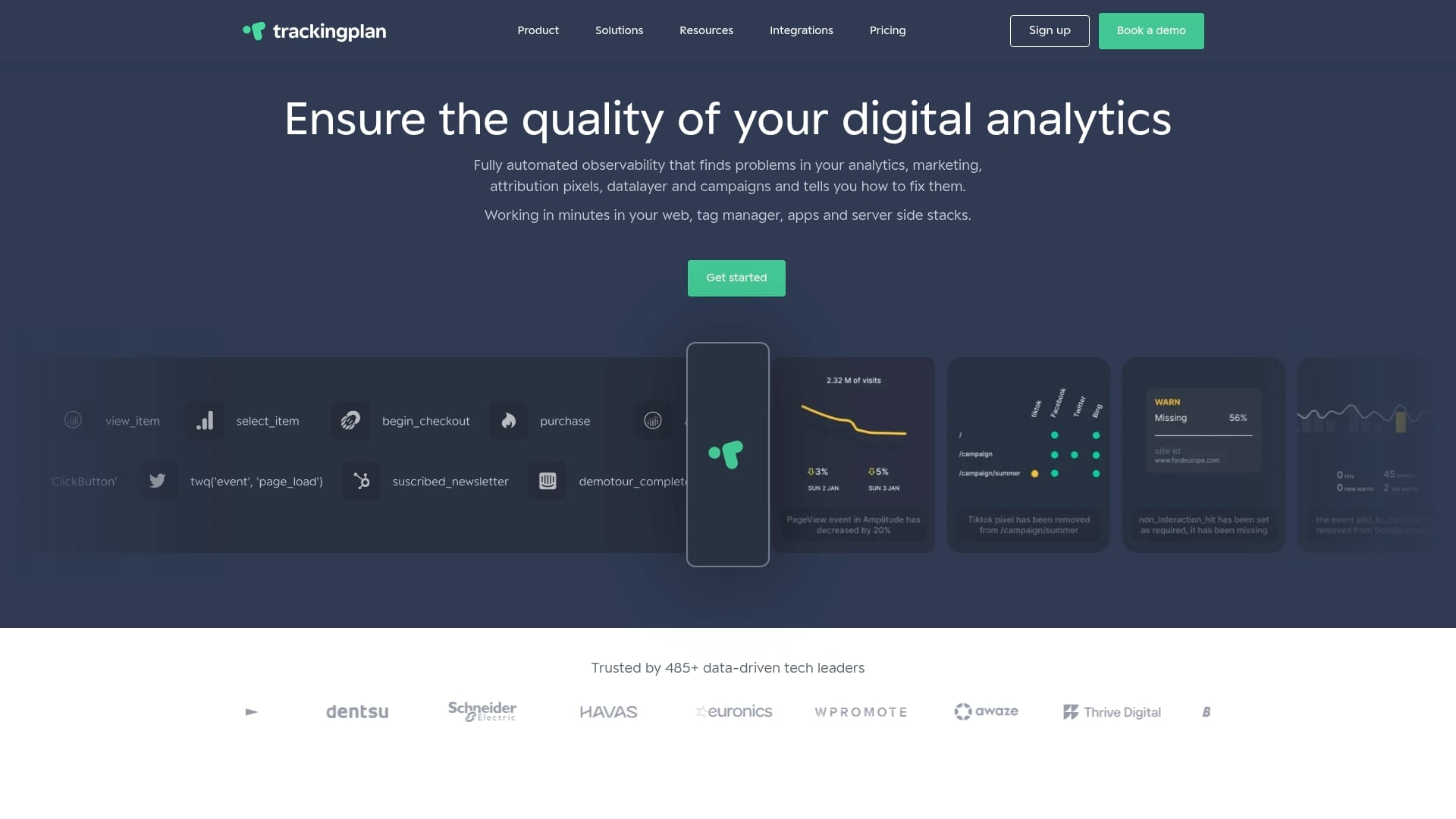
Trackingplan monitors your web tracking implementations automatically, alerting you via Slack, email, or Teams the moment something breaks. It audits your digital analytics tools for data quality issues, from missing pixels to broken attribution parameters, so your CAC, CLV, and conversion metrics reflect reality. If you want to stop debugging data after the fact and start acting on metrics you can trust, Trackingplan removes the manual audit work. Before you invest more in analytics in advertising, make sure what you are measuring is actually correct.
FAQ
What are the most important analytics metrics to track?
The most important analytics metrics to track fall into four groups: acquisition (sessions, traffic sources), engagement (engaged sessions, average engagement time), conversion (conversion rate, goal completions), and business outcomes (CAC, CLV, marketing ROI). Selecting metrics from each group gives a complete picture of performance from first visit to revenue.
How do I choose the right KPIs for my business?
Choose KPIs based on your business model and funnel stage, then assign ownership to a specific team or person. Ecommerce teams prioritize conversion rate and cart abandonment. B2B teams focus on lead-to-client rate and pipeline contribution. The key metrics for data analysis are those tied to a decision someone is responsible for making.
What is the difference between a metric and a KPI?
A metric is any measurable value, such as pageviews or sessions. A KPI is a metric selected because it is directly tied to a strategic objective. All KPIs are metrics, but not all metrics are KPIs. Effective analytics teams keep KPI lists short and accountable.
Why is GA4 engagement rate better than bounce rate?
GA4’s engagement rate uses engaged sessions as its numerator, counting only visits with at least 10 seconds of active interaction, a conversion, or two or more pageviews. Classic bounce rate counted any single-page session as a bounce, even when the user read a full article and left satisfied.
How often should you review your analytics metrics?
High-frequency metrics like daily sessions, ad CTR, and conversion rate should be reviewed weekly. Strategic metrics like CAC, CLV, and marketing ROI are better reviewed monthly or quarterly, aligned with budget and planning cycles. Reviewing every metric at the same cadence creates noise and dilutes the signal.