
In a crowded marketplace, understanding user behavior is non-negotiable for building a successful mobile app. From tracking engagement and retention to optimizing conversions and measuring marketing ROI, the right analytics tool transforms raw data into a strategic roadmap. But the landscape is vast, with product analytics platforms, attribution specialists, and data quality solutions all playing a critical role. This complexity makes choosing the best analytics tools for mobile apps a high-stakes decision that directly impacts your ability to grow.
This guide cuts through the noise. We offer a detailed comparison of top-tier platforms, moving beyond marketing claims to provide a clear view of their strengths, ideal use cases, and practical limitations. For each tool, you will find a concise summary, pros and cons, and pricing insights to help you build a data stack that drives measurable growth and delivers trustworthy insights. While analytics helps you understand in-app behavior, remember that user acquisition starts before the first launch. Integrating your data with complementary App Store Optimization tools can significantly boost initial visibility and downloads, creating a stronger top-of-funnel to analyze.
Our goal is to equip you with the information needed to make an informed choice, whether you're a product manager at a startup, a data analyst in a large enterprise, or a developer tasked with implementation. We'll explore solutions for different needs, including:
- Product Analytics: Understanding what users do inside your app.
- Marketing & Attribution: Identifying which channels drive valuable users.
- Data Quality & Observability: Ensuring the data you collect is accurate and reliable.
Let's dive into the platforms that can help you turn user data into your most valuable asset.
1. Amplitude
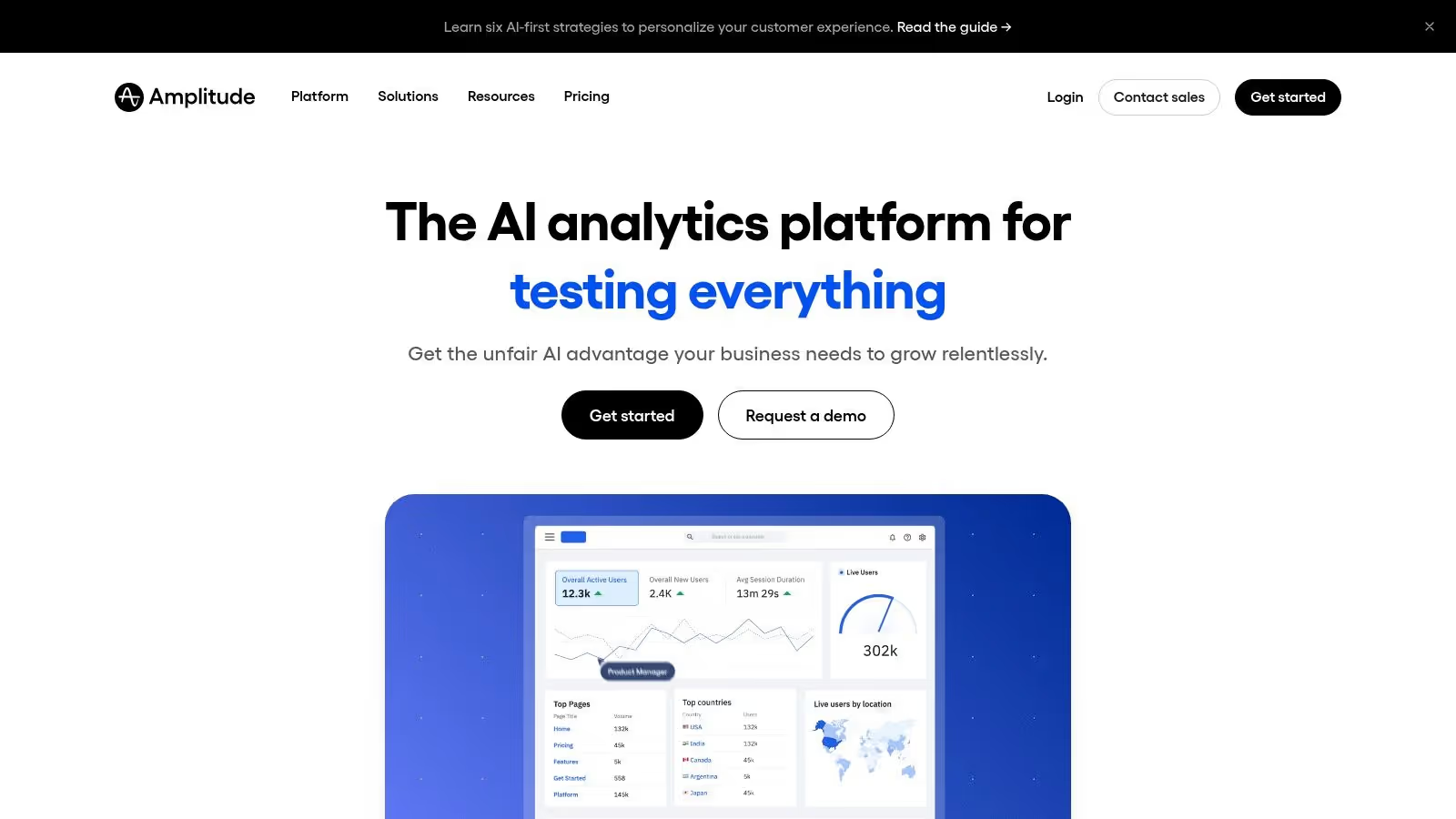
Amplitude is a dominant force in product analytics, making it one of the best analytics tools for mobile apps focused on understanding user behavior in depth. It moves beyond simple metrics like page views, enabling teams to analyze complex user journeys through features like behavioral cohorts, funnel analysis, and retention charts. This focus empowers product and growth teams to pinpoint exactly where users drop off, what features drive engagement, and how different user segments behave over time.
What truly sets Amplitude apart is its comprehensive, product-led platform. It integrates powerful tools like A/B testing (Experiment) and feature flagging directly into the analytics suite, creating a unified environment for shipping, analyzing, and iterating on new features. This all-in-one approach streamlines the workflow from hypothesis to launch and learning.
Key Features & Considerations
Amplitude's strength lies in its ability to provide granular insights that drive product decisions. Its robust feature set is designed for teams that need to go beyond surface-level data.
- Best For: Product managers, growth marketers, and data analysts in product-led companies who need to understand user behavior to improve activation, engagement, and retention.
- User-Centric Model: Focuses on users and their actions, not just sessions or pageviews.
- Integrated Toolkit: Combines analytics, A/B testing, and feature flags in one platform.
- Scalable & Transparent Pricing: Offers a generous free tier and clear, self-serve paid plans based on Monthly Tracked Users (MTUs), making it accessible for startups.
- Requires Careful Planning: The MTU and event-based pricing models necessitate a well-defined tracking plan to manage costs effectively.
- Advanced Features Gated: Key governance features like SSO and advanced data management are reserved for higher-priced enterprise tiers.
To get the most out of Amplitude, a solid event tracking strategy is essential. A meticulously planned implementation ensures you are capturing the right data to power these advanced analyses. For a deeper dive into this foundational step, explore this definitive guide to event tracking.
Website: https://amplitude.com
2. Mixpanel
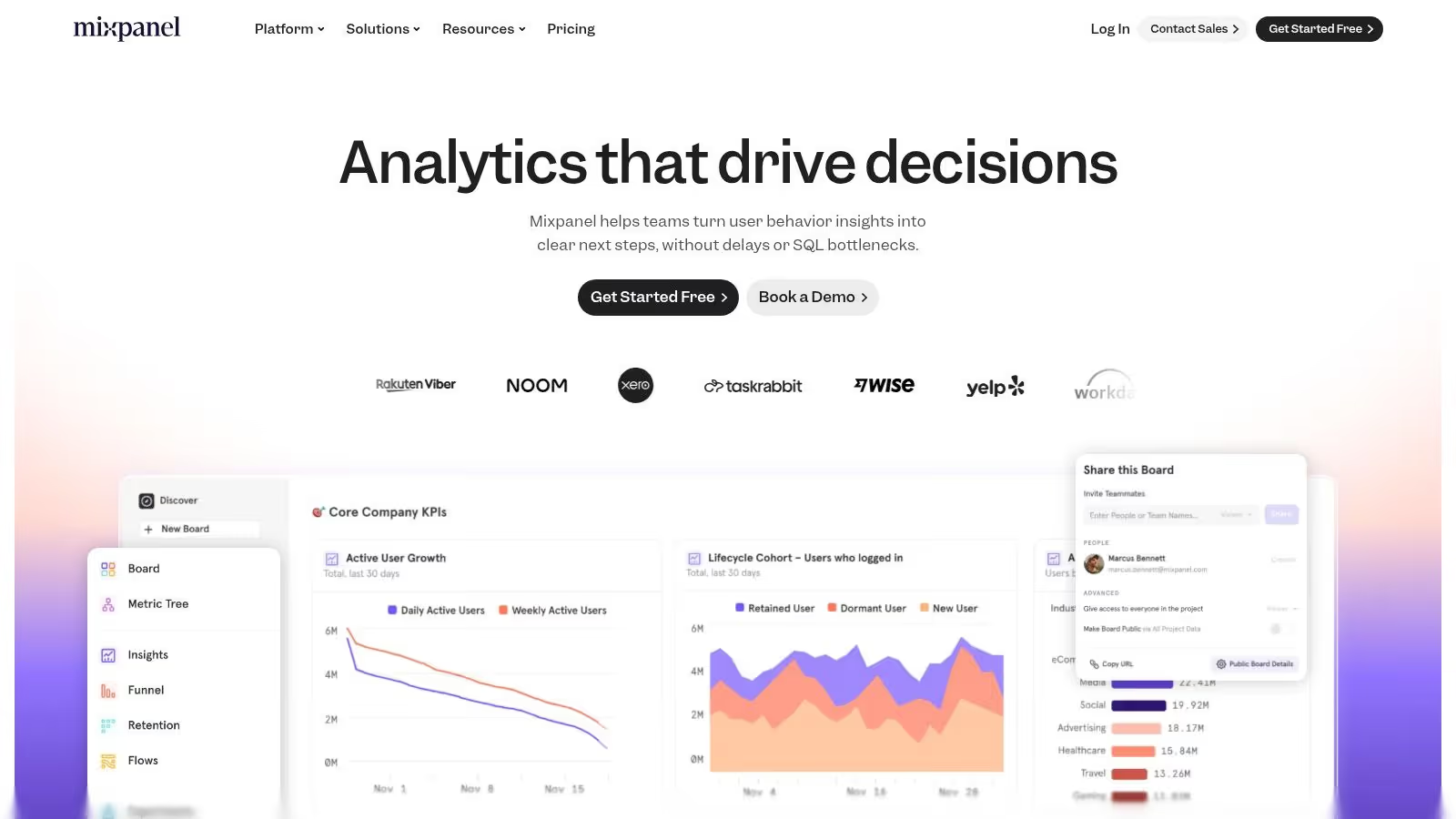
Mixpanel is a powerful, event-based analytics platform that has long been a top choice for teams needing to understand user engagement on web and mobile. It excels at answering complex questions about how users interact with a product through its detailed funnel analysis, retention reports, user flows, and cohort segmentation. Its focus is on providing actionable insights that help product teams build better experiences and drive growth.
What makes Mixpanel a strong contender among the best analytics tools for mobile apps is its commitment to transparency and accessibility. With a generous free tier and clear, usage-based pricing that is easy to calculate upfront, it removes barriers for startups and small teams. It also offers advanced features like session replays and an AI query builder to democratize data analysis across the organization.
Key Features & Considerations
Mixpanel provides a robust suite of tools designed to move beyond vanity metrics and understand the "why" behind user actions. Its event-based model is ideal for detailed product analysis.
- Best For: Product teams and startups looking for a powerful, self-serve product analytics tool with a clear pricing model and a generous free plan to get started.
- Clear Pricing: Offers a transparent pricing calculator and allows immediate online purchase without sales calls.
- Generous Free Usage: The free plan includes the first 1 million monthly events, making it highly accessible for new apps and startups.
- User-Friendly Interface: Combines powerful features like session replay and an AI query builder with an intuitive dashboard.
- Complex Budgeting at Scale: While pricing is clear, event caps and various add-ons can make budgeting more complex as usage grows.
- Gated Enterprise Features: Key governance and security controls are often reserved for the higher-cost Enterprise tier.
Like other event-based platforms, the value you get from Mixpanel is directly tied to the quality of your implementation. A thoughtful tracking plan is crucial for ensuring the data you collect is accurate, consistent, and capable of answering your most important product questions.
Website: https://mixpanel.com
3. Firebase (Google Analytics for Firebase)
Firebase, with its integrated Google Analytics, offers a powerful and cost-effective solution, making it one of the best analytics tools for mobile apps, especially for teams already invested in the Google ecosystem. It provides a comprehensive suite of tools that go beyond analytics, including Crashlytics, Performance Monitoring, and Remote Config, all managed from a single dashboard. This tight integration allows developers and marketers to connect user behavior data directly to app performance and feature rollouts.
The platform is designed for rapid implementation and provides core analytics functionalities like user properties, events, and funnels for free. What truly distinguishes Firebase is its seamless, native integration with other Google services. Data can be easily exported to BigQuery for advanced SQL analysis, and audiences created in Firebase can be used for targeted campaigns in Google Ads, creating a powerful loop between app engagement and user acquisition.
Key Features & Considerations
Firebase excels at providing a unified mobile development and analytics platform with a fast setup process and robust integrations across the Google Cloud and Marketing platforms.
- Best For: Mobile-first development teams, startups, and marketers who are heavily utilizing the Google Cloud Platform and Google's marketing tools.
- Completely Free Analytics: Offers unlimited analytics, including event tracking for up to 500 distinct events, at no cost.
- Deep Firebase Integration: Seamlessly connects with Crashlytics, A/B Testing, Remote Config, and other Firebase services.
- Easy BigQuery Export: Enables sophisticated, large-scale data analysis by exporting raw event data to Google BigQuery.
- Lighter on Product Analytics: The user interface and out-of-the-box reports can be less intuitive for deep behavioral analysis compared to specialized product tools.
- Potential Cloud Costs: While analytics are free, advanced analysis in BigQuery or using other GCP services can incur costs.
To make the most of its capabilities, it's crucial to understand how Firebase data flows into the wider Google ecosystem. You can learn more about the integration between Firebase and GA4 and its analytics benefits.
Website: https://firebase.google.com
4. AppsFlyer
AppsFlyer is a powerhouse in mobile attribution, making it one of the best analytics tools for mobile apps focused on measuring marketing performance and campaign ROI. As a leading mobile measurement partner (MMP), it excels at connecting marketing spend to user actions, providing clarity on which channels, campaigns, and creatives drive valuable installs and in-app events. This allows performance marketing and user acquisition teams to optimize their strategy and allocate budgets effectively.
What distinguishes AppsFlyer is its deep integration with the advertising ecosystem and its robust solutions for navigating privacy-centric measurement like Apple’s SKAdNetwork. Its platform is designed to provide a single source of truth for marketing performance, encompassing attribution, cost aggregation, fraud protection, and deep linking, which simplifies the complex world of mobile advertising.
Key Features & Considerations
AppsFlyer's core value lies in its ability to attribute user actions back to specific marketing touchpoints, providing the data needed to calculate ROI and LTV accurately. Its comprehensive toolkit is built for marketers who live and breathe performance data.
- Best For: Performance marketers, user acquisition managers, and mobile marketing teams who need to measure and optimize paid media campaigns and understand cross-channel impact.
- Mature Partner Ecosystem: Boasts thousands of integrations with ad networks and marketing partners.
- SKAN & Paid Media Focus: Strong capabilities for measuring iOS campaigns under SKAdNetwork and holistic paid media performance.
- Scalable Plans: Offers a "Zero" plan for apps with fewer than 12,000 annual non-organic installs, with clear paid tiers above that.
- Cost for Measurement: Measuring paid media beyond the free tier incurs costs, which can scale with volume.
- Advanced Features Gated: Key functionalities like raw data exports and advanced fraud protection are often reserved for higher-priced plans.
Ensuring the marketing event data sent to AppsFlyer is accurate is critical for reliable attribution. To understand how to maintain high standards, you can find a useful overview of data quality monitoring tools here.
Website: https://www.appsflyer.com
5. Adjust
Adjust is a leading mobile measurement partner (MMP) that has evolved into a robust analytics platform, making it one of the best analytics tools for mobile apps focused on marketing performance and attribution. It specializes in connecting ad spend to user acquisition and in-app actions, providing a clear view of ROI from various marketing channels. This makes it an indispensable tool for performance marketing teams who need to optimize campaigns based on real-time data.
What sets Adjust apart is its strong emphasis on privacy, compliance, and fraud prevention. It provides advanced solutions for navigating complex landscapes like Apple’s SKAN framework and offers flexible data residency options with EU and US data centers. This focus on data security and control, combined with powerful attribution, gives marketers the confidence to scale their efforts globally while adhering to strict privacy regulations.
Key Features & Considerations
Adjust excels at providing the accurate attribution data needed to make informed marketing decisions. Its feature set is tailored for growth teams that live and breathe campaign optimization and user acquisition metrics.
- Best For: Performance marketing teams and UA managers who need precise attribution, ad spend ROI analysis, and robust fraud prevention across multiple advertising channels.
- Strong Privacy Focus: Comprehensive support for SKAN, GDPR/CCPA compliance, and flexible data residency options.
- Generous Free Tier: The "Base" plan is free and includes key attribution features and unlimited organic events to get started.
- Excellent Fraud Prevention: Proactive tools to identify and block fraudulent clicks and installs, protecting marketing budgets.
- Pricing Scales with Volume: Costs are tied to attribution volume, which can become significant for apps with large-scale paid acquisition campaigns.
- Enterprise Features Gated: Advanced controls and premium support are reserved for higher-tier plans, which may be a consideration for smaller teams.
To maximize the value from Adjust, it is crucial to ensure every marketing-related event is tracked accurately. This foundational data integrity is what powers its sophisticated ROI and LTV calculations.
Website: https://www.adjust.com
6. Branch
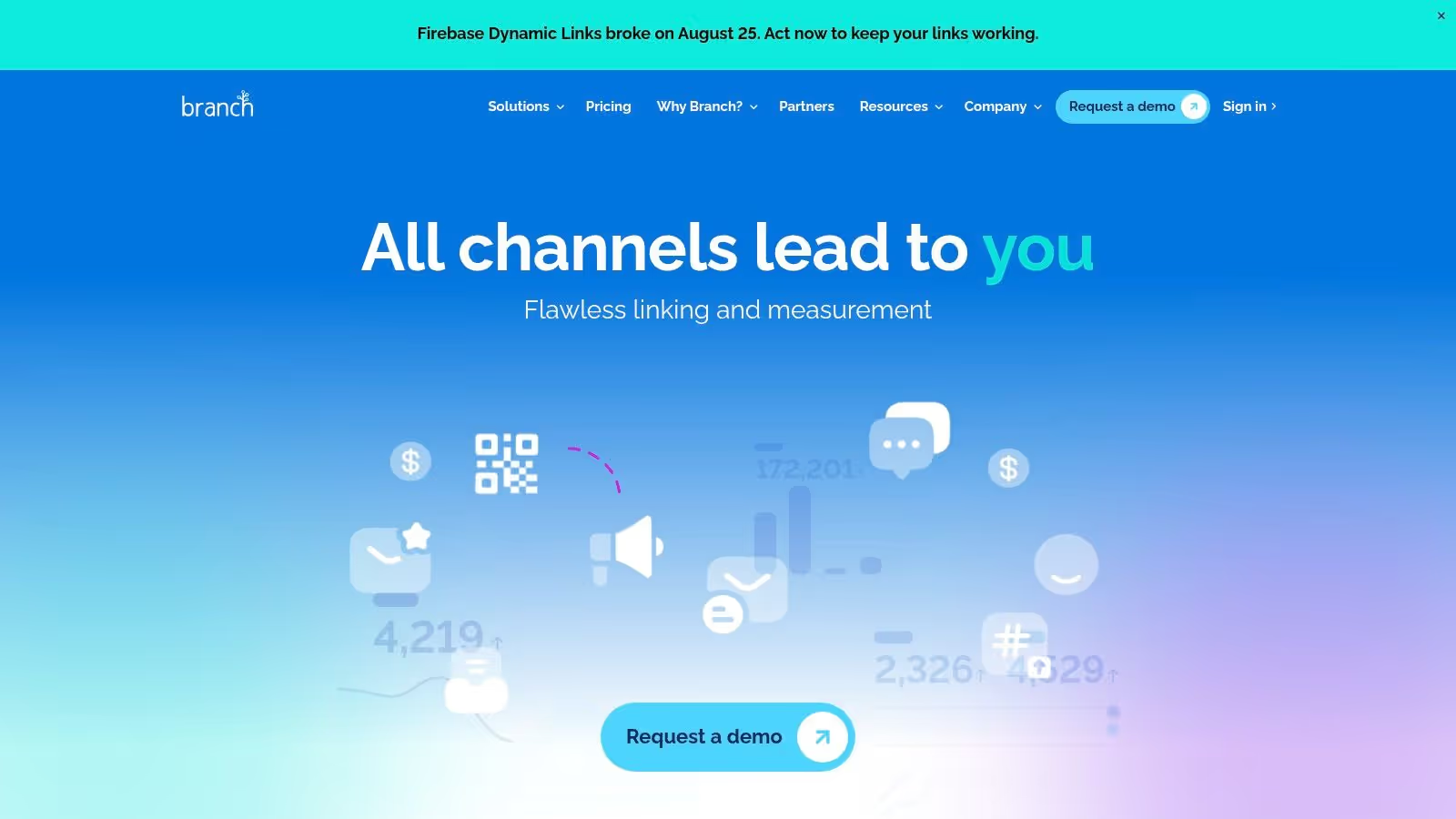
Branch is a specialized platform focused on mobile linking and attribution, making it a critical component of the mobile growth stack rather than a traditional product analytics tool. It excels at creating and measuring user journeys that start outside the app, from paid ads, social media, email, or QR codes. Its core strength lies in deferred deep linking, which ensures users are seamlessly routed to specific in-app content even after they first install the app.
This focus on the top of the funnel allows marketing and growth teams to accurately attribute installs and re-engagements to specific campaigns and channels. By connecting external touchpoints to in-app actions, Branch provides essential data on campaign performance, helping optimize ad spend and user acquisition strategies. While it's not designed for in-depth behavioral analysis like Amplitude or Mixpanel, it is one of the best analytics tools for mobile apps when it comes to measuring marketing effectiveness.
Key Features & Considerations
Branch's feature set is built to solve the complex challenge of cross-platform attribution and user routing in the mobile ecosystem. It provides the infrastructure to ensure marketing efforts translate into measurable in-app engagement.
- Best For: Growth and performance marketers who need to measure and optimize user acquisition campaigns, attribute installs to specific channels, and create seamless user journeys from ads to in-app content.
- Reliable Deep Linking: Offers robust deferred deep linking and cross-platform routing to ensure a consistent user experience.
- Strong Partner Integrations: Connects with a vast network of paid media partners for streamlined attribution.
- Scalable Packages: Tiered SKUs allow teams to start with foundational linking features and scale into advanced attribution as their needs grow.
- Cost at Scale: The credit-based pricing model can become expensive as user volume and attribution needs increase.
- Gated Integrations: Certain advanced data integrations and features are reserved for higher-priced enterprise tiers.
Effectively using Branch requires a clear understanding of your marketing channels and user acquisition funnels. It complements a core product analytics tool by providing crucial data on where your most valuable users are coming from.
Website: https://www.branch.io
7. Twilio Segment (Connections / CDP)
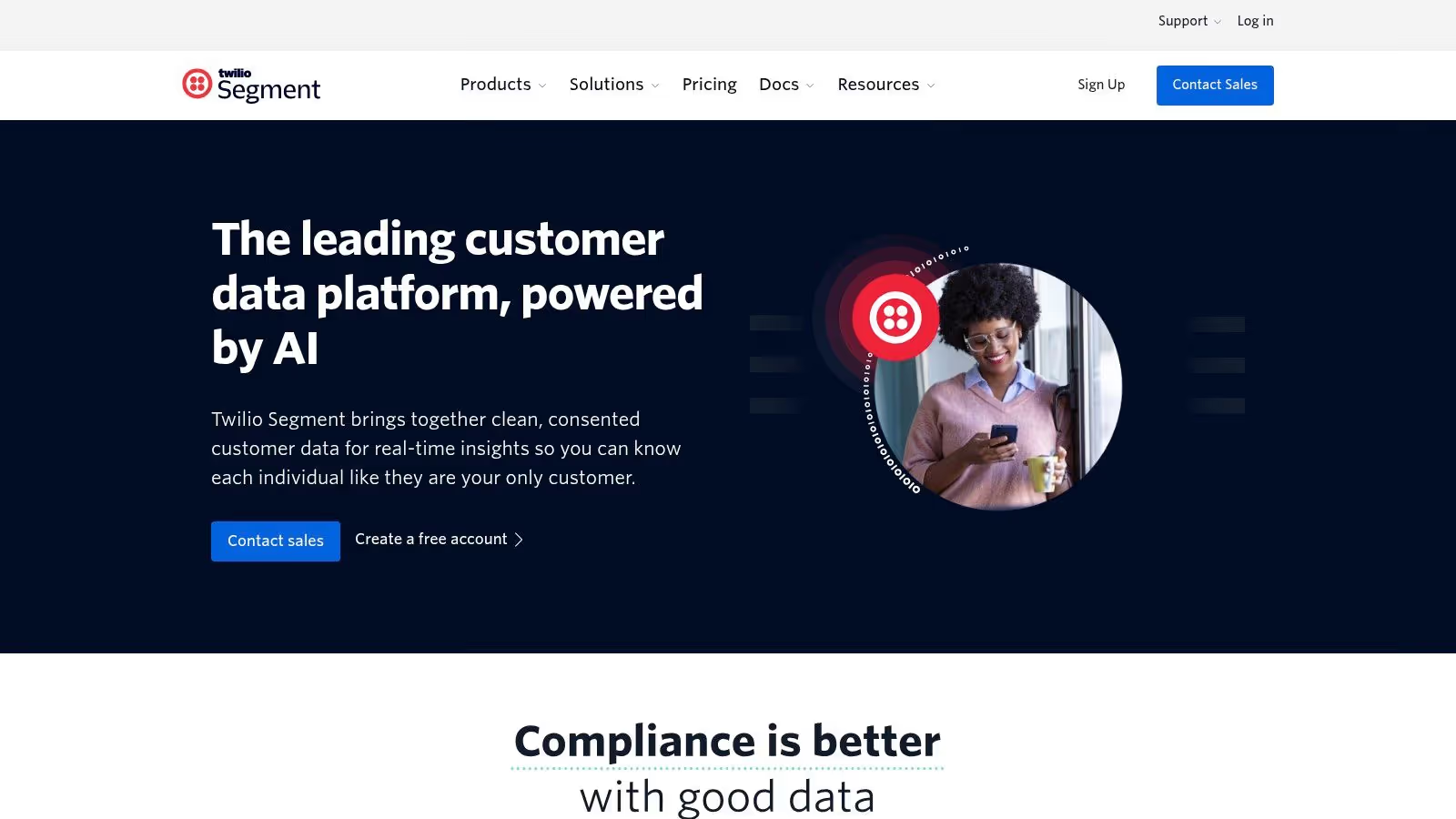
Twilio Segment isn't a traditional analytics tool itself; rather, it's a Customer Data Platform (CDP) that acts as the central nervous system for your entire mobile analytics stack. It allows you to collect user event data once through its mobile SDKs and then route that same data to hundreds of downstream destinations, including analytics platforms, marketing automation tools, ad networks, and data warehouses. This approach simplifies implementation and ensures data consistency across your entire toolset.
What makes Segment a powerful choice is its focus on data governance and pipeline management. By acting as a single point of data collection, it drastically reduces "SDK bloat" in your mobile app, improving performance and simplifying developer workflows. Features like Protocols allow teams to create and enforce a universal tracking plan, ensuring that the data being sent to all connected tools is clean, consistent, and reliable from the start.
Key Features & Considerations
Segment excels at abstracting the complexity of data collection and routing, allowing teams to be more agile in adopting new tools without new engineering work. It's the foundation upon which many of the best analytics tools for mobile apps are built.
- Best For: Engineering and data teams who need to manage data collection for multiple downstream tools, maintain high data quality, and reduce the engineering burden of integrating new marketing or analytics platforms.
- Centralized Data Collection: Collect data once and send it anywhere, dramatically reducing SDK bloat and developer time.
- Vast Integration Library: Connects to over 700 destinations, providing immense flexibility to build a best-in-class stack.
- Accessible Pricing: Offers a generous free tier for its "Connections" product, making it easy for startups to get started.
- Downstream Costs: You still need to pay for the analytics and marketing tools that Segment sends data to.
- Advanced Features are Enterprise-Priced: The full CDP capabilities for identity resolution (Unify) and audience activation (Engage) are custom-priced and aimed at larger enterprises.
Website: https://segment.com
8. Countly
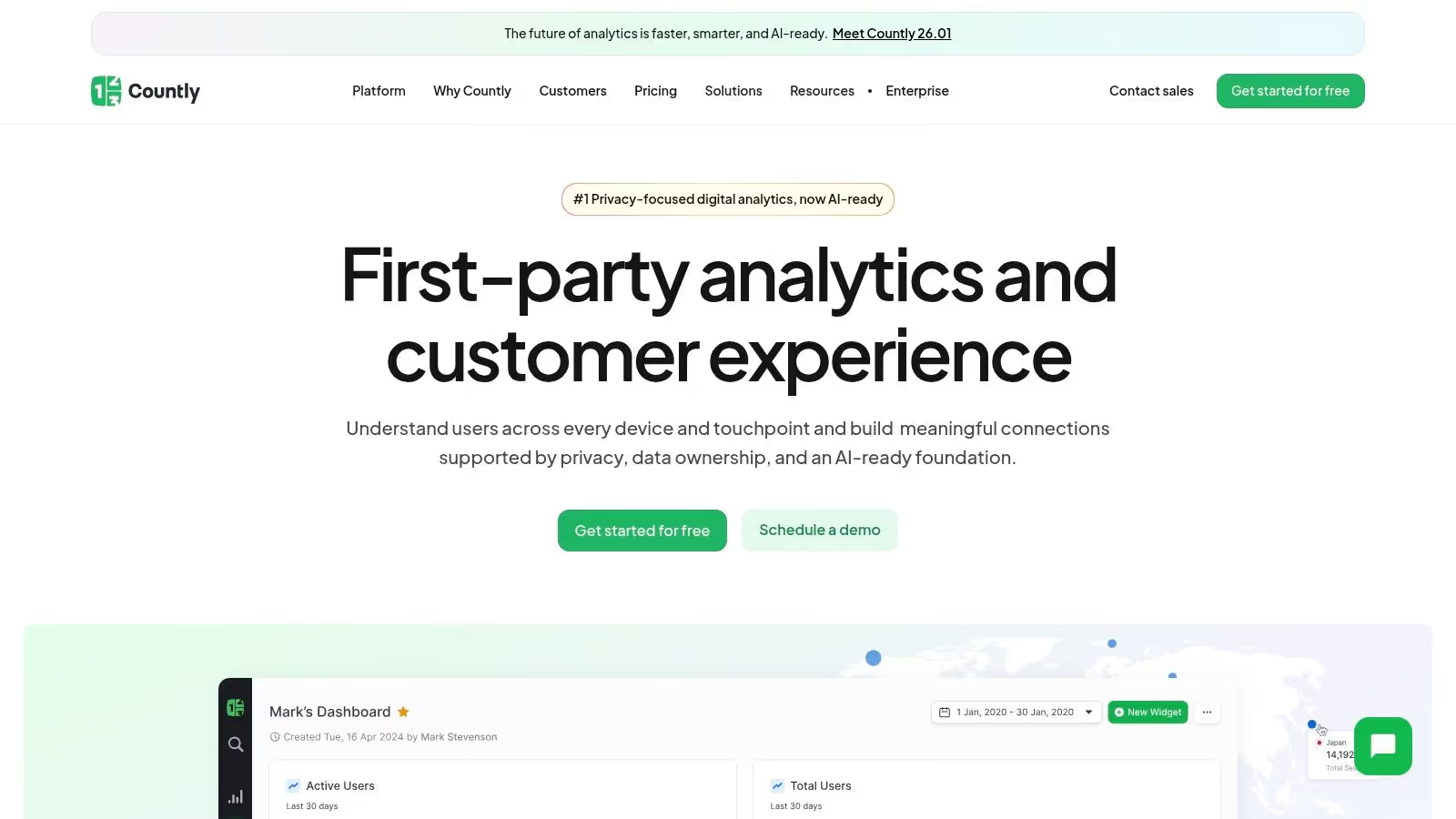
Countly carves out a unique space among the best analytics tools for mobile apps by prioritizing data privacy and ownership above all else. It offers a comprehensive, first-party product analytics platform that can be self-hosted or deployed in a private cloud, giving organizations complete control over their data. This approach is ideal for industries with strict data residency and compliance requirements, such as healthcare and finance.
What truly differentiates Countly is its open-source foundation and modular architecture. The core analytics platform is robust, covering everything from user profiles and crash reporting to detailed event and funnel analysis. Teams can then extend this core with a suite of plugins for features like push notifications, A/B testing, and user feedback (NPS), creating a customized analytics and engagement stack that meets their specific needs without vendor lock-in.
Key Features & Considerations
Countly's strength is its unparalleled data control, making it a go-to for privacy-conscious organizations that need a flexible, all-in-one solution.
- Best For: Companies in regulated industries or any organization with a strong focus on data privacy, security, and ownership that requires a single platform for analytics and user engagement.
- Unmatched Data Sovereignty: Self-hosting and private cloud options provide full control over data, ensuring compliance with regulations like GDPR and HIPAA.
- Extensible and Open-Source: A free, open-source Community Edition offers a solid foundation, while the Enterprise Edition provides a rich, extensible plugin system.
- Unified Platform: Combines analytics, crash reporting, and marketing engagement tools like push notifications into a single dashboard.
- Increased Overhead: Self-hosting requires significant technical resources for setup, maintenance, and scaling compared to SaaS-only tools.
- Complex Feature Tiers: Many advanced capabilities, including key engagement and analysis features, are available only as add-ons in the Enterprise Edition.
Effective use of Countly depends on your team's technical capacity to manage the infrastructure or willingness to invest in its private cloud offering.
Website: https://countly.com
9. UXCam
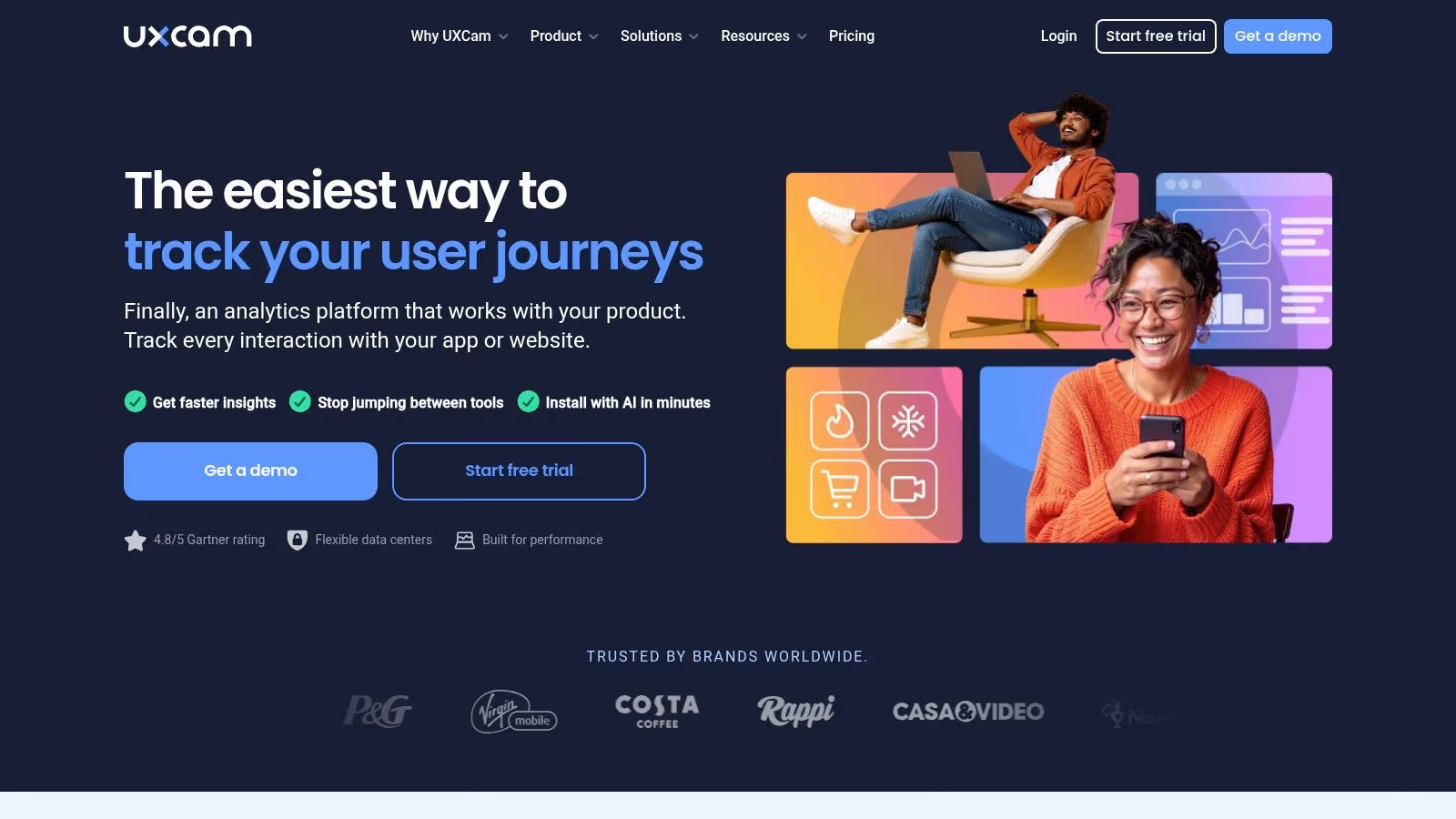
UXCam bridges the gap between quantitative and qualitative data, making it one of the best analytics tools for mobile apps when you need to understand the “why” behind user actions. While other tools show you where users drop off in a funnel, UXCam lets you watch session replays to see the exact moment of frustration or confusion. This focus on user experience provides invaluable context that numbers alone cannot.
What sets UXCam apart is its mobile-first approach, offering features like heatmaps and screen flow analysis specifically designed for native iOS and Android apps. Its lightweight SDK captures every micro-interaction without bogging down app performance, helping teams diagnose UI issues, uncover bugs, and validate design hypotheses by observing real user behavior.
Key Features & Considerations
UXCam's strength is providing the visual evidence needed to understand and improve the user experience. Its features are built to complement, not just replace, traditional event-based analytics platforms.
- Best For: UX designers, product managers, and QA teams who need to visualize user journeys to identify pain points, debug issues, and improve app usability.
- Qualitative Context: Provides session replays and heatmaps to explain quantitative data trends.
- Generous Free Tier: Offers a useful free plan and a 14-day trial, allowing teams to validate its value before committing.
- Lightweight SDK: Designed for minimal impact on mobile app performance and includes robust privacy controls like PII masking.
- Session-Based Pricing: Costs can increase significantly as user volume grows, requiring careful monitoring of session counts.
- Advanced Analytics Gated: While it offers funnel analysis, more sophisticated quantitative analytics are reserved for higher-tier plans.
To maximize value, integrate UXCam alongside a quantitative tool. You can use your primary analytics platform to identify a drop-off point and then jump into UXCam to watch relevant session replays for that specific user segment, quickly diagnosing the root cause.
Website: https://uxcam.com
10. Adobe Analytics (via Adobe Experience Platform Mobile SDK)
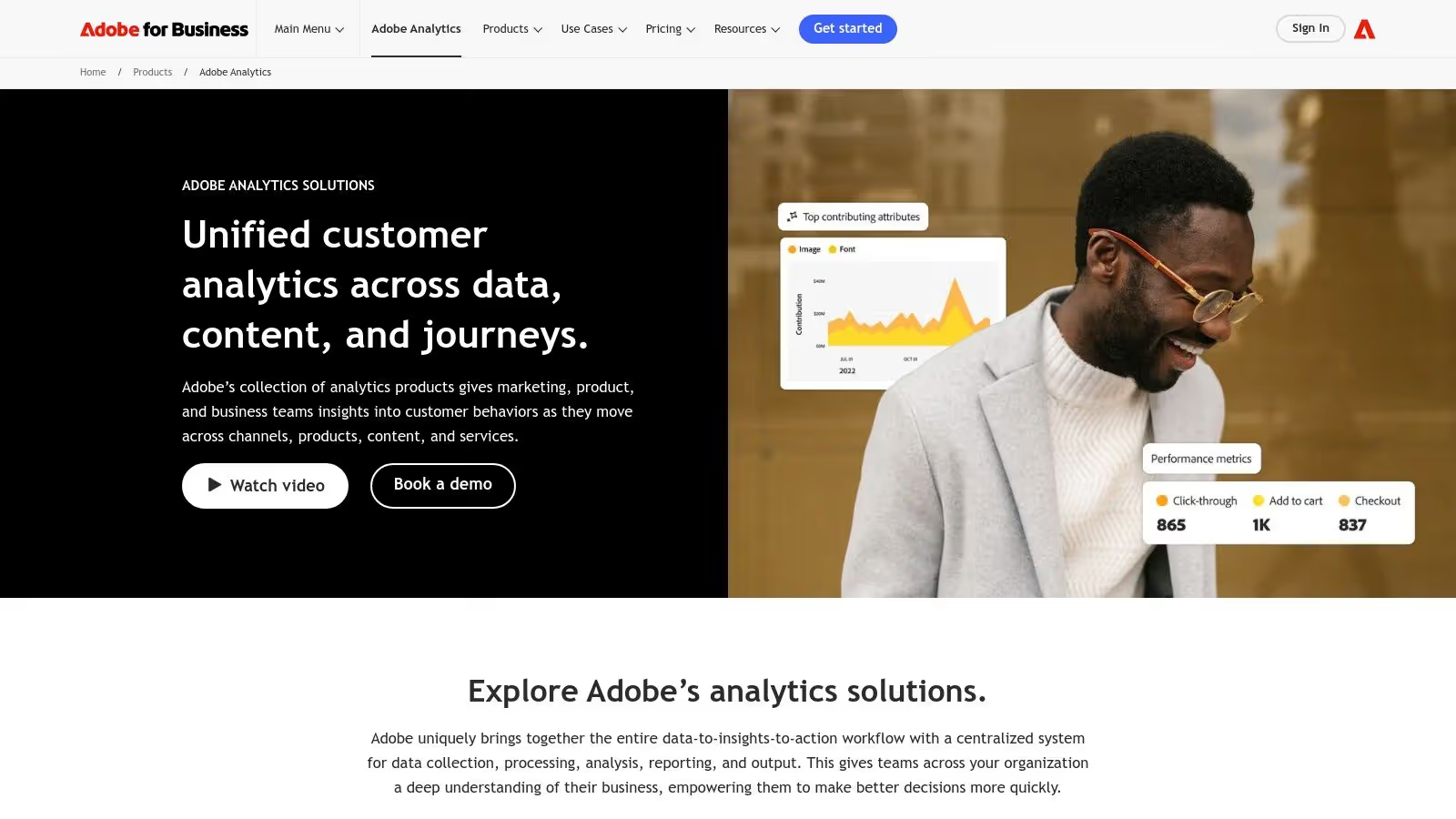
Adobe Analytics is an enterprise-grade powerhouse, making it one of the best analytics tools for mobile apps within large organizations already leveraging the Adobe ecosystem. Deployed via the Adobe Experience Platform (AEP) Mobile SDK, it goes beyond standard app metrics to provide a deeply integrated view of the customer journey. This allows teams to connect app behavior with data from other Adobe Experience Cloud products like Target, Campaign, and Audience Manager for a unified marketing and analytics strategy.
The platform's strength lies in its robust, enterprise-focused architecture. Using the modular AEP Mobile SDK, data is structured with the Experience Data Model (XDM) and routed through the Edge Network, ensuring strong governance, security, and flexible data collection. This centralized approach empowers large teams to manage complex data streams and maintain consistency across their digital properties.
Key Features & Considerations
Adobe Analytics is built for scale, offering sophisticated analysis and governance capabilities tailored for mature organizations that need to connect mobile data to a wider marketing technology stack.
- Best For: Large enterprise companies, particularly those already invested in the Adobe Experience Cloud, that require a single, integrated analytics solution for all digital touchpoints.
- Deep Enterprise Integration: Seamlessly connects with the entire Adobe Experience Cloud, enabling powerful cross-channel analysis and activation.
- Strong Governance & Flexibility: The AEP Mobile SDK and Edge Network provide a modern, secure, and adaptable framework for data collection and management.
- High Total Cost of Ownership: Pricing is quote-based and tailored for enterprise budgets, making it significantly more expensive than other tools on this list.
- Ecosystem Lock-in: Its greatest benefits are realized within the Adobe stack, offering less value as a standalone solution for teams using a diverse set of marketing tools.
Effectively leveraging Adobe Analytics requires a significant investment in both implementation and training, but for the right organization, it provides an unparalleled level of integrated customer intelligence.
Website: https://business.adobe.com/products/analytics/adobe-analytics.html
11. Trackingplan
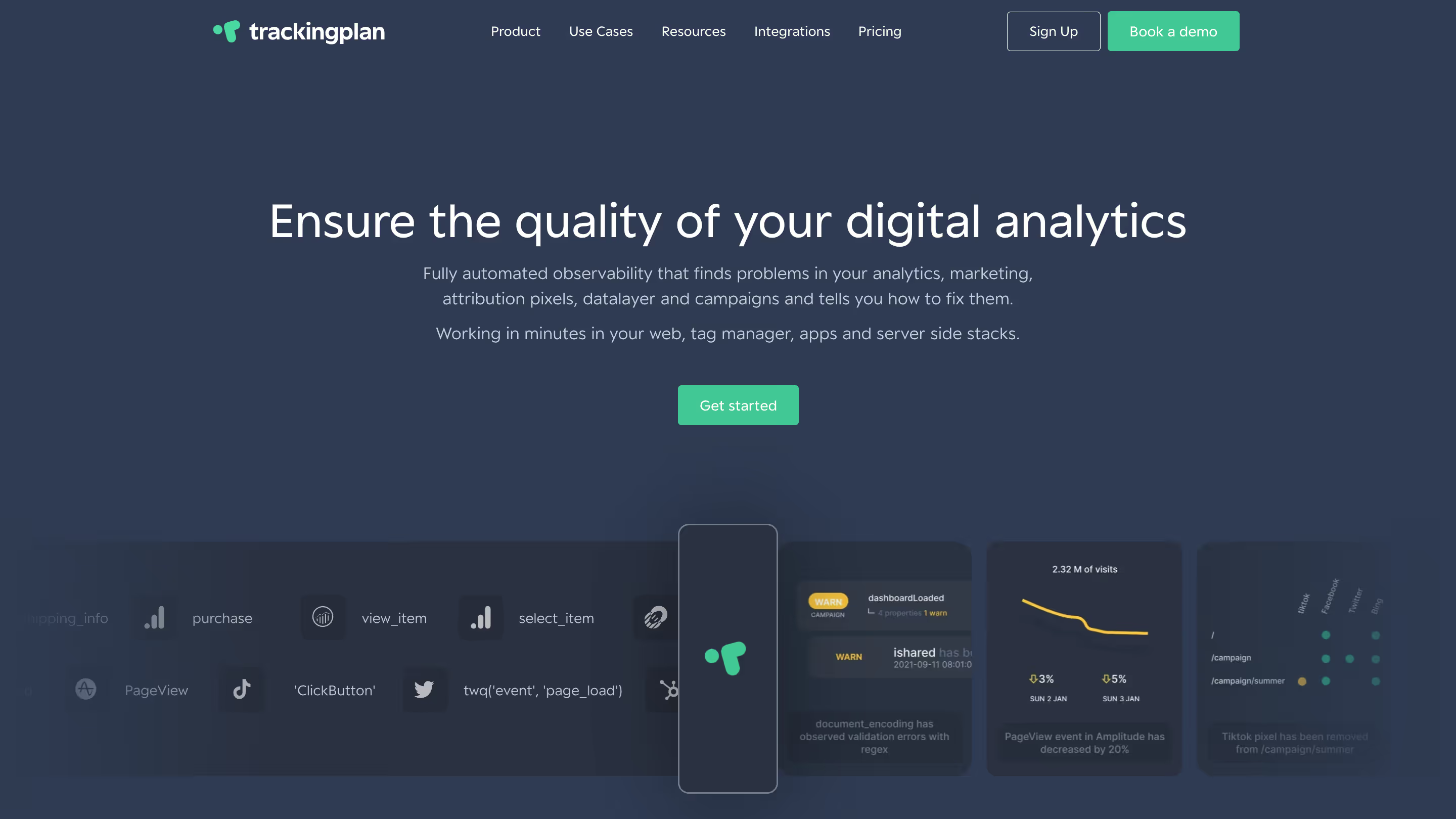
Trackingplan provides automated observability and analytics QA for mobile apps, web, and server environments. It monitors the entire data pipeline in real time, detecting broken events, missing properties, or inconsistent naming before they affect your analytics dashboards. With lightweight SDKs and privacy-first controls, Trackingplan ensures your implementation across Amplitude, Mixpanel, Firebase, or other tools is always accurate. Its focus is on ensuring your analytics are accurate, complete, and reliable, automatically detecting errors before they impact your dashboards. It’s ideal for QA of events, tracking property consistency, and maintaining clean data pipelines across platforms like Amplitude, Mixpanel, Firebase, or any other analytics tool.
Best For: Marketers, developers, analysts, and agencies who need data quality assurance, real-time alerts, and automated root-cause analysis.
Key Features & Considerations
- Real-Time Data Monitoring: Automatically detects missing events, broken tracking, or inconsistent properties.
- Automated QA: Validates your analytics implementation across multiple tools, reducing manual testing and errors.
- Root-Cause Analysis: Identifies the source of issues so teams can fix problems quickly and maintain trust in their data.
- Privacy-First Controls: Ensures compliance with data protection regulations while monitoring events.
- Lightweight SDKs: Minimal impact on app performance, compatible with web, mobile, and server environments.
- Customizable Alerts: Receive notifications for anomalies, failures, or deviations in your data pipelines.
Website: https://www.trackingplan.com/
12. G2 – Mobile App Analytics category
While not a direct analytics platform, G2’s Mobile App Analytics category is an indispensable resource for discovering and evaluating the best analytics tools for mobile apps. It acts as a comprehensive buyer’s marketplace, aggregating user reviews, up-to-date rankings, and detailed comparisons. For teams starting their search or building a Request for Proposal (RFP), it provides a crucial first step in understanding the crowded vendor landscape.
G2's value lies in its structured Grid reports, which visually map out platforms based on user satisfaction and market presence, identifying Leaders, Contenders, and Niche players. This data-driven approach allows you to quickly shortlist vendors that align with your company size and needs, using real user feedback to cut through marketing noise. It's a powerful tool for side-by-side comparisons and validating vendor claims against actual user experiences.
Key Features & Considerations
G2 excels at helping teams navigate the complex market of analytics providers by offering a centralized hub for community-vetted information and comparative data.
- Best For: Teams in the procurement or evaluation phase who need to build a vendor shortlist, compare user sentiment, and gather data for RFPs.
- Rapid Discovery: Provides a fast way to discover a wide range of analytics options and compare them based on user sentiment.
- Structured Comparisons: The Grid reports and filtering capabilities are highly effective for creating a vendor shortlist.
- Free Access: The core platform, including reviews and rankings, is freely accessible to all users.
- Variable Review Quality: The depth and usefulness of user reviews can vary significantly.
- Vendor Verification Needed: Feature lists and pricing snippets should always be validated directly on vendor websites for accuracy.
To use G2 effectively, focus on filtering results by your company size and reading both positive and negative reviews to get a balanced perspective before proceeding with demos.
Website: https://www.g2.com/categories/mobile-app-analytics
From Data to Decisions: Making Your Analytics Actionable
The journey through the landscape of the best analytics tools for mobile apps reveals one clear truth: there is no single "perfect" tool for everyone. The ideal solution for a pre-launch startup focused on product-market fit (likely leaning on Firebase) will differ vastly from the needs of a scaled-up enterprise managing complex user journeys and multi-touch attribution (requiring a combination like Amplitude, AppsFlyer, and a CDP like Segment). Your choice isn't just about features; it's a strategic decision that shapes your team's ability to understand users, validate hypotheses, and drive growth.
This guide was designed to move beyond surface-level comparisons. We've explored how product analytics platforms like Amplitude and Mixpanel empower deep behavioral analysis, while mobile measurement partners such as Adjust and AppsFlyer are critical for decoding marketing performance. We also acknowledged the powerful, integrated ecosystem offered by Firebase and the enterprise-grade capabilities of Adobe Analytics. The key takeaway is to align your tool selection with your immediate business goals, technical resources, and long-term vision.
Key Takeaways and Your Next Steps
Before you commit to a platform, internalize these core principles. The success of your analytics initiative depends less on the tool itself and more on the strategy surrounding it.
- Define Your "Why": Don't start by comparing features. Start by defining your key business questions. Are you trying to improve Day 7 retention? Increase in-app purchase conversion rates? Pinpoint the source of user drop-off? Your primary objectives will immediately narrow down the list of suitable candidates.
- Prioritize Data Integrity: The most sophisticated dashboard is useless if it's built on faulty data. As we highlighted with tools like Trackingplan, a proactive approach to analytics governance is non-negotiable. Broken tracking, inconsistent event naming, and missing properties can silently corrupt your data, leading to flawed conclusions and wasted effort. Implementing an analytics QA and observability layer isn't an afterthought; it’s a foundational requirement for building trust in your data.
- Plan for Implementation and Evolution: Consider the developer effort required. Does the tool offer a well-documented SDK? Does it integrate smoothly with your existing stack (e.g., your CRM, push notification provider, or data warehouse)? Remember that your needs will evolve. A tool that scales with you, from basic event tracking to advanced predictive modeling, offers significant long-term value.
Making Your Analytics Truly Actionable
Ultimately, collecting data is only half the battle. The real goal is to transform that data into meaningful product improvements and a better user experience. This involves looking beyond the numbers and understanding the human behavior behind them. Quantitative data from your analytics tool might tell you where users are dropping off in your onboarding flow, but qualitative insights will tell you why. To truly make your analytics actionable and improve user satisfaction, consider incorporating robust user experience testing methods into your development cycle. This holistic approach, combining hard data with user feedback, is the hallmark of a truly data-driven culture.
Choosing from the best analytics tools for mobile apps is a pivotal step. By focusing on your specific needs, prioritizing data quality from day one, and committing to an iterative process of learning and improvement, you can build an analytics stack that not only provides answers but also fuels innovation and sustainable growth for your app.
Don't let broken tracking undermine your investment in a powerful analytics stack. Trackingplan automatically validates your implementation, ensuring the data flowing into tools like Amplitude, Mixpanel, and Google Analytics is always accurate and complete. Gain confidence in your data and empower your team to make decisions that drive real growth by visiting Trackingplan today.