
A comprehensive web audit is crucial for diagnosing issues across SEO, user experience, and analytics. But in today's dynamic environment, a simple, static checklist isn't enough. Manual audits are time-consuming, prone to human error, and become outdated the moment they're completed. You need a system - a combination of a smart web audit template and automated tools - to keep pace with constant site updates, shifting user behavior, and complex MarTech stacks. This guide moves beyond basic checklists to provide a modern solution.
We will present 12 of the best web audit template resources available, from versatile spreadsheets and Notion databases to automated platforms that make manual checks obsolete. We analyze each one, highlighting its best use case, practical limitations, and how to pair it with modern tools for a truly effective audit process. Each option includes screenshots and direct links to help you decide which is right for your workflow.
Instead of just listing features, we focus on practical application. You'll learn how to choose the right framework for a technical SEO review, a content gap analysis, or a full-scale analytics integrity check. This curated list will help you build an audit process that is repeatable, scalable, and delivers actionable insights.
1. Trackingplan
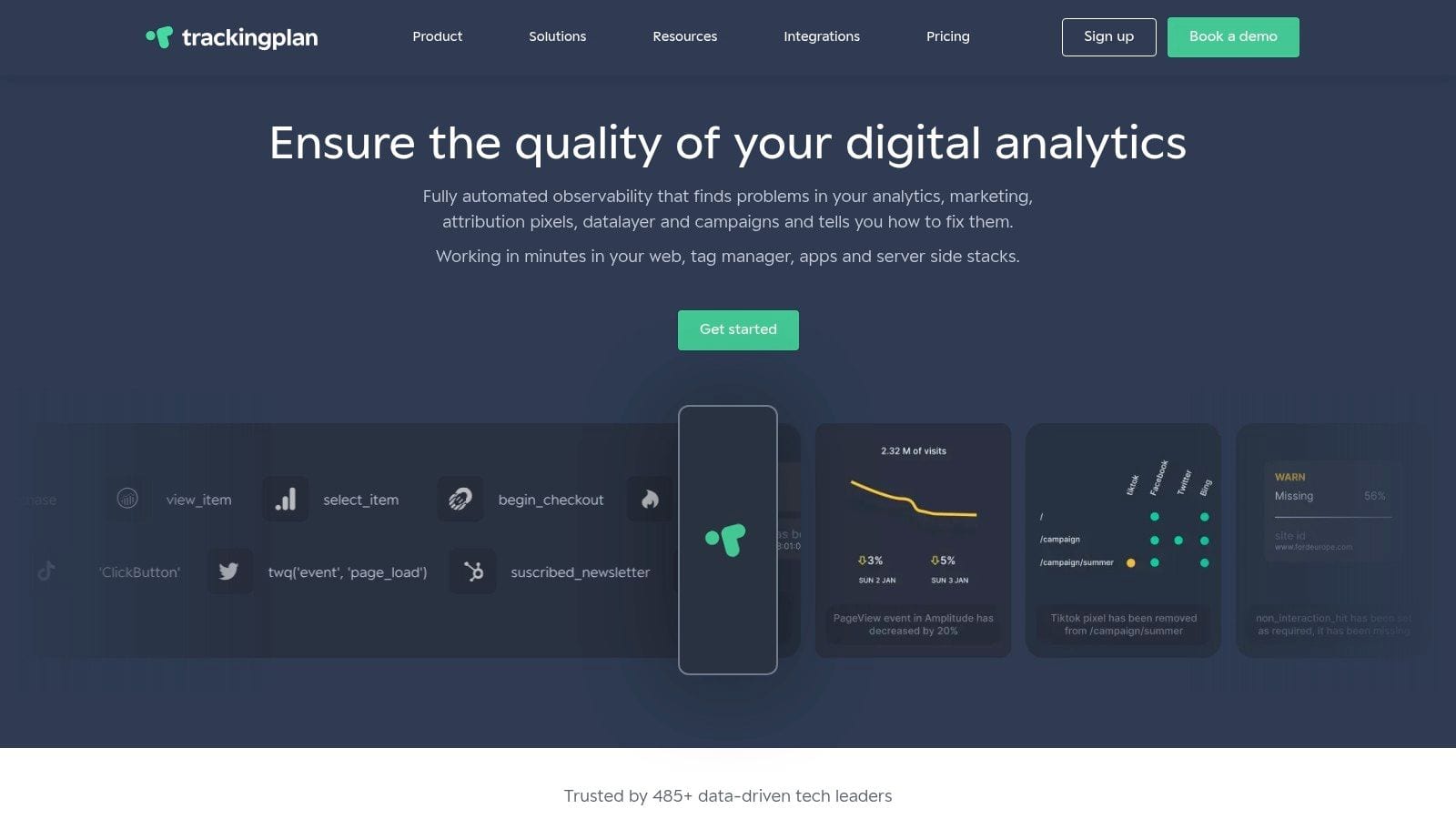
Trackingplan transcends the traditional concept of a static web audit template by offering a dynamic, always-on observability platform. Instead of periodic manual checks, it provides fully automated, continuous monitoring of your entire analytics and marketing technology stack. This proactive approach is ideal for data-driven teams who need to maintain the integrity of their digital analytics implementation in real-time, moving beyond the limitations of spreadsheet-based audits.
Its core strength lies in its "no-crawl" automatic discovery. Once the lightweight tag is installed, Trackingplan maps out your entire data layer and all marketing pixels without requiring you to configure or maintain brittle tests. It then continuously validates every event against your auto-generated tracking plan, instantly flagging anomalies like schema errors, missing properties, or broken UTM parameters.
Key Features & Use Cases
- Continuous Analytics QA: It acts as a permanent audit, sending real-time alerts via Slack, Teams, or email the moment an issue occurs. This is invaluable for catching deployment-related bugs before they corrupt your datasets or impact ad spend.
- AI-Assisted Root Cause Analysis: When an error is detected, the platform doesn't just notify you; it provides context and suggests the root cause, dramatically shortening troubleshooting time for developers and analysts.
- Privacy & Consent Monitoring: Trackingplan can detect potential PII leaks and verify that your consent management configuration is working as intended, a critical component of modern compliance audits.
- Cross-Team Collaboration: The platform serves as a single source of truth for your tracking plan, aligning marketing, development, and analytics teams. The live, auto-generated documentation eliminates ambiguity about what should be tracked.
How It Works in Practice
Our Assessment
Best for: Digital agencies, enterprise marketing teams, and data governance professionals who require a scalable, automated solution to ensure data accuracy and trust across complex digital properties.
Access: You can sign up for a free analytics audit or request a demo on their website to evaluate the platform.
2. Asana — Website Audit Template
For teams who live in a project management tool, Asana’s web audit template transforms a static checklist into a dynamic, collaborative project. Instead of a spreadsheet that can quickly become outdated, this template integrates your audit directly into your team's existing workflows. It’s designed to not just identify issues but to actively manage their resolution from start to finish.
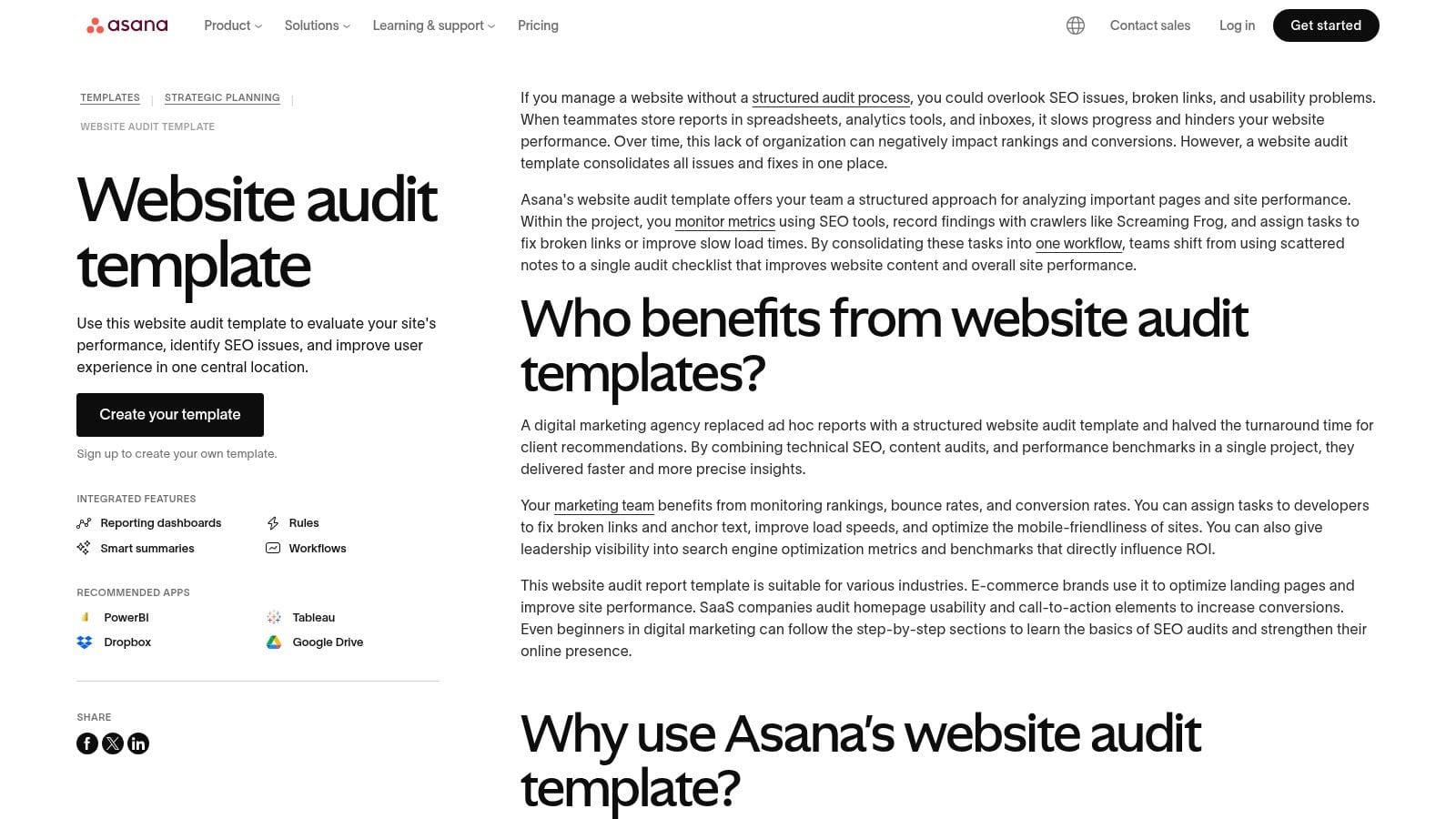
This approach excels at assigning clear ownership and tracking progress. Each audit finding becomes a task with a designated owner, priority level, and due date, ensuring accountability. The template is pre-structured with sections for UX, content, and technical SEO, providing a solid foundation for a comprehensive review. If you're new to the process, understanding what a website audit entails can help you customize this template to fit your specific needs. The template is available to anyone with an Asana account, including their free tier.
Best For:
Teams already using Asana for project management who need to operationalize their audit findings and track fixes collaboratively.
Key Features:
- Actionable Task Management: Convert findings directly into assignable tasks with priorities, owners, and due dates.
- Customizable Fields: Add fields for issue type, estimated effort, or any other data point relevant to your team.
- Integrated Reporting: Use Asana’s built-in dashboards to visualize audit progress and identify bottlenecks.
- Workflow Automation: Set up rules to automatically move tasks through stages (e.g., "To Do" to "In Progress" to "Complete").
Get the Template: Asana Website Audit Template
3. Notion Marketplace — Website Audit Templates (Mira Aguayo example)
For those who use Notion as their digital brain, the Notion Marketplace offers a variety of community-created web audit templates, like the popular one from Mira Aguayo. These templates provide a flexible, database-driven alternative to static spreadsheets. Instead of a simple checklist, you get a customizable workspace where you can link audit tasks to other notes, projects, or team members directly within Notion, creating a single source of truth for your audit process.
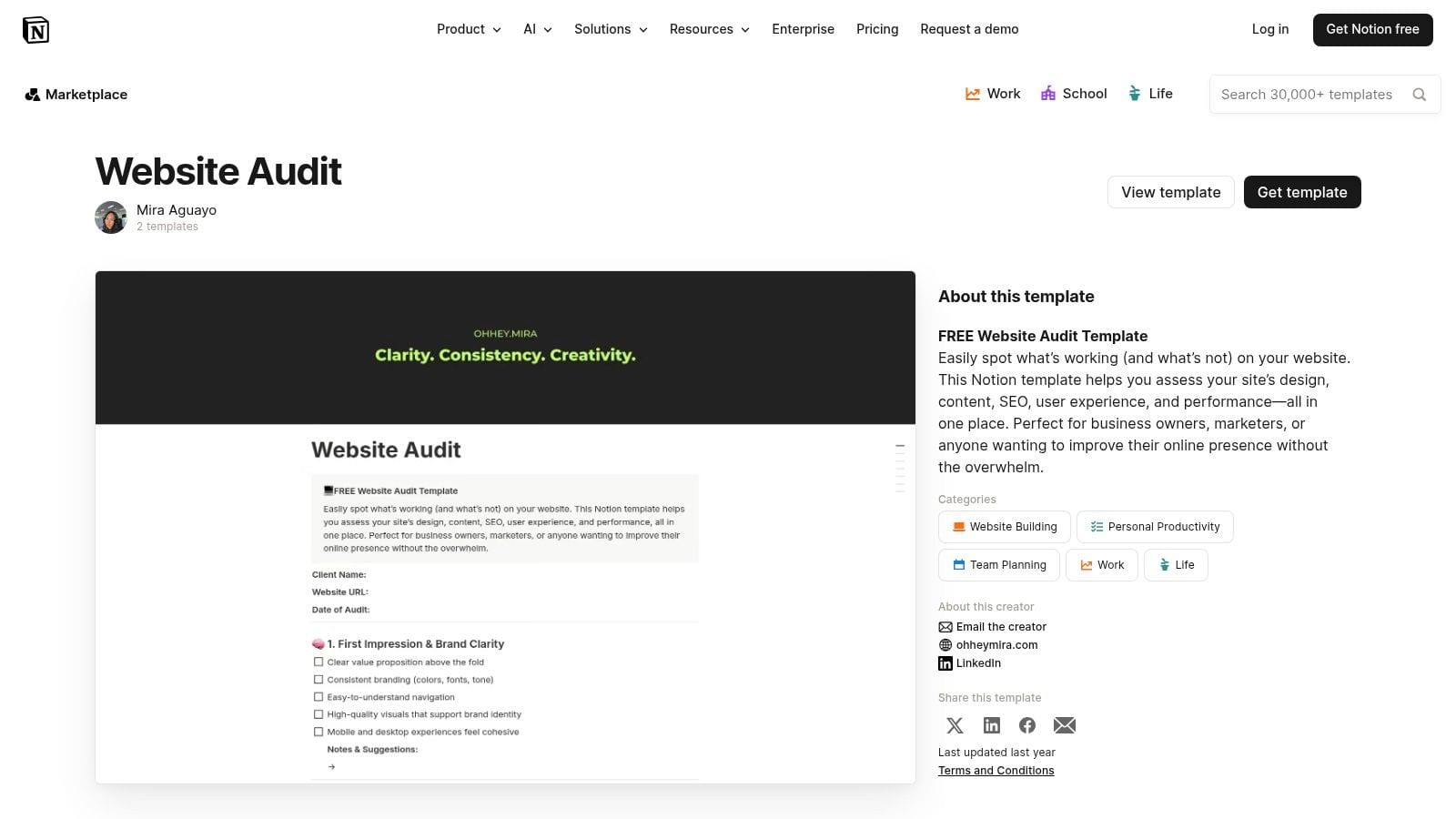
This approach is perfect for individuals or teams looking for ultimate customizability. The Mira Aguayo template, for example, is pre-filled with common checklist items that you can easily adapt, add properties to (like priority or status), and view in different formats like boards or lists. Most templates are free to duplicate into your own workspace, making it a low-risk option. The main consideration is that quality can vary between creators, so it’s worth browsing a few before settling on one.
Best For:
Individuals and teams deeply embedded in the Notion ecosystem who want a highly customizable and integrated audit checklist.
Key Features:
- Notion-Native Databases: Manage audit items as database entries with customizable properties, views, and relations.
- Easy Duplication: Instantly copy templates into your own Notion workspace with a single click.
- Community-Driven Variety: Access multiple templates from different creators, each with a unique approach and layout.
- Integrated Workspace: Connect audit findings to other projects, meeting notes, or documentation within Notion.
Get the Template: Website Audit Template by Mira Aguayo
4. Ahrefs — Free SEO Audit Template
For those prioritizing technical and on-page SEO, Ahrefs offers a focused web audit template that cuts through the noise. Rather than an exhaustive checklist covering every possible issue, this template is a concise, 13-step guide designed to pinpoint high-impact SEO problems quickly. It functions as an educational resource and a practical checklist, complete with detailed instructions and a video walkthrough to guide users through each step.
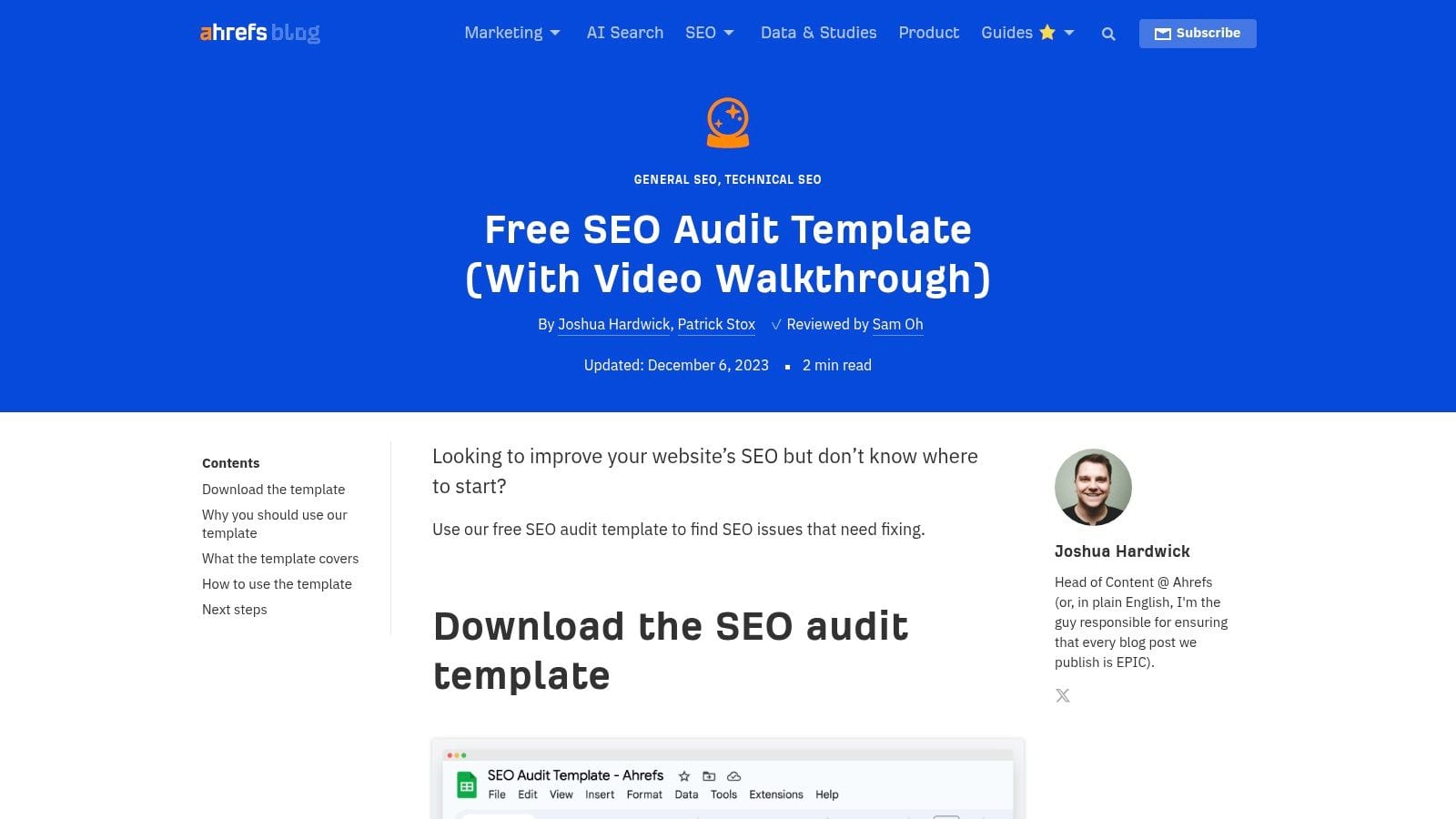
This template is most powerful when paired with a crawling tool, ideally Ahrefs' own Site Audit feature (available with their free Webmaster Tools). It directs you on what to look for within the crawl data, turning a massive data set into an actionable to-do list. The approach is perfect for SEO professionals or marketers who want a credible, battle-tested process from one of the industry's leading authorities. The template is available for free as part of a blog post.
Best For:
SEOs and marketers who need a prioritized, expert-guided checklist for technical and on-page audits, especially when using Ahrefs' tools.
Key Features:
- 13-Step SEO Checklist: A practical, curated list focusing on the most critical SEO checks for immediate impact.
- Video Walkthrough: Includes a step-by-step video guide that explains the "why" and "how" behind each audit point.
- Action-Oriented Guidance: Provides links to in-depth tutorials and recommended actions for fixing identified issues.
- Tool Integration: Designed to work seamlessly with data from Ahrefs Webmaster Tools or other site crawlers.
Get the Template: Ahrefs SEO Audit Template
5. Wix Studio SEO Hub — SEO Site Audit Template
Coming from a major website platform, the web audit template from Wix Studio SEO Hub offers a focused and practical approach to search engine optimization. While it's designed to support Wix users, this downloadable spreadsheet is versatile enough for any website, regardless of its platform. It provides a structured, step-by-step checklist that guides you through the essential components of a technical and on-page SEO review, making it a great starting point for those who need a clear, actionable plan.
The template's strength lies in its simplicity and directness. It cuts through the noise of overly complex audit documents to concentrate on the fundamentals that drive organic performance. To access the template, you'll need to provide an email address, after which you can make a copy in Google Sheets for full customization. This makes it an accessible, no-cost resource for marketers and small business owners looking to improve their site's visibility without a steep learning curve or expensive tools.
Best For:
Marketers, freelancers, and small business owners who need a straightforward, SEO-centric checklist to conduct a foundational website audit.
Key Features:
- Step-by-Step Structure: Guides users logically through key SEO checkpoints, from basic site health to on-page elements.
- Action-Oriented Checklist: Formatted for easy tracking of what has been reviewed, what needs fixing, and the priority of each task.
- Platform-Agnostic: While from Wix, its principles and checklist items are applicable to any website built on any CMS.
- Downloadable & Customizable: Delivered as a Google Sheet that you can easily copy and adapt to your specific project needs.
Get the Template: Wix SEO Site Audit Template
6. SEO Turtle — Website Quality Audit Template (Google Sheets)
For SEO practitioners who prefer a spreadsheet-first workflow, SEO Turtle’s web audit template offers a robust, data-driven framework within Google Sheets. This paid template is specifically designed for deep, page-level quality analysis by aggregating data from multiple sources. Instead of providing a generic checklist, it focuses on pulling together metrics from over six different SEO tools to create a single, comprehensive view of your site’s health on a URL-by-URL basis.
This granular approach makes it ideal for identifying problematic pages, tracking sitemap inclusion, and analyzing backlink profiles at a micro level. The template’s strength lies in its ability to centralize disparate data points, allowing you to score and prioritize pages for optimization. While it requires significant manual data pulling, this process is crucial for thorough website quality assurance testing and provides a level of detail that automated dashboards often miss. It is a paid resource available directly from the SEO Turtle website.
Best For:
Experienced SEO analysts and consultants who need to perform in-depth, page-by-page quality audits and are comfortable aggregating data manually.
Key Features:
- Multi-Tool Integration: Designed to combine inputs from 6+ common SEO tools (e.g., Ahrefs, Screaming Frog, Google Analytics).
- Page-Level Scoring: Evaluates individual pages based on aggregated metrics to help prioritize SEO efforts.
- Data Aggregation Framework: Provides a structured sheet to track sitemap inclusion, backlinks, and keyword assignments for each URL.
- Spreadsheet-First Workflow: Keeps all data within Google Sheets for easy manipulation, sharing, and exporting.
Get the Template: SEO Turtle Website Quality Audit
7. Backstage SEO — Free Site Audit Template (Spreadsheet)
For those who prefer a battle-tested spreadsheet, Backstage SEO's free site audit template offers a robust framework built from real-world agency experience. This Google Sheet is designed to consolidate data from multiple sources, covering technical SEO, analytics, and performance metrics in one centralized document. It’s particularly effective for B2B and SaaS companies that need a practical, no-frills approach to auditing.
This template stands out for its agency-honed structure, focusing on the checks that matter most in a client engagement. Instead of overwhelming you with hundreds of minor points, it guides you to aggregate crucial data and present findings clearly. While the template itself is free, it requires an email submission to download. It’s an ideal starting point for creating a comprehensive deliverable that feels professional and thorough.
Best For:
SEO professionals, freelancers, and agencies, especially those working with B2B or SaaS clients who need a practical, data-driven audit document.
Key Features:
- Consolidated Data Tabs: Separate, organized sheets for technical, content, link, and analytics data.
- Agency-Tested Framework: The structure reflects a proven workflow used for actual client audits.
- Action-Oriented Layout: Designed to not just list issues but also to facilitate recommendations and prioritize fixes.
- B2B & SaaS Focus: Checks and sections are tailored to the typical needs and challenges of B2B websites.
Get the Template: Backstage SEO Free Site Audit Template
8. Gumroad — Actionable Website Audit Template (Vishwanath Yadav)
For freelancers, consultants, or small teams seeking an affordable and straightforward solution, this web audit template from Gumroad offers an excellent entry point. Created by Vishwanath Yadav, it’s a comprehensive Google Sheet that provides a structured checklist without the complexity of a project management tool. The template is designed for immediate use, covering over 50 checkpoints across critical areas like technical SEO, user experience, and site performance.
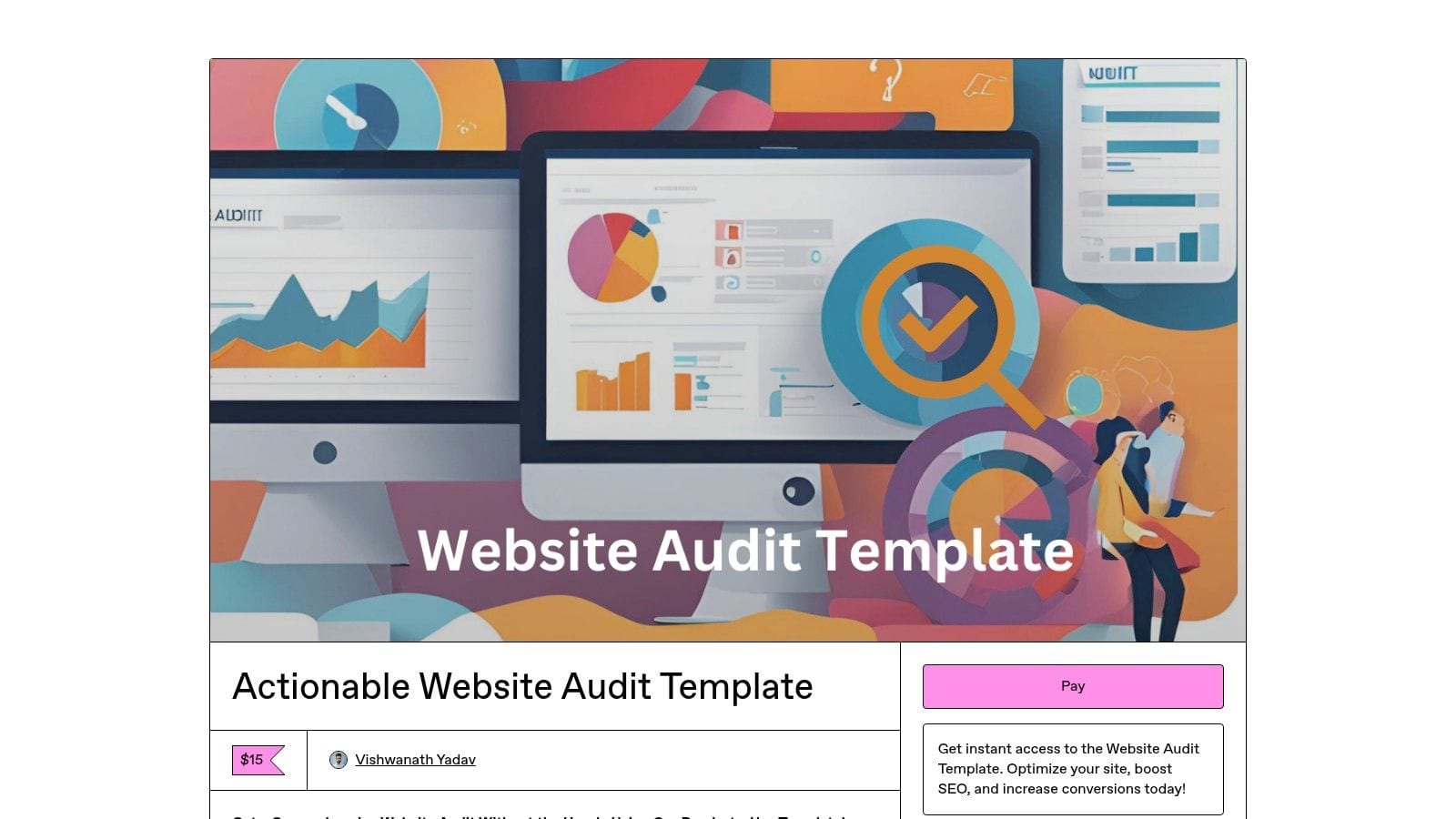
Its strength lies in its simplicity and accessibility. For a one-time fee of $15, you get a well-organized spreadsheet that guides you through a thorough audit process. While it lacks the collaborative features of platforms like Asana, it is perfect for creating a detailed, exportable report for clients or internal stakeholders. To get the most out of a manual checklist like this, it's wise to pair it with automated tools that can catch underlying data and implementation errors that a visual check might miss.
Best For:
Solo consultants, freelancers, and small businesses needing a low-cost, comprehensive checklist to guide their manual website audits.
Key Features:
- 50+ Checkpoints: Covers a wide range of issues across technical SEO, on-page SEO, UX, and performance.
- Structured Google Sheets Format: Easy to use, customize, and share with clients or team members.
- Affordable One-Time Purchase: Provides instant access to the template for a small fee without recurring subscriptions.
- Clear Categorization: Sections are clearly divided, making it simple to focus on one area of the audit at a time.
Get the Template: Gumroad Actionable Website Audit Template
9. Creative Market — Website Audit Checklist (Inflow Design Studio)
For consultants, freelancers, or designers, Creative Market offers a web audit template that functions as a purchasable digital asset. This specific checklist from Inflow Design Studio is designed for those who need a professional, ready-made document they can license and adapt for client work. Instead of building a checklist from scratch, you can acquire a polished foundation through a reputable marketplace, saving time and effort.
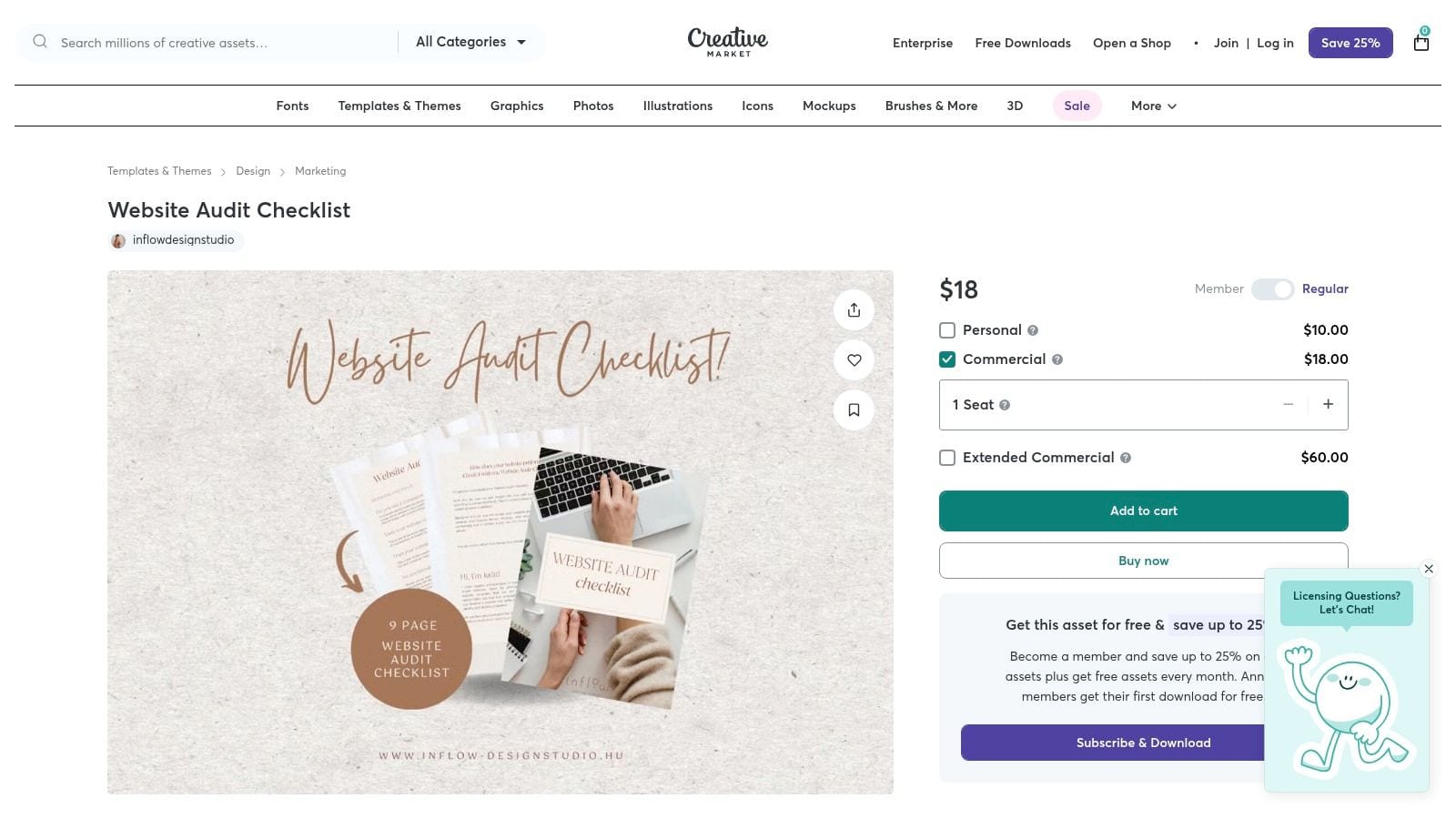
The primary advantage here is the straightforward commercial licensing and instant download after purchase. It’s an ideal starting point for creating your own branded audit deliverable. While the template provides a solid structure, its depth in highly technical areas might vary, so it's wise to preview it carefully. You can use it as a base and then integrate more granular checks, especially for complex analytics and data integrity which are often the source of hidden website issues.
Best For:
Freelancers and agencies who want a professionally designed, licensable checklist to use as a starting point for their own client audit services.
Key Features:
- Digital Download: Instant file delivery allows for immediate use after checkout.
- Commercial Licensing: Options available to legally use the template for client-facing commercial projects.
- Marketplace Protections: Purchasing through a well-known marketplace like Creative Market provides transaction security.
- Ready-Made Asset: Provides a polished and structured document without requiring design or layout work from scratch.
Get the Template: Creative Market Website Audit Checklist
10. Etsy — SEO Audit Checklist Category (Digital Downloads)
For those seeking an affordable and highly visual web audit template, Etsy's marketplace of digital downloads is a surprisingly rich resource. This platform offers a wide variety of templates created by independent designers and marketers, often in visually appealing formats like Canva or extensively styled Google Sheets. Instead of a one-size-fits-all solution, Etsy allows you to browse dozens of low-cost options to find a checklist that perfectly matches your aesthetic and initial requirements.
This approach is ideal for freelancers, small business owners, or beginners who want a simple, guided starting point without committing to a complex system. The templates often prioritize clarity and ease of use, making them great educational tools. Since quality can vary, it's wise to check seller reviews and ratings before purchasing. Most templates are available for instant download for just a few dollars, making it easy to experiment with multiple formats to see what works best for you.
Best For:
Beginners, freelancers, or small businesses looking for inexpensive, visually-driven, and easy-to-use audit checklists.
Key Features:
- Vast Selection: Access a marketplace with over 90 different templates from various sellers, each with a unique style.
- Multiple Formats: Templates are commonly available as PDFs, editable Canva designs, and Google Sheets.
- User Ratings and Reviews: Make informed decisions by reading feedback and seeing star ratings from previous buyers.
- Instant Digital Delivery: Purchase and download your chosen template within minutes to get started immediately.
Get the Template: Etsy SEO Audit Checklist Category
11. Payhip — SEO Audit Checklist (Printable PDF)
For those who prefer a tangible, step-by-step guide, this web audit template from a Payhip creator offers a clean, printable PDF checklist. It’s designed for bloggers, small business owners, and freelancers who want an offline or meeting-ready resource to guide their audit process. The checklist breaks down complex SEO tasks into manageable sections, covering everything from technical setup and on-page elements to content, backlinks, and user experience.
Its strength lies in its simplicity and clarity, making it an excellent starting point for those less familiar with the technical jargon of a full-scale audit. While it’s primarily a static document, the PDF can be imported into tools like Google Sheets or Canva for customization and digital tracking. This approach is ideal for initial reviews, client consultations, or training sessions where a physical document helps structure the conversation and ensure all key areas are covered systematically. This is a paid template available for immediate download after purchase.
Best For:
Freelancers, bloggers, and small business owners who need a straightforward, printable checklist to guide their manual SEO audit process without complex software.
Key Features:
- Comprehensive Sections: Organized into technical, on-page, content, backlinks, UX, and maintenance checks.
- Printable Format: Designed as a clean, reusable PDF that works well offline or as a physical guide during meetings.
- Editable & Adaptable: Can be imported into other tools like Sheets or Canva to transform it into a digital tracker.
- Step-by-Step Workflow: Guides users through a logical sequence, ensuring no critical area is overlooked.
Get the Template: Payhip SEO Audit Checklist
12. Nimblegot — Free Technical SEO Audit Template ( Notion)
For technical SEOs and teams who prefer Notion's flexible database structure, Nimblegot’s web audit template offers a powerful and free starting point. This template is purpose-built for deep technical audits, providing a centralized hub to track everything from crawl errors and Core Web Vitals to indexing issues and redirects. It moves beyond a simple checklist, using Notion’s dynamic views to create an interactive dashboard for managing and prioritizing fixes.
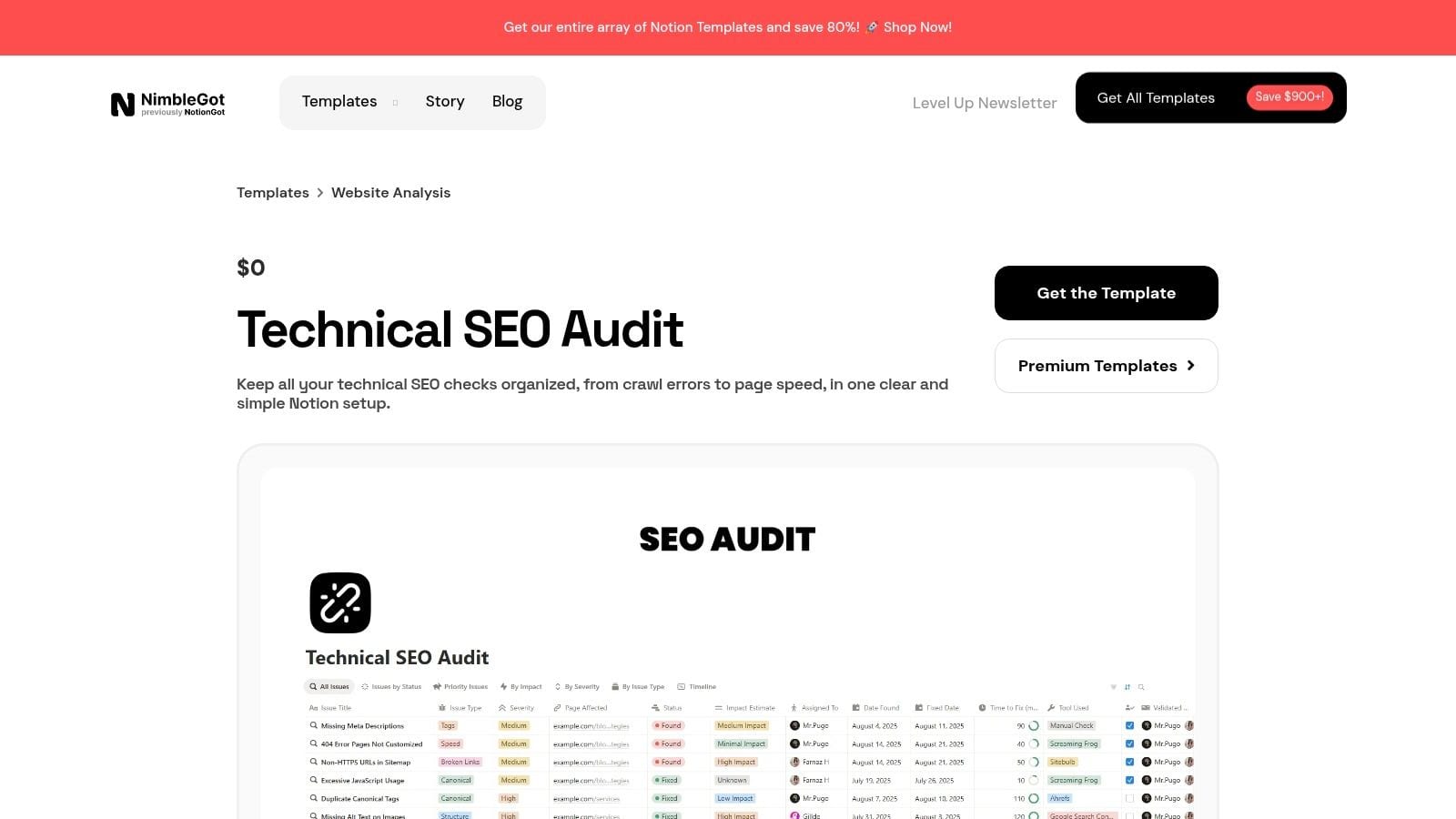
The template's strength lies in its pre-configured databases and filtered views, which allow you to quickly tag issues by priority, status, and category. This makes it an excellent centralized tracker for ongoing technical SEO work, not just a one-off audit. Anyone with a free Notion account can duplicate it instantly and start customizing it. While its focus is technical, it provides a solid framework that can be expanded to include other audit areas like analytics QA.
Best For:
SEO specialists and marketing teams using Notion who need a detailed, database-driven system for tracking technical website health and fixes.
Key Features:
- Preconfigured Notion Databases: Includes structured views for a metrics dashboard, mobile usability checks, and more.
- Advanced Filtering and Tags: Use custom tags and filters to prioritize tasks and organize findings efficiently.
- Formulas for Light Automation: Simple formulas are built-in to help streamline status tracking and reporting.
- Instant Duplication: Easily clone the template into your own Notion workspace to get started immediately.
Get the Template: Nimblegot Free Technical SEO Audit Template
Top 12 Website Audit Templates — Comparison
From Template to Action: Building a Continuous Audit System
We've explored a comprehensive collection of web audit templates, from versatile Notion dashboards like Nimblegot's to detailed Google Sheets from SEO Turtle and structured Asana projects. Each offers a powerful starting point, providing the framework needed to conduct a thorough manual review of your site’s SEO, technical health, and overall performance. Whether you're a solo marketer needing a simple checklist or a large team requiring a collaborative workspace, the right template exists to guide your initial deep-dive.
However, the core takeaway is that a static audit, no matter how detailed, is only a snapshot in time. The digital landscape is in constant flux. Code deployments, CMS updates, and changes to third-party marketing tags can introduce new issues moments after you complete your checklist. The most effective strategy, therefore, is to evolve from periodic, manual spot-checks to a proactive, continuous monitoring system.
Choosing Your Starting Point and Planning for the Future
Selecting the best web audit template depends entirely on your immediate goals and resources.
- For quick SEO wins: Ahrefs' or Backstage SEO's spreadsheet templates provide a clear, prioritized path for identifying and fixing common on-page and technical issues. Once you've pinpointed these opportunities, you can implement targeted improvements by following an ultimate guide to increasing organic traffic to capitalize on your findings.
- For comprehensive project management: Templates from Asana or the Notion Marketplace integrate your audit directly into your team’s workflow, turning findings into actionable tasks with clear owners and deadlines.
- For a foundational quality check: The Website Quality Audit Template from SEO Turtle covers a broad spectrum of factors, making it an excellent choice for a holistic site health assessment before a major redesign or marketing campaign.
The true power of these templates is realized when they are used not as a final destination, but as the first step. Use your initial manual audit to establish a clean, optimized baseline. This process gives you an intimate understanding of your site's architecture and data implementation.
The Hybrid Approach: Combining Manual Audits with Automated Observability
Once your baseline is set, the goal is to protect it. This is where manual templates and automated tools form a powerful partnership. While your spreadsheet can't alert you when a developer accidentally removes a Google Analytics tag during a release, an analytics observability platform can. This hybrid model is the key to sustainable data quality and site performance.
By pairing your chosen web audit template with a solution like Trackingplan, you bridge the gap between periodic reviews and real-time awareness. The template helps you fix existing problems, while automation ensures new ones are caught instantly. This frees your team from repetitive manual checks and allows them to focus on strategic initiatives, confident that the data fueling their decisions is consistently accurate and reliable. You transition from a reactive cycle of finding and fixing old mistakes to a proactive state of continuous optimization.
Ready to move beyond static checklists? A web audit template helps you fix the past, but Trackingplan protects your future. Automatically monitor your entire analytics and marketing stack to catch data errors before they impact your revenue and reporting. Sign up for a free account and ensure your data is always accurate.