
A campaign naming convention is just a simple, structured way of naming your marketing campaigns. The goal is to make sure every campaign name is consistent, descriptive, and easy to break down for analysis. It's the difference between a messy, unreadable list of campaign names and a clean, organized system that gives you insights at a glance.
Why Inconsistent Campaign Naming Is Costing You Money
Let's be honest: messy marketing data is a headache we've all dealt with. You launch a "spring_sale_2024" campaign on Facebook, while your colleague runs "SpringSale-24" on Google Ads. When it's time to report at the end of the quarter, your analytics are a jumbled mess. Good luck trying to figure out the true performance of the overall spring sale.
This isn't just an annoyance—it's a real financial drain. When your data is fragmented and inconsistent, you simply can't trust your reports. This leads directly to poor decisions, wasted ad spend, and countless hours spent wrestling with spreadsheets just to get some semblance of clarity. In fact, many data analysts spend up to 80% of their time just cleaning and prepping data instead of actually analyzing it.
The Hidden Costs of Data Chaos
The real trouble with inconsistent campaign naming is the ambiguity it creates in your data. When every campaign has a unique, arbitrary name, your analytics platform sees each one as a completely separate effort. This fragmentation makes it impossible to see the bigger picture.
Think about the ripple effects of poor naming practices:
- Untrustworthy Reporting: When
utm_source=Facebookandutm_source=facebook.comare treated as two different channels, your reports become unreliable. You can't tell which sources are actually driving results. - Wasted Time and Resources: Your team ends up manually grouping campaigns in spreadsheets, a tedious task that a solid naming convention would completely automate.
- Poor Budget Allocation: Without a clear view of top-performing campaigns, you're forced to allocate your budget based on incomplete or inaccurate data. You're essentially just guessing where to put your money.
- Difficulty Scaling: As your marketing grows, the chaos multiplies. What was a minor headache with ten campaigns becomes an unmanageable disaster with a hundred.
This screenshot shows just how clean and organized your traffic sources can look in an analytics dashboard.
Getting this level of clarity is only possible when you enforce a strict campaign naming convention across all your channels. It’s what allows for accurate, automatic source grouping.
Before we dive into how to build one, let's look at the night-and-day difference a standardized convention makes. It’s not just about tidying up—it’s about unlocking real, tangible value from your data.
Before vs After a Standardized Naming Convention
The takeaway is clear: moving from chaos to clarity isn't just a "nice-to-have." It's a fundamental shift that directly impacts your bottom line and operational efficiency.
Shifting from Chore to Strategy
It's easy to see a campaign naming convention as just another tedious chore, but that's a mistake. Think of it as the strategic foundation for accurate measurement and reliable growth. It turns your data from a chaotic liability into a powerful asset that fuels smarter marketing decisions.
A well-defined campaign naming convention is the single most effective way to ensure data integrity at the source. It eliminates guesswork, empowers automation, and builds a foundation for scalable, data-driven marketing operations.
By setting up a standardized system, you create a "single source of truth" for campaign performance. This consistency leads to faster analysis, confident optimization, and a crystal-clear understanding of your return on investment. The 'before and after' impact is profound, turning data chaos into actionable clarity.
Designing Your Unbreakable Campaign Taxonomy
Now that we’ve covered the "why," it's time to get our hands dirty with the "how." Building a campaign taxonomy is like drafting the blueprint for your entire data house. A solid blueprint means every bit of information has a designated spot, making the whole structure sound, scalable, and easy to find your way around. A weak one? Well, that just leads to chaos.
This isn't about grabbing some generic, one-size-fits-all template off the internet. It's about crafting a custom framework that truly reflects how your business works, the KPIs you live and die by, and how you actually want to slice and dice performance data.
The Core Building Blocks of Your Taxonomy
Every great taxonomy is built on a set of parameters that everyone agrees on. These parameters are simply descriptors for different facets of your marketing. The most common and reliable starting point for just about any company is Google's UTM system.
Here are the essentials you'll need to define:
utm_source: This tells you exactly where the traffic came from. Think of it as the specific website or platform, likegoogle,facebook, orlinkedin.utm_medium: This is the broader marketing channel. Common examples includecpc,organic,email, andsocial.utm_campaign: The name of your specific promotion or strategic push. For example,q4-black-friday-saleorsummer-webinar-series.utm_content: This is your secret weapon for A/B testing. It lets you distinguish between different ads or links that all point to the same URL, likeblue-banner-advs.video-ad-version-a.utm_term: Originally built for paid search, this parameter tracks the specific keywords you're bidding on, such asdata-analytics-software.
If you're still not convinced this matters, just look at how bad data snowballs into terrible business decisions.
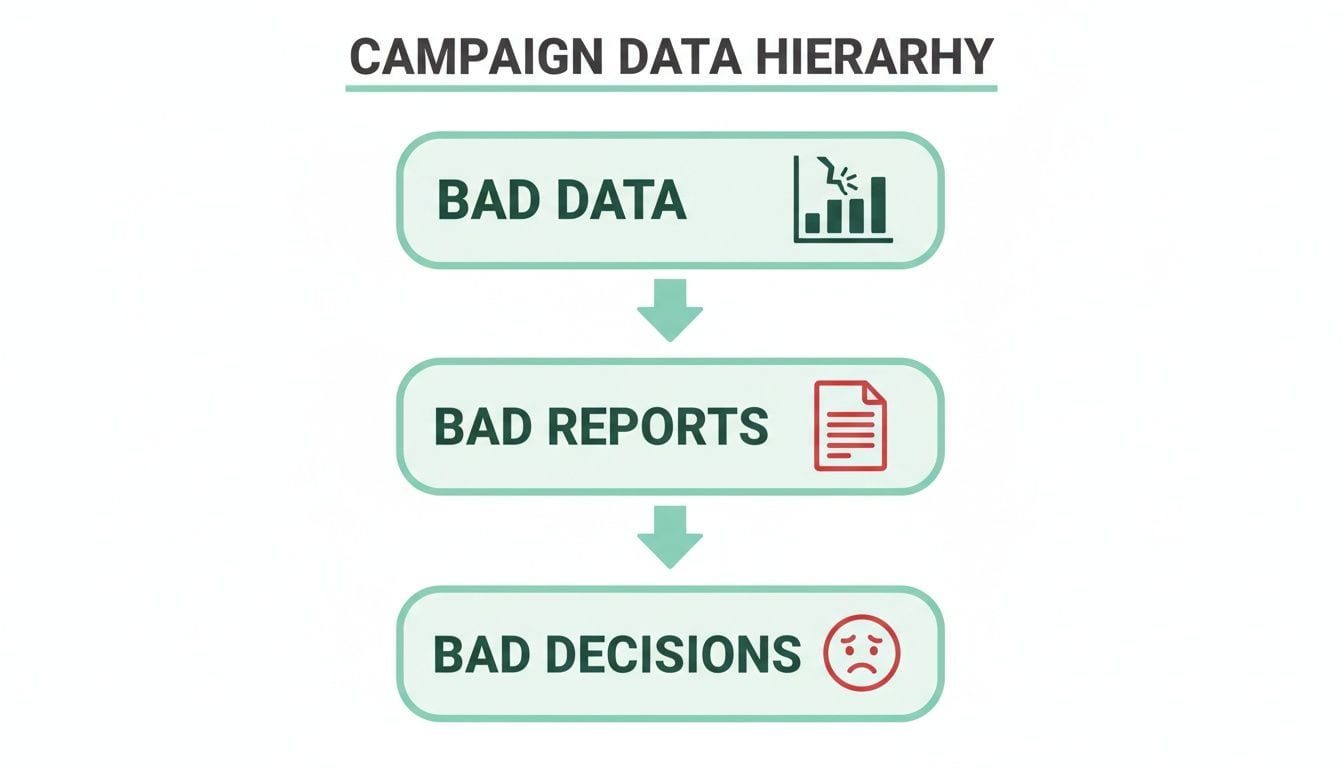
This hierarchy isn't just a diagram; it's a stark reminder that the quality of your strategic decisions hinges entirely on the quality of your foundational data.
Choosing a Flexible Structure That Scales
In the old days, teams would often string these values together with delimiters, like us-cpc-google-brand-q4sale. It seems simple enough, but this rigid approach is incredibly fragile. What happens if someone forgets a parameter? The whole structure shifts, and any automated reporting you have instantly breaks. It's a nightmare.
This is exactly why modern campaign naming conventions are so critical for marketing ops efficiency. The pros have moved on. The preferred method among enterprise-level marketers is now the key-value pair system, which uses markers like country*us and ds*google. This approach is far more resilient, allowing teams to handle missing data or frequent changes without everything falling apart.
This modern structure is more descriptive and doesn't rely on a strict, unforgiving order. You can learn more about this advanced method and why it's a game-changer for data-driven teams.
Establishing the Ground Rules
Once you've landed on your parameters and structure, it’s time to set some non-negotiable formatting rules. Even tiny inconsistencies here will create the same fragmented data mess you're trying to escape.
Your campaign taxonomy is only as strong as its weakest link. A single team member going rogue with capitalization or spacing can create a new data silo, undermining the entire system.
Here are a few absolute must-haves for your master dictionary:
- Case Sensitivity: Everything must be lowercase. In the eyes of most analytics tools,
Facebookandfacebookare two completely different sources. - Separators: Stick with hyphens (
-). Spaces can break URLs, and some tools treat underscores (_) in weird ways. Hyphens are the safest, most universally accepted choice for separating words. - No Special Characters: Keep symbols like
&,?, or%out of your parameter values. They have specific functions in URLs and can easily break your tracking.
Creating Your Master Dictionary
Your taxonomy needs a home—a central, accessible place where it can live and breathe. This "master dictionary" or "taxonomy guide" becomes the single source of truth for your entire company, including any agencies or partners you work with.
Think of it as a living document. It needs to be dead simple to understand and use.
Here’s what your dictionary must include:
- Parameter Definitions: A plain-English explanation of what each parameter (like
utm_sourceandutm_medium) actually means. - Accepted Values: A definitive, locked-down list of approved values for each parameter. For
utm_medium, you might listcpc,social,email,affiliate—and nothing else. This is how you stop rogue values likepaid-socialorsocial-paidfrom creeping in. - Real-World Examples: Show, don't just tell. Provide several complete, real-world campaign URLs for different channels. Build out examples for a social media ad, a newsletter link, and a Google Ads campaign so people can see exactly how all the pieces fit together.
By documenting this blueprint, you're doing more than just organizing names. You're building a scalable system that produces clean, reliable data—the kind of data that empowers your team to make genuinely smarter decisions.
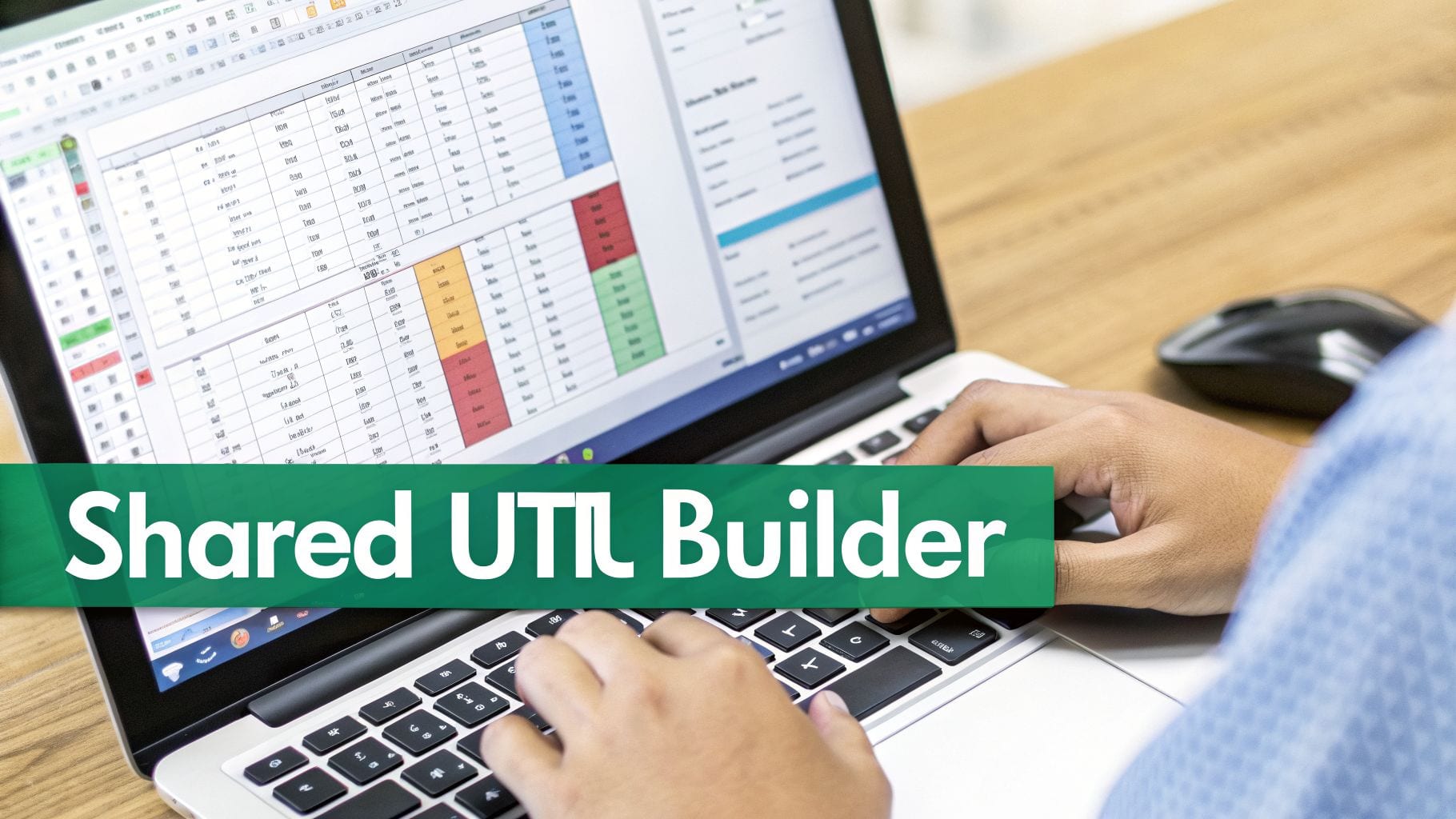
Building a Shared URL Builder That Actually Works
A brilliant campaign taxonomy is only half the battle. If your team finds it difficult or confusing to use, they’ll quickly fall back into old, messy habits. The bridge between your carefully designed rules and flawless execution is a shared, user-friendly URL builder.
This doesn't need to be some complex piece of software. It’s often just a simple, centralized tool—a Google Sheet or an Airtable base works perfectly—that makes creating perfectly tagged URLs an effortless, almost error-proof process. By turning your taxonomy into an interactive template, you remove the guesswork and drastically reduce the risk of human error.
Why a Centralized Builder Is Non-Negotiable
Relying on individual team members to remember all the rules and manually type out URLs is a recipe for disaster. We've all seen it happen. Small typos, a capitalization error, or using an unapproved utm_medium can all lead to the fragmented data you're working so hard to avoid.
A shared builder solves these problems by design. It acts as the single source of truth for URL creation, making sure every link generated by every person—from your marketing managers to your agency partners—perfectly aligns with your established campaign naming convention. This simple step is what transforms your taxonomy from a theoretical document into a practical, everyday workflow.
Crafting Your URL Builder Template
The goal here is to create something so easy to use that your team wants to use it. Forget those intimidating spreadsheets with dozens of columns. Your builder should be clean, intuitive, and focused only on what's necessary to get the job done right.
Tools like Google Sheets are perfect for this because they’re free, collaborative, and have all the features you need. A well-structured builder templatizes the process. Instead of starting from scratch, users are guided through a series of inputs that automatically assemble a compliant URL. This not only speeds things up but also builds consistency into the muscle memory of your team.
If you want to see what a polished final version can look like, you can explore our free, intuitive UTM builder tool, which is built to keep your analytics clean from the start.
Your shared URL builder should be the path of least resistance. Make it easier for your team to do things the right way than the wrong way, and you'll achieve 99% compliance without constant nagging.
To get started, create a new sheet with columns for each part of the URL generation process. This structure gives the user a clear, step-by-step path, from pasting in the destination URL to grabbing the final tagged link.
Essential Components for Your URL Builder Template
To build an effective and error-proof campaign URL builder, you'll need a few key fields, some validation rules, and a clear output. Here's a quick breakdown.
With these pieces in place, you’ve got a solid foundation for a tool that will serve your team well.
Putting It All Together with Formulas and Validation
The real power of a Google Sheets builder comes from its built-in features. Data validation is your best friend here. For each UTM parameter column (like utm_source), you can create a dropdown list that only allows selections from your master taxonomy. This makes it physically impossible for someone to enter Facebook when your approved value is facebook.
Next, you'll need a formula to stitch everything together. The CONCATENATE function or a simple & operator in Google Sheets can assemble the final URL for you.
A simplified formula might look something like this:
=A2 & "?utm_source=" & B2 & "&utm_medium=" & C2 & "&utm_campaign=" & D2
In this example:
A2is the cell with the destination URL.B2contains theutm_sourcevalue.C2contains theutm_mediumvalue.D2contains theutm_campaignvalue.
This formula automatically adds the ? and & separators, generating a perfectly formatted URL that users can simply copy and paste. By building this logic directly into the sheet, you eliminate manual work and ensure every single link is structured correctly, every time.
How to Automate Governance and Ensure Team Adoption
A perfect campaign naming convention and a state-of-the-art URL builder are fantastic, but they're completely useless if your team doesn't use them. Consistently. This is where the real work begins—turning documented rules into ingrained, everyday habits. The challenge is twofold: getting people on board with the change and setting up automated systems that make doing it the right way the easiest option.
Simply emailing a link to the new taxonomy and hoping for the best is a surefire way to fail. True adoption demands a thoughtful rollout, clear communication, and solid governance to catch the inevitable mistakes before they poison your data.
Rolling Out Your New System for Maximum Buy-In
Getting your team on board isn’t just about showing them what to do; it’s about explaining why it matters. Think of this rollout like any other marketing campaign—it needs a clear message and targeted communication to succeed.
Start by scheduling a mandatory training session for everyone who creates or manages campaigns. This means marketing managers, content creators, social media specialists, and any agency partners you work with.
During the training, focus on what's in it for them:
- Less Manual Work: Frame this new system as a time-saver. Show them how it cuts out hours of tedious spreadsheet work trying to make sense of messy data.
- Clearer Performance Insights: Demonstrate how clean data leads to better, more reliable reports that will help them prove the value of their work and justify their budgets.
- Empowered Decision-Making: Explain that with trustworthy data, they can make faster, more confident decisions about which campaigns to scale and which to kill.
The goal isn't to police your team; it's to empower them. When people understand that a consistent campaign naming convention makes their own jobs easier and their results more visible, they are far more likely to embrace the change.
To really embed these new habits, you need to document them clearly in Standard Operating Procedures (SOPs) that work. This documentation should be easy to find and serve as the go-to reference for any questions.
From Reactive Spot-Checks to Proactive Automation
Trying to manually govern your UTMs is a losing battle. You can’t possibly check every single URL your team generates, and by the time you spot an error in your analytics platform, the damage is already done. This is where automated governance becomes a total game-changer.
Instead of relying on periodic, manual audits, a platform like Trackingplan can continuously monitor all your incoming campaign data in real time. This shifts your governance from a reactive chore to a proactive, automated system that acts as a gatekeeper for data quality.
For example, you can set up rules that automatically validate every URL against your taxonomy. If a team member creates a link with utm_source=FB instead of the approved facebook, the system catches it on the spot.
Here’s a look at how an automated alert from Trackingplan can immediately flag a UTM anomaly for your team right in Slack.
The alert gives specific details about the error, so the person responsible can fix it at the source, long before it ever corrupts your reports.
The Power of Real-Time Alerts
The single biggest advantage of automation is the speed of feedback. When someone makes a mistake, they get an immediate, contextual notification—often through a tool they already live in, like Slack or email.
This creates a powerful, real-time learning loop:
- Error Occurs: A user generates a URL that doesn't follow the convention.
- Instant Alert: The automated system detects the mistake and sends an alert.
- Immediate Correction: The user sees the mistake, understands what went wrong, and fixes it.
This process does more than just fix individual errors; it actively trains your team on the correct standards with every single interaction. Over time, the number of errors naturally drops as proper usage becomes second nature. It's far more effective than a quarterly report highlighting dozens of old mistakes that no one remembers making.
By combining clear training with a robust, automated safety net, you create an environment where doing the right thing is easy and mistakes are caught before they cause any harm. This is how you build a culture of data quality and ensure your campaign naming convention finally delivers on its promise of clean, reliable, and actionable insights.
Unlocking Powerful Insights with Clean Campaign Data

All the hard work—designing a taxonomy, building a URL generator, and setting up governance—leads to this. This is the payoff. It's the moment when clean, structured data stops being a nice-to-have and becomes the engine that drives smarter marketing and real business growth.
When your data is pristine, your analytics platform finally starts delivering the kind of actionable insights you always hoped for. No more second-guessing your reports or spending hours in spreadsheets trying to piece together a coherent story. The value of a solid campaign naming convention becomes undeniable when you can ask tough questions and get immediate, trustworthy answers.
Accurately Measure Cross-Channel Performance
Imagine trying to figure out the total impact of your "Q4-Holiday-Sale." Without a system, you might have campaigns tagged as q4_holiday_fb, holiday-sale-google, and Q4Sale-email all running at once. To your analytics platform, these look like three completely separate efforts, making it impossible to see the bigger picture without a ton of manual cleanup.
Now, picture this: with a standardized system, every related campaign uses a common identifier, like utm_campaign=q4-holiday-sale-2024. Just like that, you can filter your entire analytics dashboard by that one value and get a truly holistic view.
This unified perspective lets you confidently answer mission-critical questions:
- Which channel (
utm_medium) actually drove the most conversions for this specific sale? - Did our video ads (
utm_content) perform better on Facebook or YouTube? - What was the total ROI for the entire Q4 holiday initiative across every single platform?
This isn't just a minor improvement; it's a fundamental change in how you measure what works. It allows you to reallocate budgets on the fly and scale successful tactics, all because the data is clean and easy to read. For a deeper look into how this boosts team efficiency, you can explore detailed findings on marketing data reliability.
Build Attribution Models You Can Actually Trust
Multi-touch attribution is something most marketers strive for, but it's incredibly difficult to get right. Why? Because its accuracy depends entirely on the quality of the data you feed it. If your channel data is a jumble of cpc, CPC, google-ads, and paid-search, your attribution model is broken before it even starts.
Clean campaign data is the bedrock of reliable attribution. Without it, you are simply modeling noise, and any insights you derive will be misleading at best and dangerously inaccurate at worst.
A consistent naming convention ensures every touchpoint is categorized correctly from the get-go. When utm_medium is always cpc for paid search and social for all your social media efforts, your attribution model can finally do its job and accurately assign credit. This is how you truly begin to understand the customer journey and see how different channels collaborate to drive conversions.
Make Faster, More Confident Optimizations
At the end of the day, we collect data to make better decisions. Clean data just makes that happen a lot faster. When you can reliably compare A/B test results because your utm_content tags are consistent, picking winners and losers becomes a quick, confident process.
Here’s a real-world scenario:
You’re running two different ad creatives for a new product launch on LinkedIn—a static image (utm_content=static-image-v1) and a short video (utm_content=video-ad-v1). Because your naming is clean, your dashboard clearly shows that the video ad is generating 3x more qualified leads at a lower cost-per-acquisition within just a few days.
This isn't just a mildly interesting fact; it's a clear, data-backed signal to shift your budget now and double down on what’s working. This is the real power of a well-executed campaign naming convention. It’s not about making reports look tidy; it's about creating a direct line between data, insight, and profitable action that drives up your marketing ROI.
Common Questions About Campaign Naming Conventions
Even with the best-laid plans, rolling out a new campaign naming convention always sparks a few questions. Let's walk through some of the most common hurdles I've seen teams face, so you can tackle them with confidence.
What Are the Most Important UTM Parameters to Include?
While all five UTM parameters serve a purpose, three of them are absolutely non-negotiable if you want to get any meaningful insights from your analytics.
You have to get these right every single time:
utm_source: Pinpoints the platform sending you traffic, likegoogleorfacebook.utm_medium: Defines the marketing channel, such ascpc,email, orsocial.utm_campaign: Names your specific strategic push, likeq4-black-friday-sale.
Without this trio, you can’t even do basic performance analysis. The other two—utm_content and utm_term—are where you get more granular. Think of utm_content as your best friend for A/B testing ad creatives, and utm_term is indispensable for tracking keyword performance in paid search.
How Should We Handle One-Off or Experimental Campaigns?
This is a classic concern. "What about our experiments? They'll mess up our clean taxonomy!" The trick isn't to avoid experiments, but to build a framework that expects them. Your system shouldn't be so rigid that it breaks the moment you try something new; it just needs a standardized way to label those tests.
For instance, you could create a specific value for your utm_campaign parameter, like test-new-audience-q2. Then, use utm_content to get specific about the test, such as influencer-collab-a. This way, you can easily filter for and analyze your experiments without polluting your core campaign reports. The goal is to track everything, even the exceptions, in a structured way.
The biggest mistake teams make is overcomplicating their taxonomy from day one. Start with a simple, clear structure that covers your primary channels. You can always add more complexity later. The goal is to create a system people will actually use, not a perfect-but-impractical one.
How Do We Get Buy-In From Other Teams or Agencies?
Getting everyone on the same page, especially external agencies, can feel like an uphill battle. The secret? Stop framing it as a new set of rules they have to follow and start focusing on the "what's in it for them."
Lead the conversation with the mutual benefits. Explain how a consistent system gives them:
- Clearer Performance Reports: It helps them prove the value of their work and makes it easier to justify their budget.
- Less Wasted Time: It eliminates the hours of manual data cleaning and reconciliation they're probably already doing.
- Better Strategic Alignment: It ensures everyone is speaking the same data language, which leads to much more productive collaboration.
Make your shared URL builder dead simple to access and provide clear, concise documentation. When you make it easier to do things the right way, adoption tends to follow naturally. If you're still building your foundation, our article on what factors to consider when creating a campaign name can help.
A solid campaign naming convention is more than just clean data—it's the foundation for reliable, scalable growth. But even the best system needs a safety net. Trackingplan acts as that net, providing automated governance that monitors every campaign URL in real time. It alerts you the moment something deviates from your rules, so you can stop chasing down mistakes and start preventing them at the source.