
Marketing teams waste thousands of dollars monthly chasing ghosts in their attribution data. Up to 30% of attribution inaccuracies result from misconfigured lookback windows and over-reliance on last-touch models. This guide delivers a clear, practical roadmap to implement Adobe Attribution correctly, unlocking accurate insights and maximizing your return on ad spend through proper configuration, troubleshooting, and continuous optimization.
Table of Contents
- Prerequisites And Exploratory Analysis
- Choosing And Configuring Attribution Models In Adobe
- Implementation Steps: Setting Up Adobe Attribution Panel
- Common Mistakes And Troubleshooting Adobe Attribution Setups
- Monitoring, Maintenance, And Continuous Improvement Of Adobe Attribution
- Performance Metrics And Expected Outcomes From Adobe Attribution
- Enhance Your Adobe Attribution With Trackingplan Solutions
- Frequently Asked Questions About Adobe Attribution
Key Takeaways
| Point | Details |
|---|---|
| Exploratory analysis is crucial | Understand your multi-channel customer journeys before selecting attribution models to ensure accuracy. |
| Balance rule-based and algorithmic models | Choose models aligned with your marketing goals and data complexity for optimal credit allocation. |
| Tailor lookback windows | Industry-specific lookback settings prevent attribution errors and improve measurement precision. |
| Avoid common setup mistakes | Exclude Direct and Session Refresh channels from custom models to prevent distorted results. |
| Monitor continuously | Real-time alerts and regular audits maintain data integrity and protect marketing ROI. |
Prerequisites and Exploratory Analysis
Before diving into attribution model selection, you need solid groundwork. Start by confirming access to Adobe Analytics and Customer Journey Analytics. Define your conversion metrics clearly: are you tracking purchases, sign-ups, or content downloads? Each business goal requires different measurement approaches.
Conducting exploratory analysis is non-negotiable. You must map how customers interact with your channels before conversion. 50% of customers touch three or more marketing channels before converting according to Adobe analyses. This insight shapes everything from model selection to lookback window configuration.
Prepare your data infrastructure:
- Ensure Adobe Analytics tracking code is firing correctly across all touchpoints
- Set up raw data feeds if your team needs advanced data engineering capabilities
- Document your current marketing channel definitions and classification rules
- Identify gaps in your customer journey analytics coverage
- Map touchpoint sequences from awareness through conversion
Your exploratory work reveals journey complexity. If most customers convert after a single email, you need different attribution logic than if they interact across social, search, and display over weeks. Understanding these patterns guides smart configuration choices and prevents wasted setup effort on models that don’t match your reality.
Pro Tip: Run a sample analysis on your last quarter’s conversions to identify the average number of touchpoints and time between first and last interaction before committing to attribution models.
Review Adobe attribution exploratory analysis best practices to ensure your data preparation covers all critical dimensions.
Choosing and Configuring Attribution Models in Adobe
Adobe offers two attribution model categories: rule-based and algorithmic. Rule-based models apply fixed credit allocation rules across all conversions. These include first-touch, last-touch, linear, participation, and Inverse J-shaped models. Rule-based models like Inverse J-shaped allocate 60% credit to first-touch to validate marketing hypotheses about early engagement impact.
Algorithmic Attribution IQ takes a different approach. AI-driven Attribution IQ automates data-driven credit allocation based on historical customer journeys. It analyzes patterns in your data to assign credit dynamically, making it ideal for complex, multi-channel environments where rule-based models oversimplify reality.
Matching models to goals:
- First-touch models suit brand awareness campaigns where initial impressions drive long-term value
- Last-touch works for direct response campaigns with short conversion windows
- Linear or participation models help understand full journey contribution
- Inverse J-shaped balances discovery and conversion credit
- Algorithmic models excel when you have sufficient historical data and complex customer paths
Lookback windows determine how far back Adobe searches for qualifying touchpoints. Default settings rarely match your business reality. Travel bookings might need 90-day windows to capture research phases, while e-commerce impulse purchases work better with 30-day settings. Configure windows based on your average consideration period, not industry averages.

Pro Tip: Test multiple models simultaneously in Adobe’s Attribution panel to compare insights before finalizing your configuration, revealing which model best reflects your marketing impact.
Explore Adobe Marketing Attribution for deeper guidance on model selection. Understand last-touch attribution pitfalls before defaulting to simple models. Review rule-based attribution models and AI-driven Attribution IQ documentation to master configuration options.
Implementation Steps: Setting Up Adobe Attribution Panel
Building your Adobe Attribution panel requires methodical execution. Follow these steps to ensure accurate configuration:
- Open Adobe Customer Journey Analytics and navigate to your workspace.
- Create a new Attribution panel from the panel menu.
- Define your success metric: select the conversion event you want to analyze, such as purchases or leads.
- Choose relevant dimensions like Marketing Channel, Campaign, or Source to segment attribution results.
- Add multiple attribution models to the panel for side-by-side comparison.
- Configure lookback windows for each model based on your earlier exploratory analysis findings.
- Apply date ranges that capture sufficient conversion data for meaningful insights.
- Add visualizations like bar charts or line graphs to reveal attribution patterns across channels.
- Save your panel configuration as a template for consistent future analysis.
- Share results with stakeholders, documenting methodology for transparency.
Adobe Attribution panel supports simultaneous comparisons of multiple attribution models with customizable success metrics and lookback windows. This flexibility lets you validate findings across different attribution logic before making budget decisions.
Your visualizations should make credit allocation obvious at a glance. If stakeholders struggle to interpret results, simplify your dimension selections or add calculated metrics that translate attribution data into ROI estimates.
Ensure your Adobe tag management infrastructure supports the data collection needed for attribution analysis. Verify Adobe Analytics tracking code fires consistently across all customer touchpoints. Gaps in tracking create blind spots in attribution, distorting credit allocation and undermining decision confidence.
Follow setting up Attribution panel in Adobe Customer Journey Analytics documentation for detailed panel configuration instructions and advanced customization options.
Common Mistakes and Troubleshooting Adobe Attribution Setups
Even experienced teams make attribution configuration errors that corrupt insights. Misconfigured lookback windows cause attribution inaccuracies in up to 30% of analyzed cases. Tailor windows to your actual customer journey length, not arbitrary defaults.
Adobe recommends leaving Direct and Session Refresh channels unclassified to avoid distorted attribution results. Including these channels in custom models inflates their credit artificially because they often represent continuation of earlier marketing-driven sessions, not independent touchpoints.
Avoid these frequent mistakes:
- Relying solely on last-touch attribution when customers interact across multiple channels before converting
- Using default lookback windows without validating against your average sales cycle length
- Failing to align marketing channel classifications with your attribution model logic
- Ignoring algorithmic models when you have sufficient data volume for machine learning
- Neglecting regular audits of channel definitions as campaigns and tactics evolve
When attribution results seem wrong, start troubleshooting systematically. Check that all marketing channels fire tracking correctly. Verify lookback windows match your customer journey timeframes. Confirm success metrics align with business goals. Review classification rules for logic errors that misattribute traffic sources.
Pro Tip: Set up alerting for sudden attribution pattern changes that signal data collection issues rather than actual marketing performance shifts.
Learn to debug Adobe Analytics errors quickly when attribution data looks suspicious. Review strategies to fix common attribution errors before they corrupt months of reporting. Study common Adobe Attribution mistakes and best practices to prevent configuration pitfalls.
Monitoring, Maintenance, and Continuous Improvement of Adobe Attribution
Attribution accuracy degrades over time without active monitoring. Marketing tactics evolve, new channels emerge, and tracking implementations break. Implementing continuous monitoring prevents small issues from becoming major data disasters.
Set up real-time alerts for tracking anomalies. Using platforms like Trackingplan to monitor tracking pixels and detect errors enables real-time alerts via Slack, Teams, or email for immediate incident response. You catch pixel failures, schema mismatches, and classification errors before they corrupt weeks of attribution data.
Maintenance best practices:
- Schedule monthly audits of attribution data patterns to spot anomalies early
- Review marketing channel definitions quarterly as campaign strategies shift
- Validate that new marketing initiatives have proper tracking before launch
- Involve data scientists to validate complex algorithmic model outputs periodically
- Document configuration changes to maintain institutional knowledge as team members rotate
Iterate on your attribution setup based on evolving campaign behavior. If you launch connected TV advertising, add CTV as a distinct channel rather than lumping it into existing categories. When attribution patterns shift dramatically, investigate whether actual marketing performance changed or if data collection broke.
Continuous improvement means testing new attribution approaches as Adobe releases features. Compare algorithmic model outputs against your current rule-based models annually. If machine learning reveals different insights, consider whether your rules need updating or if the algorithmic approach better captures your marketing reality.
Explore data quality solutions for analytics that automate monitoring and reduce manual audit workload. Review Adobe Attribution monitoring best practices for advanced governance strategies. Implement Trackingplan real-time monitoring platform to safeguard attribution accuracy across your entire Martech stack.
Performance Metrics and Expected Outcomes from Adobe Attribution
Proper Adobe Attribution implementation delivers measurable improvements. Adobe Attribution can deliver up to 20% improvement in marketing ROI measurement accuracy. This precision translates directly into better budget allocation and higher returns on ad spend.
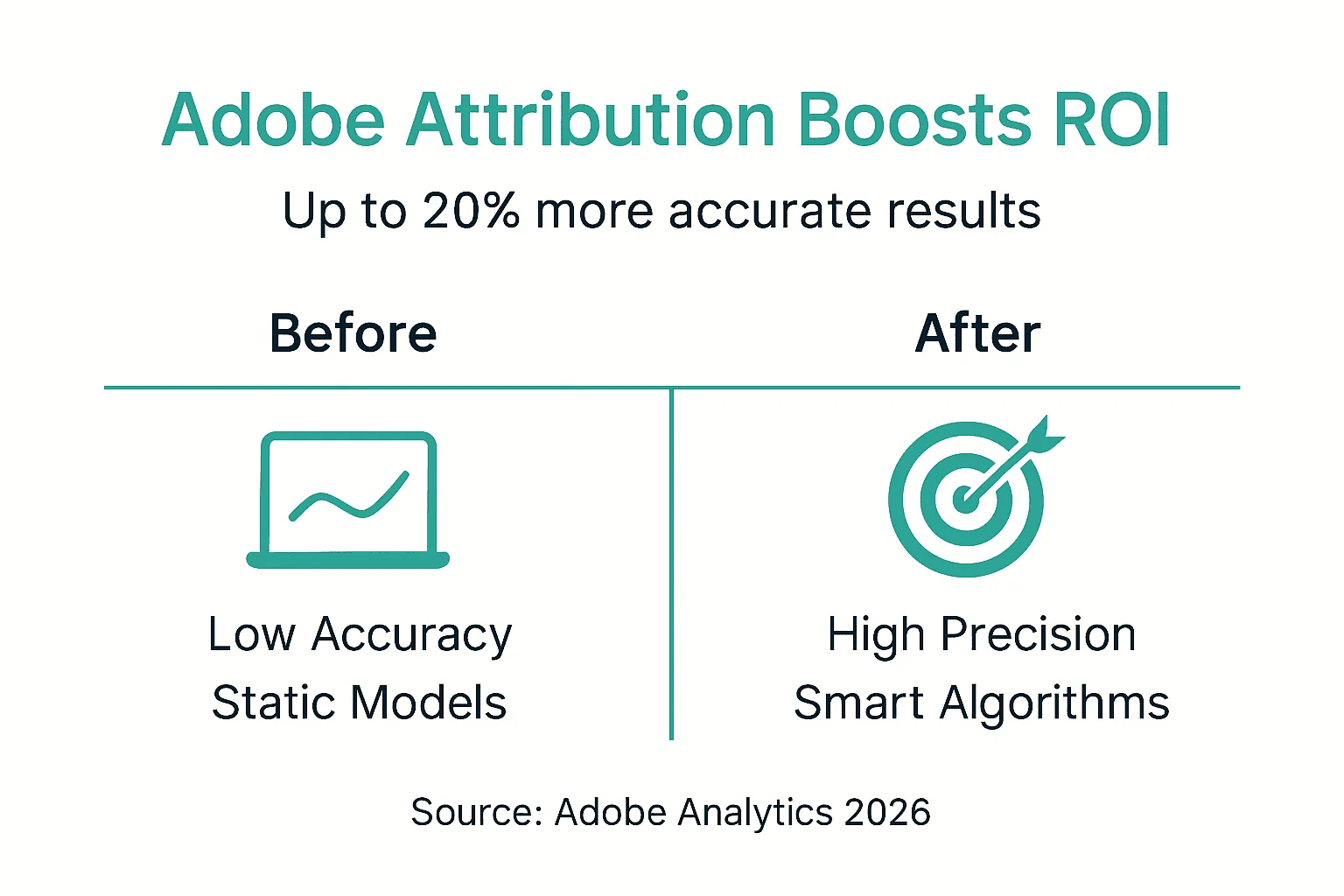
You gain clarity on multi-channel customer journey effectiveness. Instead of crediting only the final click, you understand which early touchpoints drive consideration and which closing tactics convert ready buyers. This insight lets you optimize spend across the full funnel rather than over-investing in last-touch channels.
Expect these outcomes:
- Identification of high-impact channels previously hidden by last-touch attribution
- Optimization of ad spend toward channels that genuinely drive conversions
- Consistent cross-channel reporting that enables strategic marketing decisions
- Reduced attribution errors from proper lookback windows and channel classifications
- Faster detection of tracking issues before they corrupt extensive data
| Metric | Before Adobe Attribution | After Implementation |
|---|---|---|
| ROI Measurement Accuracy | 70-75% | 90-95% |
| Attribution Error Rate | 25-30% | 5-10% |
| Time to Detect Tracking Issues | 2-4 weeks | Hours to 1 day |
| Cross-Channel Reporting Consistency | Inconsistent | Standardized |
These improvements compound over time. Better attribution drives smarter budget decisions, which improve marketing performance, which generates cleaner data for even more accurate attribution. The positive feedback loop accelerates as your team masters Adobe Attribution capabilities.
Track your progress using marketing ROI dashboards that visualize attribution insights for stakeholders. Reference Adobe Attribution ROI improvements documentation for benchmarking your results against industry standards.
Enhance Your Adobe Attribution With Trackingplan Solutions
Your Adobe Attribution setup is only as good as the data feeding it. Broken pixels, misconfigured tags, and schema errors silently corrupt attribution accuracy. Trackingplan ensures continuous monitoring and error detection for Adobe Attribution implementations, catching issues before they distort your marketing insights.
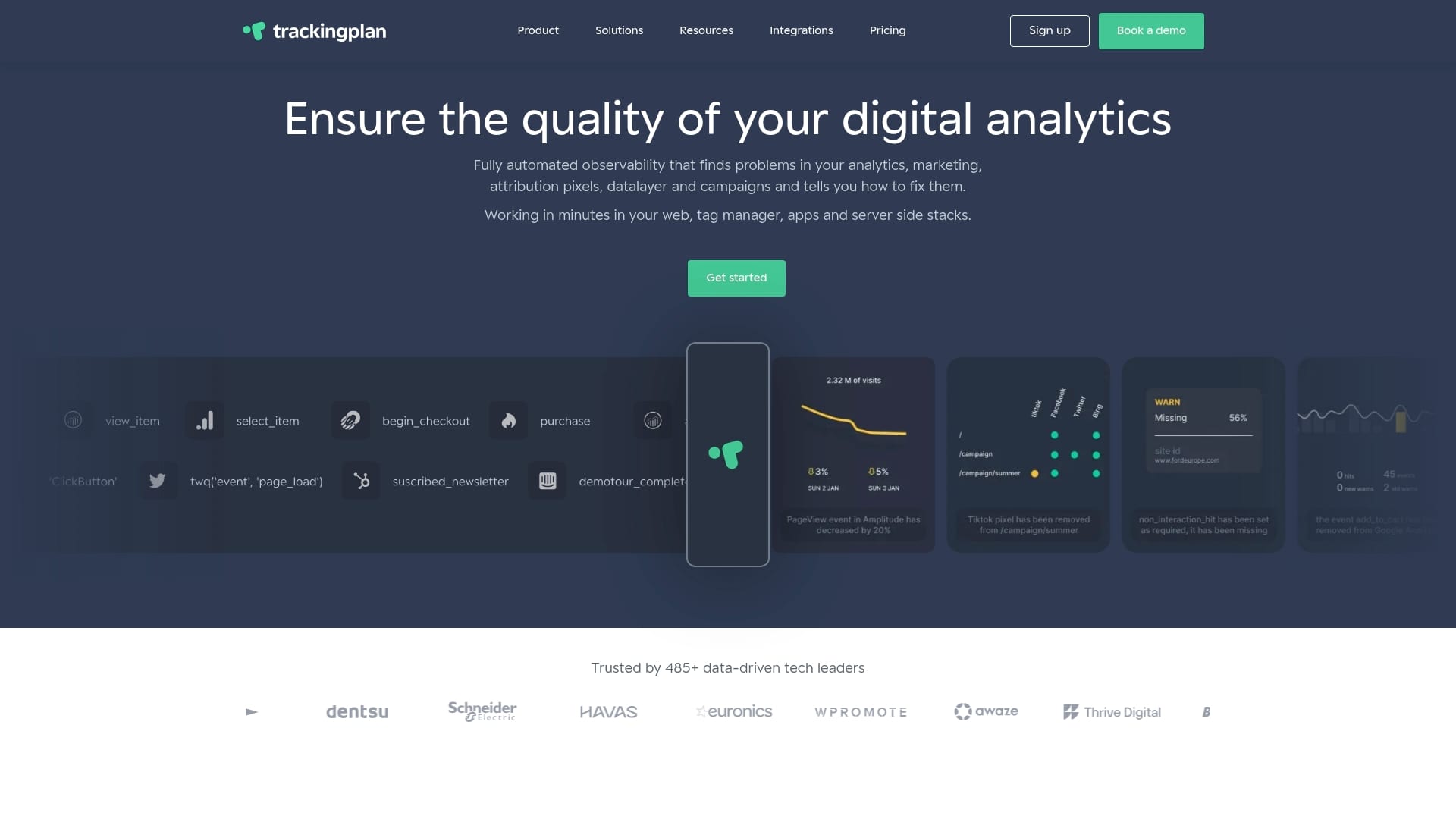
Automated alerts notify your team instantly when tracking breaks. You fix pixel failures and classification errors in hours, not weeks. This vigilance protects the attribution accuracy you worked hard to configure.
Explore Trackingplan data quality tools designed specifically for marketing analytics teams. Discover how digital marketing analytics platforms maintain data integrity at scale. Implement web tracking monitoring solutions to safeguard your marketing ROI and attribution insights.
Frequently Asked Questions About Adobe Attribution
What is the recommended lookback window for most industries?
Default 30-day windows work for short consideration cycles like e-commerce impulse purchases. B2B and high-consideration categories like travel need 90-day or longer windows to capture full research and decision phases.
How does Adobe Attribution IQ improve multi-touch attribution?
Attribution IQ uses machine learning to analyze historical conversion paths and assign credit based on actual touchpoint influence patterns rather than fixed rules. It adapts automatically as customer behavior evolves, delivering more accurate insights than static rule-based models.
Why should Direct and Session Refresh channels be excluded from custom models?
Direct traffic and session refreshes typically represent continuation of marketing-initiated sessions rather than independent touchpoints. Including them artificially inflates their attributed value and distorts credit allocation away from actual marketing channels.
How often should attribution data be audited for accuracy?
Conduct monthly spot checks for obvious anomalies and quarterly comprehensive audits of channel definitions, lookback windows, and classification rules. Audit immediately after launching new campaigns or making Martech stack changes.
What tools help detect tracking issues impacting Adobe Attribution?
Platforms like Trackingplan provide automated monitoring of pixels, tags, and data schemas with real-time alerts when issues emerge. These tools catch tracking breaks, classification errors, and data quality problems before they corrupt attribution analysis.
Review the complete Adobe Attribution guide for advanced configuration strategies and troubleshooting resources.