
Most marketing teams assume their website analytics are accurate, but businesses lose 20-30% of marketing budgets to ineffective channels due to poor attribution. The reality? Your traffic data is probably lying to you. AI bots, tracking errors, and privacy tools create blind spots that waste ad spend and hide your best growth opportunities. This guide explains why monitoring website traffic matters more than ever in 2026, how to overcome common measurement challenges, and what strategies actually work to optimize your tracking for better marketing decisions.
Table of Contents
- The Hidden Costs Of Neglecting Website Traffic Monitoring
- Understanding Ai And Bot Traffic: Measurement Challenges In 2026
- Overcoming Tracking Inaccuracies: Strategies For Reliable Website Analytics
- Practical Benefits: How Monitoring Website Traffic Drives Marketing Optimization
- Optimize Your Website Tracking With Trackingplan Solutions
- Frequently Asked Questions
Key takeaways
| Point | Details |
|---|---|
| Budget protection | Proper monitoring prevents 20-30% waste from misattributed marketing spend and tracking gaps |
| AI traffic challenge | Over half of web traffic comes from bots that distort attribution and conversion data |
| Tracking accuracy | Most websites lack advanced setups, creating 30-50% data variance that undermines decisions |
| Multi-tool approach | Combining GA4 with Search Console and backend data reveals the complete traffic picture |
| Strategic advantage | Continuous monitoring spots issues early and enables data-driven optimization for competitive edge |
The hidden costs of neglecting website traffic monitoring
Your marketing budget is bleeding money through invisible cracks. When you skip rigorous website traffic monitoring, you’re not just missing data points. You’re making strategic decisions based on fiction. Marketing data governance becomes impossible when your foundation is unstable.
The financial impact hits harder than most teams realize. Businesses lose 20-30% of marketing budgets to channels that don’t actually deliver results. Attribution errors mask which traffic sources genuinely drive ROI, leading you to double down on underperformers while starving your winners. You might think your Facebook ads are crushing it when organic search is doing the heavy lifting, or vice versa. Without accurate monitoring, you’re flying blind.
Technical issues compound the problem. Broken tracking codes, misconfigured tags, and bot traffic skew your numbers in ways standard dashboards won’t reveal. Privacy tools and ad blockers create gaps. AI-generated traffic floods in through channels your analytics can’t properly categorize. Each gap represents lost insight and wasted opportunity.
The strategic costs extend beyond immediate budget waste:
- Missed growth opportunities when you can’t identify emerging traffic patterns
- Slower response to campaign problems that could be caught and fixed within hours
- Competitive disadvantage as rivals optimize faster with cleaner data
- Team frustration and poor morale when data doesn’t match reality
- Lost credibility with stakeholders when reported metrics prove unreliable
“The biggest cost isn’t what you spend on bad channels. It’s what you never discover about your best opportunities because your data is broken.”
Ignoring these issues doesn’t make them disappear. It just means your competitors who monitor properly will outmaneuver you while you wonder why your campaigns underperform despite following best practices. The hidden costs accumulate silently until they become impossible to ignore.
Understanding AI and bot traffic: measurement challenges in 2026
AI has fundamentally changed what “website traffic” means. Automated bots now account for over 50% of all web traffic, and your analytics tools struggle to handle this reality. These aren’t just spam crawlers. AI agents research products, compare prices, and gather information for human users, creating legitimate engagement that traditional analytics misinterpret.

The attribution nightmare starts with how this traffic appears in your reports. 70.6% of AI traffic lands as Direct in GA4, completely obscuring its true origin. When a ChatGPT user clicks through to your site, GA4 typically can’t see the referrer. Your carefully planned SEO and content strategy might be driving massive AI discovery, but your dashboard shows it as people typing your URL directly. This misattribution throws off every channel analysis and budget decision you make.
The conversion patterns add another layer of complexity. Dark AI converts at 4.1x the rate of non-AI traffic, but only if you can track it properly. AI agents often browse with characteristics that trigger bot filters, causing analytics platforms to exclude their sessions entirely. You’re missing high-intent traffic that actually drives results.
| Traffic Type | Visibility in GA4 | Attribution Accuracy | Conversion Rate |
|---|---|---|---|
| Traditional human | High | Good with proper setup | Baseline |
| AI agent (visible) | Medium | Poor (often marked Direct) | 4.1x baseline |
| Dark AI | Low to none | Excluded by filters | Unknown but likely high |
| Search bots | Filtered out | Not applicable | Not applicable |
Standard analytics configurations make the problem worse. Most platforms exclude bot traffic by default to clean up reports, but their detection methods can’t distinguish between spam crawlers and legitimate AI agents. You end up filtering valuable signals along with the noise. Web tracking monitoring helps identify these gaps before they corrupt your strategy.
Solving this requires layering multiple data sources:
- Server logs capture all requests, including those filtered from analytics
- Backend conversion tracking validates what actually drives revenue
- User agent analysis reveals AI patterns standard tools miss
- Session recording shows behavioral differences between human and AI visits
Pro Tip: Create separate views or data streams that include bot traffic, then compare against your filtered data. The delta reveals how much AI activity you’re missing and helps you understand its true impact on conversions.
The measurement challenge isn’t going away. As AI agents become more sophisticated and prevalent, traditional analytics will struggle harder to provide accurate attribution. Teams that adapt their monitoring approach now gain advantage over those waiting for perfect solutions that may never arrive.
Overcoming tracking inaccuracies: strategies for reliable website analytics
GA4’s limitations run deeper than most marketers realize. Over half of websites run Google Analytics, but 80% lack advanced setups like events, goals, and ecommerce tracking. Without these configurations, you’re collecting pageviews but missing the actions that actually matter. Someone could complete your entire conversion funnel, and GA4 might record it as a single session with no goal completion.
Privacy tools create massive blind spots in your data. Expect 10-20% variance normally, 30-50% once GTM errors, ad blockers, and privacy thresholds are added. Safari’s Intelligent Tracking Prevention, Firefox’s Enhanced Tracking Protection, and browser extensions block analytics scripts for millions of users. Your reports show 70% mobile traffic when the real number might be 85%. This isn’t a small rounding error. It fundamentally changes what you think you know about your audience.
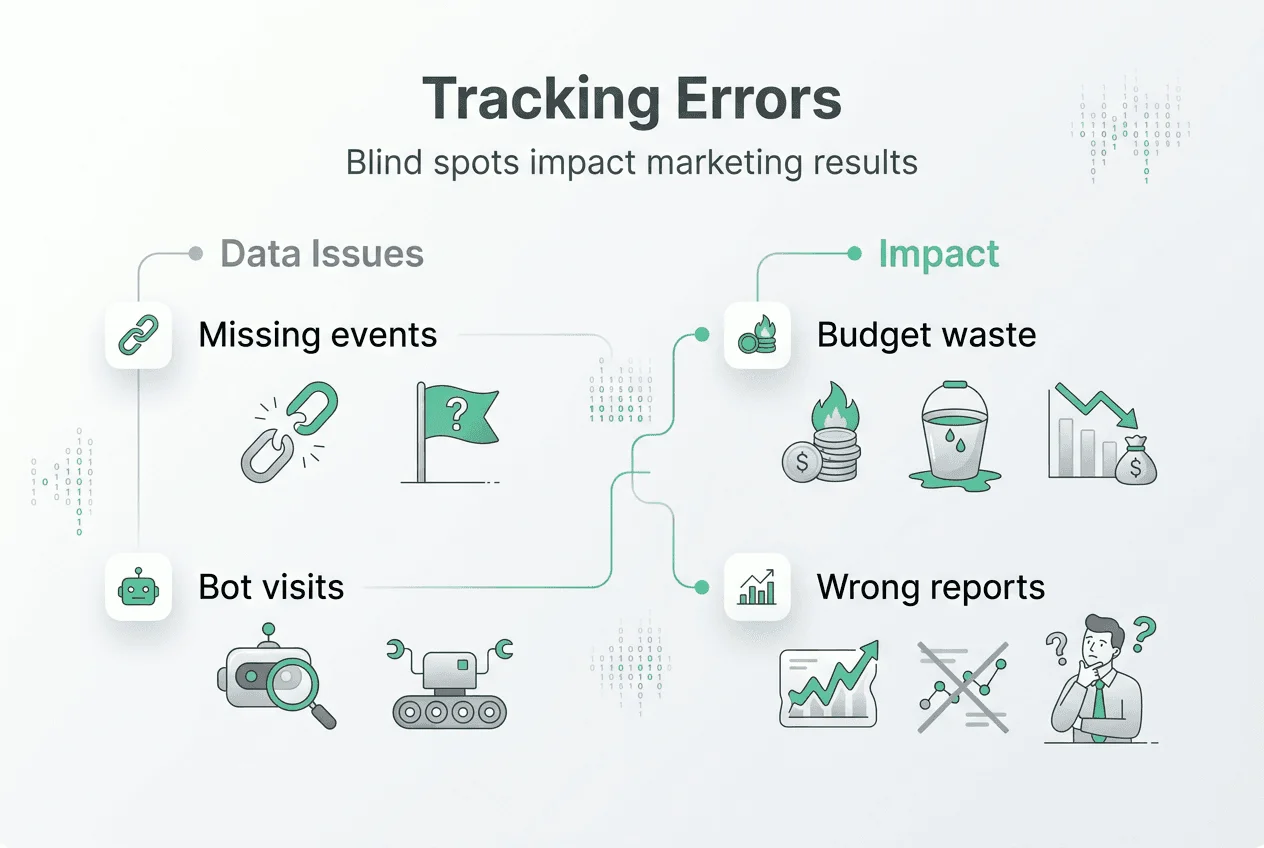
Platform discrepancies compound the confusion. GA4, Google Ads, and Meta all report conversions differently, often by 20-50%. Each uses different attribution windows, counting methods, and data processing. You run a campaign that Google Ads says generated 100 conversions, GA4 reports 65, and Meta claims 120. All three numbers are “correct” within their own logic, but which one guides your budget decisions?
Implementing reliable tracking requires systematic improvements:
- Configure comprehensive event tracking for every meaningful user action, not just pageviews
- Set up enhanced ecommerce or lead tracking to capture the full conversion funnel
- Create custom dimensions and metrics that match your specific business model
- Implement server-side tracking to bypass client-side blockers and privacy tools
- Build cross-domain tracking if your conversion path spans multiple properties
- Test your implementation regularly with real user scenarios and debugging tools
Regular audits catch problems before they corrupt months of data. Use a Google Analytics audit checklist to verify tracking accuracy quarterly. Check that events fire correctly, goals align with business objectives, and filters aren’t excluding legitimate traffic. Review your website audit checklist to ensure technical implementation matches your analytics strategy.
| Data Quality Issue | Impact on Decisions | Solution Approach |
|---|---|---|
| Missing event tracking | Can’t measure micro-conversions | Implement GTM with comprehensive event plan |
| Ad blocker gaps | Undercount mobile and privacy-conscious users | Add server-side tracking layer |
| Cross-platform variance | Conflicting performance signals | Establish single source of truth with clear rules |
| Bot traffic inclusion | Inflated metrics, skewed averages | Combine filtered and unfiltered views |
Combining data sources provides the complete picture GA4 alone can’t deliver. Merge GA4 with Search Console to understand organic performance, backend database queries to validate conversions, and CRM data to track customer lifetime value. When these sources align, you’ve found truth. When they conflict, you’ve identified a tracking problem worth investigating.
Pro Tip: Document every tracking decision and configuration change in a shared wiki. When discrepancies appear months later, you’ll need this history to diagnose whether the issue is technical, methodological, or a genuine shift in user behavior.
Address Google Analytics not set issues immediately when they appear. These gaps indicate broken tracking that corrupts your attribution model. The longer they persist, the more decisions you’ll make on incomplete data. Fix tracking problems within days, not weeks, to minimize damage to your optimization efforts.
Practical benefits: how monitoring website traffic drives marketing optimization
Accurate traffic monitoring transforms marketing from guesswork into science. Monitoring web traffic allows for data-driven decisions, identifying best sources, and optimizing spend in ways that directly impact ROI. When you know which channels genuinely drive high-value visitors, you can shift budgets aggressively toward winners and cut losers without second-guessing.
The strategic advantages multiply across your entire marketing operation:
- Identify true high-value traffic sources that justify increased investment
- Spot underperforming campaigns within hours instead of weeks
- Recognize seasonal patterns and traffic anomalies before they impact revenue
- Validate that technical changes improve rather than harm user experience
- Build confidence in your data that supports bold optimization moves
Understanding AI and direct traffic patterns refines your channel strategy. When you realize that 70% of your “direct” traffic actually originates from AI research or dark social sharing, you stop obsessing over branded search and start optimizing for the discovery patterns that feed those channels. You might discover your best content attracts AI agents that later drive human conversions, completely changing your content priorities.
Continuous monitoring catches technical issues before they become expensive problems. A broken tracking tag might go unnoticed for weeks in a quarterly review cycle, corrupting all your attribution data. Daily monitoring spots the anomaly within hours. You fix it, minimize data loss, and maintain confidence in your metrics. The cost difference between catching issues early versus late can easily reach six figures for enterprise marketing operations.
“GA4 is your compass, not your calculator; pair it with other tools to see the full picture.”
This perspective shift matters enormously. Stop expecting perfect precision from any single analytics platform. Instead, build a monitoring system that triangulates truth from multiple imperfect sources. When GA4, your ad platforms, and backend data all point in the same direction, act decisively. When they conflict, investigate before optimizing.
Better data integration supports strategic growth that compounds over time. Teams with reliable monitoring make faster decisions, run more experiments, and learn from failures without catastrophic budget waste. They spot emerging opportunities in traffic data before competitors, claim new channels early, and build sustainable advantages. Digital marketing analytics becomes a competitive weapon rather than a reporting chore.
The optimization cycle accelerates when you trust your data. You test aggressively, scale winners quickly, and kill losers without emotional attachment. Marketing data analysis reveals patterns that manual observation misses, especially as traffic volume and complexity grow. Your monitoring system becomes an early warning radar for both threats and opportunities, giving you time to respond while rivals are still figuring out what happened.
Optimize your website tracking with Trackingplan solutions
Even with perfect strategy, execution determines whether your tracking actually works. Trackingplan ensures your analytics data stays clean and accurate across every platform you use. The platform automatically discovers tracking implementations, monitors for errors, and alerts you to issues before they corrupt your decision-making.
Our AI assisted debugger reduces the time spent chasing data discrepancies from days to minutes. When conversion numbers don’t match between platforms, the debugger identifies root causes automatically. You’ll know whether the issue stems from attribution logic, technical errors, or legitimate measurement differences. This clarity eliminates the endless troubleshooting cycles that waste your team’s time.
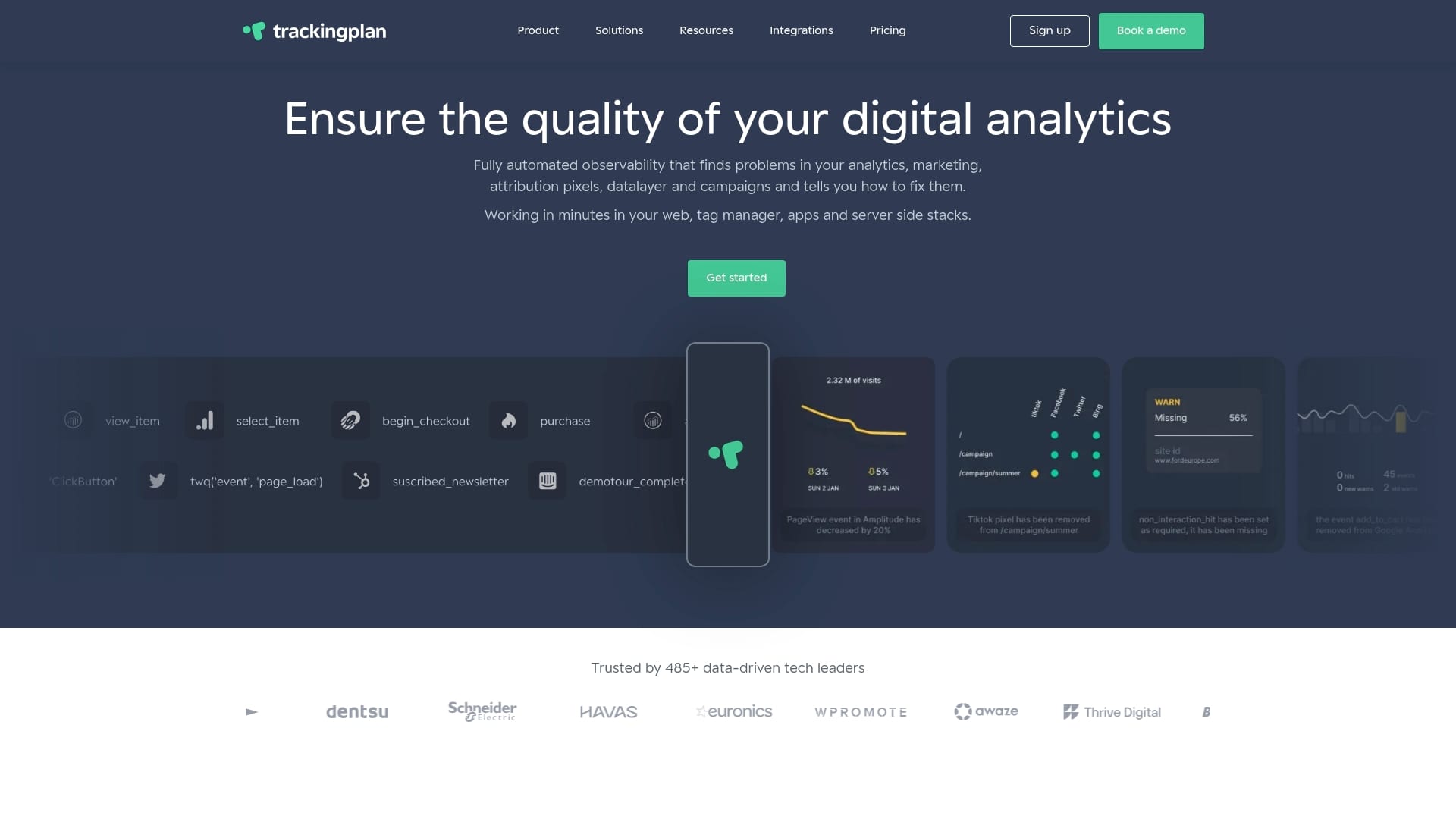
Web tracking monitoring protects your marketing investment by catching broken pixels, missing events, and schema mismatches the moment they occur. Real-time alerts via Slack or email mean you fix problems in hours, not weeks. Your data stays reliable, your attribution stays accurate, and your optimization decisions stay confident.
Integrate Trackingplan with your existing digital analytics tools to build the comprehensive monitoring system this article describes. You’ll finally have the data quality foundation that makes advanced marketing analytics possible. Explore how Trackingplan helps digital teams turn tracking chaos into competitive advantage.
Frequently asked questions
Why is monitoring website traffic important?
Monitoring prevents costly budget waste from misattributed marketing spend and broken tracking. It reveals which channels actually drive valuable visitors and conversions, not just vanity metrics. Without continuous monitoring, technical issues corrupt your data for weeks before anyone notices, leading to poor optimization decisions. Proper monitoring also helps you understand emerging patterns like AI traffic that standard analytics misinterpret. Learn more about building a complete marketing analytics guide for your organization.
How can AI traffic affect my website analytics?
AI traffic appears primarily as direct visits in GA4, obscuring its true origin and breaking attribution models. It can significantly inflate traffic numbers while converting at rates up to 4x higher than human traffic, but only if tracked properly. Many analytics platforms filter AI agents as bots, creating blind spots in your data. Understanding AI traffic patterns helps you avoid misinterpreting performance and missing high-intent visitors who research through AI tools before converting.
What are the best practices to improve website traffic data accuracy?
Implement advanced tracking with comprehensive events, goals, and ecommerce configurations beyond basic pageview collection. Conduct regular analytics audits using systematic checklists to identify and fix tracking errors before they corrupt decisions. Combine GA4 data with Search Console, backend databases, and CRM systems to validate accuracy across sources. Add server-side tracking to bypass client-side blockers and privacy tools that create gaps. Monitor continuously rather than reviewing quarterly to catch issues within hours instead of weeks.
Why do major analytics tools report conversion rates differently?
Each platform uses different attribution models, tracking methods, and counting logic that produce legitimately different results. GA4, Google Ads, and Meta all report conversions differently, often by 20-50%, based on their attribution windows and data processing approaches. Privacy thresholds and ad blockers affect each platform uniquely, creating additional variance. Understanding these methodological differences prevents misinterpreting performance data and helps you establish clear rules for which metrics guide specific decisions.