
Your PPC account can look healthy while your measurement is broken.
That is the trap. A campaign launches, spend ramps, leads appear in-platform, and the reporting deck looks acceptable. Then revenue lags. Weeks later, someone finds the issue: a broken conversion pixel, a consent problem, a bad UTM pattern, or a missing event that corrupted attribution the whole time.
Most PPC audits still focus on only one layer. They inspect bids, budgets, search terms, ad copy, match types, feed quality, and campaign settings. That work matters. But it is incomplete if nobody validates the data layer underneath it. Optimizing campaigns on top of flawed tracking is like tuning a race car with a faulty dashboard. You can make changes quickly and still steer in the wrong direction.
The best PPC audit tools in 2026 do more than hand out a health score. The strongest stacks connect account hygiene with data integrity. They help you spot structural waste inside Google Ads or Microsoft Ads, and they also help you catch missing pixels, schema mismatches, consent issues, broken analytics events, and UTM errors before those issues distort decision-making.
That second layer is where a lot of teams still get hurt. A campaign manager can do excellent work inside the ad account and still get blamed for poor performance that started on the site, in the tag manager, or inside the analytics implementation.
This list reflects how experienced teams work now. They do not rely on one tool for everything. They combine an ad-account auditor with monitoring for analytics and pixel quality, then add specialist tools for fraud, feeds, or reporting when needed.
If you want a practical shortlist of what works, start here.
1. Trackingplan
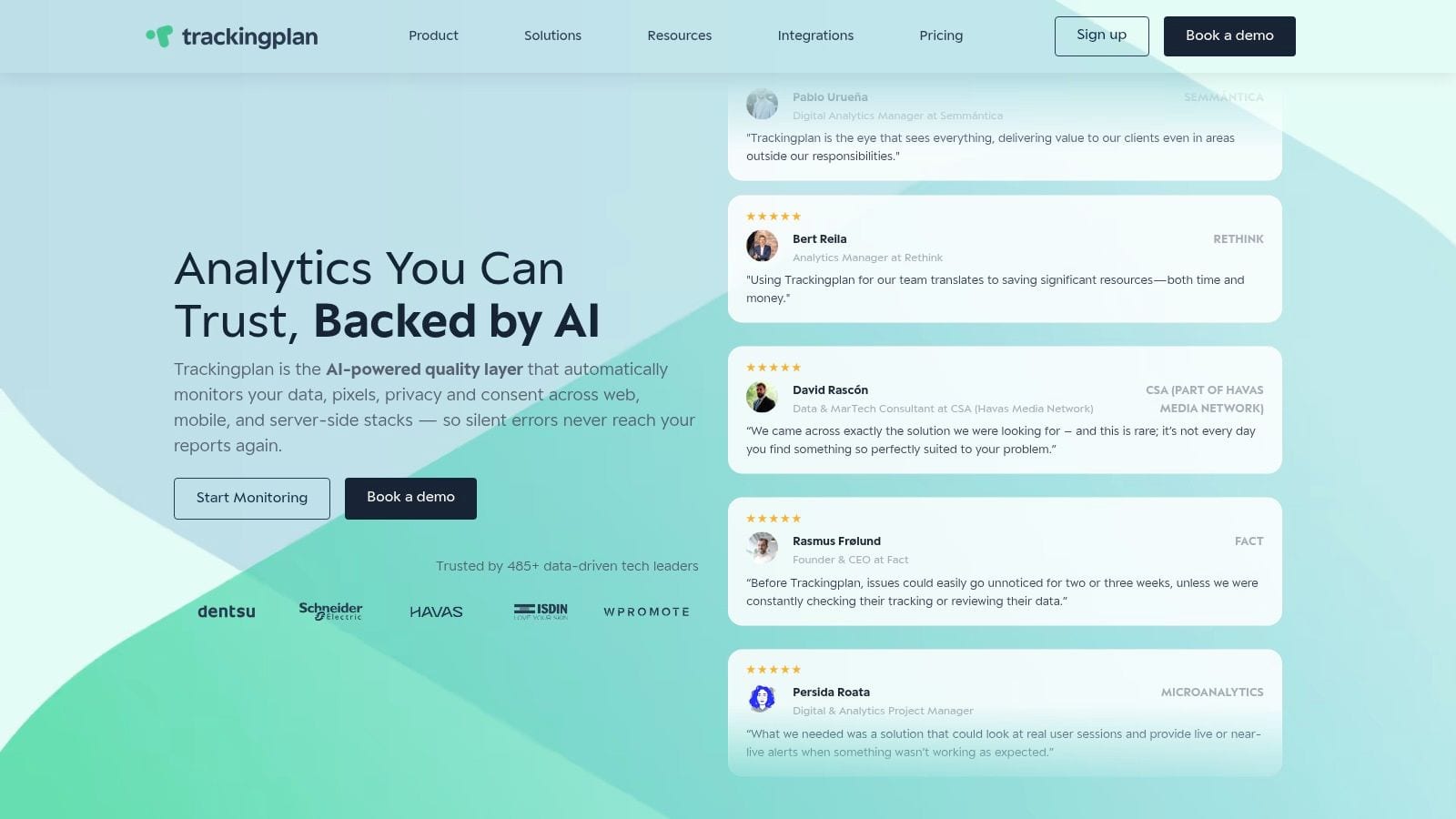
A familiar audit failure looks like this. The account appears stable, CPCs are in range, search terms are clean, and then reported conversions drop for no obvious reason. The underlying issue often sits outside Google Ads or Meta Ads. A pixel stopped firing, consent blocked part of the funnel, UTMs broke, or an event schema changed without the media team hearing about it.
Trackingplan fits that problem better than a standard account auditor. It monitors what users send across your site, app, analytics setup, ad pixels, and server-side tracking, so you can verify whether the measurement layer is trustworthy before you start changing bids, budgets, or creative.
That matters in real audits. Good campaign decisions depend on clean inputs.
Where it fits best
Trackingplan is strongest when the brief goes beyond account hygiene and asks whether attribution can be trusted in the first place.
- Broken attribution checks: Catch missing, duplicated, or malformed pixels across Google Ads, Meta, and analytics platforms.
- Campaign tagging governance: Spot UTM errors, naming drift, and incomplete tagging before they pollute reporting.
- Consent validation: Find cases where consent logic suppresses or distorts marketing data.
- Schema control: Monitor changes to event names, parameters, transaction IDs, and dataLayer structure.
- Privacy oversight: Flag tracking payloads that may be collecting fields your team should review.
The practical upside is speed during incident response. When conversion volume drops, teams usually lose hours debating whether the issue started in the ad account, the tag manager, the consent banner, or the analytics implementation. Trackingplan helps narrow that down quickly and ties the problem back to business impact, which makes prioritization easier.
If you want a repeatable process for reviewing that layer, Trackingplan’s own PPC audit checklist for tracking and measurement QA is a useful companion.
If conversions fall off suddenly, check the tracking layer before touching bidding strategy. That order of operations prevents a lot of wasted optimization work.
Here is a useful product explainer from Trackingplan’s channel:
Trade-offs
Trackingplan does not replace a tool like Optmyzr or Adalysis for campaign build reviews, budget pacing, or bid management. Its value is different. It answers whether the data feeding those decisions is intact.
It also works better on properties with meaningful traffic, because its monitoring relies on real user behavior rather than a small set of scripted checks. For active advertisers, that trade-off is often worth it. You get visibility into what is captured in production, not just whether a tag was supposed to fire in a test environment.
Its strengths are clear:
- Always-on QA: It continuously watches pixels, analytics events, UTMs, consent behavior, and dataLayer changes.
- Cross-team usefulness: Media buyers, analysts, developers, and QA teams can work from the same evidence.
- Fast time to value: The lightweight install makes it easier to start monitoring without a long implementation cycle.
- Better root-cause analysis: Alerts point teams toward the source of the issue instead of stopping at a generic tracking error.
The limitation is just as clear. Teams that only want a one-time ad account score may not need this level of monitoring. Teams that have ever optimized against broken conversion data usually do.
2. Optmyzr
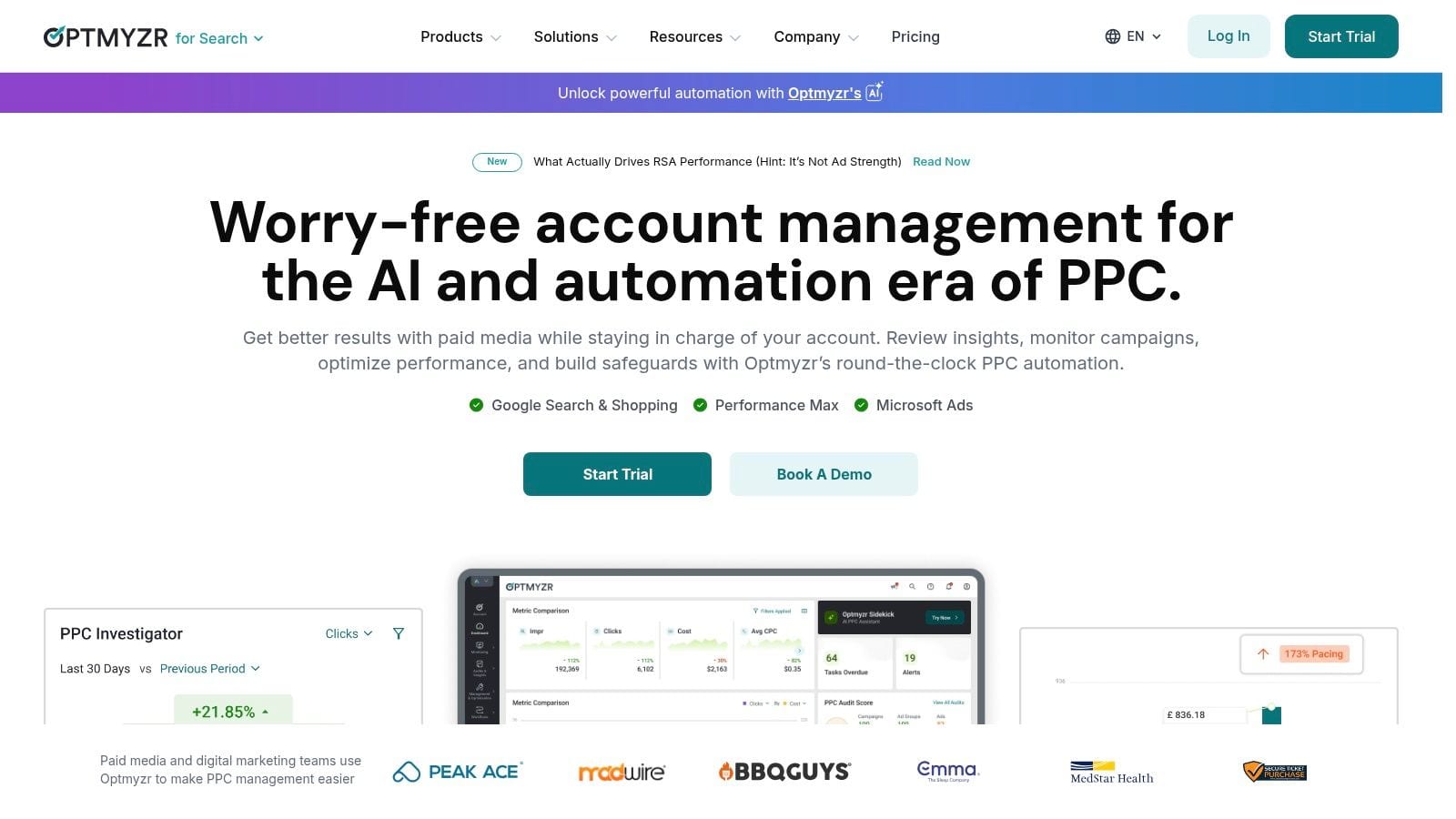
Optmyzr is one of the strongest choices when you want deep account audits plus the ability to act on findings fast.
This is not just a grader. It is an operating system for account QA, optimization, pacing, and workflow management. That matters for agencies and in-house teams managing a lot of moving parts at once.
What it does well
Optmyzr’s audits go well beyond basic structure checks. The platform covers Responsive Search Ads, Performance Max, value-based bidding, Shopping feeds, historical trends, conversion anomaly detection, competitor benchmarking, and customizable rule sets. It also carries strong satisfaction ratings of 4.6/5 on G2 and 4.6/5 on Capterra, according to Optmyzr’s roundup of PPC auditing tools: https://www.optmyzr.com/blog/ppc-auditing-tools/
That breadth is why many teams stay with it after the initial audit. You can identify a problem and often move straight into a fix without switching tools.
Real-world fit
Optmyzr is especially useful when the problem is operational complexity.
- Multi-account oversight: It suits agency workflows where audits need to be repeatable and scheduled.
- Shopping diagnostics: It is stronger than many general audit tools if product feeds are part of the program.
- Stakeholder communication: AI-generated summaries can make audit findings easier to present internally.
- Guardrails: Budget pacing and protections help catch problems before a monthly review.
The main trade-off is that the suite has depth, and depth creates a learning curve. Small advertisers can find it heavy if they only need a quick health scan. Pricing can also be a hurdle for very small accounts.
Pairing matters here. Optmyzr is excellent for ad account structure. It becomes more trustworthy when paired with Trackingplan, because you can validate that the conversions and revenue signals driving your decisions are being measured correctly.
3. Adalysis
Adalysis is the tool I reach for when the priority is disciplined account hygiene at scale.
It has a more rules-driven feel than some newer platforms, and that is not a drawback. For many agencies, consistency beats novelty. You want the same checks run every time, with thresholds your team controls, and reports that are easy to export and review.
Why teams still like it
Adalysis stands out for automated checks that catch common account issues early, including keyword conflicts, extension gaps, settings inconsistencies, and wasted spend patterns. It also has strong public review scores, including 4.8/5 on G2 and 4.6/5 on Capterra, in Optmyzr’s market roundup of PPC audit tools.
That tells you something important. Practitioners still value clear diagnostics and reliable workflows.
A useful pricing signal also came through the same market review. Adalysis starts at $127/month for $50K spend with unlimited accounts, which positions it as a more accessible entry point than some broader enterprise alternatives.
Best use case
Adalysis fits agencies that need repeatable QA more than flashy dashboards.
- Agency standardization: Good for building a common audit process across many clients.
- Configurable governance: Custom thresholds let senior teams define what counts as a real issue.
- Automation support: Repetitive fixes can be reduced without turning the platform into a black box.
If your team keeps missing the same account hygiene issues across clients, a rules-based auditor usually fixes that faster than adding another spreadsheet or SOP.
The trade-off is weight. For a single-account advertiser, Adalysis can feel broader than necessary. It also requires governance if multiple people are adjusting rules and automations.
It pairs well with Trackingplan because account hygiene is only half the job. Adalysis keeps campaigns cleaner. Trackingplan checks whether the downstream measurement those campaigns rely on is still accurate.
4. TrueClicks
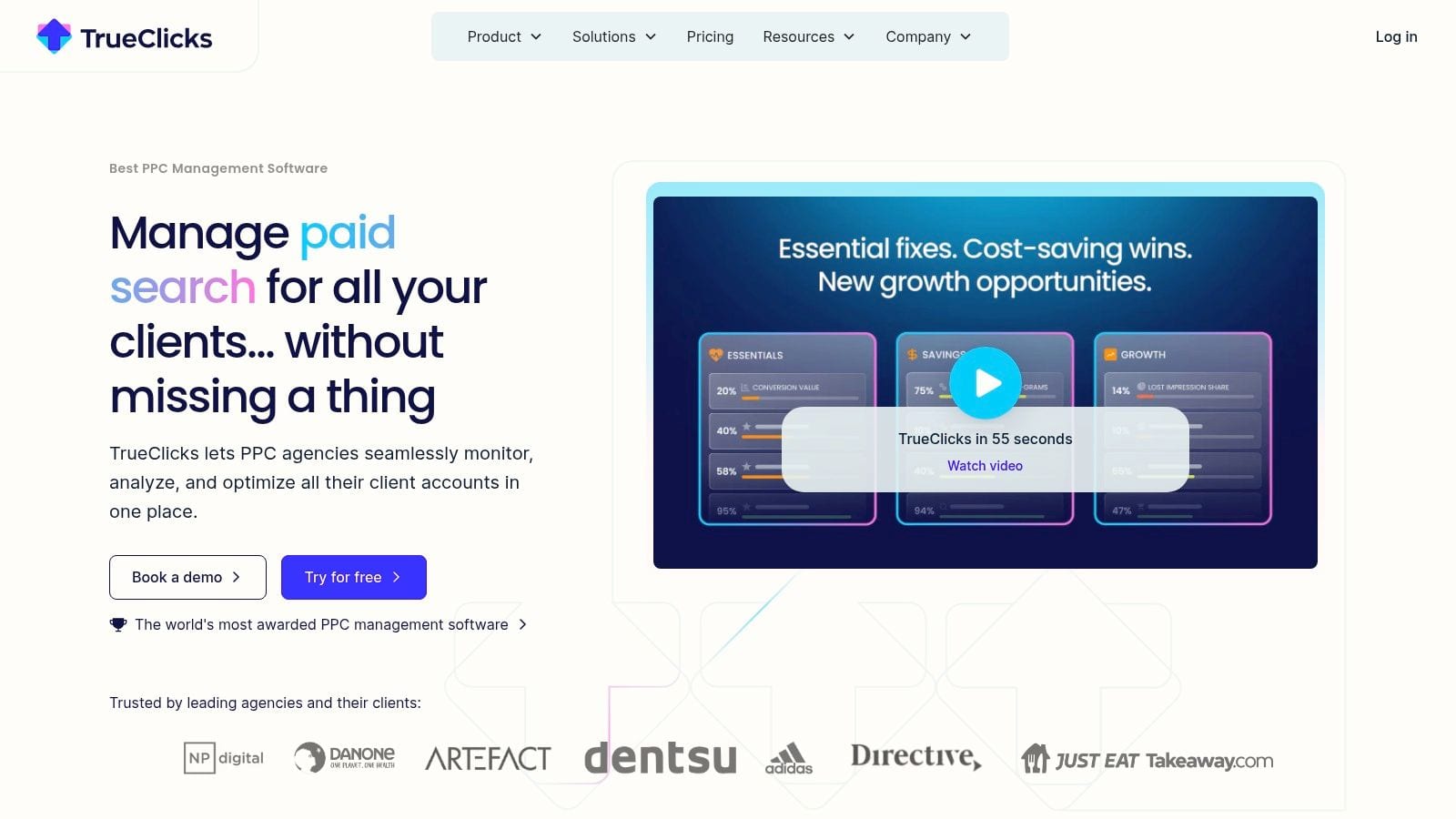
TrueClicks is a good fit when your main problem is standardization.
A lot of agencies do not need another platform for building campaigns. They need a system that reviews accounts consistently, surfaces the right issues, and stops quality control from depending on whoever happened to look last.
Where it shines
TrueClicks focuses on audits, weekly health scoring, prioritized fixes, pacing, and anomaly alerts across Google Ads and Microsoft Ads. It also maintains solid user satisfaction, with 4.4/5 on G2 and 4.6/5 on Capterra, according to Optmyzr’s market comparison of PPC auditing tools.
What I like about this category of tool is restraint. It is more about guardrails than endless feature sprawl.
TrueClicks works well if you want:
- Weekly discipline: Regular health checks without rebuilding your workflow around a huge suite.
- Prioritization: A shorter list of what needs attention now.
- Agency QA: Standardized reviews that junior and senior team members can both follow.
- Monitoring: Ongoing alerts instead of waiting for a formal audit cycle.
What it is not
TrueClicks is not the tool I would choose if I wanted heavy campaign-building capability or a lot of custom automation. It is more focused than that.
That focus can be a strength. Teams often buy broad platforms and use only a small slice of them. With TrueClicks, the value proposition is clearer: protect account health, highlight issues, and save analyst time.
It pairs naturally with Trackingplan. TrueClicks can tell you when account metrics drift or settings look off. Trackingplan helps confirm whether those metrics are based on complete, clean tracking data rather than broken tags or corrupted attribution paths.
5. Opteo
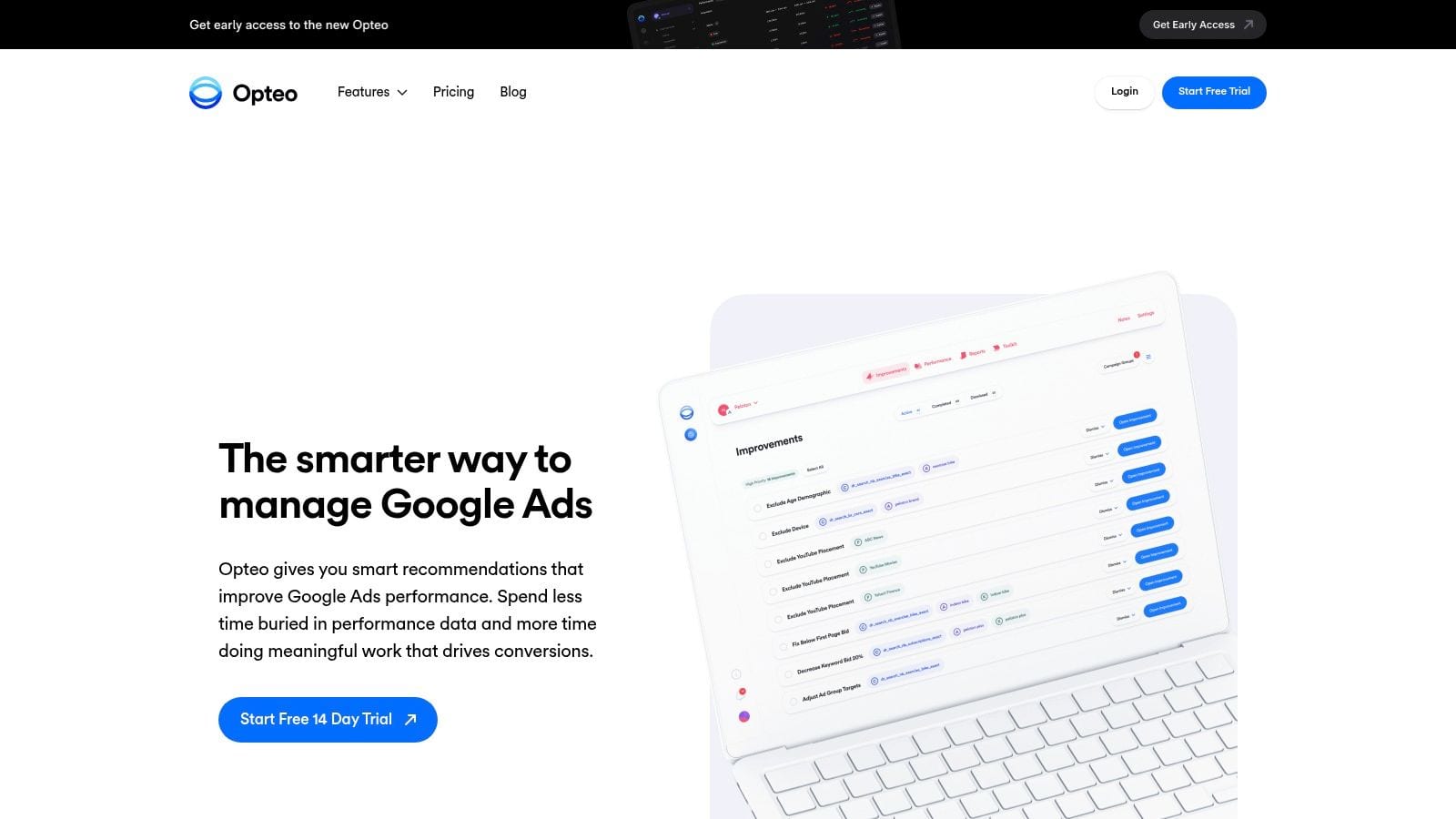
Opteo is one of the easiest tools to adopt if you want a fast path from audit to action inside Google Ads.
Some platforms are powerful but slow to operationalize. Opteo is more approachable. Its Scorecard and Improvements workflow make it easy to see issues, understand suggested changes, and move quickly.
Why it works
For smaller teams or lean in-house operations, clarity matters. Opteo does a good job packaging recommendations in a way that feels manageable rather than overwhelming.
That makes it useful for:
- Google-Ads-first programs: Especially when cross-platform support is less important than speed.
- Executive reporting: Branded, recurring reports are easy to share.
- Quick wins: The platform is geared toward turning findings into changes without a lot of friction.
Its limitations are also clear. If your work spans multiple ad platforms heavily, or if Shopping and Merchant Center issues are central to your audit process, Opteo is not as deep as some more specialized tools.
A practical caveat from the wider market comparison is that Opteo sits in a smaller-business lane relative to larger suites. That is not a flaw. It just means you should buy it for speed and usability, not for enterprise breadth.
Pair it with Trackingplan if your conversion tracking has any complexity at all. Opteo can help you optimize what happens inside Google Ads. Trackingplan helps verify that the conversions and revenue signals you are optimizing toward are real and correctly attributed.
6. WordStream Google Ads Performance Grader
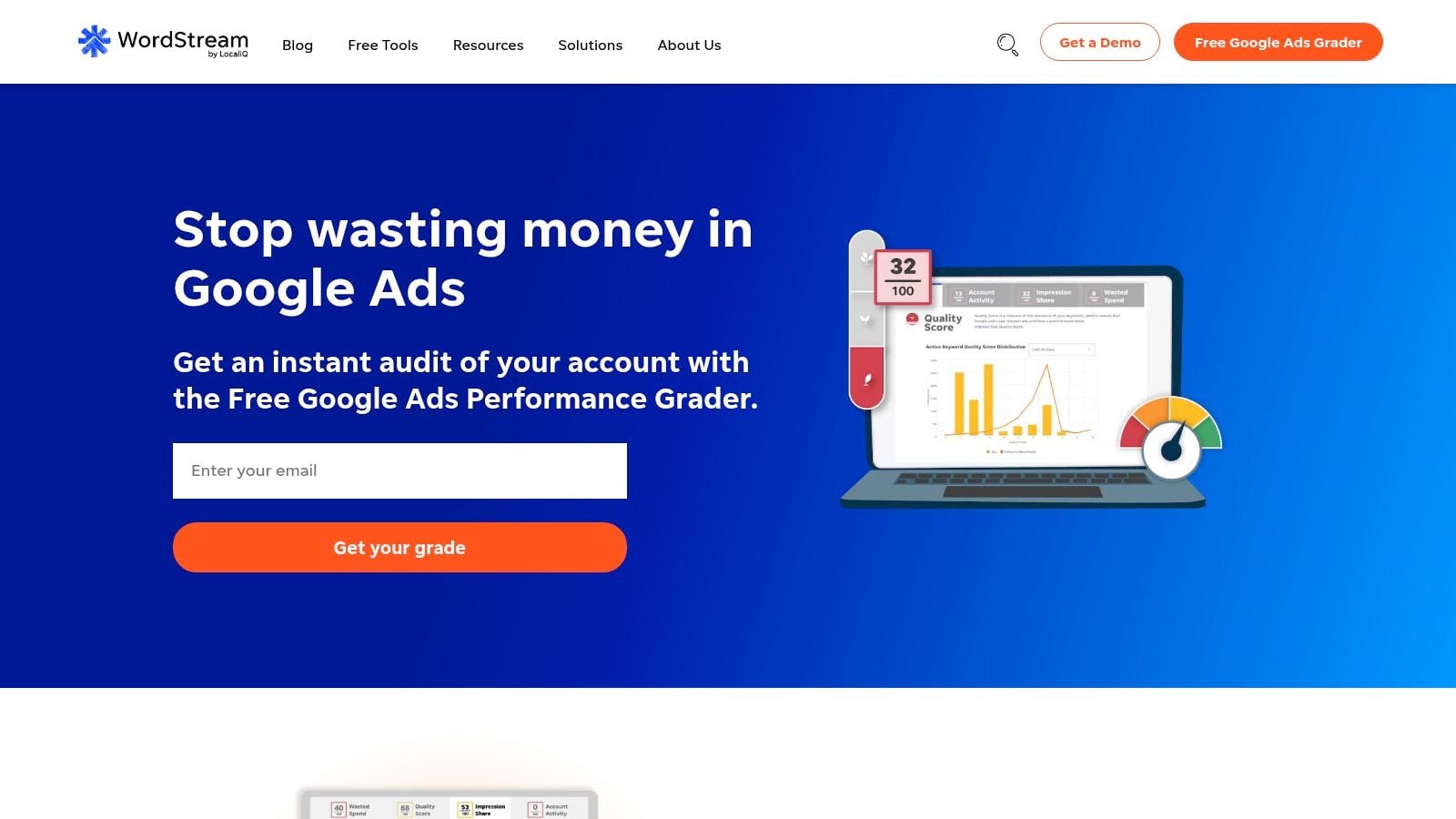
WordStream still has a place on this list because not every audit starts with a platform purchase.
Sometimes you need a fast, free snapshot. You want a shareable report card, an easy conversation starter with a client or internal stakeholder, and a rough sense of where obvious gaps may exist. That is where the Google Ads Performance Grader is useful.
Best for a baseline, not a verdict
The Grader works as an initial pulse check. It gives non-specialists something they can understand quickly, which makes it useful in pitches, reviews, and first-pass diagnostics.
It is less useful for deep optimization work. The output is high-level, read-only, and not a substitute for a PPC audit process.
Use it when you need:
- A quick baseline: Before a deeper account review.
- A stakeholder-friendly summary: Especially for people who do not live in ad platforms all day.
- A no-cost entry point: When you want to identify obvious issues fast.
Its weakness is the same as every grader-style tool. It can tell you where to look, but not always why the problem exists or what happened in the measurement layer after the click.
That second part matters more now that conversion setup is getting more complex. If you are relying on improved attribution configuration, it is worth reviewing Trackingplan’s guide to enhanced conversions in Google Ads alongside any top-line grading report.
The practical pairing is simple. Use the Grader to frame the conversation. Use Trackingplan to verify whether the underlying conversion data deserves your trust.
7. SEISO
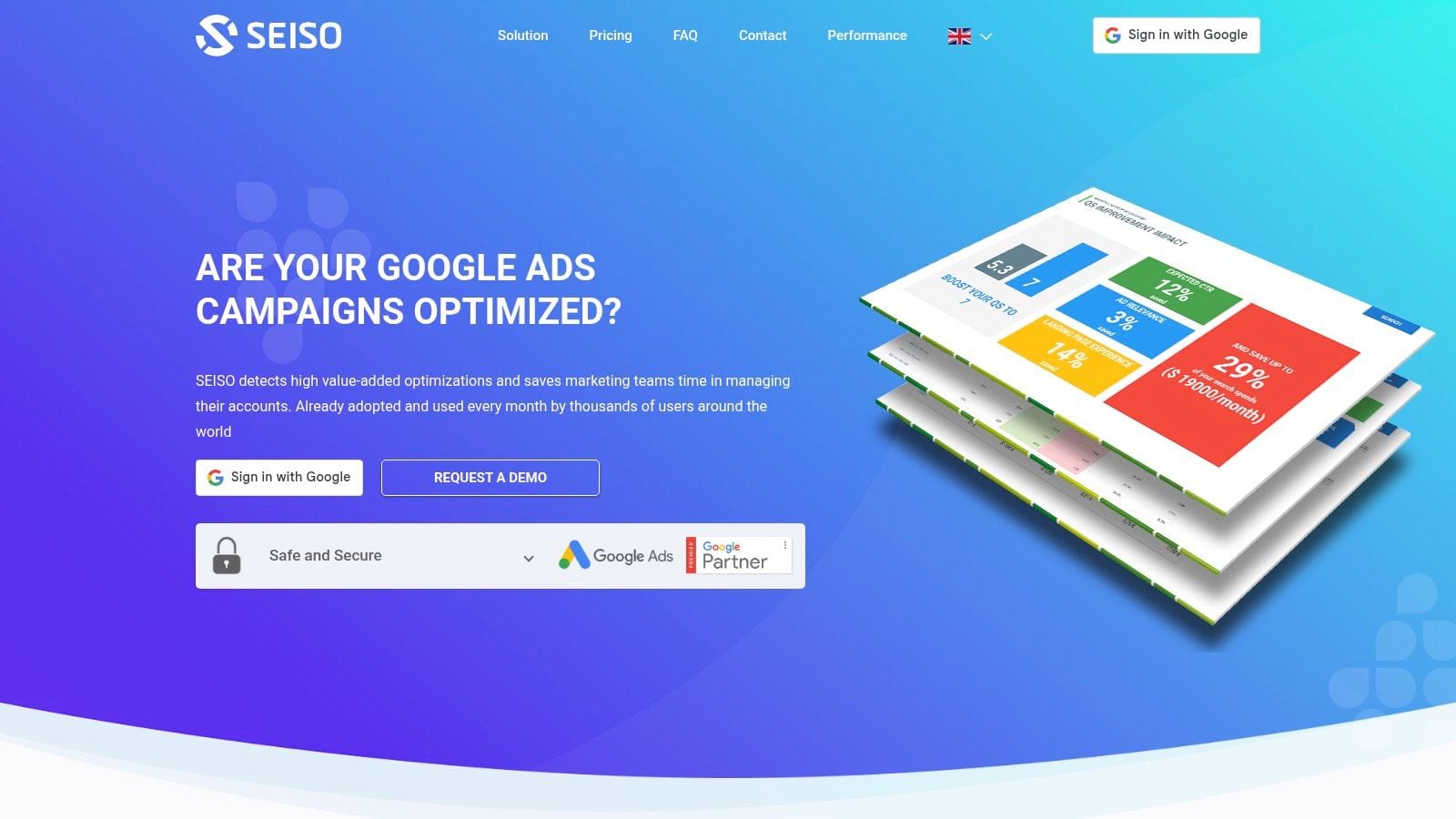
SEISO solves a narrower problem, but it solves it cleanly.
If you want a recurring Google Ads audit artifact without adding another heavyweight management platform, SEISO is a practical option. The PDF-first format is the point. Some teams do not need interactive workflows for every account. They need a report they can review, circulate, and use in client check-ins.
Why that simplicity is useful
A monthly delivered audit can be enough when the account is stable and your team already has established operating procedures.
SEISO works best for:
- Client communication: The PDF format is easy to send, discuss, and archive.
- Simple recurring QA: Especially for smaller Google Ads programs.
- Low-maintenance reviews: You connect the account and keep receiving updated audit documents.
That simplicity has limits. You are not getting deep in-tool fixes, and you are not getting cross-platform audit coverage. This is a reporting artifact more than a daily working environment.
That said, there is still real value in a clean monthly document. Agencies often overcomplicate recurring reviews when what the client needs is a clear explanation of account condition and obvious waste areas.
SEISO becomes more persuasive when paired with a live data QA layer. If you send a monthly account-health PDF and back it up with Trackingplan’s monitoring for pixels, UTMs, and analytics events, you cover both the visible ad account and the measurement system underneath it.
8. PPC Samurai
PPC Samurai is for teams that want to encode their own rules rather than depend entirely on a vendor’s default audit logic.
That distinction matters. A lot of agencies have their own standards around campaign naming, budget thresholds, pausing logic, alert conditions, and exception handling. PPC Samurai’s visual automation style appeals to teams that want those standards embedded in workflows across many accounts.
Who should consider it
This tool makes more sense if your PPC operation already has mature processes.
You are likely a fit if you need:
- Reusable workflows: The same checks and actions repeated across many accounts.
- Naming governance: Standardized logic for campaigns, ad groups, and internal conventions.
- Agency scaling: Less dependence on individual account managers remembering every rule.
- Actionability: Audits connected to notifications or automated responses.
The trade-off is setup complexity. Flexibility is valuable, but only when someone owns the system well enough to maintain it. Smaller teams can end up buying configurability they do not have time to use.
A very practical use case is governance. Use PPC Samurai to enforce account-side naming rules. Then use Trackingplan to validate whether those campaign names and UTM values are showing up correctly in analytics destinations. That closes one of the most common gaps in PPC reporting, where the naming standard exists in theory but breaks somewhere between the ad click and the reporting layer.
9. Lunio
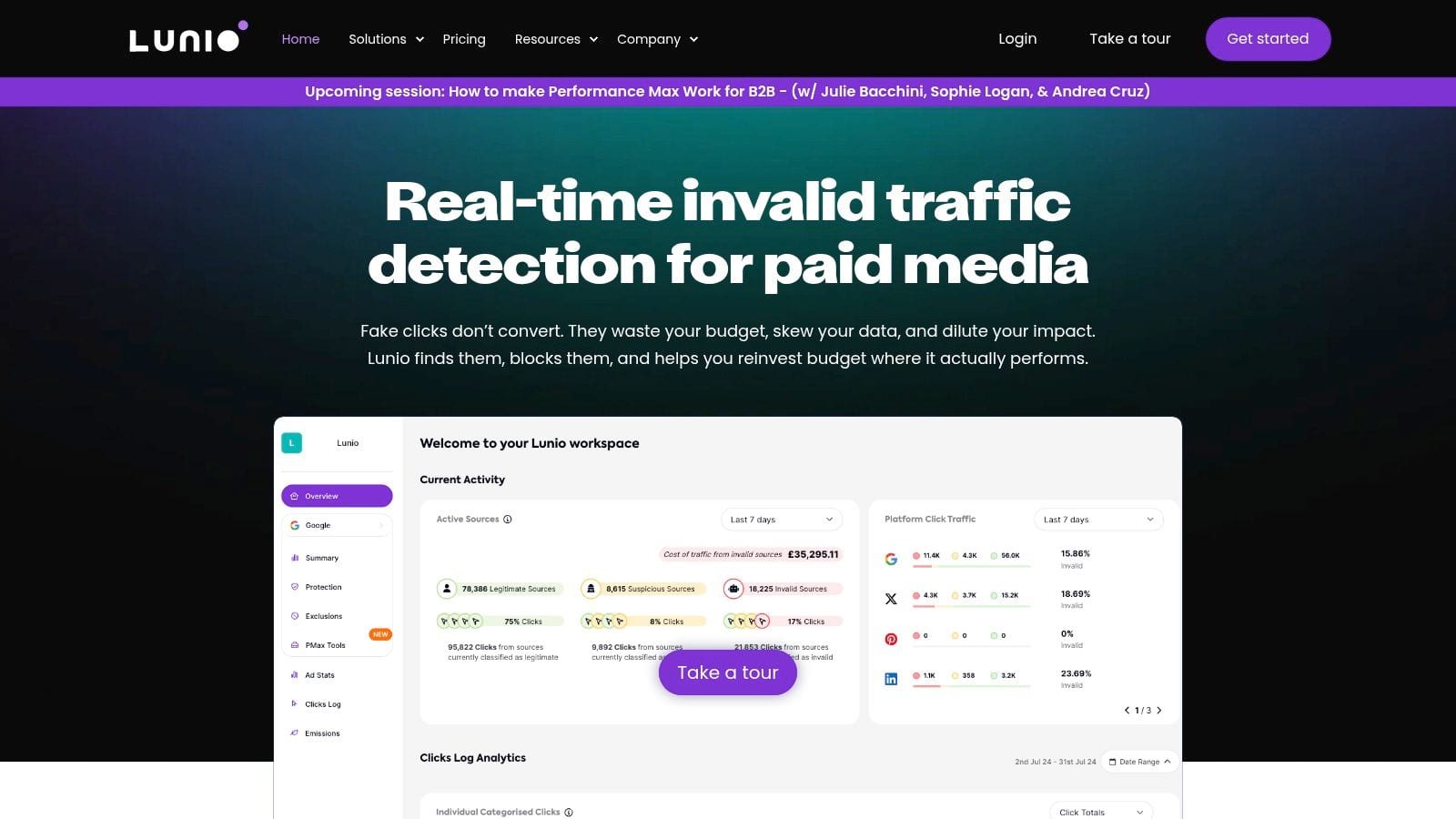
Lunio belongs on any serious list of best PPC audit tools because many audits still ignore invalid traffic.
That is a costly omission. Traffic quality problems do not just waste budget. They also skew your conversion rates, CPA, and optimization signals. If the traffic itself is bad, even a perfectly organized ad account can look unstable.
The overlooked audit layer
Specialized analyses cited by TrafficGuard argue that bots can consume 15-30% of ad budgets, and TrafficGuard also says traditional audits miss 22% average invalid traffic in many cases: https://www.trafficguard.ai/blog/how-to-audit-your-ppc-campaign-and-spot-invisible-click-waste
Those figures are the reason I treat fraud and IVT review as part of audit scope, not a separate side project.
Lunio is built for that layer. It focuses on detecting, classifying, and helping block invalid traffic across paid channels.
It is a strong fit when:
- Lead quality looks inconsistent: Especially when click volumes rise but downstream quality does not.
- Metrics feel noisy: Conversion rates swing in ways the account structure does not explain.
- You need proof of waste: Fraud tools can quantify traffic-quality issues in a way general PPC tools usually do not.
If you have audited keywords, bids, landing pages, and tracking but results still do not reconcile, inspect traffic quality next. Invalid traffic is often the missing explanation.
The trade-off is specialization. Lunio is not a full PPC management platform. It is there to clean one critical part of the system. That is enough to justify it for many programs.
The best pairing is obvious. Lunio helps reduce bad traffic entering the funnel. Trackingplan helps ensure the good traffic that remains is measured accurately after the click.
10. DataFeedWatch by Cart.com
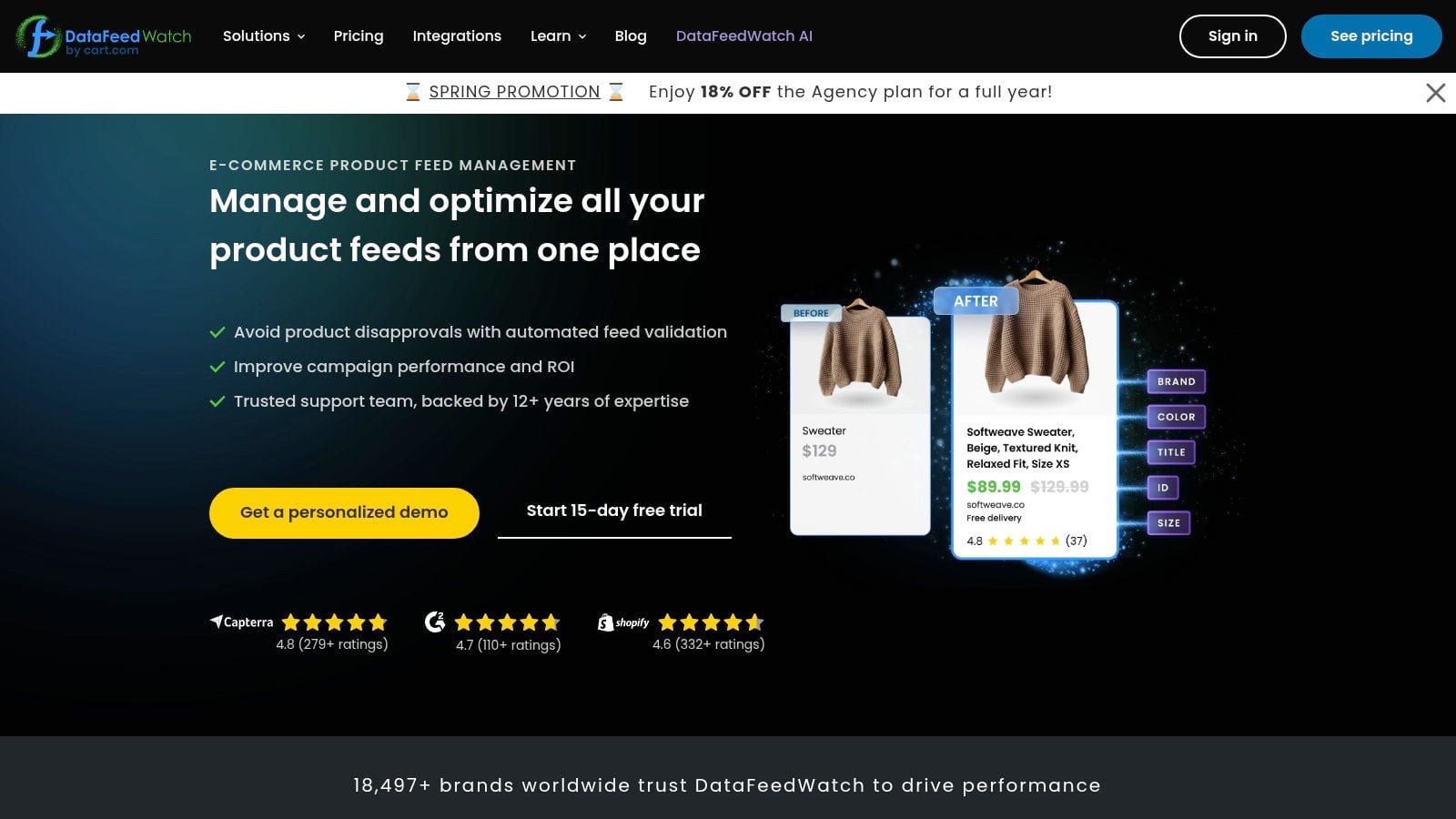
DataFeedWatch is not a full account auditor, and that is why it is useful.
Shopping-heavy advertisers often try to solve feed problems with general PPC software. That usually leads to partial visibility. A feed issue is not just a technical nuisance. It can suppress products, trigger disapprovals, distort campaign performance, and waste clicks on items that were never set up properly to convert.
Where it earns its place
DataFeedWatch is built for product feed QA and optimization. It helps identify missing attributes, invalid product identifiers, duplicate values, and other feed-level issues before those errors create bigger problems in Merchant Center and downstream Shopping campaigns.
It is strongest for:
- Merchant Center troubleshooting: Especially when product eligibility is unstable.
- Pre-flight feed checks: Catching errors before they affect delivery.
- Catalog cleanup: Reducing noise from low-quality or broken product data.
- Multi-channel feed management: Useful when product data powers more than one ad destination.
The practical trade-off is specialization. If you do not run Shopping or product-led paid media, you probably do not need it. But if Shopping is a large share of spend, feed QA belongs inside your audit process.
This is also where the data-integrity angle becomes concrete. DataFeedWatch can help make sure your products are eligible to show. Trackingplan can verify that product views, add_to_cart events, purchases, IDs, and prices are tracked correctly once the click lands on site. That connection between feed health and conversion data is where many ecommerce teams still lose confidence.
Top 10 PPC Audit Tools Comparison
| Product | Core focus | Key features | Best for | Unique strength & Pricing |
|---|---|---|---|---|
| Trackingplan (Recommended) | Always-on analytics observability & QA across web, mobile, server | Real-user monitoring, AI root-cause + impact estimates, integrations, consent/PII checks, lightweight tag/SDK | Analysts, marketers, dev/QA teams, agencies needing reliable data | AI-assisted debugger + business-impact scoring; 14-day Growth trial, Enterprise PoC (custom pricing) |
| Optmyzr | PPC account audits & optimization | Account structure grading, feed/shopping diagnostics, one-click bulk fixes, AI summaries | Agencies & in-house teams managing many accounts | Strong bulk fixes & pacing; pricing not public / custom |
| Adalysis | Automated PPC audits & testing | 100+ configurable checks, shareable reports, built-in testing/automation | Agencies needing consistent, repeatable audits at scale | Deep, exportable audit coverage; pricing varies (not always public) |
| TrueClicks | Fast audits, health scoring & monitoring | Weekly health scores, anomaly alerts, shopping diagnostics, prioritized fixes | Agencies standardizing audits and weekly reporting | Clear pricing model, free tier up to $50K/mo spend; focused on QA/guardrails |
| Opteo | Google Ads optimization + Scorecard | Scorecard audits, curated "Improvements", diagnostics, branded reports | Google Ads teams wanting simple audit→action workflow | Very approachable UI and executive reports; Google-first (paid plans) |
| WordStream Google Ads Performance Grader | Free high-level account audit | Instant scorecard (CTR, QS, IS, wasted spend), benchmarks, shareable report | Non-technical stakeholders & quick baselines | Zero cost, instant snapshot; read-only, high-level only |
| SEISO | Free monthly PDF Google Ads audits | Multi-page PDF audit, wasted spend highlights, monthly refresh emails | Advertisers/agencies needing repeatable client artifacts | Fully free monthly PDFs; no in-tool fixes, Google-Ads-only |
| PPC Samurai | Visual workflow automation for PPC | Visual rule builder, automations (pause/budget/notify), reusable templates | Agencies that enforce naming/performance rules across accounts | Flexible visual rules for scaled enforcement; agency-oriented pricing |
| Lunio | Invalid traffic (IVT) detection & protection | 14-day IVT audit, ML real-time detection, blocking/exclusion, cookieless support | Advertisers losing budget to click fraud/IVT | Quantifies & reduces IVT; free audit then custom pricing by spend |
| DataFeedWatch (by Cart.com) | Product feed audits & optimization for Shopping | Feed checks (GTIN, duplicates), pre-flight alerts, multi-channel feed analytics | Shopping-heavy advertisers & merchants | Reduces disapprovals and feed errors; paid plans, channel-scalable |
Build a Bulletproof PPC Strategy with the Right Tools
A PPC audit often starts after a bad week. CPA jumps, reported conversions fall, and the first reaction is usually to change bids, budgets, audiences, or creative. Then the underlying cause shows up. A purchase event stopped firing, UTMs broke, consent rules blocked a tag, or junk traffic inflated click volume. At that point, the account was never the full story.
Strong audits follow the whole path from ad click to verified conversion. That means checking account structure, search terms, budgets, assets, and pacing, but also validating whether analytics events, pixels, consent behavior, feed quality, and traffic quality are clean enough to trust. If the measurement layer is wrong, optimization work becomes guesswork.
The tools in this list solve different parts of that problem.
Optmyzr, Adalysis, TrueClicks, and Opteo are the tools I would use to inspect account health and day-to-day execution. They help surface wasted spend, weak settings, missed ad assets, poor segmentation, and workflow issues across active campaigns.
DataFeedWatch and Lunio cover two failure points that standard account audits regularly miss. Shopping performance can fall apart because of bad feed data long before a bid strategy is the problem. Invalid traffic can drain budget and distort performance signals even when the account itself looks clean. WordStream’s Grader and SEISO are useful for quick baselines, recurring snapshots, and simple reports you can hand to a client or stakeholder without much setup.
Trackingplan covers the data integrity layer that too many PPC audits skip. It helps teams verify whether the events, pixels, UTMs, consent signals, and attribution inputs behind reported performance are firing as expected. That matters because a clean-looking Google Ads account is still risky if the conversion data feeding your decisions is incomplete or wrong.
If I were building a stack from scratch, I would build it in layers instead of forcing one platform to do everything.
- For account audits and workflow control: pick Optmyzr, Adalysis, TrueClicks, or Opteo based on account complexity, team size, and channel coverage.
- For measurement QA: use Trackingplan to catch broken tags, event mismatches, UTM issues, and consent-related tracking gaps before they distort reporting.
- For specialist risk: add Lunio if invalid traffic is a real budget problem, and add DataFeedWatch if Shopping or feed-driven campaigns matter to revenue.
That setup reflects how experienced paid media teams work. They do not rely on a single health score. They combine platform diagnostics with measurement QA so they can tell the difference between a campaign problem, a tracking problem, and a traffic quality problem.
Optmyzr’s review of the current market gives a useful snapshot of how specialized the category has become: https://www.optmyzr.com/blog/best-ppc-reporting-tools/
The payoff is better decisions. Budget changes become easier to defend. Performance drops get diagnosed faster. Teams stop wasting days fixing campaigns when the underlying issue lives in tracking, feeds, or traffic quality.
If you are also improving the reporting and decision layer around paid media, this guide to the best AI business intelligence tools for 2026 is worth reading next.
If you want your PPC audits to cover the measurement issues many teams miss, start with the data layer. Trackingplan is one of the tools in this list built for that job, giving teams ongoing visibility into pixels, analytics events, UTMs, consent behavior, and attribution signals so campaign optimization is based on verified data, not assumptions.