
In a data-driven business, Google Analytics 4 (GA4) is the engine behind countless critical decisions. But what if that engine is running on bad fuel? Inaccurate, incomplete, or broken data can lead to flawed marketing strategies, wasted ad spend, and severely missed growth opportunities. The core problem is that GA4 data integrity is fragile; a minor code release, a marketing campaign launch, or a third-party script update can silently break your tracking, contaminating every report you rely on.
Manual audits are simply not a viable solution. They are slow, notoriously prone to human error, and completely unable to keep pace with the speed of modern development and marketing cycles. This is where automated GA4 audit tools become essential. They provide a systematic, scalable, and continuous way to validate your implementation, catch errors before they corrupt your datasets, and build lasting confidence in your analytics. Just as specific tools are vital for auditing GA4 data and ensuring its trustworthiness, a different set of technologies is essential for ensuring system integrity and identifying vulnerabilities. You can also explore top security testing automation tools to understand how automation safeguards other critical business systems.
This guide cuts through the noise to compare the top GA4 audit tools available today. We will dive deep into everything from enterprise-grade QA platforms like Trackingplan and ObservePoint to nimble browser extensions for on-the-fly debugging. For each tool, you'll find a detailed analysis of its key features, practical use cases, pricing, and honest limitations, complete with screenshots and direct links. Our goal is to help you find the perfect solution to ensure your GA4 data is consistently accurate, reliable, and truly trustworthy.
1. Trackingplan
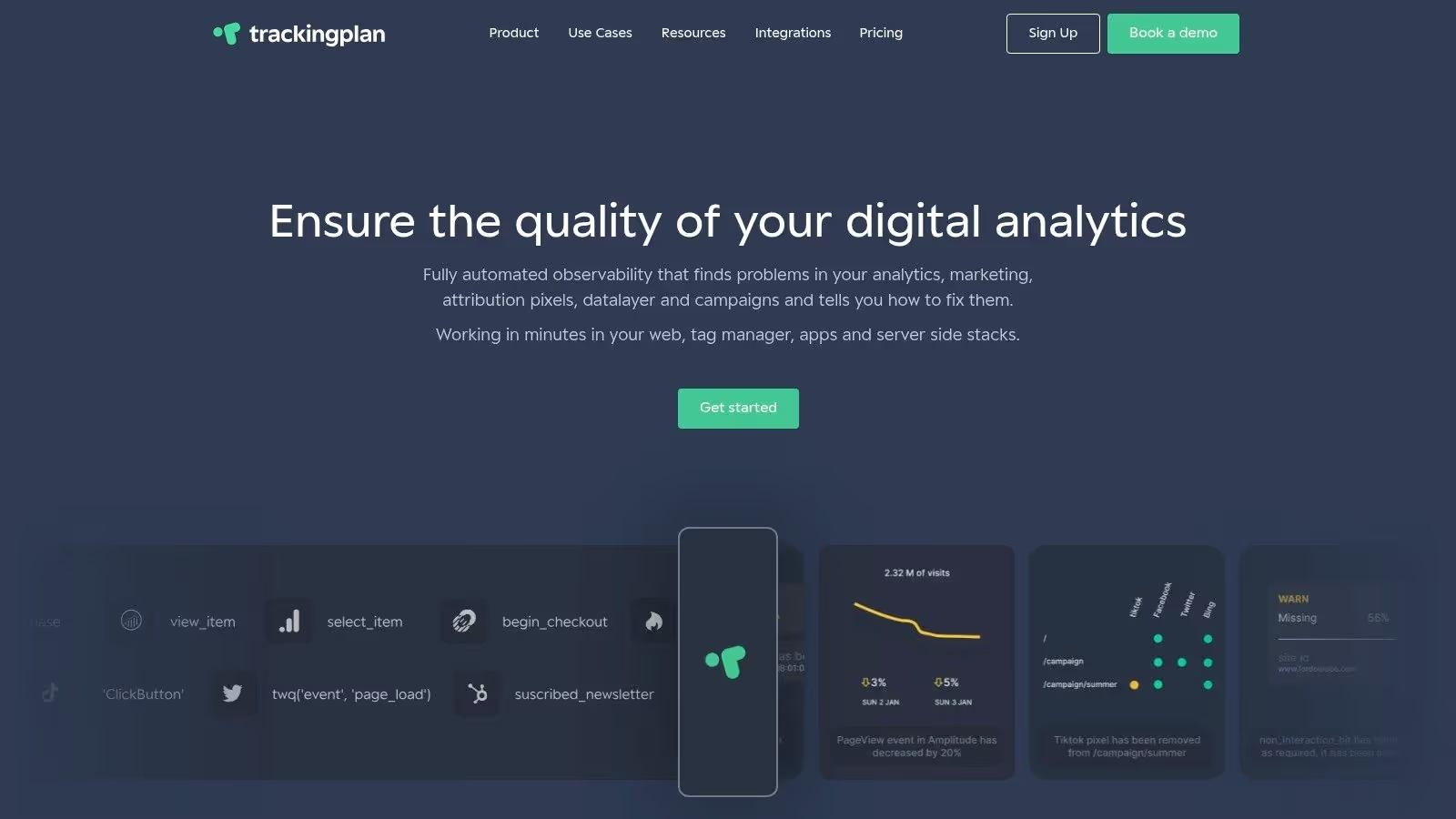
Trackingplan distinguishes itself from other GA4 audit tools by moving beyond periodic, manual checks to a fully automated, real-time observability model. Instead of just identifying problems after they have skewed your data, its core function is to continuously monitor your entire analytics implementation- from the dataLayer to GA4 and other destinations- and alert you the moment an issue arises. This proactive approach transforms analytics QA from a reactive, time-consuming task into an automated, preventative workflow.
It achieves this by discovering and validating every event, property, and user interaction across your web, mobile, and server-side platforms. The system automatically creates and maintains a living tracking plan, serving as a single source of truth that flags deviations like missing events, schema mismatches, or malformed campaign parameters in real-time.
Why Trackingplan is a Top Choice
Trackingplan excels at providing a holistic view of your data integrity. It doesn't just focus on GA4; it validates the entire marketing and analytics stack, including tools like Segment, Amplitude, and various ad pixels (Facebook, TikTok, Google Ads). This cross-platform validation is critical, as a problem originating in one system can cascade and corrupt data everywhere. The platform’s automated root-cause analysis pinpoints exactly where a tracking bug was introduced, saving developers and analysts countless hours of debugging.
"Trackingplan is the eye that sees everything, delivering value to our clients even in areas outside our responsibilities ."
– Pablo Urueña, Digital Analytics Manager at Semmántica.
Best For: Teams seeking an automated, always-on solution to replace manual audits and ensure end-to-end data quality across multiple platforms, not just GA4. It is ideal for organizations where developers, marketers, and analysts need a shared, reliable view of their analytics implementation.
FeatureDetailsAutomationAlways-on discovery, validation, and monitoring of the entire data pipeline.Real-Time AlertsInstant notifications via Slack, Email, or Teams for anomalies and errors.IntegrationsGA4, Adobe Analytics, Segment, Amplitude, ad pixels, and more.SetupFast installation with a lightweight JavaScript tag or SDK.CollaborationProvides a single source of truth for developers, marketers, and analysts.
Pricing & Implementation
- Pricing: Trackingplan publishes its pricing: Starter from $99/month, Growth from $769/month and Enterprise from $2,200/month, priced by the sessions it monitors plus credits for the agent’s work. Starter and Growth start with a 9-day free trial; the free GA4 audit explains what that trial checks and what the report contains.
- Implementation: Setup is straightforward. You add a small script to your website or integrate an SDK into your app. For high-traffic sites, it begins populating the dashboard within an hour.
2. ObservePoint
ObservePoint is an enterprise-grade analytics governance and validation platform, positioning itself as one of the more powerful GA4 audit tools for large, complex websites. Instead of just spot-checking, it uses automated crawlers to simulate user traffic and systematically scan thousands of pages, validating that GA4 tags, data layer variables, and consent banners are implemented correctly across your entire digital property.
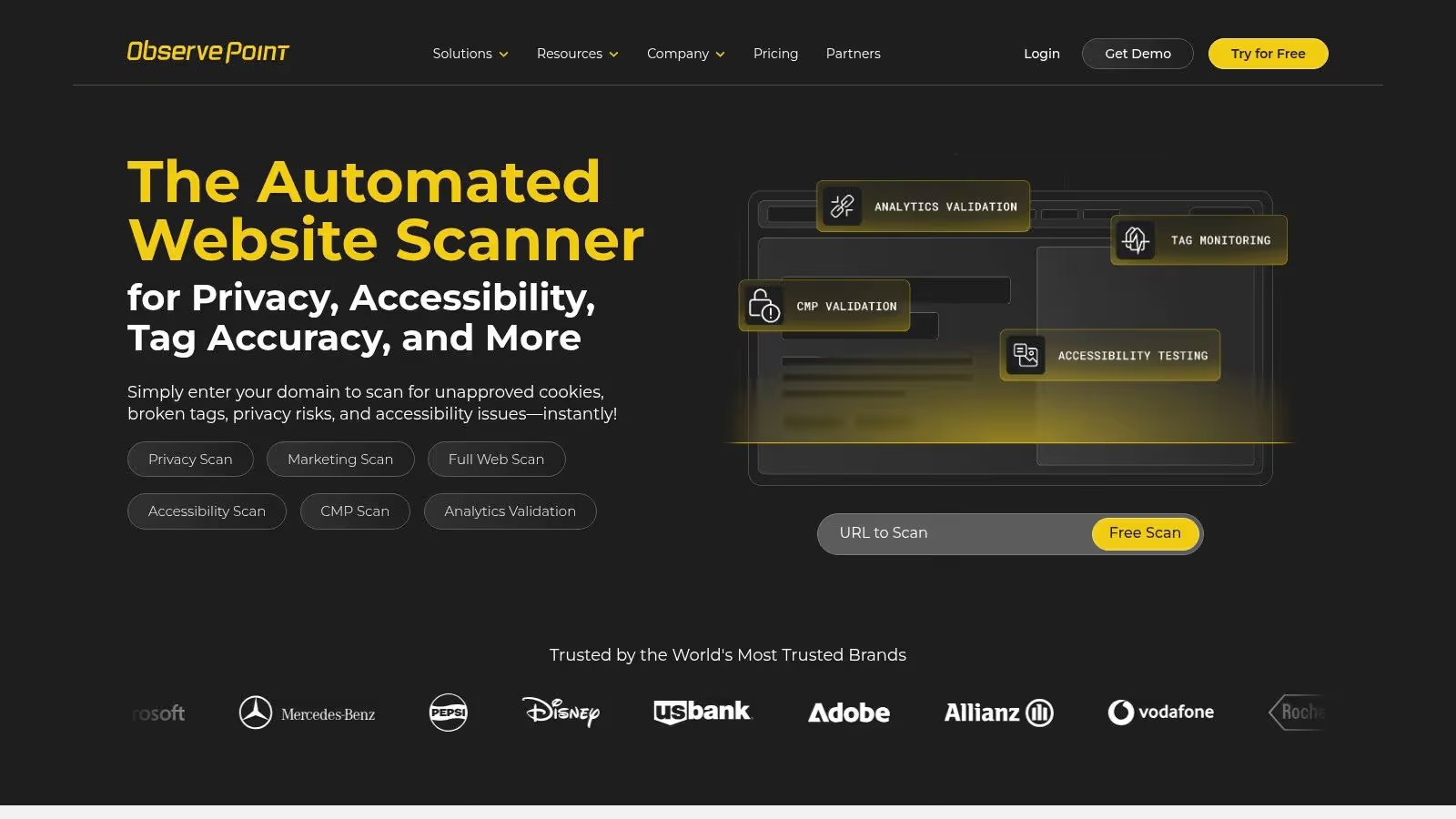
Its core strength lies in scale and automation. You can configure scheduled audits to run from different geographic locations (the US default is Oregon) and set up real-time alerts for critical failures. This makes it ideal for ongoing data quality monitoring and governance rather than just a one-off audit.
Key Features & Use Cases
- Automated Site Crawls: Schedule comprehensive scans of your entire site to find missing or broken GA4 tags, inconsistent data layer values, or other implementation errors at scale.
- User Journey Validation: Create and monitor critical user paths, like a checkout funnel or a sign-up process, to ensure analytics tracking is flawless at every step. Receive alerts if a journey breaks.
- Enterprise Governance: Its robust reporting and collaboration features, including shareable links to audit results, make it well-suited for large teams where multiple stakeholders need visibility into data quality.
Pricing & Access
ObservePoint operates on a custom, enterprise-level pricing model that requires engaging with their sales team for a quote. While they offer a free 50-page sample audit to demonstrate its capabilities, the full platform is a significant investment best suited for large organizations. The enterprise focus may be overkill for smaller sites or teams needing a simple, one-time check.
Website: https://www.observepoint.com/
3. Tag Inspector (InfoTrust)
Tag Inspector is a comprehensive tag governance and consent monitoring platform developed by the analytics experts at InfoTrust. It goes beyond basic tag validation by focusing heavily on data governance and privacy compliance, making it one of the more specialized GA4 audit tools for organizations concerned with risk management. The platform scans your web properties to create a complete inventory of all marketing and analytics tags, comparing them against a library of over 2,500 known technologies.
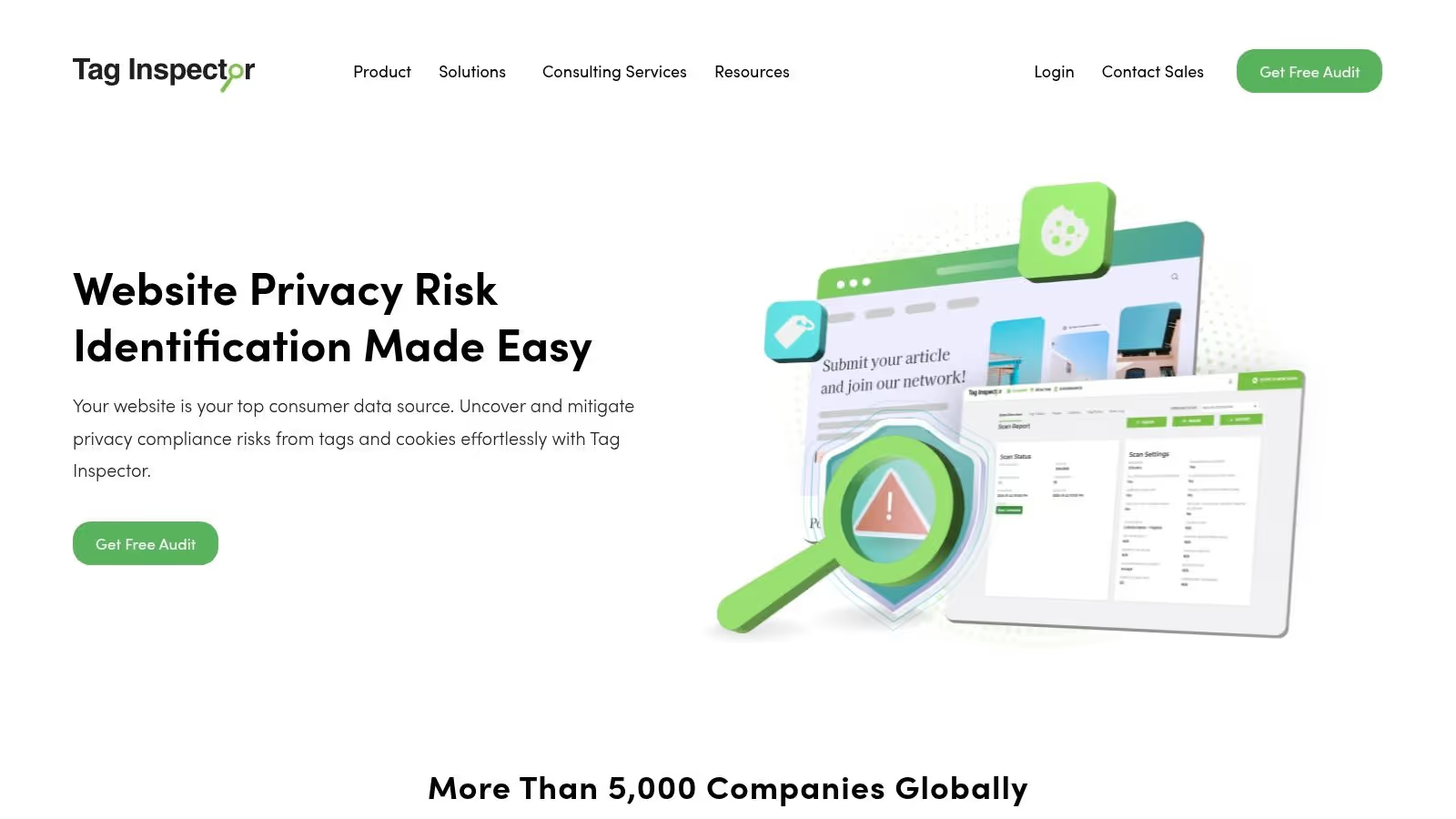
Its unique strength lies in its ability to connect tag behavior with consent management. Tag Inspector can simulate user visits from different geographic regions to validate that your Consent Management Platform (CMP) is firing or blocking tags correctly according to user consent choices and local privacy laws. This provides a crucial layer of automated compliance monitoring that many other tools lack.
Key Features & Use Cases
- Automated Tag Inventory: Run scheduled scans to discover every tag firing on your site, identify unauthorized or piggybacking tags, and validate that your GA4 implementation is consistent.
- Consent & Compliance Validation: Simulate user consent choices with various CMPs (like OneTrust) to ensure tags only fire when appropriate consent is given, helping you audit for GDPR and CCPA compliance.
- Enterprise Governance: Its dashboard provides a high-level view of tag health, data leakage risk, and compliance status across multiple domains or brands, ideal for large-scale governance.
Pricing & Access
Tag Inspector follows a custom pricing model tailored to mid-to-enterprise-level organizations, requiring you to contact their sales team for a quote. While the investment is significant, it's positioned for companies where data privacy and multi-brand governance are top priorities. Its deep focus on compliance may be more than what's needed for smaller teams just looking for a straightforward GA4 implementation check.
Website: https://taginspector.com/
4. DataTrue
DataTrue is an automated quality assurance platform designed for analytics, marketing, and data governance teams. It specializes in validating and monitoring data collection across multiple digital channels, positioning itself as a comprehensive solution for maintaining trustworthy GA4 data. The platform automates regression testing and monitoring to ensure that analytics tags, like those for GA4, are consistently firing correctly, especially after site updates or deployments.
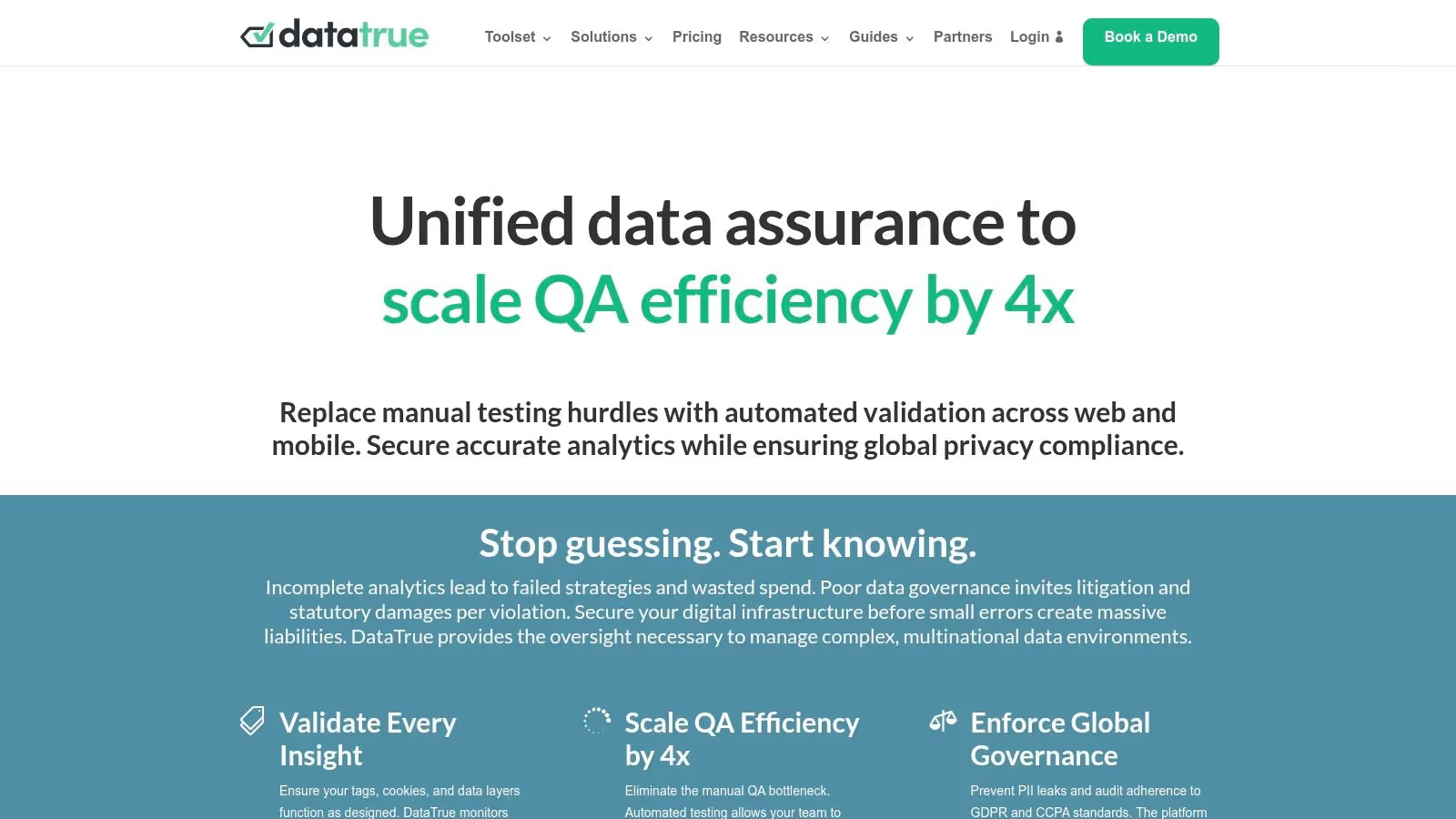
Its key differentiator is its multi-channel coverage, extending beyond websites to include native mobile apps and even email campaigns. This allows teams to centralize their data quality assurance efforts. DataTrue is particularly strong in identifying critical issues like personally identifiable information (PII) leakage, consent violations, and broken tags, helping organizations mitigate compliance risks.
Key Features & Use Cases
- Multi-Channel Auditing: Validate GA4 and other analytics tags not just on your website but also within native iOS/Android apps and email marketing, providing a holistic view of data collection.
- Automated Regression Testing: Integrate tag validation directly into your CI/CD pipeline to catch data layer and tagging errors before they reach production, preventing data loss.
- Compliance and PII Monitoring: Set up alerts to detect when sensitive user data is being improperly collected or when cookie and consent policies are violated, crucial for GDPR and CCPA adherence.
Pricing & Access
DataTrue’s pricing is not publicly listed and requires contacting their sales team for a demo and a custom quote. It is positioned for organizations that require continuous, automated monitoring and a high level of support rather than a simple, one-off check. This enterprise focus makes it best suited for medium to large businesses with complex digital ecosystems.
Website: https://datatrue.com/
5. Verified Data
Verified Data offers a suite of accessible and focused GA4 audit tools designed for quick data quality and compliance checks. Its core products, Data Inspector for GA4 streams and PAGE Inspector for cookie/pixel auditing, provide a structured approach to identifying common implementation issues without the enterprise-level complexity of other platforms. It stands out with its transparent, self-serve model and a functional free tier.
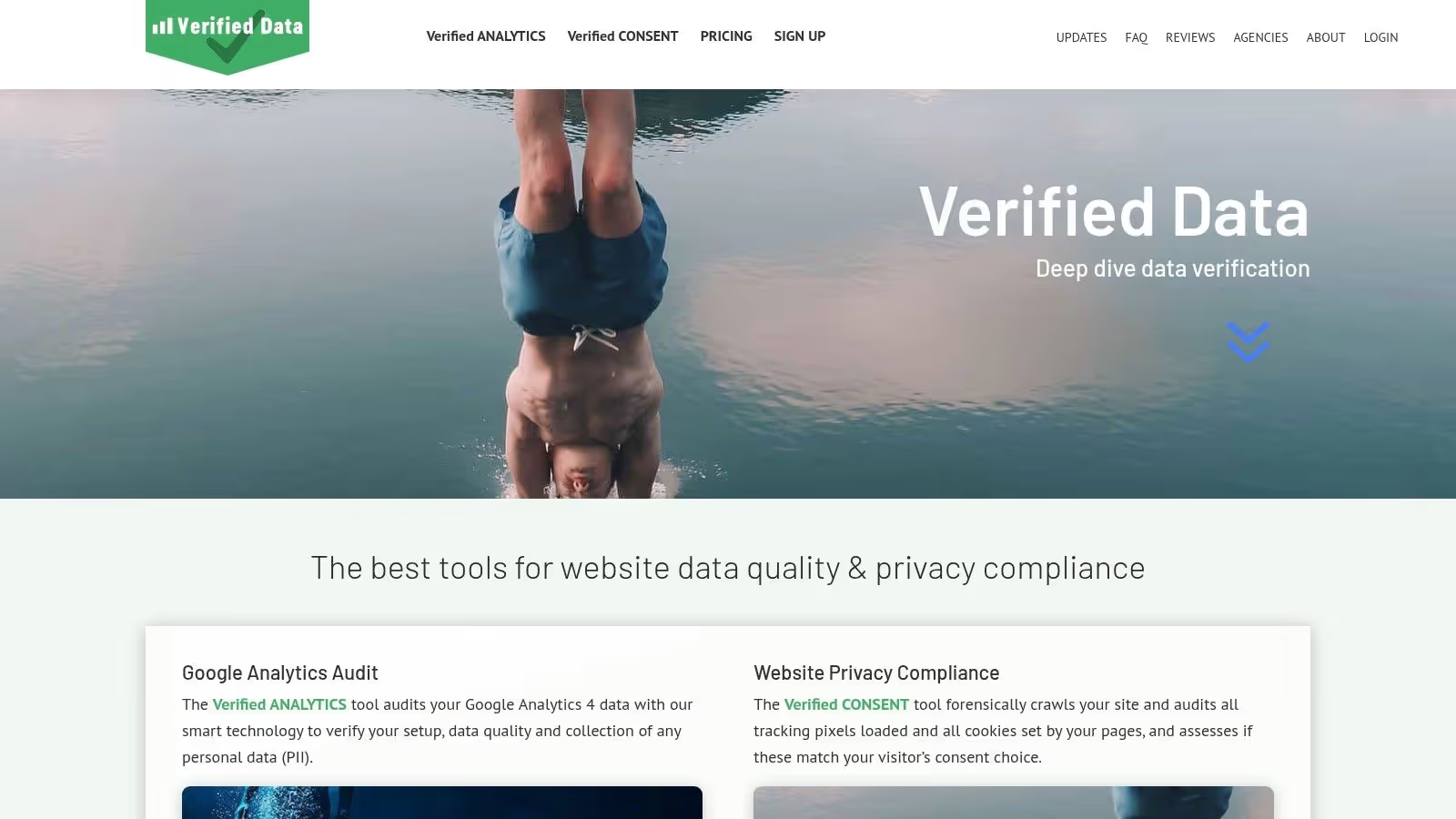
The platform runs over 60 preset GA4 checks, covering everything from enhanced measurement settings and product linking to PII detection in event data. This makes it particularly useful for teams who need a reliable, repeatable audit process but may not have the resources to build one from scratch. Its ability to audit web, iOS, and Android streams makes it a versatile choice for businesses with multiple digital touchpoints.
Key Features & Use Cases
- Multi-Stream Auditing: Run comprehensive quality checks across all your data streams (Web, iOS, Android) and schedule them to run daily, weekly, or monthly for continuous monitoring.
- Compliance & Privacy Scans: Use PAGE Inspector to crawl your website from different geographic locations and browsers to audit cookies, marketing pixels, and consent banner configurations.
- PII Detection: Its AI-assisted checks automatically scan event parameters to identify and flag personally identifiable information that may have been collected inadvertently, helping to prevent privacy violations.
Pricing & Access
Verified Data’s pricing is transparent and self-serve, which is a major advantage for teams wanting to get started quickly. It offers a free tier that allows for auditing a single GA4 stream, making it highly accessible for small businesses or individual analysts. Paid plans remove limits and add more advanced features, but the row-based limits per audit on lower tiers may require careful scoping for very large GA4 properties.
Website: https://verified-data.com/
6. GA4 Auditor
GA4 Auditor is an automated report generator designed for speed and efficiency, making it one of the most practical GA4 audit tools for agencies or consultants who need to produce comprehensive, client-ready reports quickly. Instead of deep, technical crawling, it connects directly to your GA4 property via API access and runs over 100 automated checks against your configuration, data quality, and implementation best practices.
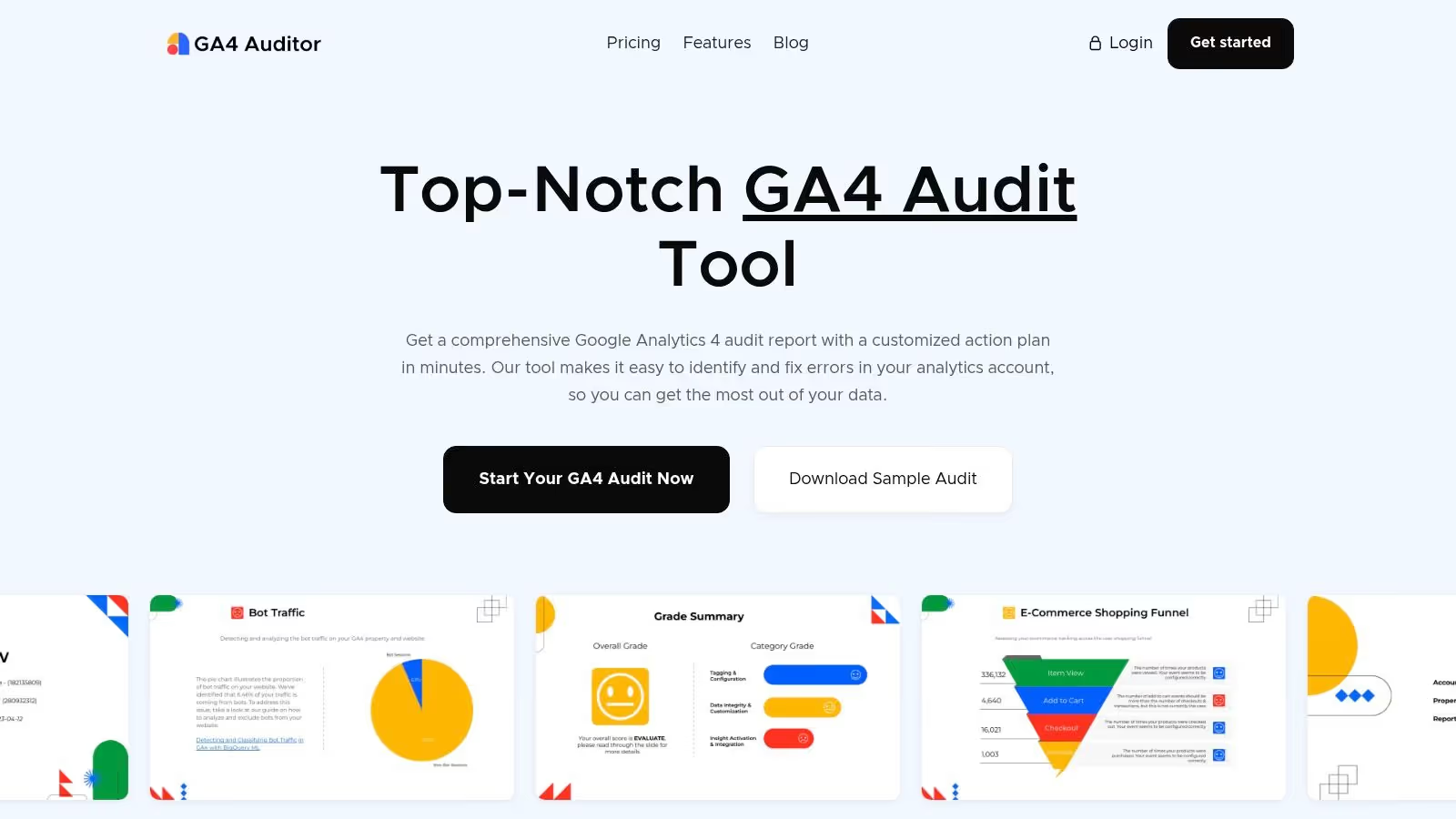
Its core value lies in its templated, repeatable output. The tool generates a detailed 40+ page report complete with findings, scores, and a prioritized action plan. This focus on structured reporting and white-label exports makes it an excellent choice for delivering consistent, professional audits to multiple clients without building each one from scratch. While tools like this are great for configuration checks, they complement automated validation in GA4 for live data monitoring.
Key Features & Use Cases
- Automated Report Generation: Connect your GA4 account to instantly generate a 40+ page audit covering data integrity, tag health, event naming conventions, and best-practice recommendations.
- White-Label Exports: Ideal for agencies, the tool allows you to brand the audit reports with your own logo and export them as PDF, PowerPoint, or Google Slides files for direct client delivery.
- Prioritized Action Plan: The report includes a clear, prioritized list of issues to fix, helping teams focus their efforts on the most critical problems affecting their data quality.
Pricing & Access
GA4 Auditor offers transparent, tiered pricing that is accessible to freelancers and agencies alike. There is a one-time purchase option for a single audit report, as well as monthly and yearly subscription plans for users who need to perform audits regularly. This flexible model makes it a cost-effective solution compared to enterprise-grade crawlers, though it doesn't provide the same level of real-time monitoring or deep journey validation.
Website: https://www.ga4auditor.com/
7. GAfix
GAfix is a self-serve, focused GA4 audit tool designed for quick diagnostics and structured validation. It provides a standardized 18-checkpoint audit that methodically assesses your GA4 property's configuration, from data retention settings to event naming conventions. The platform is built for users who need a fast, affordable way to get actionable insights without the complexity of enterprise-grade scanners or the cost of hiring a consultant.
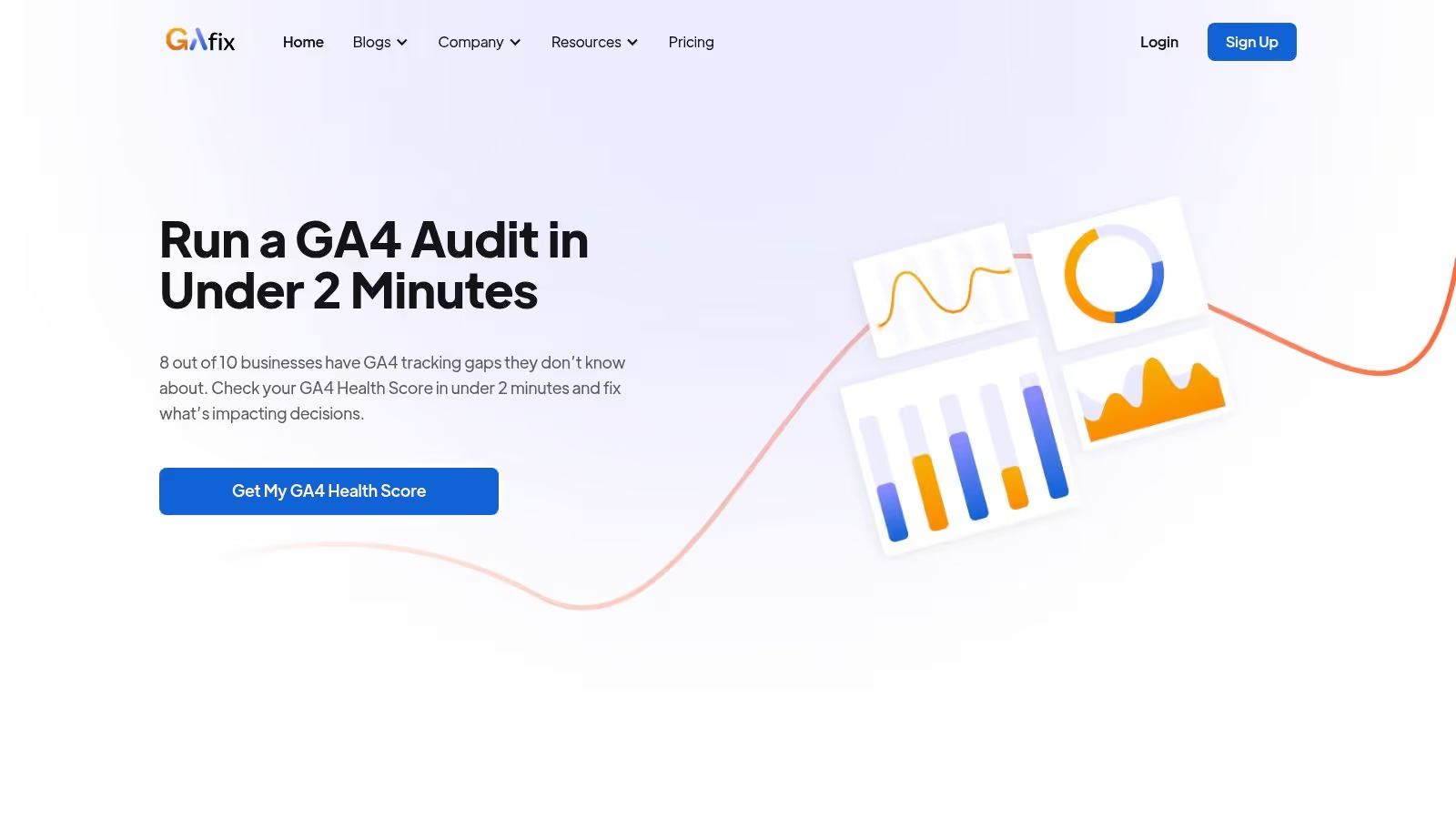
Its core value is simplicity and speed. By connecting your Google account, you can initiate an audit and receive a detailed report with explanations and clear guidance on how to fix identified issues. This makes it an excellent choice for smaller teams, agencies managing multiple client accounts, or anyone needing to periodically validate their GA4 setup and ensure it adheres to best practices.
Key Features & Use Cases
- 18-Checkpoint Audit: Runs a standardized check across critical GA4 settings, including data streams, event tracking, user identity, and integrations, providing a clear pass/fail score for each.
- Downloadable PDF Reports: Exports the complete audit results into a shareable PDF, making it easy to present findings to stakeholders or guide development teams on necessary fixes.
- Low-Friction Workflow: The self-serve model allows users to quickly run an audit on-demand, which is useful for validating changes after a migration or troubleshooting common GA4 issues.
Pricing & Access
GAfix operates on a transparent, credit-based model. A single audit can be purchased for a low one-time fee, with bundles available that reduce the per-audit cost. This straightforward pricing makes it accessible for one-off checks or periodic health monitoring. While its scope is narrower than comprehensive site crawlers, it offers a highly efficient and cost-effective solution for validating the core configuration of a GA4 property.
Website: https://www.gafix.ai/
8. Elevar
Elevar is a specialized ecommerce data platform offering a free, automated GA4 audit tool tailored specifically for Shopify stores. It serves as a rapid diagnostic, allowing direct-to-consumer (DTC) brands to quickly get a high-level overview of their tracking health, from standard pageviews to critical conversion events, without a manual deep dive. The audit provides an actionable report card highlighting errors and opportunities.
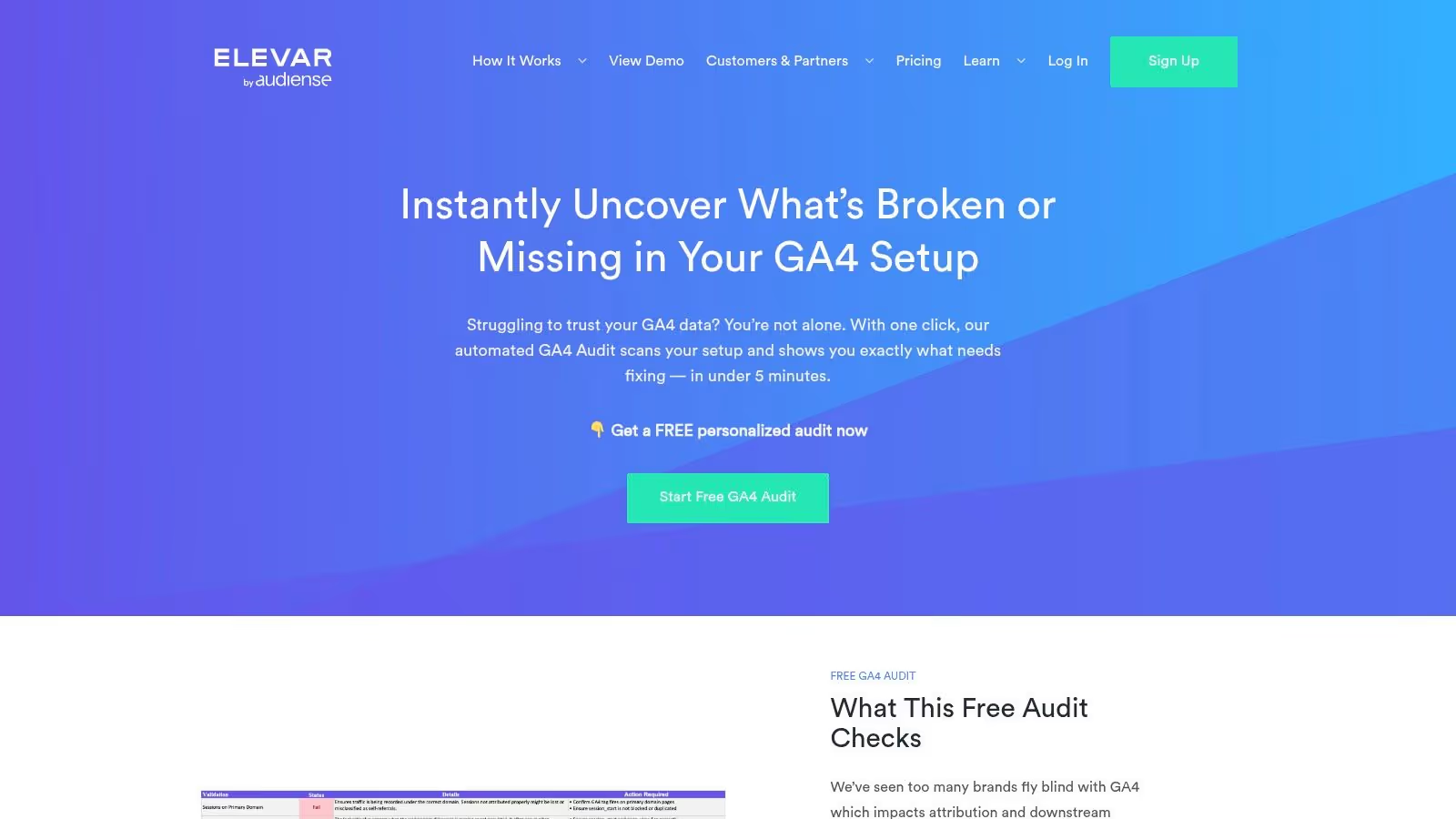
Its primary strength is its sharp focus on the Shopify ecosystem. The audit is designed to identify common ecommerce implementation pitfalls, such as misconfigured purchase events or discrepancies in revenue data. This makes it a highly relevant first step for merchants looking to validate their data accuracy before investing in more comprehensive analytics solutions or paid services.
Key Features & Use Cases
- Rapid Ecommerce Health Check: Get a free, automated audit delivered via email that quickly scores your Shopify GA4 setup, identifying critical errors in conversion tracking, revenue reporting, and event parameters.
- Actionable Recommendations: The audit report doesn't just list problems; it provides clear recommendations and benchmarks, making it useful for marketing teams to prioritize fixes.
- Pre-Migration & Post-Launch Validation: Ideal for brands that have recently migrated to GA4 or launched a new Shopify theme to ensure tracking was not compromised during the transition.
Pricing & Access
Elevar's initial GA4 audit is completely free and accessible after connecting your GA4 and Shopify accounts. The audit serves as an entry point to their paid services, where their team helps implement the recommended fixes and deploy a more robust server-side tracking infrastructure. While the audit itself is a valuable free resource, advanced solutions and hands-on support require a paid engagement, making it a "try-before-you-buy" model for their core services.
Website: https://getelevar.com/free-ga4-audit/
9. Omnibug (Chrome extension)
Omnibug is a free and widely-used browser extension that serves as an essential debugging tool for analytics professionals and developers. Unlike automated crawlers, it operates directly in your browser, capturing and decoding outgoing marketing and analytics requests in real-time. This makes it one of the most practical GA4 audit tools for immediate, hands-on validation during implementation, QA, and troubleshooting tasks.
Its strength is its simplicity and directness. As you navigate a website, Omnibug intercepts network hits sent to platforms like GA4, Google Ads, and many others, translating them from query parameters into a clean, human-readable format. This allows you to instantly verify event names, parameters, and user properties on a page-by-page basis without leaving your browser.
Key Features & Use Cases
- Live Event Debugging: Immediately verify that GA4 events are firing correctly with the right parameters as you interact with website elements like buttons, forms, and navigation links.
- Multi-Platform Support: While excellent for GA4, it also decodes requests from a vast library of other martech tools, making it a versatile debugger for your entire analytics stack. If you're looking to test a tag for any platform, Omnibug is a great place to start.
- Request Filtering and Export: Easily filter the captured network hits to focus only on GA4 requests or export the data for further analysis or documentation in another tool.
Pricing & Access
Omnibug is completely free and available as an extension for Chrome, Firefox, and Edge. Its manual, page-level nature means it isn't designed for site-wide, automated audits. It's a tool for active, in-the-moment validation rather than passive, ongoing monitoring.
Website: https://omnibug.io/
10. Adswerve dataLayer Inspector+
The Adswerve dataLayer Inspector+ is a free and widely-used Chrome extension that has become an essential part of the real-time debugging toolkit for analytics professionals. It provides a clean, in-browser interface to monitor your website's data layer, see GA4 events as they fire, and inspect the associated payloads. While not a large-scale auditing solution, it excels at manual, page-by-page validation and spot-checking during development and QA.
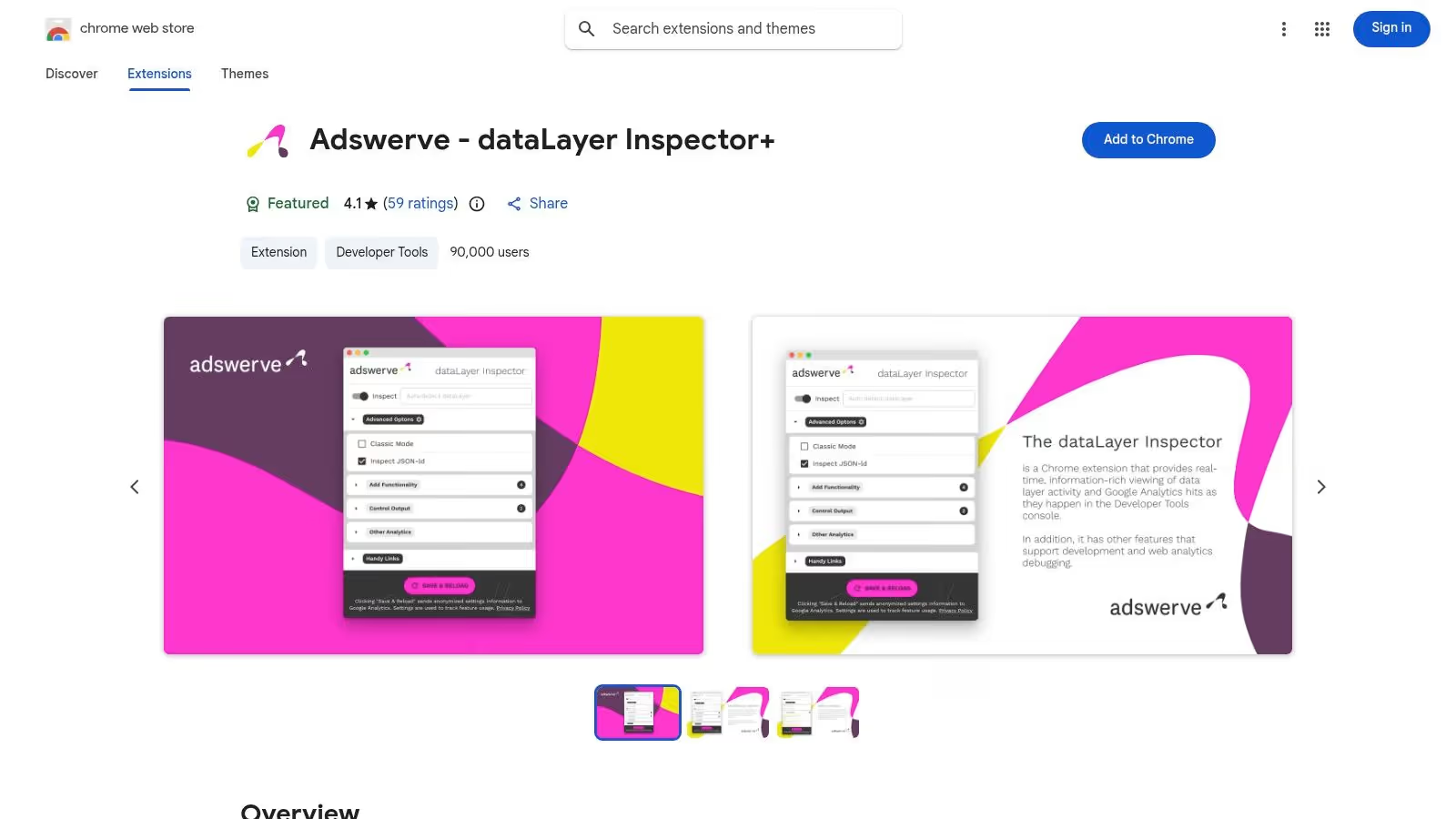
Its primary advantage is its simplicity and immediacy. For developers implementing a new GA4 event or an analyst validating a specific user interaction, this extension offers instant feedback directly in the browser. It helps verify that data layer pushes occur as expected and that the data is correctly formatted before being sent to Google Analytics, making it one of the most practical GA4 audit tools for front-line implementation work.
Key Features & Use Cases
- Real-Time dataLayer Monitoring: Observe
dataLayer.pushevents as you browse, making it easy to confirm that user interactions like button clicks or form submissions are being tracked correctly. - Google Analytics Hit Validation: The extension isolates and displays GA4 (and Universal Analytics) hits, allowing you to quickly check event names, parameters, and user properties for a specific page.
- Code Injection & Debugging: For advanced users, it offers utilities to inject custom code into a page, which is useful for testing GTM configurations or data layer modifications on the fly without changing the site's source code.
Pricing & Access
The Adswerve dataLayer Inspector+ is completely free and can be installed directly from the Chrome Web Store. Its accessibility makes it a must-have tool for anyone working with Google Analytics. However, its scope is limited to your individual browser session, meaning it cannot perform automated, site-wide crawls or provide ongoing monitoring like enterprise platforms.
Website: https://chromewebstore.google.com/detail/adswerve-datalayer-inspec/kmcbdogdandhihllalknlcjfpdjcleom
11. AuditTags
AuditTags is a lightweight, automated GA4 and GTM health-check service designed for speed and simplicity. It operates by running a real-browser scan of your website and generating a deterministic integrity report based on approximately 47 distinct checks. This makes it an excellent choice for quick, one-time audits or as part of a regular post-deployment validation process.
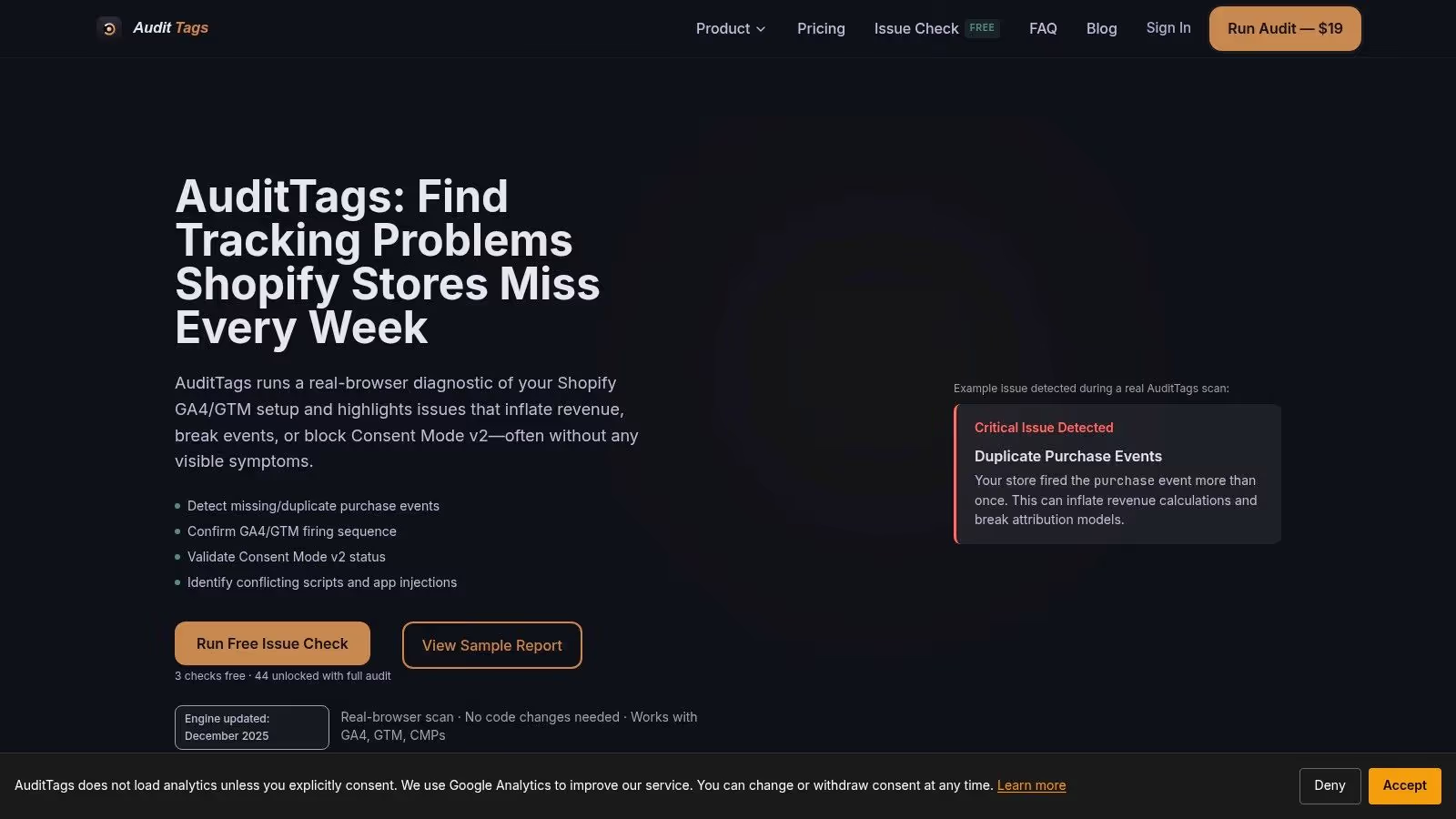
Its key differentiator is its focused and actionable output. Rather than providing a sprawling governance platform, AuditTags delivers a clear PDF report with severity rankings, making it easy to prioritize fixes for critical issues like Consent Mode v2 misconfigurations or broken tags. This straightforward approach makes it one of the more accessible GA4 audit tools for teams without dedicated governance resources.
Key Features & Use Cases
- Deterministic Health Checks: Runs nearly 50 automated checks covering common GA4, GTM, and Consent Mode v2 implementation pitfalls, providing a reliable baseline for data quality.
- Actionable PDF Reports: Generates a concise report that ranks issues by severity, allowing teams to quickly identify and address the most critical problems impacting their data collection.
- Ongoing Monitoring: Offers subscription plans that include historical trend data and site-to-site comparisons, which is useful for agencies managing multiple clients or for monitoring your own site's health over time.
Pricing & Access
AuditTags has a very accessible entry point with an affordable one-time scan option, making it ideal for smaller businesses or ad-hoc projects. They also offer monthly subscription plans for continuous monitoring. The primary limitation is its narrower scope compared to enterprise-grade platforms; it excels at tactical validation but isn't a comprehensive governance solution.
Website: https://www.audittags.com/
12. GA4 Helper
GA4 Helper offers a free and accessible entry point into analytics auditing, focusing specifically on GA4 property settings and common configuration errors. Unlike crawler-based platforms, it functions as a diagnostic tool that checks your GA4 setup against best practices, providing a report card on areas like data retention, event settings, and integrations. This makes it an excellent educational resource for teams new to GA4 or those needing a quick, high-level health check.
Its core value lies in its simplicity and educational focus. The platform not only flags potential problems but also explains why they matter and provides actionable guidance through its workbook and resources. This positions it as a great starting point for hardening a GA4 implementation before moving on to more comprehensive, tag-level GA4 audit tools.
Key Features & Use Cases
- Automated Configuration Audit: Connect your GA4 property to get an instant report on dozens of settings-related issues, such as referral exclusions, data retention periods, and BigQuery linking.
- Educational Resources: Access a free workbook and implementation guides that help your team understand GA4's nuances and fix the issues identified in the audit.
- In-House Team Enablement: Ideal for training marketing or analytics teams, as it provides a practical, hands-on way to learn about common GA4 configuration pitfalls and best practices.
Pricing & Access
GA4 Helper is completely free to use. You simply grant read-only access to your Google Analytics account, and the audit is generated automatically. Its limitation is that it does not crawl your live website to validate tag implementation or data layer accuracy; it only audits the GA4 property's settings.
Website: https://ga4helper.com/
Top 12 GA4 Audit Tools — Feature Comparison
ProductCore featuresTarget audienceUnique selling pointsPricing & installTrackingplanAutomated discovery & validation across web, app, server; real-time alerts; automated root-cause analysis; customizable validations; broad integrationsMarketers, analysts, developers, QA teams, agencies (cross-team)Always-on observability, privacy-first PII/consent checks, single source of truth, fast fixesFrom $99/month (Starter); 9-day free trial; lightweight ~10KB tag / SDK, minutes to installObservePointSite-wide crawls, journey & funnel validation, consent/cookie checks, automated audits at scaleEnterprises, large sites, governance teamsScales thousands of pages, parallel browser crawls, strong enterprise governanceEnterprise pricing (sales); cloud audits from US data centersTag Inspector (InfoTrust)Automated tag inventory, risk assessments, CMP compatibility, consent monitoringMid-to-enterprise multi-brand organizationsLarge tag library, consent policy simulations, InfoTrust governance expertisePricing via sales; web-based scansDataTrueTag audits & regression testing across web/mobile/email; missing/broken tag alerts; PII & consent detectionOrganizations needing ongoing monitoring across channelsBroad channel coverage (web, apps, email), hands-on support optionsContact sales for pricing; monitoring plans availableVerified DataGA4 audits (web/iOS/Android), PAGE cookie/pixel/consent audits, AI-assisted PII checks, exportsTeams wanting self-serve audits and transparent plansTransparent self-serve pricing, free tier (one stream), daily/weekly monitoringSelf-serve pricing with free tier; paid plans for higher usageGA4 AuditorConnects to GA4, 100+ checks, 40+ page report, prioritized action plan, branded exportsAgencies, consultants, teams needing templated auditsWhite-label reports (PDF/Slides), fast templated audits, one-time optionsTransparent tiers including one-time audit; self-serveGAfix18-checkpoint structured audit, explanations, downloadable PDF, audit bundlesSmall teams, agencies needing quick diagnosticsLow-cost, repeatable self-serve audits, guidance for fixesLow-cost self-serve pricing; bundles availableElevarFree rapid GA4 audit (Shopify-centric), ecommerce tracking checks, recommended fixesDTC brands, Shopify merchantsFree fast health check, ecommerce & conversion tracking depthFree audit by email; paid services for advanced fixesOmnibug (Chrome extension)In-browser capture & decoding of analytics/marketing requests, filtering & exportAnalysts & engineers for live debugging and implementation checksFree, instant human-readable network hits; excellent for page-level debuggingFree Chrome/Edge extension; install in browserAdswerve dataLayer Inspector+ (Chrome extension)Real-time dataLayer monitoring, GA hit logging, test/inject utilitiesImplementers, QA, demos, implementation reviewsFree real-time dataLayer view, helpful for ecommerce pushes and demosFree browser extensionAuditTagsReal-browser/headless scans with ~47 checks, PDF report with severity, ongoing monitoring & trendsTeams needing affordable checks or frequent post-deploy auditsVery affordable entry pricing, quick turnaround, monitoring historyEntry pricing, one-time reports or ongoing plansGA4 HelperAutomated GA4 configuration/settings audit, workbook & learning resourcesTeams starting with GA4, in-house enablementFree educational resources, config-focused guidance, practical workbookFree tool & resources; web-based (no install)
Choosing the Right GA4 Audit Tool for Your Needs
Navigating the landscape of Google Analytics 4 can feel like charting a new territory, and the integrity of your data is the only reliable compass you have. As we've explored, the ecosystem of GA4 audit tools is diverse, offering solutions tailored to every scale, budget, and technical need. Your journey from data chaos to data confidence begins with selecting the right tool not just for the job, but for your specific team and workflow.
The key takeaway is that GA4 data quality is not a one-time fix; it is an ongoing process of validation, monitoring, and governance. The tools we’ve covered fall into distinct categories, and understanding these archetypes is crucial for making an informed decision.
Recapping the GA4 Audit Tool Landscape
- Manual, Real-Time Debuggers: For developers and analysts needing to troubleshoot specific user flows or page loads, browser extensions like Omnibug and the Adswerve dataLayer Inspector+ are indispensable. They provide an immediate, granular view of the data being sent from the client-side, making them perfect for hands-on, in-the-moment debugging and QA.
- On-Demand Scanners and Health Checks: Tools like GA4 Auditor and GAfix excel at providing quick, high-level snapshots of your GA4 property's health. They are ideal for agencies needing to generate reports for clients or for teams looking to perform periodic, standardized health checks without a deep technical dive. They answer the question: "Is my basic setup correct right now?"
- Automated, Enterprise-Grade Auditing: For larger organizations where data accuracy is non-negotiable, platforms like ObservePoint, DataTrue, and Tag Inspector offer powerful, automated scanning capabilities. These solutions systematically crawl your site to simulate user journeys and validate tags, providing comprehensive reports that are essential for compliance and large-scale governance.
- Continuous, Proactive Observability: The most modern approach is represented by tools like Trackingplan. Instead of periodically looking for problems, these platforms shift the paradigm entirely. They automatically discover your entire analytics implementation and monitor it continuously, alerting you to issues before they corrupt your data. This proactive stance moves teams from a reactive, fire-fighting mode to a state of sustained data trust.
How to Select Your Ideal Tool
Your choice depends on where your team feels the most pain. Are you constantly putting out fires caused by broken tracking after a new release? An observability platform is your answer. Do you need to quickly validate a new client's setup? An on-demand scanner will serve you well. Are your developers struggling to see what data is being fired on a new feature? A browser extension is the perfect fit.
Consider these factors when making your selection:
- Team Scale and Skills: Do you have a dedicated analytics QA team, or is it a shared responsibility among developers and marketers? Simpler tools may be better for smaller teams, while larger organizations can leverage the power of enterprise platforms.
- Proactive vs. Reactive: Do you want to find out about data issues after they've already impacted your reports, or do you want to be alerted the moment a deviation occurs? Your answer will guide you toward either traditional auditing tools or a continuous observability solution.
- Budget and Resources: The spectrum runs from free browser extensions to significant enterprise investments. Evaluate the cost of bad data for your organization to justify the investment in a paid tool that can provide a clear ROI.
- Integration and Workflow: How will the tool fit into your existing development lifecycle? Look for solutions that integrate with your project management tools (like Jira or Slack) to ensure alerts are seen and acted upon quickly.
Ultimately, the best GA4 audit tools are the ones that empower your team to trust the data they rely on every day. By moving beyond simple, reactive checks and embracing a more holistic, proactive approach to data governance, you can transform GA4 from a complex challenge into a powerful asset for growth.
Ready to stop chasing down data discrepancies and start proactively ensuring your analytics are always accurate? Trackingplan provides a new-generation approach to GA4 governance by automatically discovering your entire tracking implementation and monitoring it in real time, alerting you the moment something breaks. See for yourself how to achieve complete data confidence by exploring Trackingplan today.