
A single misfiring analytics tag can quietly corrupt months of marketing data, expose your organization to privacy violations, and send your attribution models completely off course. Most teams assume their tags are working because no one has flagged a problem, but silence is not the same as accuracy. Manual audits only provide temporary assurance and can become outdated the moment your next deployment goes live. With marketing stacks growing more complex every year, a structured, automated approach to analytics tag compliance auditing is no longer optional. This guide breaks down what compliance auditing actually involves, why the stakes are higher than most teams realize, and how to build a reliable, ongoing process.
Table of Contents
- What is an analytics tag compliance audit?
- Why tag compliance matters: Data quality, privacy, and business impact
- Manual vs. automated tag audits: Key differences
- How to implement an automated analytics tag compliance audit
- The reality of analytics tag auditing: What most guides miss
- Automate and strengthen your analytics tag compliance
- Frequently asked questions
Key Takeaways
| Point | Details |
|---|---|
| Ongoing audits are critical | Manual audits alone are insufficient as website and tag changes are constant. |
| Non-compliance risks are real | Compliance failures can result in privacy violations, unreliable data, and costly business mistakes. |
| Automation boosts reliability | Automated audits catch problems quickly and maintain compliance across complex stacks. |
| Implementation requires strategy | A clear audit workflow and strong documentation ensure sustained compliance and clarity for all stakeholders. |
What is an analytics tag compliance audit?
Before diving into process, it helps to get precise about terminology. An analytics tag is a snippet of code placed on your website or app that collects and sends data to third-party platforms like Google Analytics 4, Meta Pixel, or your CRM. Compliance in this context means two things: the tag fires correctly and collects accurate data, and it does so within the boundaries set by privacy regulations like GDPR and CCPA. An audit is a systematic review of both dimensions.
A complete compliance audit covers four core components:
- Tag presence: Is every required tag actually deployed on the right pages?
- Correct configuration: Are tags firing with the right parameters, event names, and data layer values?
- Regulatory compliance: Does tag behavior align with user consent settings and privacy laws?
- Data accuracy: Is the data reaching your analytics platforms complete, consistent, and free of duplicates or schema mismatches?
One common misconception is that a tag audit is just a technical QA exercise. It is not. It is a governance practice that sits at the intersection of data quality, legal risk, and business intelligence. Another misconception is that passing an audit once means you are covered. Tags break, websites change, and consent management platforms get updated. Continuous validation is key for lasting data quality and compliance.
“An audit is not a destination. It is a recurring checkpoint that keeps your data trustworthy and your organization protected.”
Manual audits typically involve a developer or analyst manually checking tags using browser extensions like Tag Assistant or Charles Proxy, reviewing tag manager configurations, and cross-referencing data in your analytics platform. Automated audits use software to scan your entire site continuously, flag anomalies in real time, and generate structured reports without human intervention. Understanding why monitoring tags matters is the foundation for choosing the right approach.
Why tag compliance matters: Data quality, privacy, and business impact
Understanding what an audit examines is one thing. Seeing why it matters is even more crucial.
Let’s start with the numbers. Up to 30% of marketing tracking fails at least once per year. That means roughly one in three organizations is making budget decisions, attribution calls, and audience targeting choices based on broken or incomplete data. The downstream effects compound quickly: wasted ad spend, skewed conversion rates, and leadership reports that do not reflect reality.
| Risk area | Consequence of non-compliance | Business impact |
|---|---|---|
| Privacy regulations | GDPR/CCPA fines, legal exposure | Financial and reputational damage |
| Data accuracy | Broken attribution, missing events | Poor ROI decisions |
| Tag governance | Unauthorized tags, data leakage | Security and compliance risk |
| Reporting reliability | Inflated or deflated metrics | Misallocated marketing budget |
Compliance failures can lead to data loss, inaccuracies in reporting, and privacy violations that regulators take seriously. In 2023, Meta was fined over $1.3 billion by EU regulators partly due to data transfer practices tied to tracking pixels. While that is an extreme case, smaller organizations face real exposure when tags collect personal data outside of user consent.
Poor tag governance also quietly undermines analytics-driven growth. When your conversion data is unreliable, your paid media algorithms optimize toward the wrong signals. When your audience segments are built on flawed event data, your personalization efforts miss the mark. The cost is not just a compliance fine. It is the invisible drag on every campaign you run.
Pro Tip: Prioritize auditing tags that collect personally identifiable information first. These carry the highest regulatory risk and the most significant consequences if misconfigured.
The privacy compliance for analytics landscape in 2026 is stricter than ever, with more states and countries adopting consent requirements. Treating tag auditing as a compliance function rather than just a technical task is the mindset shift that separates mature analytics teams from reactive ones.
Manual vs. automated tag audits: Key differences
Now that we have highlighted why compliance matters, it is time to examine the most effective way to achieve it.
A typical manual audit workflow looks like this:
- Open your tag management system and document every active tag.
- Use a browser extension to verify tags fire on key pages.
- Cross-check data layer values against your tracking specification.
- Review consent management platform settings for alignment.
- Document findings and hand off to the development team for fixes.
This process works. But it is slow, resource-intensive, and only reflects the state of your site at one point in time. Manual audits provide only temporary assurance; continuous automated validation is essential in a stack that changes weekly.

| Feature | Manual audit | Automated audit |
|---|---|---|
| Frequency | One-off or quarterly | Continuous, real-time |
| Coverage | Sampled pages | Full site and app |
| Speed | Days to weeks | Minutes to hours |
| Error detection | Reactive | Proactive |
| Scalability | Limited by team size | Scales with your stack |
| Cost over time | High (labor) | Lower (platform cost) |
Automated auditing tools scan every page, every event, and every tag parameter on a schedule you define. They flag schema mismatches, missing tags, duplicate fires, and consent violations without anyone having to manually check. When something breaks, you get an alert before your data is corrupted at scale. Reviewing a solid website audit checklist can help you understand what automated tools should cover.
The right choice depends on your organization’s complexity and risk tolerance. If you manage a single small site with minimal tracking, manual reviews may be sufficient. If you run multiple properties, server-side implementations, or carry significant regulatory exposure, automation is not a luxury. It is the only realistic path to consistent compliance. For teams dealing with persistent issues, understanding the process of fixing analytics issues at the root level makes automation even more valuable.
Pro Tip: Use automation for your recurring audits, but schedule quarterly expert spot-checks to investigate edge cases and validate that your automated rules are still aligned with your current tracking specification.
How to implement an automated analytics tag compliance audit
With an understanding of your audit options, here is how to put automation into practice effectively.
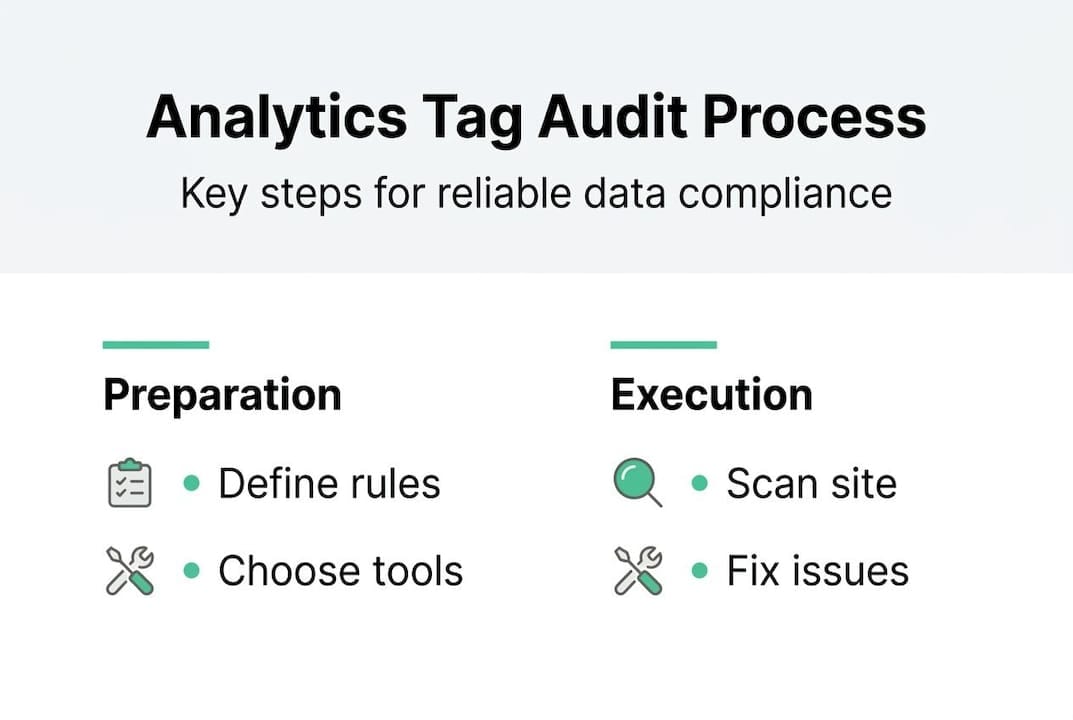
Step 1: Inventory your current tags. Document every tag deployed across your properties, including the platform it sends data to, the pages it fires on, and the data it collects. This becomes your baseline specification.
Step 2: Select your audit solution. Evaluate tools based on these criteria:
- Integration support for your existing stack (GA4, Meta, server-side)
- Privacy compliance coverage including consent mode validation
- Audit frequency and real-time alerting capabilities
- Reporting depth and stakeholder-friendly dashboards
- Support for best GA4 audit tools and cookie-level inspection
Step 3: Configure your validation rules. Define what a correctly firing tag looks like. Set expected event names, required parameters, and acceptable data ranges. This is your compliance specification.
Step 4: Enable alerting. Configure alerts for unauthorized tag additions, unexpected tag removals, schema mismatches, and consent violations. Real-time alerts via Slack or email mean your team responds in minutes, not weeks. Reviewing available cookies audit tools can help you cover the consent layer specifically.
Step 5: Validate and iterate. Run your first automated scan, review the findings, and fix identified issues. Update your specification as your stack evolves.
Pro Tip: Set up alerts specifically for unauthorized tag changes. Rogue tags added by third-party vendors or marketing teams bypassing governance are one of the most common sources of compliance risk.
As your stack evolves, modern marketing stacks require rapid, ongoing audit solutions. Document every finding and communicate results to stakeholders in business terms: data coverage rates, compliance status, and risk exposure. This keeps auditing visible as a strategic function, not just a technical chore.
The reality of analytics tag auditing: What most guides miss
Here is the uncomfortable truth most auditing guides skip over: the biggest barrier to effective tag compliance is not technical. It is organizational.
Most teams invest in a tool, run their first automated audit, find a list of issues, fix them, and then quietly let the process drift. The alerts get ignored. The specification gets stale. Six months later, the stack is back in the same state it started. We have seen this pattern repeatedly, and it almost always traces back to one root cause: auditing was treated as a project, not a practice.
The teams that maintain genuinely clean data treat compliance governance the same way they treat sprint planning or budget reviews. It is a recurring, owned process with a named stakeholder. One analytics mishap story that illustrates this well: a mid-size retailer discovered six months after a site redesign that their purchase confirmation tag had stopped firing on mobile. The root cause was a single overlooked template change. The business cost was six months of attribution data that could never be recovered.
Automation catches these issues fast. But automation only works if someone is accountable for acting on what it surfaces. The shift from reactive to preventative auditing requires both the right tooling and the organizational commitment to treat data quality as a shared responsibility.
Automate and strengthen your analytics tag compliance
If this guide has shown you anything, it is that tag compliance is a continuous commitment, not a one-time fix. The good news is that the right platform makes that commitment manageable.
Trackingplan automates the discovery, monitoring, and auditing of your entire analytics implementation, from pixels and events to server-side tracking and consent compliance. You can explore digital analytics tools integration to see how it connects with your existing stack, or review the web tracking monitoring solution to understand how continuous monitoring works in practice. Teams evaluating their current tooling can also explore Trackingplan as an alternative to ObservePoint for automated tag governance at scale.
Frequently asked questions
What is the main goal of an analytics tag compliance audit?
The main goal is to ensure that all analytics tags function correctly, comply with privacy laws, and deliver trustworthy data for business decisions. Ensuring compliance and accuracy is the defining focus of any effective audit process.
How often should analytics tag audits be performed?
Continuous or automated audits are the recommended standard, since manual one-off reviews quickly become outdated with frequent website changes. Continuous validation is essential because manual audits can become obsolete immediately after deployment.
What are common compliance risks with analytics tags?
Typical risks include unauthorized tag deployment, improper data collection, and failure to adhere to privacy regulations like GDPR or CCPA. Non-compliance can trigger privacy violations and serious data quality issues that affect reporting and legal standing.
Can automated tools fully replace manual tag audits?
Automated tools are essential for ongoing assurance, but occasional expert spot-checks remain valuable for nuanced or edge-case issues. Automation covers ongoing monitoring while human expertise provides depth for specific or subtle problems that rules-based systems may not catch.