
Your campaign goes live on Monday. By Tuesday, paid media is counting conversions in the ad platform, GA4 is short, the product team sees a different signup total in Mixpanel, and nobody agrees on which number should drive budget changes. The argument usually starts with attribution. In practice, the failure often happens earlier, at the data collection layer.
Cross-platform conversion tracking got harder once browser restrictions, app privacy rules, consent controls, and server-side pipelines became standard parts of the stack. Teams now have to reconcile web events, app events, offline actions, and ad platform feedback loops across multiple systems. If even one part of that setup drifts, reporting stops being decision-grade. For a practical grounding in what conversion tracking actually needs to capture across channels, start there.
A better model alone will not fix bad inputs. Broken event payloads, duplicate purchases, missing click IDs, consent rules that suppress the wrong tags, and schema changes pushed in a mobile release can all distort conversion reporting before attribution logic even has a chance to work.
The true test of a tool starts after implementation.
A useful cross-platform tracking stack needs to do three jobs well:
- Capture the signal: collect web, app, and server-side events with minimal loss.
- Connect the journey: reconcile users across devices, sessions, channels, and platforms.
- Protect the data: detect tracking errors, schema drift, and QA issues before they affect reporting and bidding.
That Day 2 reality is the lens for this list. I am less interested in feature checklists than in operational fit. Which tools a lean growth team can maintain without a dedicated analytics engineer. Which platforms make sense only once event governance is already mature. Which products help teams spot broken tracking quickly, instead of discovering the problem during a month-end reconciliation. That last point gets missed in a lot of roundups, but it is where analytics QA and observability tools like Trackingplan change the conversation. They do not replace attribution. They help keep the underlying data trustworthy enough for attribution to matter.
1. Trackingplan
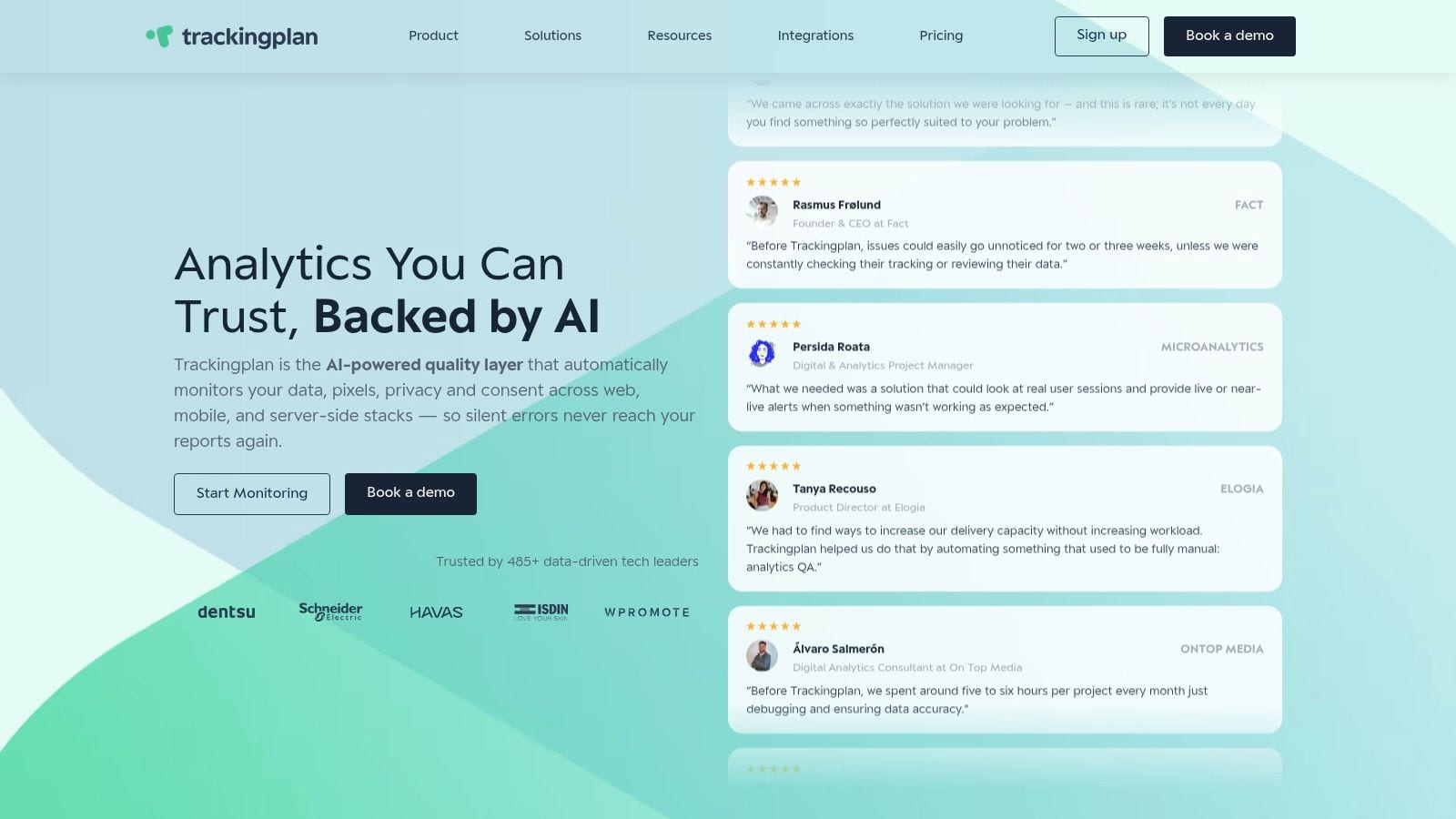
A team ships a routine checkout update on Thursday. By Monday, paid media looks weaker, GA4 purchases are down, and nobody knows whether demand dropped or the purchase tag broke. That is the kind of failure Trackingplan is built to catch.
Trackingplan focuses on analytics QA and observability across web, app, and server-side implementations. Instead of acting as another reporting layer, it monitors the tracking layer itself: events, pixels, parameters, consent behavior, and schema changes. For cross-platform conversion tracking, that matters because attribution only works if the inputs stay stable after launch.
That Day 2 reality is where teams usually get burned. Initial implementation gets attention. Ongoing maintenance usually does not. A redesign changes the data layer, a mobile release renames an event, or a CMP update suppresses tags that should still fire. The reporting issue appears later, often after budgets have already been shifted on bad data.
Where Trackingplan adds value
Trackingplan is useful for teams that already collect conversion data in several places and need a way to keep those feeds trustworthy over time.
Its practical strengths are clear:
- Continuous monitoring: watches production tracking behavior instead of relying only on pre-release QA.
- Automatic change detection: flags broken events, missing parameters, duplicate hits, and schema drift before analysts find the issue in a dashboard.
- Cross-team workflow: gives marketing, analytics, and engineering a shared view of what changed and where.
- Faster triage: alerts in Slack, email, or Microsoft Teams shorten the gap between a release and a fix.
The operational trade-off is straightforward. Trackingplan does not replace GA4, Mixpanel, Segment, or an MMP. It makes those tools more reliable by catching collection issues earlier. For mature teams, that can save a surprising amount of debugging time. For smaller teams, it can replace a lot of manual tag audits and spreadsheet-based QA.
I would put it high on the list for agencies, ecommerce teams with frequent site changes, and product organizations shipping mobile releases every sprint. Those environments rarely fail because they lack dashboards. They fail because nobody sees implementation drift until finance, paid media, and product analytics stop matching.
Best fit and trade-offs
Trackingplan is a strong fit when the main problem is trust, not access. If the team already has reporting tools but keeps asking why Meta, GA4, backend orders, and warehouse numbers disagree, an observability layer is usually more useful than adding yet another analytics UI.
There are limits. Pricing is not public, so procurement takes a sales conversation. Very low-traffic properties may need more time before monitoring patterns become useful. Teams also still need someone to own instrumentation standards. Trackingplan helps catch breaks. It does not define your event taxonomy for you.
If GA4 migration is part of the problem, its guide on migrating to GA4 with Trackingplan is a practical reference because migration work often introduces exactly the kind of tagging regressions this category should prevent. For a fundamentals refresher, its explainer on what conversion tracking is is also useful.
A practical walkthrough can help before rollout. Trackingplan publishes product demos and implementation videos on its YouTube channel, which is worth reviewing if you want to see how the monitoring workflow looks in practice.
2. Google Analytics 4

On Monday, paid media reports a healthy cost per acquisition. By Wednesday, the product team is looking at a different conversion count in the app. By Friday, finance is asking which number is real. GA4 often sits in the middle of that argument because it is the default analytics layer for teams running both web and app properties.
Google Analytics 4 earns that position for practical reasons. It supports web and app event collection in one property, ties directly into Google Ads and Firebase, and gives teams a path to raw-event analysis through BigQuery export. For startups, lean growth teams, and companies already built around Google's stack, that is usually enough to get cross-platform reporting live without buying another platform first.
Where GA4 works well
GA4 is a good fit when the job is operational visibility across channels and platforms, not forensic attribution. If the business has a signed-in experience, reasonable event discipline, and a team that can maintain definitions over time, GA4 can connect a useful share of cross-device behavior through User-ID and Google signals. In practice, that means fewer blind spots between marketing acquisition, site activity, and app usage.
It also scales better than many teams expect once BigQuery is in play. Analysts can rebuild funnels, compare attributed and unattributed conversions, and audit event payloads outside the GA4 interface. That matters on Day 2, when the question stops being "is tracking installed?" and becomes "why did conversion counts change after the release last night?"
The Day 2 reality
GA4's real cost is not the license. It is the operating discipline.
The platform is easy to implement in a way that looks acceptable for a few months and then starts creating reporting debt. I see the same failure pattern over and over: event names drift across web and app, conversion definitions get copied instead of governed, developers change parameters without telling analysts, and nobody notices until campaign optimization or revenue reporting breaks.
GA4 can support serious teams. It does not enforce serious instrumentation.
A few trade-offs matter before committing to it as the center of cross-platform conversion tracking:
- Best for teams already in Google's ecosystem: Google Ads, Firebase, and BigQuery make setup and adoption easier.
- Strong for broad internal access: marketers, analysts, and product teams can all use it, even if they use different reports.
- Weaker for neutral attribution decisions: if channel disputes involve Meta, affiliates, CRM touches, and backend revenue timing, GA4 rarely settles them on its own.
- High QA overhead: the platform reports what was sent, not whether the implementation was correct, complete, or still aligned with your tracking plan.
That last point gets overlooked in tool comparisons. GA4 is analytics. It is not observability. If your team ships often across web and app, you still need a process to catch broken tags, unexpected event changes, duplicate conversions, and missing parameters before they affect budget or executive reporting.
If the current problem is a messy setup rather than a greenfield implementation, this GA4 migration guide from Trackingplan is a practical reference for cleaning up event structure and reducing migration-related tracking errors.
3. Mixpanel
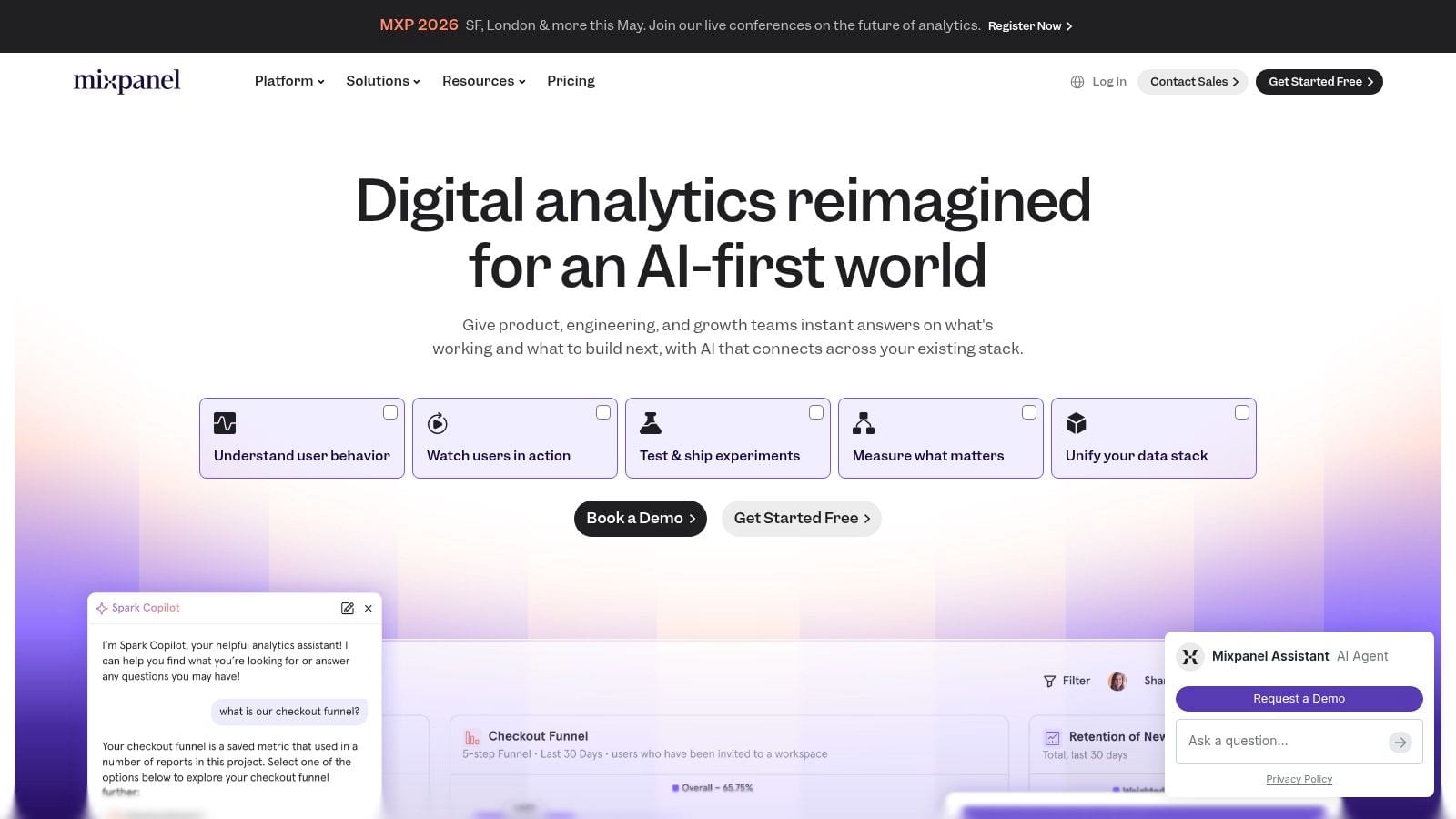
A familiar scenario: paid acquisition looks healthy, installs are up, and the team still cannot explain why trial-to-paid conversion slipped on iOS while web held steady. That is usually the point where Mixpanel starts earning its place. It is built for event analysis across web and mobile, with strong support for funnels, cohorts, retention, and behavioral segmentation.
Mixpanel fits product-led growth teams, subscription businesses, and app-heavy journeys where conversion happens across several steps and several sessions. The practical benefit is speed. Analysts can go from "which channel brought users in?" to "which onboarding step caused the drop?" without rebuilding the question in a different reporting system.
Where Mixpanel is strongest
Mixpanel is strongest when conversion quality depends on behavior after acquisition. If a campaign brings in signups but those users never finish onboarding, never activate a key feature, or churn before a second session, Mixpanel surfaces that pattern quickly. That makes it useful for teams that care as much about retained users as top-of-funnel volume.
I would treat that as a practitioner point rather than a vendor benchmark. In real implementations, Mixpanel creates value when the business asks retention-linked conversion questions, such as whether users who connect a data source in week one are more likely to upgrade, or whether app users who skip permissions setup ever recover later in the funnel.
Day 2 reality
The hard part is not the first dashboard. The hard part is keeping the event model usable six months later.
Mixpanel stays fast and flexible even as tracking grows, but that can hide instrumentation drift. Product squads add events for local needs. Mobile and web teams name the same action differently. Properties change type, disappear, or arrive half-populated after a release. None of that breaks the UI. It does break trust.
That is the overlooked trade-off with tools in this category. Mixpanel is excellent for analysis. It does not tell you whether your tracking plan is still being followed, whether revenue events duplicated after a deployment, or whether a key signup property stopped arriving on Android last Friday. Teams that ship often need a separate QA and observability process, or event quality degrades until every funnel review starts with an argument about data validity.
What it will not cover
Mixpanel does not replace a mobile measurement partner. If the job includes ad network attribution, SKAN workflows, partner postbacks, or resolving install credit across paid media sources, pair it with an MMP instead of forcing Mixpanel into that role.
A practical way to size it up:
- Best for: product, growth, and lifecycle teams analyzing multi-step conversion behavior across web and app
- Less ideal for: network-level media attribution and privacy-driven mobile measurement workflows
- Hidden maintenance cost: event sprawl, inconsistent naming, and property drift across teams
- Best fit by maturity: teams with enough analytics discipline to maintain a shared taxonomy, or teams willing to add QA and observability around the data
Mixpanel works well when the actual conversion question is behavioral. It is a weaker choice when the main requirement is settling attribution disputes between ad platforms.
4. Amplitude
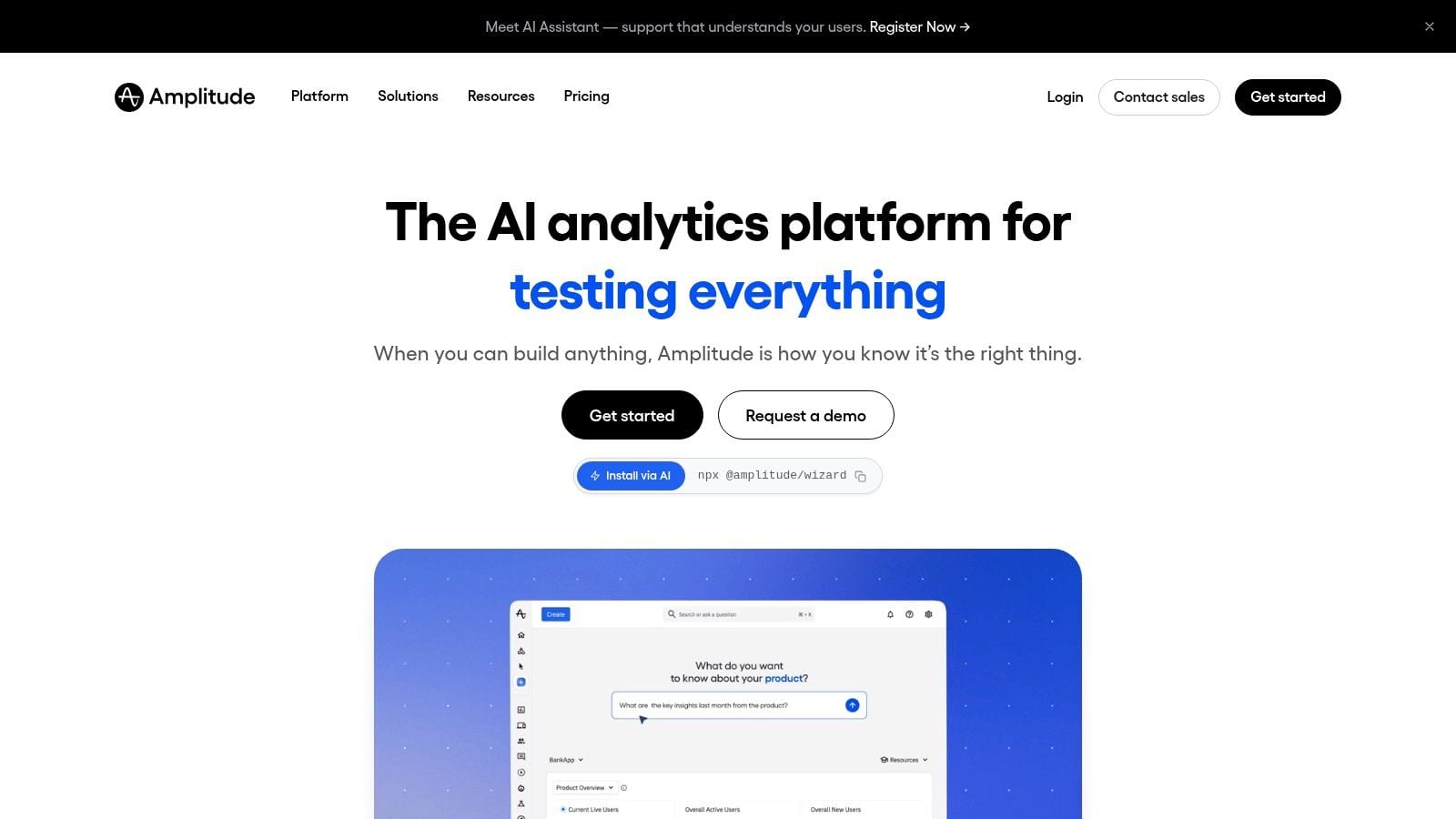
A common Amplitude scenario looks like this. Product wants to understand where activation drops in the app, growth wants to compare onboarding performance between web and mobile, and lifecycle marketing wants cohorts it can trust. Amplitude can support that operating model well because it is built for shared behavioral analysis across teams, not just one analyst pulling reports.
Its real value is less about basic dashboarding and more about how far a team can push event-based analysis once instrumentation is reasonably stable. Funnels, retention, path analysis, cohorts, and experimentation workflows are all strong. That makes Amplitude a good fit for companies where conversion depends on what users do inside the product after the click, signup, or install.
Where Amplitude earns its keep
Amplitude tends to work best in organizations that already have some analytics discipline. The platform is strong at organizing event taxonomies, documenting definitions, and giving product, growth, and marketing teams a common behavioral framework. In practice, that reduces the usual argument about whose numbers are right and shifts the discussion toward where users are getting stuck.
The trade-off shows up on Day 2. Someone still has to maintain naming conventions, deprecate old events, review schema changes, and catch tracking regressions after releases. Amplitude helps teams analyze behavior. It does not solve instrumentation QA by itself. If your team ships frequently across web, iOS, Android, and server-side flows, you usually need a separate process for monitoring data quality and validating downstream destinations. For teams that route data into multiple tools, that often means adding an event QA layer or using analytics integrations and monitoring workflows alongside the analytics stack.
What to watch before choosing it
Amplitude is a product analytics platform first. Teams should choose it for behavioral conversion analysis, cross-platform user journeys, and experiment readouts tied to product usage. Teams should not expect it to handle mobile attribution operations, SKAN management, ad network postbacks, or install credit reconciliation.
It can also be more system than a smaller team needs. A startup with one product analyst and loose event governance may end up paying for depth it cannot maintain. A more mature team with clear event ownership, release processes, and enough traffic to segment meaningfully will usually get much more from it.
A practical way to size it up:
- Best for: product-led companies that need shared analysis across web and app behavior
- Less ideal for: teams whose main problem is paid media attribution or privacy-heavy mobile measurement
- Hidden maintenance cost: taxonomy governance, schema drift, and regression checking after releases
- Best fit by maturity: mid-market and enterprise teams with defined ownership for analytics instrumentation
Amplitude is a strong choice when the hard question is why users fail to convert inside the product. It is less useful when the hard question is which ad network gets credit.
5. Twilio Segment
A common scenario goes like this. Web sends one version of a signup event, iOS sends another, the backend fills in revenue later, and three teams assume they are all looking at the same conversion. Segment helps fix that operating problem by giving teams one collection layer and one place to manage how data gets forwarded.
Twilio Segment fits best as data infrastructure for cross-platform measurement. It collects events from web, mobile, and server-side sources, then routes them to analytics tools, ad platforms, and warehouses. For teams juggling GA4, Mixpanel, Amplitude, and internal reporting at the same time, that setup can reduce duplicate tagging work and cut down on SDK sprawl.
The catch shows up on Day 2. Segment makes distribution easier. It does not solve event quality on its own.
If naming conventions drift, required properties go missing, or one app release changes payloads without warning, Segment will still pass the bad data downstream. That is the part teams often underestimate. A CDP can centralize instrumentation, but someone still has to own tracking plans, schema changes, release QA, and alerting when conversions break. That is why teams evaluating Segment often pair it with an analytics QA process or a layer built for mobile analytics tooling and app measurement workflows.
The fundamental trade-off is organizational, not technical. Segment is a strong fit when engineering, product, marketing, and data teams agree on event ownership and change management. It is a weaker fit for smaller teams that want a tool to answer attribution questions out of the box. Segment will move data cleanly. It will not decide what should be tracked, reconcile channel credit, or tell you whether the implementation is still correct after the last release.
A practical summary:
- Best for: teams with multiple downstream tools and enough technical support to maintain a shared tracking plan
- Less ideal for: teams mainly shopping for attribution reports, media performance views, or mobile install measurement
- Hidden maintenance cost: schema governance, destination mapping, and regression testing after product releases
- Overlooked gap: observability. You still need a way to catch broken events before bad data spreads across every connected platform
Segment is often the backbone for cross-platform conversion tracking. The value comes from operational control. The risk is assuming centralization equals data quality.
6. AppsFlyer

A common scenario: paid acquisition is working, installs are coming in, and finance wants trusted CAC by channel. Then iOS privacy changes, partner postbacks drift, and half the team stops trusting the numbers. That is the context where AppsFlyer usually enters the conversation.
AppsFlyer is built for teams where mobile attribution is an operating requirement, not a reporting nice-to-have. It covers iOS, Android, web-to-app journeys, deep linking, partner integrations, cost data, and fraud controls. For apps with meaningful paid spend, those operational pieces matter more than having another general analytics dashboard.
Where AppsFlyer fits
AppsFlyer makes the most sense when acquisition is mobile-heavy and the team needs one measurement layer for installs, re-engagement, retargeting, and partner reporting. It is also a practical fit for teams dealing with SKAdNetwork, consent constraints, and the usual friction of privacy-era measurement.
The trade-off is scope. AppsFlyer is good at attribution and campaign measurement. Product teams still tend to rely on a separate analytics tool for onboarding analysis, retention work, feature adoption, and lifecycle behavior after the install.
The Day 2 reality
Teams either get value from AppsFlyer or end up with an expensive source of disputes.
The maintenance load is real. Someone has to own SDK updates, event mapping, attribution settings, deep link testing, partner configuration, and release validation across app versions. If that ownership is vague, data quality slips. Channel by channel, event by event.
Privacy pressure adds another layer of complexity. The wider market has moved toward more aggregated, consent-aware measurement, and AppsFlyer fits that shift well. But privacy-aware tooling does not reduce QA work. It usually increases it, because the team has less raw user-level visibility and fewer easy ways to debug discrepancies.
That is the overlooked gap with MMPs in general. They help with attribution. They do not automatically tell you that a signup event stopped firing on Android last Friday, or that a release changed a parameter name and broke downstream reporting. Teams that care about trust in mobile data usually pair their MMP with a QA process and some form of observability. If you are comparing options in that stack, this guide to analytics tools for mobile apps is a useful reference.
A practical summary:
- Best for: mobile-first growth teams with meaningful paid spend and clear attribution requirements
- Less ideal for: teams looking for product analytics, journey analysis, or experimentation reporting in one tool
- Hidden maintenance cost: SDK upkeep, partner mapping, deep link testing, and release-by-release validation
- Overlooked gap: monitoring whether the implementation is still correct after app updates
Use AppsFlyer when mobile attribution needs to hold up under real operating pressure. Do not expect it to serve as the full source of truth for product behavior.
7. Adjust
Adjust is another serious MMP, and in some teams it comes down to ecosystem preference, contract fit, and how the implementation team wants to work. Functionally, Adjust covers the mobile attribution essentials well, including app campaigns, web-to-app flows, subscription measurement, fraud controls, and privacy-aware iOS workflows.
I tend to think of Adjust as a strong option for teams that want MMP capabilities without pretending the attribution problem is fully solved. It gives you structured tooling for a difficult environment, especially when subscription events and postback mapping matter.
Where Adjust makes sense
Adjust is a sensible fit when your acquisition program relies on app installs and re-engagement, but your business model also needs downstream subscription or lifecycle context. If the team is already comfortable with SDK implementation and event mapping, it can be a durable measurement layer.
It also works well when you need flexibility around attribution windows and practical controls over privacy-era reporting structures. That's useful for teams that don't have clean short-cycle purchase behavior.
The operational catch
Adjust still requires setup discipline. You need to map events correctly, coordinate release cycles, validate partner connections, and maintain the implementation over time. Like every MMP, it can become "installed but not trusted" if nobody owns ongoing QA.
A useful mental model:
- Choose Adjust when: mobile attribution and privacy-aware app measurement are core needs
- Avoid relying on it for: broad product analytics or warehouse-first behavioral analysis
- Plan for: ongoing SDK and mapping maintenance, not just initial launch
The hardest part of mobile attribution usually isn't selecting the vendor. It's keeping the implementation stable across app releases and campaign changes.
If your main pain sits inside app performance marketing, Adjust belongs on the shortlist.
8. Branch
Branch earns its place for a different reason. It's not trying to be your full analytics environment. It's exceptionally good at preserving context as users move between web and app, and that specific problem ruins a surprising number of conversion journeys.
If you've ever watched a paid click land on mobile web, then lose attribution context during app install or onboarding, you already know why Branch matters. Deep linking sounds narrow until you realize how much conversion leakage happens in those handoffs.
Where Branch shines
Branch is strongest in web-to-app and multi-channel activation flows. It helps teams pass context through deferred deep links, QR codes, and campaign journeys that would otherwise fragment across devices or sessions.
This is one of those categories where the feature sounds tactical but the business effect is strategic. If onboarding quality depends on preserving source context, Branch can improve measurement and user experience at the same time.
Limits and best pairing
Branch isn't a substitute for product analytics, and it isn't the tool I'd use as my main marketing reporting hub. It works best alongside a product analytics platform or CDP, depending on how your team is structured.
Its practical strengths and limits are pretty clear:
- Excellent for: deep linking, onboarding continuity, web-to-app conversion flows
- Less useful for: standalone behavioral analysis and full-funnel reporting
- Best paired with: GA4, Amplitude, Mixpanel, or a warehouse-centered stack
Choose Branch when the journey breaks between touchpoint and destination. That's a very specific problem, but for app-led businesses it's often the problem.
9. Singular

Singular is a strong fit for performance marketers who need cost, attribution, and creative data brought into one place without spending their week exporting CSVs from ad platforms. It is less about product behavior and more about media decision-making across many channels.
That makes it attractive for teams running paid programs at scale across mobile, web, and emerging surfaces like CTV. The appeal isn't just attribution. It's the ability to line up spend, revenue signals, and creative performance in one operating view.
Best fit in practice
Singular works best when a growth or media team needs unified cost and ROI views across a fragmented partner mix. If your team constantly asks which networks, campaigns, or creatives deserve more budget, Singular is aligned to that question.
It's especially useful for organizations where media optimization and finance scrutiny intersect. In those cases, reporting consistency can matter almost as much as attribution sophistication.
Trade-offs to expect
The downside is configuration complexity. Enterprise media tooling tends to reward teams that already have strong ops discipline. If naming conventions, campaign taxonomy, and partner mappings aren't controlled, the platform can reflect chaos rather than resolve it.
I also wouldn't buy Singular expecting it to solve behavioral analytics or instrumentation QA. It sits closer to performance reporting than to implementation health. That's fine, as long as you know what job you're hiring it for.
Singular is a good choice when budget optimization across ad partners is the core problem. It won't replace your analytics foundation, and it definitely won't replace your QA layer.
10. Kochava

A common Kochava use case looks like this: paid media runs across mobile, web, CTV, and QR codes in retail or out-of-home placements, then the team tries to explain conversion paths in one reporting workflow. Basic app or web attribution tools usually start to strain there.
Kochava is built for that broader measurement job. It supports mobile and web, but its real appeal is handling omnichannel environments where customer journeys cross CTV, OTT, physical touchpoints, and partner ecosystems that do not share a clean identity layer.
Where it fits best
Kochava fits teams that already know their measurement problem is operational, not just analytical. They are not asking for another dashboard. They need a system that can ingest messy channel data, apply attribution logic across very different surfaces, and hold up under ongoing campaign changes.
That makes it more suitable for established growth teams, media organizations, and brands with offline-to-digital handoffs than for a lean product team instrumenting a basic funnel.
The Day 2 reality matters here. Once Kochava is live, the work shifts to governance. Someone still has to maintain mappings, review partner changes, validate event quality, and check whether reported conversions line up with what actually fired across platforms. Kochava can centralize measurement, but it does not remove the need for analytics QA and observability.
What to watch before buying
The trade-off is maintenance load. Breadth sounds attractive during evaluation, but it creates more rules to configure and more places for tracking drift to hide. Teams without clear ownership often end up with an expensive platform and low confidence in the output.
In practice:
- Good choice for: organizations running true omnichannel programs with enough scale to justify custom attribution setup
- Less ideal for: smaller teams that mainly need standard web and app conversion reporting
- Hidden cost: ongoing QA, taxonomy discipline, partner upkeep, and troubleshooting across channels
Kochava makes sense when cross-platform measurement is already complicated and staying that way. If the team is still building basic analytics discipline, the overhead can outweigh the benefit.
Top 10 Cross-Platform Conversion Tracking Tools Comparison
| Product | Core focus & key features | Best for / Target audience | Unique selling point | Setup & integrations | Pricing & trial |
|---|---|---|---|---|---|
| Trackingplan | Always-on analytics QA; real-user discovery; monitors events, pixels, UTMs, consent; AI-assisted root-cause & impact | Marketers, analysts, developers, agencies needing reliable tracking & fast fixes | AI debugger with plain‑language diagnosis + business‑impact estimates; privacy‑first monitoring | Lightweight 10KB tag / mobile SDK; integrates with GA, Amplitude, Mixpanel, Segment, ad platforms | Growth: 14‑day free trial (no card); Enterprise PoC; pricing via demo |
| Google Analytics 4 (GA4) | Unified web+app event model; attribution reporting; BigQuery export | Organizations needing scalable, free analytics with Google Ads/Firebase ties | Free, widely adopted platform with native BigQuery raw export | Tag/SDK setup; deep Google ecosystem integration | Free standard; 360 enterprise via sales |
| Mixpanel | Event‑based product analytics: funnels, cohorts, retention; session replay | Product and marketing teams focused on conversion & retention | Fast, intuitive funnel analysis + session replay | SDKs for web/mobile; integrates with CDPs and ad tools | Generous free tier (up to ~1M events); growth pricing |
| Amplitude | Enterprise product analytics, experimentation, governance | Large product/org teams needing deep behavioral diagnostics | Strong governance, collaboration and advanced funnel diagnostics | SDKs; session replay integrations; data warehouse connectors | Tiered plans; advanced features on higher tiers |
| Twilio Segment | Customer Data Platform: event collection, routing, schema enforcement | Engineering & analytics teams centralizing instrumentation and destinations | Reduces SDK sprawl; strong tracking plan/protocol governance | Client/server sources; hundreds of destination integrations | Usage/volume-based pricing; costs scale with volume |
| AppsFlyer | Mobile Measurement Partner: cross‑platform attribution, SKAN, fraud protection | Performance marketers focused on mobile attribution & partner reporting | Robust mobile attribution ecosystem + fraud protection & SKAN support | SDK integration; wide ad partner integrations | Conversion‑based billing; tiered plans documented |
| Adjust | MMP with SKAN dashboards, subscription analytics, fraud prevention | Marketers needing iOS privacy tools, subscription measurement & automation | Transparent attribution tiers; strong SKAN/automation tooling | SDK required; mapping/configuration needed | Free Base plan; higher tiers via sales |
| Branch | Deep linking and people‑based attribution; web‑to‑app journeys | Teams optimizing web‑to‑app conversion, onboarding & cross‑device links | Best‑in‑class deep linking, QR and link reliability | Link SDKs and integrations with analytics/CDPs | Packaged plans (Activation/Engagement/Performance); predictable tiers |
| Singular | Cross‑platform attribution with cost aggregation & creative analytics | Performance marketers managing many ad partners and unified ROI views | Unified cost/revenue + creative analytics for media optimization | Integrates ad partners, cost feeds and analytics sources | Enterprise pricing via sales |
| Kochava | Omnichannel measurement and configurable attribution (CTV, DOOH, offline) | Brands needing cross‑device & cross‑media conversion measurement | Broad omnichannel coverage and configurable attribution engine | SDKs and extensive integrations; heavier config for advanced use | Free App Analytics starter plan; paid tiers for advanced features |
From Tracking Chaos to a Single Source of Truth
Monday morning usually exposes the fundamental problem. Paid media reports a drop in conversions, product sees stable signup volume, and finance wants one number for the board deck. At that point, the question is no longer which platform has more features. The primary question is which part of the measurement stack is failing, and who is expected to catch it.
The right tool depends on your failure mode and your team's maturity. Mobile-first growth teams usually feel pain around attribution windows, partner data, SKAN, and fraud controls. Product-led teams usually struggle more with event design, identity, and post-acquisition analysis. Companies with a large stack often hit a different wall entirely: too many pipelines, too many mappings, and no clear owner when data breaks.
Day 2 is where tool decisions start to show their cost. A clean demo matters less than the work required to keep events stable across web, app, server-side tracking, consent changes, and release cycles. Teams often buy to fix a visible symptom, then spend the next six months dealing with schema drift, inconsistent naming, or destination-specific failures that nobody notices until reporting goes off.
That is why analytics QA deserves more attention than it usually gets.
Most tools in this list help teams analyze, attribute, route, or enrich data after collection. Few are built to monitor the measurement layer itself. In practice, that gap creates a familiar workflow: an analyst spots a discrepancy, engineering checks the app release, marketing reviews tag behavior, and somebody traces one missing parameter across four systems just to find a broken implementation detail.
I have seen expensive debates about attribution methodology turn out to be basic operational issues. Consent rules fired differently by region. An app update changed a property name. A server-side patch restored one destination and broke another. None of those failures are strategic. All of them distort optimization and reporting.
A single source of truth usually comes from a governed stack, not a single product. One tool handles attribution. Another handles product analytics. Another routes events. Another checks whether the tracking still works after the next release. Teams that plan for that division of labor tend to make better buying decisions because they account for maintenance, ownership, and QA upfront.
That is the practical case for keeping Trackingplan in the conversation. Its role is implementation QA and observability across web, app, and server-side tracking. For teams that already have GA4, Mixpanel, Amplitude, an MMP, or a CDP in place, that fills an operational gap those systems do not usually cover.
If your reporting still depends on manual spot checks and dashboard complaints, start by auditing the collection layer before replacing the rest of the stack. Better data quality fixes more reporting disputes than another dashboard ever will.
And once the tracking layer is reliable, the reporting layer gets easier to trust. This F1Group guide to building dashboards is a useful reference for structuring executive reporting after the underlying data is under control.