
TL;DR:
- Tracking automation uses systems to monitor and act on marketing data in real time. It improves conversion accuracy, reveals higher ROAS, and reduces support tickets with carrier API integration. Successful implementation depends on ongoing data quality checks, version control, and embedding automation into operational workflows.
Tracking automation is defined as the use of automated systems to monitor, collect, and act on marketing and operational data in real time, without manual intervention. Digital analysts and marketing professionals who implement it correctly see direct gains in attribution accuracy, ad spend efficiency, and data reliability. The examples of tracking automation covered here span server-side conversion workflows, e-commerce fulfillment notifications, CRM integrations, and analytics governance tools. Each example includes implementation details and measurable outcomes so you can evaluate fit for your own stack.
1. What are the most impactful examples of server-side tracking automation?
Server-side tracking automation moves data collection from the browser to a controlled server environment. This eliminates the data loss caused by ad blockers, browser privacy restrictions, and slow page loads that degrade client-side pixel accuracy.

The most direct business case is conversion measurement. Advanced server-side tracking improves conversion measurement accuracy up to 90% and drives 25–40% profit margin improvement within weeks. That accuracy gap between pixel-only and server-side methods is not a minor rounding error. It changes how Google Ads or Meta Ads bidding algorithms allocate budget.
Offline conversion integration is the next layer. When CRM data from closed deals, phone calls, or in-store visits feeds back into Google Ads through server-side workflows, offline sales insights reveal a 2–5x higher true ROAS compared to pixel-only attribution. That means campaigns you thought were underperforming may actually be your best performers.
Proactive bid automation is where server-side tracking gets genuinely sophisticated. Automated workflows can monitor multi-year conversion trend data and recommend seasonal bid adjustments weeks in advance, with increases of up to 35% based on historical patterns. This is not a manual analyst task. It is a scheduled automation that runs without human input.
Key capabilities this approach enables:
- CRM-to-ad-platform data pipelines that sync offline conversions daily
- Call tracking integration that attributes phone leads to specific campaigns
- Server-side event deduplication to prevent inflated conversion counts
- Automated bid recommendations triggered by historical trend thresholds
Pro Tip: Set up a parallel measurement window when you first deploy server-side tracking. Run pixel and server-side simultaneously for 30 days to quantify the accuracy gap before switching your bidding strategy to the new data source.
2. How does automated e-commerce order tracking cut support tickets?
Automated e-commerce order tracking connects carrier APIs directly to customer notification systems, removing the manual step of checking shipment status and sending updates. The result is a self-running fulfillment communication loop that customers receive without a support agent touching it.
The numbers are significant. Carrier API integration with WhatsApp reduces support ticket volume by up to 60%. Fewer tickets means lower support costs and faster resolution times for the exceptions that do require human attention.
The technical architecture uses webhook triggers. When a carrier updates a shipment status, the webhook fires and the automation sends a notification through WhatsApp, SMS, or email within seconds. No polling. No batch jobs. The customer gets the update before they think to ask.
Exception handling is built into well-designed systems. Routine inquiries like “where is my order?” are answered automatically. Edge cases like damaged goods or customs holds get escalated to a human agent with full context already attached.
Reliability requires careful API management. Carrier API integrations must use exponential backoff to handle rate-limiting errors, with retries at 5 minutes, 15 minutes, and 45 minutes to prevent system crashes during peak load. Without this, your tracking automation fails exactly when order volume is highest.
- Webhook triggers fire on every carrier status change
- WhatsApp or SMS notifications deliver updates within seconds
- Escalation rules route exceptions to human agents with context
- Exponential backoff prevents API failures during high-volume periods
Pro Tip: Build a dead-letter queue for failed webhook deliveries. Any notification that fails three retry attempts should land in a review queue, not disappear silently. Silent failures in order tracking automation are the fastest way to generate the support tickets you were trying to eliminate.
3. Which tools and platforms exemplify effective marketing data tracking automation?
The best automated tracking solutions share three characteristics: real-time data flow, error detection, and version-controlled schema management. The tools below represent distinct categories of the tracking automation stack.
| Tool / Platform | Category | Key Capability | Best For |
|---|---|---|---|
| Google Tag Manager Server-Side | Tag management | Server-side event forwarding | Reducing client-side data loss |
| Segment | Customer data platform | Real-time event routing to multiple destinations | Centralizing event data across tools |
| Salesforce CRM | CRM integration | Offline conversion sync to ad platforms | Closing the online-to-offline attribution gap |
| Zapier / Make | Workflow automation | Trigger-based data movement between apps | Connecting tools without custom code |
| Trackingplan | Analytics governance | Automated monitoring, pixel auditing, schema validation | Detecting tracking errors before they corrupt data |
Trackingplan occupies a distinct position in this list. While most tools focus on sending data, Trackingplan monitors whether that data is correct. It detects missing pixels, broken events, schema mismatches, and campaign misconfigurations across web, app, and server-side environments, then sends real-time alerts via Slack, email, or Teams.
Treating tracking implementation as a version-controlled artifact reduces troubleshooting time and improves data reliability over time. Trackingplan applies this principle by maintaining a live audit of your analytics implementation, so schema drift gets caught automatically rather than discovered weeks later in a reporting discrepancy.
For teams managing analytics in marketing, the combination of a customer data platform for routing and a governance layer for monitoring is the most reliable architecture. One moves data. The other confirms it arrived correctly.
4. What best practices ensure successful tracking automation implementation?
Most tracking automation projects underperform because teams treat them as one-time deployments rather than ongoing systems. Only 39% of organizations currently measure the profit impact of their automation investments. That gap between deployment and measurement is where value disappears.
Follow these steps to build tracking automation that compounds in value over time:
-
Pull metrics from source systems directly. Tracking automation should pull data from CRMs and operational systems rather than relying only on project delivery reports. This produces true business value metrics, not activity metrics.
-
Version-control your tracking schema. Formal documentation updated automatically alongside code is the standard that prevents tribal knowledge failures. When a developer changes an event name, the schema update should be logged automatically.
-
Define performance metrics before launch. Decide in advance what you will measure: error rates, response times, revenue impact, and time saved. Changing the measurement criteria after launch makes it impossible to evaluate progress.
-
Start with a simple tracking log. Consistent weekly tracking of time saved, error rates, and revenue impact is sufficient for small teams to build ROI understanding without complex dashboards. A spreadsheet works at the start.
-
Embed automation outputs into operational dashboards. The difference between automation success and failure is the degree to which automation is embedded into operational workflows. Automation that runs in the background but never surfaces in decision-making tools gets ignored and eventually abandoned.
-
Audit your tracking before automating it. Automating broken tracking produces bad data faster. Run a full campaign tracking audit before building automated workflows on top of your existing implementation.
-
Set alert thresholds for anomalies. Automated alerts for traffic spikes, conversion drops, or pixel failures catch problems before they affect reporting. Without thresholds, you discover errors in the quarterly review, not the day they happen.
Key Takeaways
Tracking automation delivers measurable ROI only when it is embedded in operational workflows, monitored continuously, and measured against defined business metrics from day one.
| Point | Details |
|---|---|
| Server-side tracking accuracy | Improves conversion measurement up to 90% and reveals 2–5x higher true ROAS vs pixel-only methods. |
| E-commerce order automation | Carrier API and webhook integration cuts support ticket volume by up to 60% with no manual intervention. |
| Measurement gap | Only 39% of organizations measure the profit impact of automation, leaving most value uncaptured. |
| Version control for schemas | Automatically updated tracking documentation prevents data drift and reduces troubleshooting time. |
| Governance layer matters | Monitoring tools like Trackingplan catch broken pixels and schema mismatches before they corrupt reporting. |
The part of tracking automation nobody talks about enough
Most articles on this topic focus on what tracking automation can do. The harder conversation is about what happens when you automate tracking that was already broken.
I have seen marketing teams spend weeks building server-side conversion pipelines, only to discover three months later that the event names in their CRM did not match the schema their ad platform expected. The automation ran perfectly. It just moved bad data faster than anyone could catch it. That is not a technology failure. It is a governance failure.
The teams that get real value from automated tracking solutions are the ones that treat data quality as a prerequisite, not an afterthought. They audit before they automate. They set up monitoring alongside the automation itself, not after the first reporting discrepancy surfaces. And they measure outcomes in business terms, not just technical ones.
The AI in digital marketing conversation has accelerated interest in automation, but it has also created a false sense that the technology does the hard work. The hard work is still defining what you want to measure, confirming the data is clean, and building the organizational habit of acting on what the automation surfaces.
Start smaller than you think you need to. One reliable server-side conversion feed with clean CRM data beats five automated workflows built on inconsistent event tracking. Depth of integration matters more than breadth of automation.
— David
How Trackingplan fits into your tracking automation stack
Tracking automation is only as good as the data flowing through it. Trackingplan monitors your entire analytics implementation in real time, catching broken pixels, missing events, and schema mismatches before they reach your dashboards.
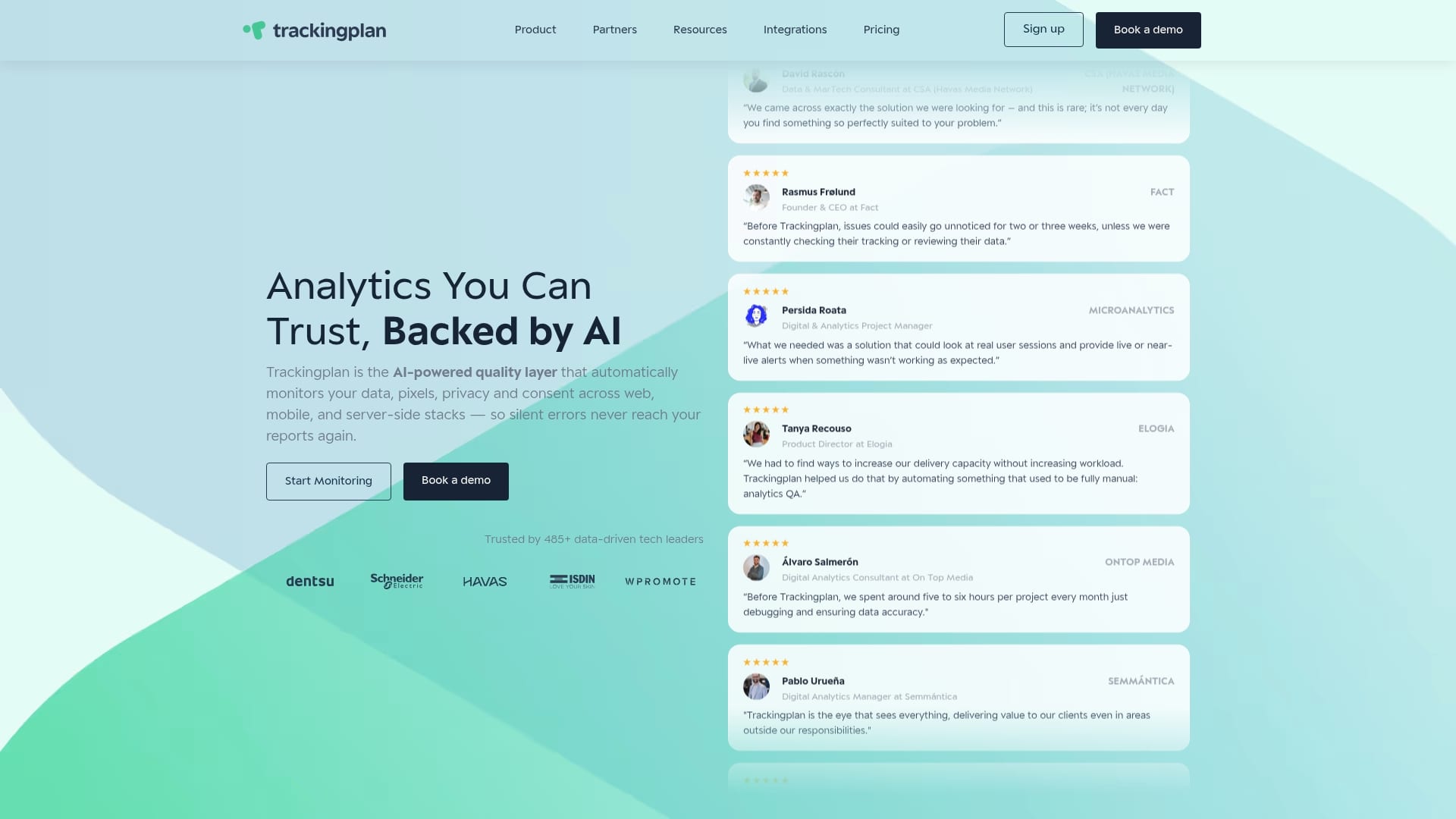
Trackingplan connects to your digital analytics tools and sends instant alerts via Slack, email, or Teams when something breaks. It audits your Martech stack continuously, so you spend less time debugging and more time acting on clean data. For teams managing complex multi-channel implementations, Trackingplan provides the governance layer that makes every other automation more reliable. See how it works and connect it to your existing stack in minutes.
FAQ
What is tracking automation in digital marketing?
Tracking automation is the use of automated systems to collect, monitor, and act on marketing and conversion data without manual intervention. It includes server-side event tracking, CRM integrations, webhook-based notifications, and real-time anomaly alerts.
How does server-side tracking automation improve ad performance?
Server-side tracking removes browser-based data loss from ad blockers and privacy restrictions. Integrating offline CRM data with ad platforms through server-side workflows reveals 2–5x higher true ROAS compared to pixel-only attribution.
What tools are used for tracking automation?
Common tools include Google Tag Manager Server-Side for event forwarding, Segment for data routing, Salesforce for offline conversion sync, and Trackingplan for automated monitoring and schema validation across web and app environments.
How do you measure the ROI of tracking automation?
Track error rates, response times, time saved, and revenue impact on a weekly basis. Only 39% of organizations currently measure the profit impact of automation, so even a simple spreadsheet log puts you ahead of most teams.
Why do tracking automation projects fail?
Most failures come from automating broken tracking or failing to embed automation outputs into operational dashboards. Auditing your implementation before building automated workflows and setting anomaly alert thresholds are the two steps most teams skip.