
Your Google Ads account can pass a quick visual check and still waste money every day. Spend is flowing. Conversions are showing up. Reports refresh on time. Then the questions start. Why did ROAS drop with no clear change in demand? Why do platform numbers and analytics reports disagree? Why does every dip turn into a manual audit across tags, search terms, bids, and landing pages?
Google Ads audit software exists to solve that problem.
The useful way to evaluate these tools is by the job they do. Some are built for account structure and campaign hygiene. Some are broader management suites that add monitoring, alerts, and workflow support. A smaller group focuses on data integrity, which is often a primary bottleneck when performance analysis keeps leading to dead ends.
That distinction matters. A clean campaign structure does not help much if conversion tracking is broken, UTMs are inconsistent, or an event schema changed after a release. In that environment, a tool that helps you sort by risk and urgency is worth more than another surface-level checklist. If your team is also reviewing post-click performance, a Conversion Rate Optimisation Audit often exposes landing page issues that an ad account audit will never catch.
I use that three-part framework because it reflects how problems show up in real accounts. Some teams need help finding waste inside campaigns. Others need a command center for ongoing PPC management. And some need to answer the question that sits underneath every optimization decision: can we trust the data?
That last group is where Trackingplan stands apart. It addresses the measurement layer before you start judging campaign performance, which is why it belongs in a different category from tools that only inspect what is already inside Google Ads. If your main problem is unreliable attribution, broken tags, or conversion discrepancies after site changes, start with a tool built for Google Ads tracking validation and audit workflows, not just bidding and structure checks.
This list ranks the tools by their primary function so you can choose based on the problem you need to fix.
1. Trackingplan
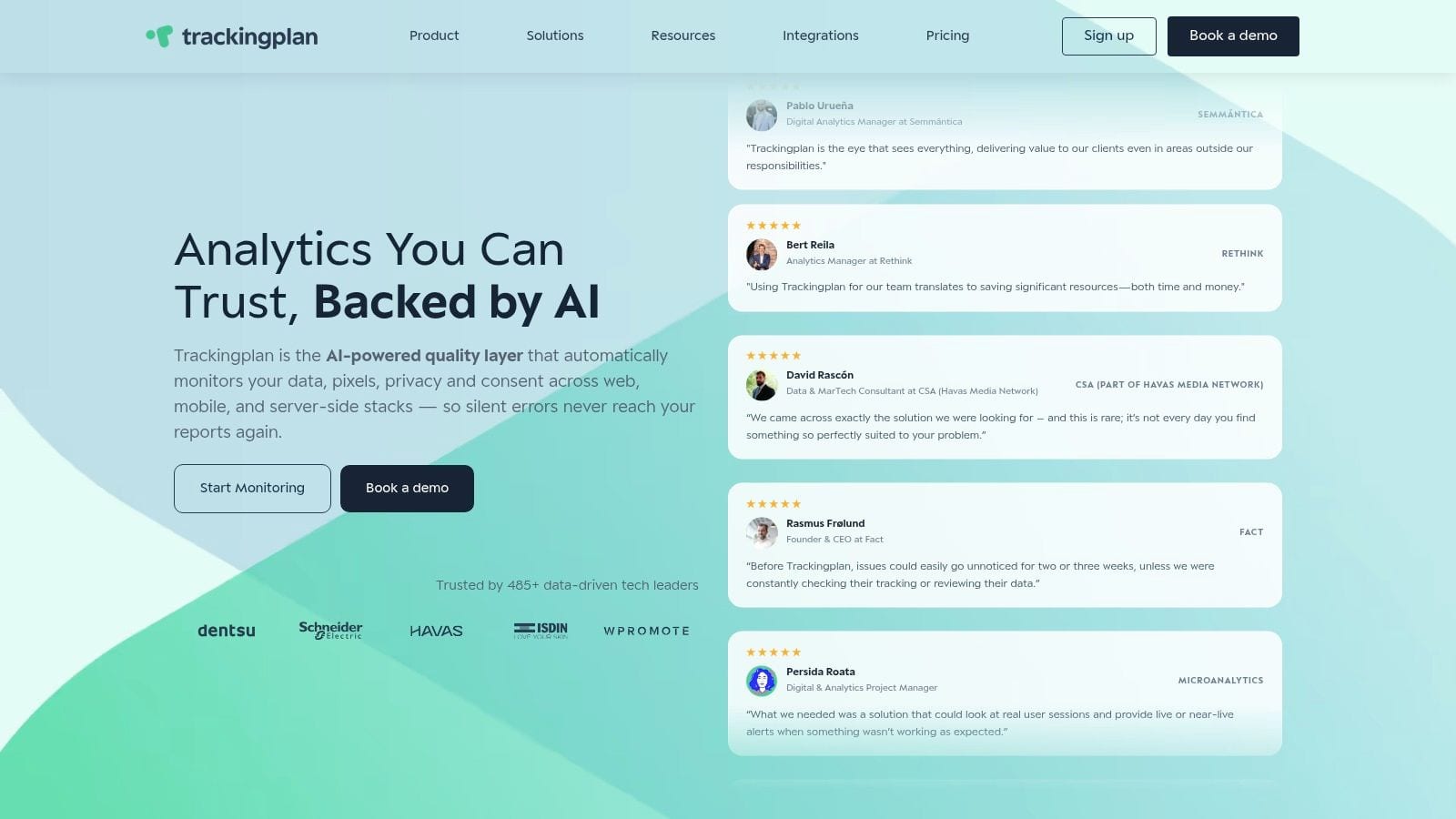
Most Google Ads audit software starts inside the ad account. Trackingplan starts earlier, at the measurement layer. That difference matters.
If your Google Ads reporting feels unstable, the root problem is often not campaign setup. It is broken analytics, dropped events, schema mismatches, inconsistent UTMs, or ad pixels that fail after a release. Trackingplan is built for that class of problem. It continuously discovers your tracking setup across web, app, and server-side implementations, then monitors real user traffic instead of relying on brittle synthetic checks.
For teams that keep asking, “Can we trust this conversion data?”, this is the product I would put at the top of the list.
To see the platform in action, this walkthrough is worth watching:
https://www.youtube.com/watch?v=1Lw9hA32n4I
Why Trackingplan solves a different problem
A lot of auditors help you improve campaigns once the data is already in Google Ads. Trackingplan helps you validate whether the data should be trusted in the first place.
That means it can catch issues like:
- Missing events: Conversions or funnel steps stop firing after a site release.
- Schema mismatches: Event properties change format and break downstream reporting.
- UTM violations: Campaign tagging drifts from naming conventions and creates reporting fragmentation.
- Broken pixels: Google Ads, Meta, or TikTok tags stop sending reliable signals.
- Consent problems: Tracking behaves differently across consent states, creating silent undercounting.
- PII leaks: Sensitive data reaches analytics or ad tools when it should not.
That is the gap most audit lists miss, and it is exactly why Trackingplan’s view of a Google Ads audit tool is more useful than another surface-level checklist.
If your attribution suddenly changes after a deployment, do not start by changing bids. Validate the tracking first.
Where it stands out in practice
Trackingplan is low-friction to deploy. The platform uses a lightweight tag or SDK approach, and it is designed to start discovering the implementation automatically rather than requiring a long manual mapping exercise. That matters for agencies and analytics teams because adoption dies quickly when a monitoring tool becomes another setup project.
It also does something most PPC tools do not: it helps non-developers prioritize fixes. Real-time alerts can go to email, Slack, or Teams. Root-cause guidance points people toward the likely implementation issue. Potential impact analysis helps separate minor naming drift from a problem that could corrupt attribution or ROAS reporting.
The privacy angle is stronger than what you get from standard PPC software. Consent and cookie checks, plus PII leak alerts, are important if your Google Ads setup depends on clean data flows across multiple platforms.
Best fit and trade-offs
Trackingplan is best for analysts, growth teams, developers, QA, and agencies that need continuous oversight of analytics and ad pixels, not just one-off campaign reviews.
Its main limitation is simple. If you only want a quick audit of ad copy, bidding settings, and account structure, this is not the lightest option. It also depends on having enough real traffic to surface issues quickly, so lower-traffic properties may take longer to show full value.
Still, when the core problem is data trust, not just account hygiene, few tools are closer to the root cause of the issue. That is also why it pairs well with conversion-focused work such as a Conversion Rate Optimisation Audit.
Website: Trackingplan
2. Adalysis
Adalysis is what I recommend when an account needs discipline. Not inspiration. Discipline.
It is a mature PPC management platform with a strong audit engine. The practical value is that you can standardize how accounts are reviewed across campaigns, ad groups, keywords, and settings, then keep those checks running without rebuilding the process every month.
Where Adalysis works best
Adalysis is strongest for agencies and in-house teams managing multiple accounts that need consistent policy enforcement. Its audit layer is deep and configurable, and its key advantage is not just spotting problems. It is turning recurring account reviews into a repeatable operating system.
Useful strengths include:
- Custom audit framework: More than a lightweight scorecard. Teams can adapt checks to their own standards.
- Always-on monitoring: Daily checks are more useful than one-time export reports.
- Execution support: Bulk fixes and automations reduce the friction between finding and resolving issues.
- Quality Score analysis: Helpful when you want more detail than the native interface provides.
Google’s Quality Score is rated on a 0 to 10 scale based on ad relevance, expected CTR, and landing page experience, so tools that expose where that score breaks down can be more actionable than broad health summaries.
The trade-off
Adalysis gives you the most value when you use more than just the audit layer. If all you want is a readout of issues, it can feel heavier than necessary. The platform rewards teams that are ready to operationalize changes inside the same system.
That also means there is a learning curve. Custom monitors, alerts, and automation rules are powerful, but they take setup discipline. Smaller teams can end up underusing it.
One more practical note. Account-side improvements do not matter much if your conversion data is shaky. Before pushing harder on lead quality or automated bidding, it is worth tightening enhanced conversions in Google Ads so the platform has cleaner signals to work with.
Website: Adalysis
3. TrueClicks
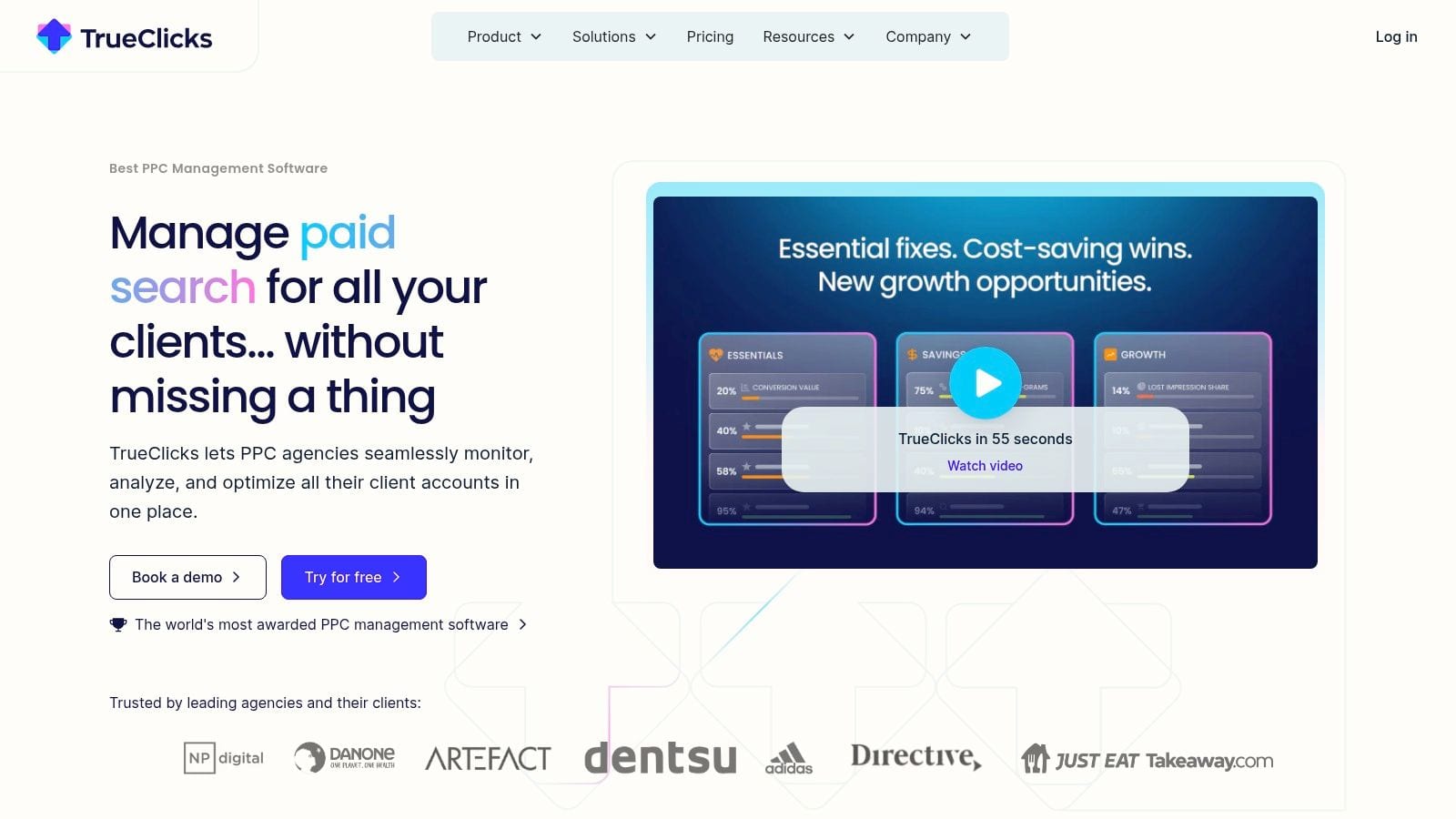
TrueClicks feels like it was built by people who understand how agencies triage accounts. It is audit-first, not suite-first.
That distinction makes it attractive when you want a clear view of what is wrong, what changed, and what deserves attention now, without immediately signing up for a large automation platform.
What makes it useful
The biggest strength is focus. Scheduled and on-demand audits, account health scoring, change monitoring, and an all-accounts dashboard make it easy to prioritize which accounts need intervention.
That matters because a lot of teams are still running audits manually, and larger audits can consume meaningful specialist time before anyone even starts implementing fixes. In that environment, a tool that helps you sort by risk and urgency is worth more than a feature list full of extras.
TrueClicks also plays nicely with reporting stacks. Connectors for Looker Studio, Sheets, Power BI, and Tableau make it easier to route findings into the systems your team already uses.
A good audit tool should help you answer two questions quickly: what broke, and which account needs attention first.
Where it falls short
TrueClicks is not the tool I would pick if the same team wants to execute bulk remediations inside one environment. It is better as a prioritization and oversight layer than as a hands-on command center for large-scale changes.
That is not a flaw. It is a trade-off. Some teams want a specialist auditor that tells them where to look. Others want an all-in-one workspace.
If your agency already has a strong execution workflow and just needs cleaner oversight across many accounts, TrueClicks is a smart fit. If your team lacks the process to act on recommendations, a heavier management suite may close the loop better.
Website: TrueClicks
4. Optmyzr
Optmyzr is for teams that do not just want audits. They want greater impact.
Its audit and alerting capabilities sit inside a broad PPC operations platform that includes workflow automation, scripts, budgeting, reporting, and cross-platform management. If you manage search as part of a larger paid media machine, that breadth is valuable.
Why teams choose it
The practical appeal is scale. You can set standardized checks, automate follow-up actions, manage budgets, and support multiple ad platforms from one place. That is useful for agencies and larger in-house teams where Google Ads is important but not the only system in play.
Cross-platform support also changes the buying decision. If you are managing Google alongside Microsoft, Amazon, Meta, or LinkedIn, one central operations layer is easier to justify than separate point solutions.
This matters in a market where Google Ads continues to dominate paid search usage and budget allocation, making audit discipline especially important inside larger PPC programs. Semrush’s Google Ads statistics roundup highlights how central Google remains in paid search workflows, which is exactly why many teams prefer a platform that can automate policy and oversight at scale.
The downside of breadth
Optmyzr can be too much platform for a team that wants lightweight Google Ads audit software. The learning curve is real, and smaller teams may never use enough of the feature set to justify the complexity.
That said, if your pain is manual PPC toil, not just account diagnosis, Optmyzr is one of the better answers. It is especially strong when you need custom logic, recurring workflows, and cross-channel visibility rather than another static audit report.
Website: Optmyzr
5. Opteo
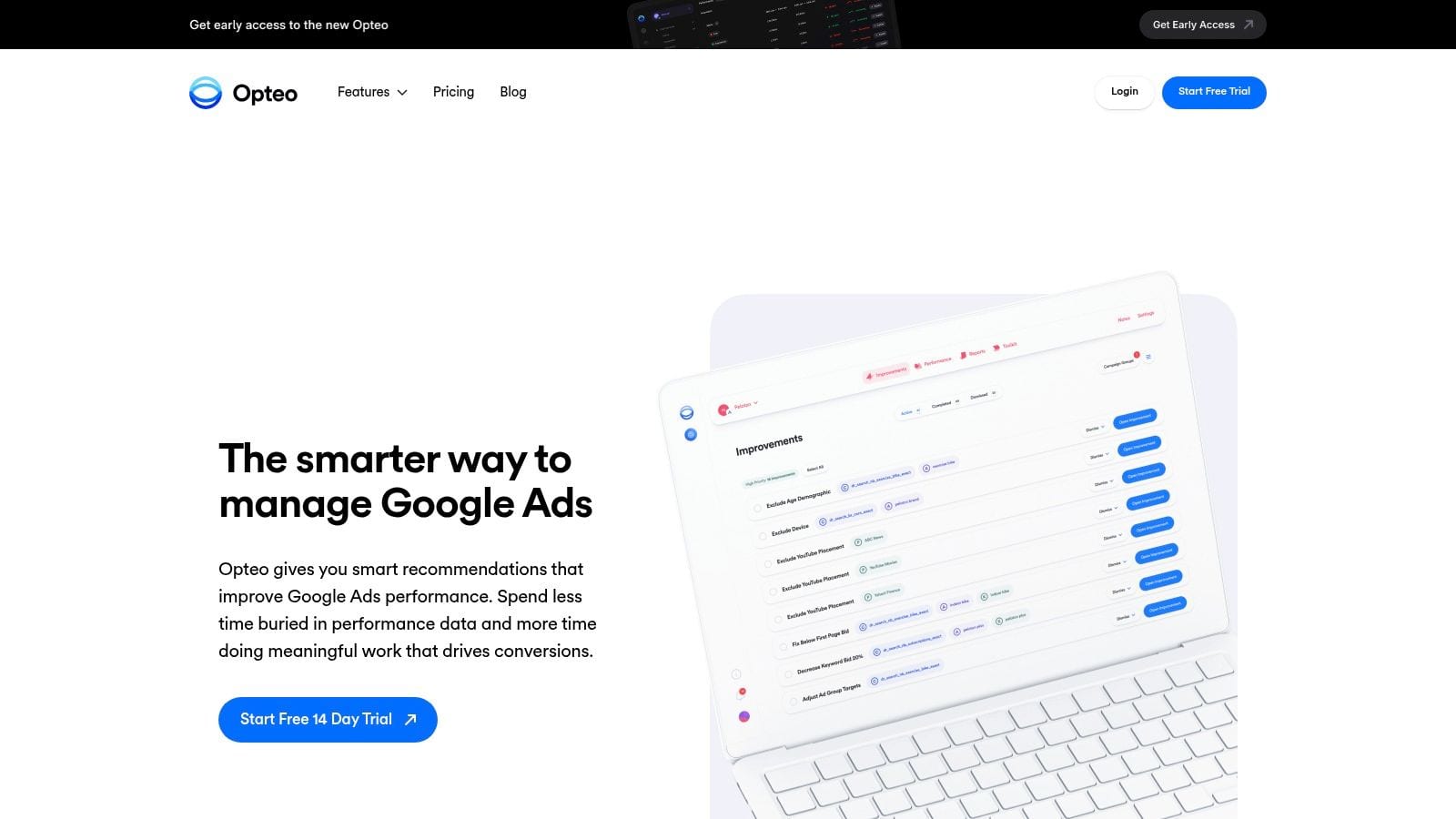
Opteo is one of the easier tools to adopt well. That matters more than people admit.
A lot of Google Ads audit software looks good in demos and then dies in real workflows because the team never builds the habit. Opteo avoids that by keeping the product centered on practical improvements, change tracking, reporting, and budget controls without overwhelming the user.
Why it earns a place on this list
The Improvements feed is the main draw. It gives teams a clear stream of suggestions and account issues, then supports the surrounding workflow with budget controls, reporting, alerts, and scorecards.
For agencies, the transparent pricing structure is also helpful. You can usually tell quickly whether it fits your account mix without going through a long sales cycle.
I usually recommend Opteo in two scenarios:
- Lean in-house teams: They need guidance and monitoring, not a giant operations suite.
- Agencies with many SMB accounts: They want consistency and visibility, but not a highly customized system for every client.
What to watch for
Opteo is more Google-centric than some broader platforms. If your paid media operation spans many channels and you want one tool to govern all of them, a broader suite may be a better fit.
It is also not the strongest option for foundational tracking QA. If the account has unexplained conversion instability, attribution gaps, or pixel failures, you still need another layer to validate the measurement stack.
That said, for continuous Google Ads account hygiene, Opteo is often the right balance of usability and function. It is one of the few tools that many teams keep using after the initial audit excitement fades.
Website: Opteo
6. WordStream Google Ads Performance Grader
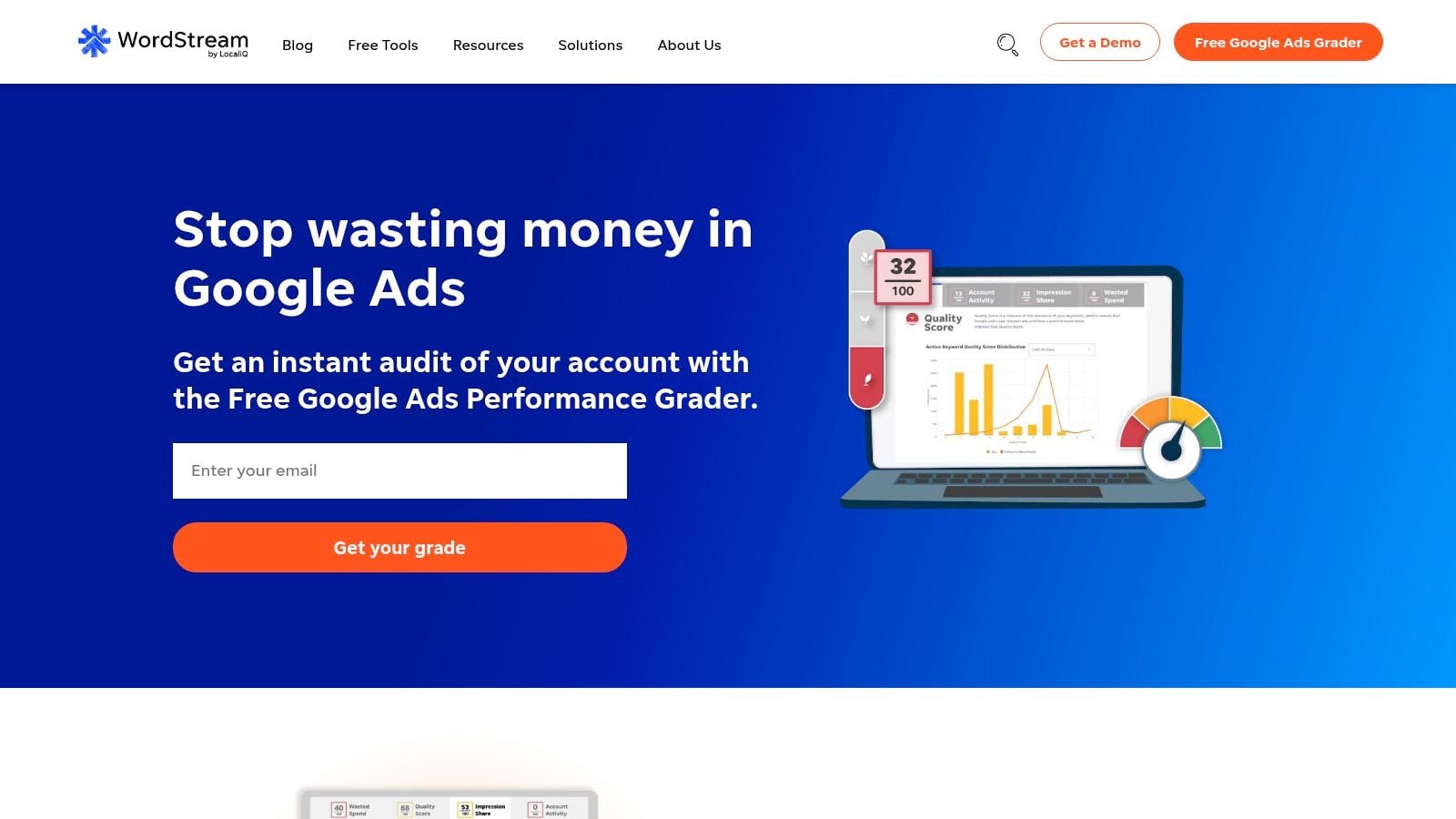
A familiar scenario. A client, founder, or VP wants to know whether the Google Ads account is healthy before anyone commits to a full audit. They do not want a 40-page teardown. They want a fast answer they can understand.
That is where WordStream’s Google Ads Performance Grader still earns its place.
It sits in the quick-snapshot category, not the account management suite category and not the data integrity category. That distinction matters in this list, because the Grader solves a very specific problem. It gives teams a simple read on account condition and a starting point for discussion.
Where it fits
The Grader works well early in the process, especially during sales conversations, new account onboarding, or executive check-ins. It can highlight broad performance issues like weak CTR trends, inefficient spend, and keyword-level inefficiencies without forcing the user through a dense workflow.
I would use it when speed matters more than depth. For example, if an agency needs an initial read before scoping work, or an in-house marketer needs a quick external-looking benchmark to support a case for cleanup, this type of report is useful.
It is also easy to share. That sounds minor, but it matters. A lightweight scorecard gets read. A complicated audit often sits in someone’s inbox.
Where it falls short
The limitation is context. Tools like this can point to symptoms, but they usually cannot explain whether the root cause is account structure, bidding logic, search query waste, or broken measurement.
That is why I would not treat the Grader as a true audit system. It is an entry point. If the core issue lives in campaign architecture, a tool built for structural analysis will go further. If the problem is conversion reliability, missing tags, or attribution gaps, you need a data validation layer such as Trackingplan, because a performance score alone will not catch those failures.
WordStream is useful for triage. It is less useful for ongoing optimization governance or technical QA.
If you need a free, fast snapshot, it still does the job well. If you need a tool to manage changes, monitor drift, or verify the measurement foundation behind reported performance, choose a different category.
Website: WordStream
7. SEISO (JVWEB)
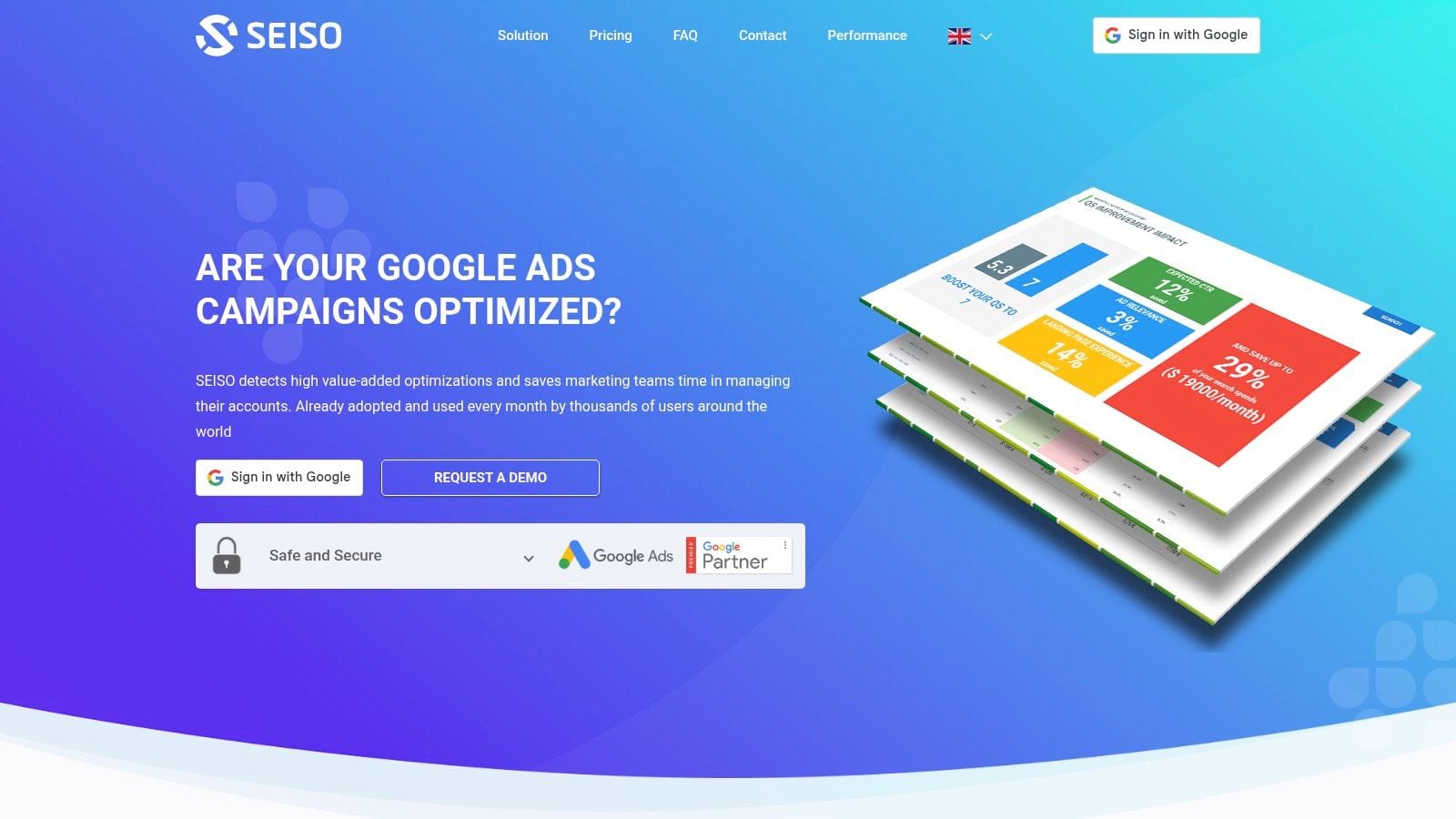
SEISO is the kind of tool I would use when I want quick wins without buying into a full PPC operating system.
It is focused, practical, and useful for identifying wasted spend, missed opportunities, and savings potential inside existing Google Ads accounts. For busy teams, that focus is often a strength.
Where SEISO fits
SEISO works well when the account already has active management, but nobody has done a proper cleanup pass in a while. It can flag problem areas fast, score performance dimensions, and push recommendations closer to where the work happens, including directly inside the Google Ads interface through labels.
That last detail matters. Recommendations are more likely to get acted on when the person making changes can see them in the same UI they already use.
A few reasons teams like it:
- Fast orientation: Good for spotting waste before a deeper rebuild.
- Light-touch setup: Easier to layer into an an existing stack.
- Practical recommendations: More useful than abstract health scores alone.
Real limitation
SEISO is not trying to be a full management suite. That means less depth in execution, automation, and customization than you get from a platform like Adalysis or Optmyzr.
For some teams, that is exactly the point. They do not want another heavyweight platform. They want a sharp audit lens that helps them save money and clean up accounts. In that role, SEISO is a solid complement.
Website: SEISO
8. Clever Ads Google Ads Audit
Clever Ads sits on the lighter end of the category, and that is why it deserves a spot.
Not every team needs enterprise-grade Google Ads audit software. Some just need a fast snapshot, a prioritized list of fixes, and a simple way to apply a few improvements without getting buried in platform complexity.
What it does well
Clever Ads offers a free audit module that grades campaigns and presents recommended actions in a straightforward way. It is easy to deploy, approachable for non-specialists, and useful for smaller accounts that need basic hygiene rather than advanced operational governance.
The one-click application of selected improvements is a practical benefit. Teams with limited PPC experience often struggle less with identifying obvious issues than with turning those findings into action. Clever Ads reduces that gap.
It also supports integrations with collaboration tools, which helps if a small team is sharing responsibility for campaigns.
Where it is not enough
This is not the tool for highly customized audits, complex account structures, or advanced workflow control. The deeper your environment gets, the faster you will outgrow it.
Still, free tools have a place. Clever Ads can be a sensible entry point for smaller advertisers that need quick visibility and basic maintenance, especially before graduating to something with more advanced features.
Website: Clever Ads
9. PromoNavi
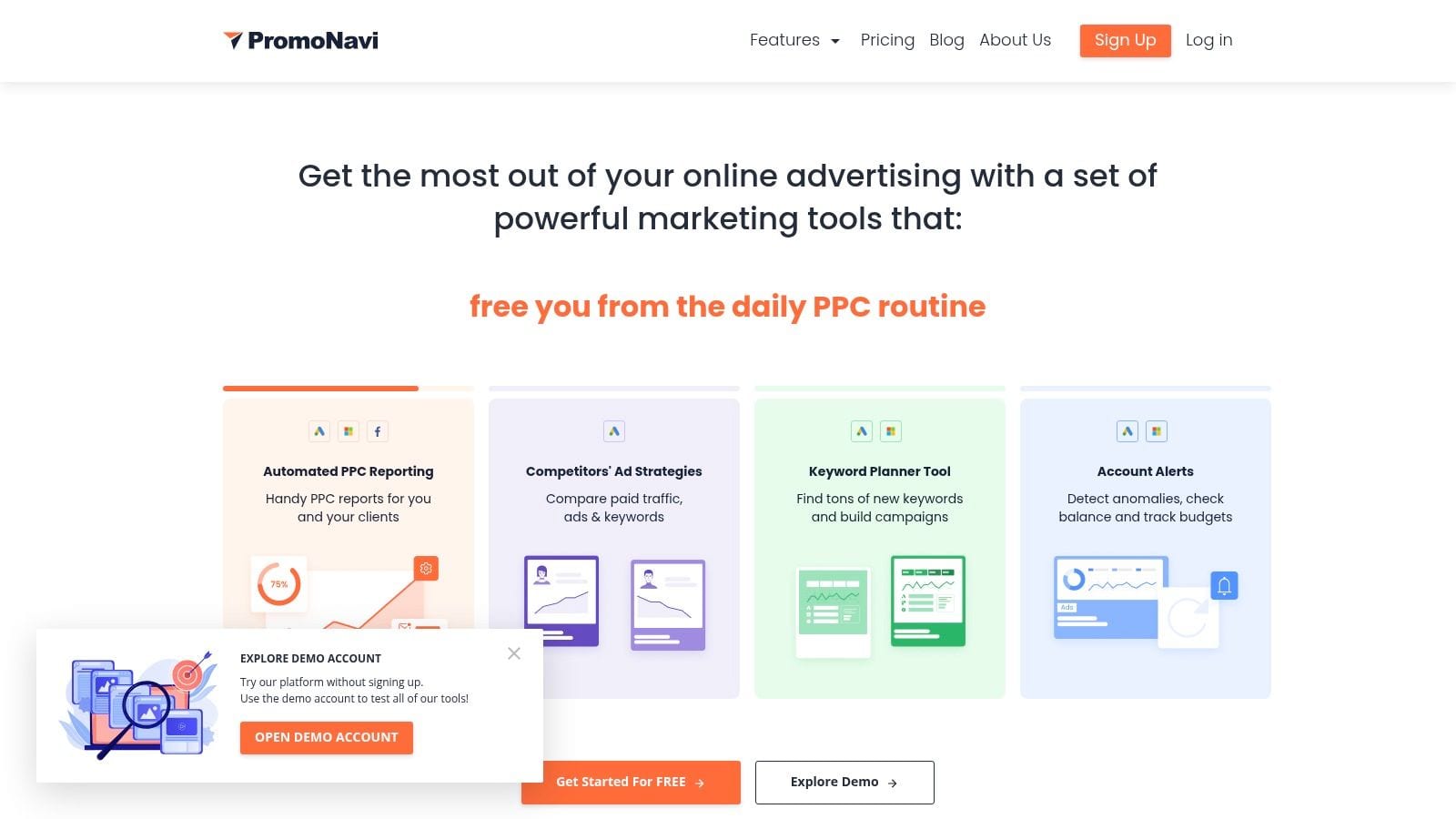
PromoNavi is one of those tools that makes sense when budget matters and the team still wants ongoing oversight, not just occasional cleanup.
It combines reporting, anomaly alerting, automated recommendations, negative-keyword conflict checks, and broken-link checks into a platform that is accessible for smaller agencies and lean teams.
Why it punches above its weight
The value is not that PromoNavi outclasses specialist audit tools. It does not. The value is that it covers several important maintenance jobs in one place at a lower level of complexity.
That makes it good for “between audits” QA. You can catch link problems, monitor anomalies, and keep budget awareness high without building a heavyweight process around the account.
I would especially consider it for:
- Small agencies: Multi-account monitoring without a large software bill.
- Lean teams: Basic continuous oversight with less setup burden.
- Support workflows: Catching common hygiene problems before they compound.
Where it loses ground
PromoNavi is less deep and less customizable than audit-first platforms. If your accounts require rigorous policy checks, advanced account scoring, or advanced automation, it will feel basic.
That does not make it weak. It makes it specific. PromoNavi is useful when you want practical monitoring primitives and reporting at a reasonable level of effort.
Website: PromoNavi
10. SearchAI
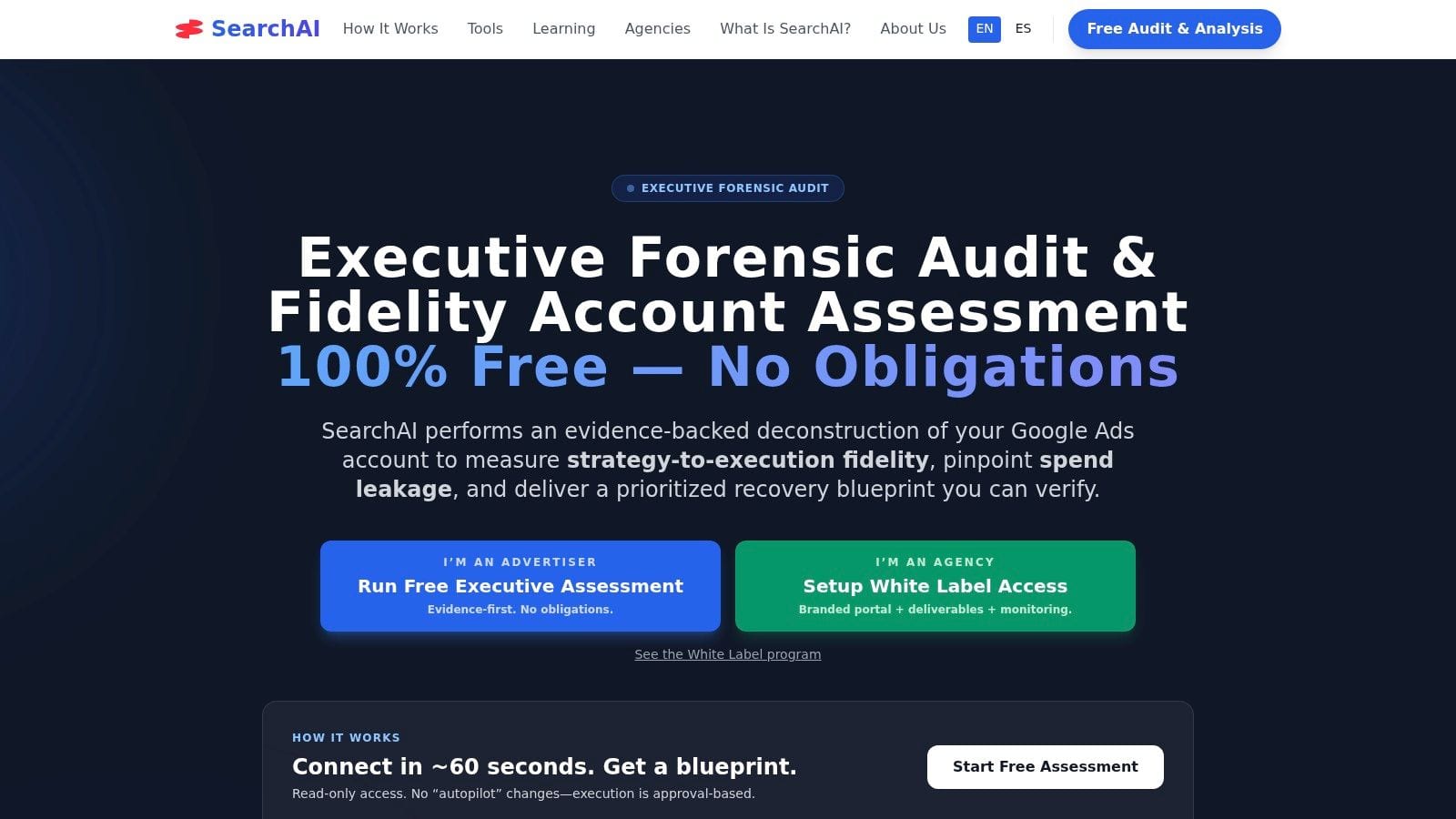
SearchAI is one of the more interesting newer entries because it leans hard into evidence-backed recommendations instead of generic platform suggestions.
That sounds minor until you have spent enough time reviewing audit reports full of advice that nobody can trace back to a specific issue.
What makes it interesting
SearchAI focuses on forensic auditing across search terms, account structure, Performance Max guardrails, signals and measurement, then layers in evidence cards, change history analysis, drift monitoring, and optional approval-based fixes.
That evidence-first approach is useful for skeptical clients and internal teams that want to understand why a recommendation exists before they approve a change.
It also reflects a real gap in the market. Audits often surface useful findings, but teams struggle to move from report to implementation. The issue is not always the diagnosis; it is governance, accountability, and follow-through. SearchAI is clearly built with that reality in mind.
The best recommendation in an audit report is worthless if nobody can validate it, approve it, and act on it.
The current trade-off
The obvious caveat is maturity. SearchAI is newer than many incumbents, so buyers should expect a shorter track record and a growing integration ecosystem.
That said, I like the direction. A free read-only executive assessment lowers the risk of initial evaluation, and the focus on proof-backed recommendations is a good fit for organizations tired of black-box audit outputs.
Website: SearchAI
Top 10 Google Ads Audit Tools Comparison
A comparison table is only useful if it helps you choose by problem type, not by feature count. These tools fall into three practical buckets: account-structure auditors, broader management suites, and data-integrity platforms. That distinction matters because a weak campaign build, poor workflow control, and broken measurement each require a different fix.
| Product | Primary function | Core strengths | Monitoring, alerts, and automation | Best fit | Pricing and trial |
|---|---|---|---|---|---|
| Trackingplan | Data integrity and tracking validation | Always-on analytics QA across web, mobile, and server-side setups. Auto-discovers events, checks schemas, and spots implementation drift. | Real-time alerts in email, Slack, and Teams. AI-assisted root-cause analysis and impact estimates. | Teams that need to trust conversion data before they trust any audit result | Free account. Growth trial available. Enterprise PoC and custom pricing. |
| Adalysis | Account structure and optimization auditing | Large library of configurable PPC checks, audit history, testing support, and workflow tools tied to execution. | Daily checks, alerts, budget pacing, bulk fixes, and automation. | Agencies and in-house teams that want detailed audits with direct follow-through | Paid plans. Trial availability varies. |
| TrueClicks | Account health auditing | Clear audit views, account health scoring, change monitoring, and prioritization across multiple accounts. | Scheduled and on-demand audits, priority alerts, fluctuation monitoring. | Agencies that need fast triage across many accounts | Paid plans. |
| Optmyzr | PPC management suite | Broad toolset for audits, reporting, rules, scripts, and cross-platform campaign operations. | Alerts, automation, scripting, pacing tools, and bulk actions. | Teams managing PPC at scale across more than Google Ads | Paid plans. |
| Opteo | Google Ads management suite | Practical recommendations feed, change tracking, scorecards, and a UI that is easy for teams to adopt. | Alerts, budget controls, performance monitoring, and account-change visibility. | Google Ads focused teams that want lighter operational overhead | Paid tiers based on spend. |
| WordStream Google Ads Performance Grader | Quick account snapshot | Fast benchmark-style report card with plain-language recommendations. | One-time audit output. No continuous monitoring. | Stakeholders who need a quick diagnostic before deeper review | Free. |
| SEISO (JVWEB) | Cost-saving audit tool | Flags wasted spend, scores key areas, and can push recommendation labels into Google Ads. | Instant audit output with recommendation labeling. | Busy teams trying to clean up waste quickly | Paid or freemium options. |
| Clever Ads Google Ads Audit | Free hygiene checker | Prioritized tips, dashboard-based fixes, and a simple entry point for smaller advertisers. | Instant grading and limited one-click changes. | Small teams that need basic cleanup without added cost | Free. |
| PromoNavi | Budget-friendly monitoring suite | Reporting, anomaly detection, recommendation feeds, broken-link checks, and negative keyword support. | Daily recommendations, budget tracking, and anomaly alerts. | Small agencies that need continuous QA at lower cost | Paid plans. |
| SearchAI | Forensic audit and governance | Evidence-backed findings around spend leakage, account structure, Performance Max controls, and measurement. | Evidence cards, change-history review, drift monitoring, and optional approval-based fixes. | Teams that need proof before acting on recommendations | Free read-only assessment. Paid monitoring options. |
The practical read on this table is straightforward. If your main issue is campaign structure, search term waste, or optimization discipline, start with Adalysis, TrueClicks, or SEISO. If the issue is scale and execution across accounts, Optmyzr and Opteo make more sense.
Trackingplan belongs in a different category. It checks whether the measurement layer is trustworthy in the first place, which is a separate problem from ad account hygiene and one that many Google Ads audit tools only touch lightly. That makes it relevant before, during, and after an audit, especially when conversion discrepancies, broken tags, or schema drift are distorting the account story.
Making Your Choice From Account Health to Data Trust
The wrong way to choose Google Ads audit software is to compare feature lists in isolation. Most of these tools can produce findings. That is not the hard part.
The hard part is identifying the layer where your uncertainty lives.
If your account is messy, spending inefficiently, or drifting from best practice, start with an account-structure tool or a management suite. That is where products like TrueClicks, Adalysis, SEISO, Opteo, and Optmyzr earn their keep. They help teams find waste, enforce standards, review search terms, monitor changes, and build better campaign discipline over time.
If your bigger issue is operational scale, broad PPC suites usually make more sense than specialist auditors. Optmyzr is strong when you need automation and cross-platform support. Adalysis works well when you want a deeper audit engine tied to execution. Opteo is often the right middle ground for teams that need continuous improvement without the heaviest setup burden.
But there is another category of problem that these tools do not solve well on their own. Data trust.
That is the issue behind a lot of “Google Ads performance problems” that are not performance problems. Conversion tags fail after a release. UTMs become inconsistent across teams. Consent handling suppresses traffic in ways nobody notices. The ad account reports one story, analytics reports another, and the team starts optimizing around bad inputs.
That is why I would separate Trackingplan from the rest of the list. It addresses the foundation underneath the audit itself. Public audit guidance often emphasizes campaign settings, keyword quality, and bid logic. Much less attention goes to the pre-audit validation step, even though inaccurate conversion tracking is repeatedly identified as a major issue in PPC audits. If the measurement layer is compromised, every optimization that follows becomes less reliable.
There is also a timing issue. Many teams still rely on periodic reviews: weekly checks for key metrics, monthly account reviews, and quarterly deep dives. That cadence is useful, but point-in-time auditing is not enough for fast-moving sites and apps. A broken pixel introduced on Tuesday can distort reporting long before the next formal audit. Continuous monitoring closes that gap.
That is where a two-layer approach works best.
Use one tool to improve campaign hygiene and account structure. Use another to validate the data and tracking those decisions depend on. In practical terms, that might mean Adalysis or TrueClicks for account governance, plus Trackingplan for analytics QA, pixel monitoring, consent validation, and anomaly detection.
This also matches how modern teams work. Marketers manage campaigns. Analysts validate reporting. Developers ship site changes. Privacy and compliance teams care about data handling. A strong Google Ads audit process has to support all of them, not just the person adjusting bids inside the ad platform.
One last point matters. The ad management software market is projected to reach USD 88.08 billion by 2034, growing at a 10.6% CAGR from 2026 to 2034. That projection reflects a simple reality: ad operations are getting more complex, not less. More automation, more dependencies, more privacy constraints, and more ways for bad data to distort decisions.
So choose the tool that addresses your biggest source of uncertainty first. If that uncertainty lives in account structure, buy for control. If it lives in execution workflow, buy for scale. If it lives in whether your numbers are even real, buy for data integrity before anything else.
If your audits keep uncovering symptoms but not the root cause, try Trackingplan. It helps teams validate the measurement layer behind Google Ads performance, catch pixel and attribution issues in real time, and turn unreliable reporting into data the whole team can trust.