
What is tag auditing and why is it critical for marketing teams
At its core, tag auditing is the process of reviewing, validating, and optimizing tracking tags to ensure accurate, compliant, and efficient data collection. A “tag” in this context is any snippet of JavaScript or pixel code placed on a website or app to collect data and send it to a third-party platform. That includes Google Analytics 4 event tags, Meta Pixel, LinkedIn Insight Tag, heat mapping scripts, affiliate tracking codes, and custom event scripts tied to your CRM or CDP.

The importance of auditing your website extends well beyond SEO. Poor tag management creates a cascade of problems that most teams don’t connect to their root cause. Attribution looks wrong, so the media team questions the data. Conversion rates seem off, so the product team rewrites landing pages. Compliance teams get nervous about data collected without consent. All of that stems from tags that nobody has verified lately.
A proper tag audit checks for several distinct failure types:
- Misfiring tags: Tags that fire on the wrong pages, trigger multiple times per session, or never fire at all
- Duplicate tags: The same tracking script loaded by two different mechanisms, inflating event counts
- Orphaned tags: Tags still present in the tag manager but tied to campaigns or tools that no longer exist
- Privacy violations: Tags collecting data before a user grants consent, which creates direct legal exposure
- Performance drag: Heavy third-party scripts that add load time, especially on mobile connections
- Schema mismatches: Tags sending data in formats the destination platform doesn’t recognize, causing silent data loss
The benefits of tag auditing are immediate and measurable. Trusted, clean data means your attribution models produce defensible numbers. Removing redundant scripts reduces page weight. Verified consent enforcement keeps you out of regulatory trouble. And knowing exactly what’s on your site gives you negotiating power when third-party vendors make claims about their tracking requirements.
Understanding consent-aware tag auditing and privacy compliance
Privacy regulations have turned tag auditing from a data quality exercise into a legal necessity. GDPR in Europe, CCPA in California, and a growing list of state and national frameworks all require that certain tags only fire after a user explicitly consents to tracking. Auditing whether that actually happens is a distinct and technically demanding task.
For consent-aware setups, tag audits must confirm that consent defaults and consent updates are applied before tags fire, and that tags honor consent settings when tracking is denied. That means your audit isn’t just checking whether a tag fires. It’s checking whether it fires at the right moment in a user session, relative to the consent signal it received.
Consent mode adjusts tag behavior based on the user’s choices, supporting privacy-first conversion measurement. But that only works if your tags are correctly configured to read and respect those signals. An audit that skips consent validation is only half an audit.
Here’s a step-by-step approach to auditing consent-aware tag setups:
- Verify consent defaults. Check that your Consent Initialization trigger in Google Tag Manager is set before any tags fire. No tag should load on page view before consent defaults are established.
- Test consent update behavior. Simulate a user accepting or rejecting consent in your CMP and confirm that tags respond correctly. Accepted categories should trigger; denied categories should not.
- Check tag-level consent settings. In GTM, every tag should have a consent type specified. Tags without explicit consent requirements are a risk.
- Validate across consent states. Test the full matrix: no consent given, partial consent, full consent, and consent revoked mid-session.
- Audit third-party scripts loaded outside your tag manager. Hardcoded scripts in page templates bypass your CMP entirely and are a common compliance gap.
- Document your findings. Note which tags pass, which fail, and what configuration change is needed. This documentation serves as evidence of due diligence.
For teams managing complex consent flows, the audit guide for consent enforcement provides a detailed walkthrough of common failure modes. If you need a broader view of where your program stands heading into 2026, mastering consent enforcement verification covers the current regulatory landscape and what auditors should be checking.
Pro Tip: Use a consent management platform with a native integration to your tag manager. Native integrations pass consent signals in a structured, testable format and reduce the configuration errors that manual integrations introduce.
Tools and techniques for effective tag auditing
Running a tag audit manually, by opening browser DevTools on every page and watching network requests, scales to about five pages before it becomes impractical. Real audits require purpose-built tools, and choosing the right ones matters.
Google Analytics 4, Google Tag Manager, and tools like PlainSignal offer debugging and validation features to help streamline tag auditing. GTM’s Preview mode and GA4’s DebugView are solid starting points for validating individual tag behavior. But they don’t scan your full site, flag consent violations, or catch tags that were added outside the tag manager.
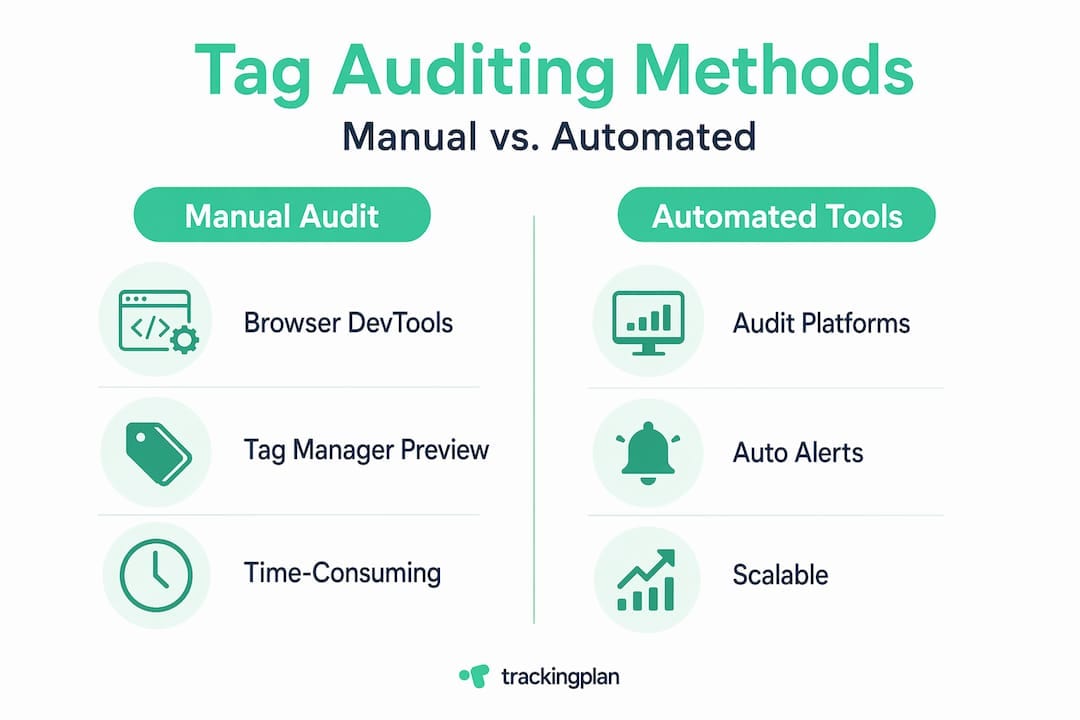
Here’s how the main categories of tag auditing tools compare:
The gap between browser-based debugging and automated platforms is significant. Browser tools show you what’s happening on a single page at a single moment. Automated platforms run continuously and flag anomalies as they emerge, including traffic drops, new unrecognized tags, and consent violations that only appear on specific user paths.
Practical techniques to build into your tag audit process:
- Create a full tag inventory before you start. List every tag in your tag manager, every hardcoded script in your templates, and every third-party tool that claims to add tracking. This is your baseline.
- Test firing conditions systematically. For each tag, define what should trigger it and verify that only those conditions do.
- Check for redundancy. The same conversion event tracked by GTM, a direct platform pixel, and a hardcoded script is a triple-count waiting to corrupt your attribution data.
- Review tag load order. Some tags depend on others loading first. Load-order issues cause intermittent failures that are hard to reproduce manually.
For teams managing multiple tools across their stack, reviewing your consent management auditing tools integration options and your analytics tools for tag auditing will show what’s actually connectable without custom engineering. If you’re specifically validating Google’s consent mode implementation, the consent mode validation guide is worth bookmarking.
Pro Tip: Automate your audits and connect them to your deployment pipeline. Every time a tag container is published or a site template is updated, an automated audit run should trigger. Catching a misconfigured tag at deployment is hours of work. Catching it three months later, after it’s distorted a full campaign’s attribution data, is weeks.
Common tag auditing challenges and how to overcome them
Knowing the tools helps, but most teams run into the same set of obstacles when they try to run audits consistently. Naming them upfront saves you from discovering them mid-audit.
The most common challenges in the tag audit process include:
- Incomplete inventories. Tags added by different teams, agencies, or platforms over time accumulate without centralized records. You can’t audit what you don’t know exists. Start with a network scan, not just a tag manager review.
- Dynamic and single-page application behavior. Tags that fire on traditional page views often miss events in SPAs or dynamically loaded content. Virtual pageviews and custom event triggers require specific validation approaches.
- Consent misconfiguration. The risk of tags firing before consent is higher than most teams realize. A single missing consent type assignment in GTM can expose every user who rejects tracking to unwanted data collection.
- Evolving privacy requirements. Consent laws update. New guidance on what constitutes “consent” under GDPR gets issued regularly. Your audit process needs to account for regulatory changes, not just technical ones.
- Multiple third-party tags with overlapping functionality. When three different ad platforms each drop their own retargeting pixel and each claims to need full user data, the audit needs to evaluate both the technical implementation and whether each tag is actually necessary.
- Lack of documentation. Teams without a log of what was added, when, and why will spend a significant portion of every audit just reconstructing history rather than finding problems.
Common challenges in cookie auditing overlap significantly with tag auditing, since many tags set cookies that are themselves subject to consent and retention requirements.
Pro Tip: Treat your tag container like source code. Use GTM’s built-in versioning to document every publish with notes explaining what changed and why. When an audit flags a problem, version history tells you exactly when it was introduced and what else changed at the same time.
How to implement a tag auditing process in your marketing workflow
After overcoming challenges, the real goal is embedding tag auditing as a repeatable, scheduled practice rather than a fire-drill response to data problems. Here’s how to build that process.
A thorough tag audit involves cataloging deployed tags, validating firing conditions, removing redundant or outdated tags, and documenting all changes. Here’s a structured sequence for doing that:
- Inventory all tags. Run a network scan to discover every outbound request from your site. Cross-reference against your tag manager and any hardcoded scripts. Flag any tag that isn’t in your official inventory.
- Classify each tag by risk. Tags that process personal data or fire before consent carry higher compliance risk. Tags tied to active campaigns carry higher business risk if they break. Prioritize your review order accordingly.
- Validate firing conditions. For every tag, confirm that it fires exactly when expected: the right pages, the right user actions, the right frequency. Use browser debugging tools and your automated platform side by side.
- Run consent compliance checks. For every tag classified as requiring consent, test the full consent state matrix described in the previous section.
- Remove or update problem tags. Broken tags should be fixed or removed immediately. Outdated tags tied to inactive campaigns or deprecated platforms should be removed to reduce surface area.
- Document everything. Record what you found, what you changed, and what you deferred. This documentation serves your compliance record and your next audit.
- Set your next audit date. Tag audits shouldn’t happen on demand. Schedule the next one before you close the current one.
For ongoing audit maintenance, build this checklist into your deployment cycle:
- Review tag container before every major publish
- Run a full network scan after any site infrastructure change
- Check consent compliance after any CMP update or privacy policy revision
- Review all tags belonging to any third-party vendor when that vendor relationship changes
- Verify attribution tag accuracy before and after any major campaign launch
Your web tracking monitoring solutions should be configured to alert you when new tags appear or existing tags change behavior, so the gap between audits doesn’t become a blind spot. For consent-specific workflows, the consent audit workflow guide maps out the process in detail.
Cross-functional involvement matters more than most teams realize. Your analytics team knows what data is supposed to arrive. Your legal or compliance team knows what the regulatory requirements are. Your developers know where hardcoded scripts live. Running an audit in isolation, without those perspectives, produces an incomplete picture.
Why tag auditing is an undervalued strategic asset in marketing analytics
Most organizations treat tag auditing the way they treat smoke detector batteries: ignore it until something breaks, then scramble. That’s a pattern worth examining, because it’s not just about inconvenience. It’s about the compounding cost of decisions made on bad data.
Consider what happens in a typical gap between audits. A campaign manager adds a new conversion tag. A developer pushes a site update that inadvertently changes a data layer variable name. A CMP update changes how consent signals are passed. Three independent changes, none of them flagged, and six months later your attribution model is producing numbers that no longer reflect reality. The media budget gets reallocated based on those numbers. Campaigns that were actually working get paused. That’s not a data quality problem. That’s a revenue problem.
The deeper value of consistent consent tag audits isn’t just compliance. It’s proof. When regulators ask whether your tags respect user consent, your audit history is the evidence. When a client or internal stakeholder questions the attribution data, your validation records are the defense. When a platform changes its tag requirements and your implementation breaks silently, your monitoring catches it before the campaign data corrupts.
“Tag auditing transforms from tedious QA to a core pillar of marketing analytics excellence when embraced strategically.”
There’s also a privacy-first marketing angle that rarely gets discussed in audit conversations. Excessive and unverified tracking is not just a legal risk. It erodes user trust, slows your site, and creates data sprawl that makes your entire analytics stack harder to maintain. Auditing is the mechanism by which you keep your tracking footprint intentional. Every tag that survives an audit is there for a reason. That’s a discipline worth cultivating beyond compliance deadlines.
Teams that build tag auditing into their regular rhythm stop treating their analytics data as something to be explained away and start treating it as something to be trusted. That shift in posture changes how marketing decisions get made.
Streamline your tag auditing with Trackingplan’s monitoring solutions
If you’ve read this far, you understand what a well-run tag audit requires: full-site tag discovery, consent compliance validation, automated error detection, and ongoing monitoring between scheduled audits. The challenge is that doing all of that manually doesn’t scale.
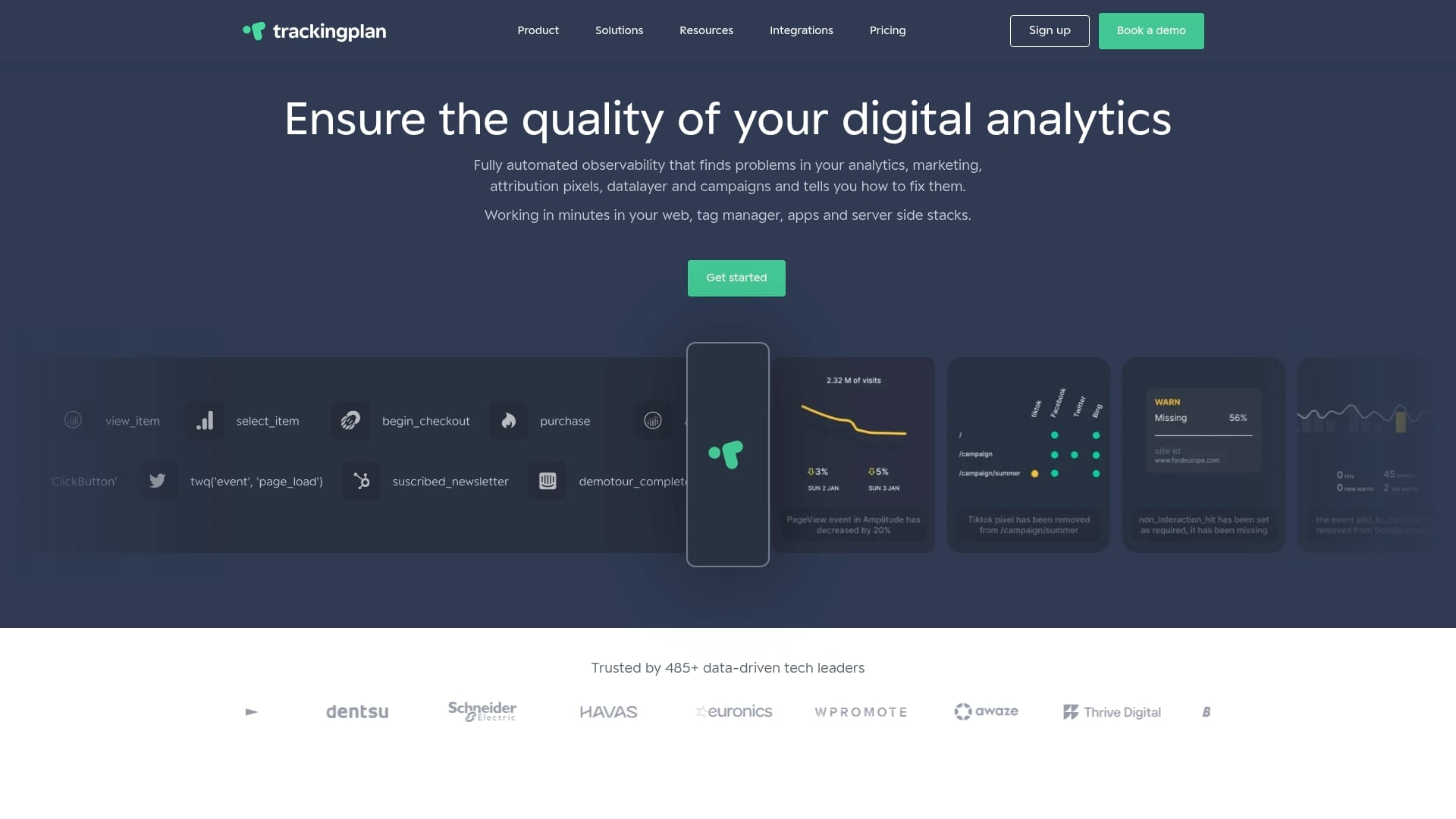
Trackingplan’s web tracking monitoring solutions automate the discovery, monitoring, and auditing of your entire analytics and marketing tag implementation. The platform uses AI to detect issues like missing pixels, broken tags, schema mismatches, and consent violations across your website, apps, and server-side environments, with real-time alerts sent directly to your Slack, Teams, or email. Instead of running quarterly manual audits and hoping nothing broke in between, you get continuous coverage. Trackingplan integrates with your existing digital analytics tools and is built for teams who need audit-grade reliability without the audit overhead. If you’re currently using another audit platform and want to compare, see how Trackingplan stacks up as an alternative to ObservePoint.
Pro Tip: Start with a free trial or demo to get an immediate read on what’s actually firing across your site. Most teams find something they didn’t expect within the first session.
Frequently asked questions
What is tag auditing in digital marketing?
Tag auditing is the process of reviewing all tracking tags on your website to ensure they are firing correctly, collecting accurate data, complying with privacy laws, and not harming site performance. It covers everything from analytics scripts to ad pixels and custom event tags, and verifies tags across your digital property systematically rather than on an ad hoc basis.
Why is consent management important in tag auditing?
Consent management ensures tags only fire when users have granted permission, which is a core requirement of privacy laws like GDPR and CCPA. Consent-aware tag audits verify that consent defaults and updates are applied before tags fire and that tracking is blocked when users deny consent.
Which tools help automate tag auditing?
Popular options for automated tag auditing include Google Tag Manager’s debugging features, GA4’s DebugView, and specialized platforms like Trackingplan that detect errors and consent violations continuously across your full site and server-side environment, rather than on a single page at a single moment.
How often should tag audits be performed?
The baseline is monthly or quarterly, but the more practical answer is that tag audits should be triggered by events: every major site deployment, every CMP update, every new third-party tag addition, and every campaign launch. Cataloging and validating tags should be a continuous practice, not a calendar event, especially for teams running active paid media programs.