
TL;DR:
- High data quality ensures accurate marketing attribution and prevents budget waste.
- Automated, real-time monitoring quickly detects and resolves tracking issues.
- Standardized tagging and recurring audits improve data consistency and reliability.
Poor data quality doesn’t just create headaches for analysts. It quietly drains marketing budgets, corrupts attribution models, and leads teams to double down on campaigns that are actually underperforming. 45% of marketing data is incomplete, inaccurate, or outdated, and the financial toll runs into the millions for organizations that don’t catch it early. This article walks through the most actionable data monitoring best practices available right now, from defining quality dimensions and automating anomaly detection to standardizing UTMs and auditing your pipelines. If your team relies on digital analytics to make decisions, these steps will help you protect that foundation.
Table of Contents
- Define and prioritize key data quality dimensions
- Automate real-time monitoring and anomaly detection
- Standardize tagging and UTM parameter conventions
- Audit, validate, and troubleshoot your data pipelines
- Why automation and governance change the game for data quality
- Unlock advanced data monitoring with Trackingplan
- Frequently asked questions
Key Takeaways
| Point | Details |
|---|---|
| Prioritize data quality | Always focus on completeness, consistency, and freshness for reliable analytics. |
| Automate monitoring | Use real-time dashboards and anomaly alerts to catch hidden data issues fast. |
| Standardize tagging | Apply clear UTM conventions to prevent fragmented or misattributed campaign data. |
| Audit regularly | Schedule checks for your data pipelines to ensure integrity and identify new data threats. |
Define and prioritize key data quality dimensions
To ensure you build a solid foundation, start by mastering the main criteria of marketing data quality. Not all data problems look the same. Some show up as inflated session counts. Others hide as missing conversion events that make a campaign look like it failed when it actually delivered. Before you can monitor anything effectively, you need a shared vocabulary for what “good data” means.
The core data quality dimensions every marketing team should monitor are:
- Completeness: Are all expected events and fields being captured? Missing data is the most common issue.
- Accuracy: Does the data reflect what actually happened? Wrong values are worse than no values.
- Consistency: Does data match across platforms? A mismatch between your CRM and ad platform signals a problem.
- Timeliness: Is data arriving when it should? Stale data makes real-time decisions impossible.
- Uniqueness: Are events being fired once, not multiple times? Duplicate events inflate metrics and distort attribution.
- Validity: Does the data conform to expected formats and schemas? Invalid values break downstream reporting.
- Integrity: Are relationships between data points preserved? A purchase event without a corresponding session is a red flag.
For most marketing teams, completeness and consistency deserve the highest priority. If your paid social platform reports 500 conversions but your analytics tool shows 300, you have a consistency problem that will corrupt every attribution model you run. Manual data errors are common and lead directly to slow, unreliable marketing insights, especially when teams rely on spreadsheets or manual QA processes.
Pro Tip: Create a simple data quality scorecard that rates each dimension weekly. Even a basic traffic light system (green, yellow, red) gives your team a fast visual signal of where problems are brewing before they affect decisions.
The most dangerous data quality failures are the ones that look fine on the surface. Duplicate purchase events, for example, can make your ROAS look strong while your actual revenue is flat. Outdated conversion windows can make last-click attribution appear to credit channels that had nothing to do with the sale. Explore the data quality FAQs to see how these issues manifest across different analytics setups.
| Dimension | Common failure | Business impact |
|---|---|---|
| Completeness | Missing pixel fires | Underreported conversions |
| Consistency | Platform data mismatches | Broken attribution models |
| Uniqueness | Duplicate event triggers | Inflated ROAS and session counts |
| Timeliness | Delayed data ingestion | Poor real-time campaign decisions |
| Validity | Schema mismatches | Broken dashboards and reports |
Automate real-time monitoring and anomaly detection
Once you know what quality looks like, the next step is putting real-time monitoring in place to catch issues before they impact your results. Manual monitoring is not just slow. It’s structurally incapable of catching the kinds of silent failures that cost teams the most money.
Here is a practical sequence for implementing automated monitoring:
- Set baseline thresholds for your key events (pageviews, add-to-cart, purchases). Know what normal looks like so deviations trigger alerts.
- Connect real-time dashboards that surface event volume, error rates, and data freshness at a glance.
- Configure alert rules for sudden drops or spikes, broken pixels, and schema violations. Route these to Slack or email so the right person sees them immediately.
- Define escalation paths so a broken checkout pixel during a major campaign gets fixed in minutes, not discovered three days later in a weekly report.
- Review alert logs regularly to tune thresholds and reduce noise without missing genuine anomalies.
“Automated real-time monitoring catches issues within minutes rather than days, giving teams the window they need to act before data loss compounds.”
Automated anomaly detection is what separates teams that react to data problems from teams that prevent them. A pixel break during a high-spend campaign can silently misattribute thousands of conversions before anyone notices in a manual review cycle.

The deeper value of automation is surfacing what you didn’t know to look for. Observability platforms catch “unknown unknowns,” the tracking failures that never appear in your standard reports because no one thought to check for them. This is especially critical for server-side implementations where client-side debugging tools don’t reach.
Using an automated observability guide as a reference point helps teams move from reactive firefighting to proactive data health management. Pair that with a performance watchdog tool that monitors your Martech stack continuously, and you dramatically reduce the window in which bad data can influence real decisions.
Standardize tagging and UTM parameter conventions
Proper quality checks are only as valuable as the data consistency behind them, so let’s look at the essential step of standardizing tracking. Inconsistent tagging is one of the most common and preventable sources of data fragmentation in digital analytics.
The most frequent problems include:
- Mixed case in UTM values (“Facebook” vs. “facebook” creates two separate traffic sources)
- Inconsistent campaign naming across teams or agencies
- Missing UTM parameters on internal links, which strips attribution
- Duplicate parameters from URL shorteners or redirect chains
Standardizing UTM parameters and tagging conventions is not optional if you want accurate attribution. It is the structural requirement that makes every other monitoring practice work correctly.
Pro Tip: Build a shared UTM taxonomy document and enforce it with a UTM builder tool that only allows approved values. This single change eliminates the majority of attribution fragmentation issues most teams deal with.
Review UTM best practices to establish naming rules your whole team follows. Then use monitoring UTM conventions to catch violations automatically before they pollute your reports. For teams managing multiple campaigns, the campaign tagging FAQs offer practical answers to the edge cases that always come up.
| Scenario | Inconsistent tagging | Standardized tagging |
|---|---|---|
| Source value | Facebook / facebook / FB | facebook (enforced lowercase) |
| Medium value | cpc / CPC / paid | cpc (enforced) |
| Campaign name | Q1_promo / q1-promo / Q1Promo | q1_promo (enforced format) |
| Missing UTM | Direct traffic spike | Correctly attributed to campaign |
The before/after difference in your analytics reports is significant. Standardized tagging turns fragmented, unreliable channel data into a clean attribution picture that you can actually act on.
Audit, validate, and troubleshoot your data pipelines
Even with standards in place, you need recurring checks. Here is how to audit and fix data pipeline weaknesses systematically.
- Map your full tracking architecture. Document every tag, pixel, and event from data collection through to reporting. You cannot audit what you haven’t mapped.
- Validate events against your tracking plan. Check that every expected event fires correctly, with the right parameters, on the right triggers.
- Cross-reference data sources. Compare analytics data against server logs, payment processor records, and CRM entries to surface discrepancies.
- Test in staging before production. Use GA4 validation methods and browser developer tools to confirm tags fire correctly before any campaign goes live.
- Schedule recurring audits. Regular audits of tracking setups and data layers are essential, not optional.
“The most expensive tracking errors are the ones that persist silently for weeks because no one built a systematic audit process.”
Common failure points include consent mode configurations that block events for opted-out users, ad blockers that can suppress 30 to 40% of browser-side tracking, and GA4 edge cases like duplicate events from enhanced measurement and UTM inconsistencies across redirect chains. GA4 real-time reports also have reliability gaps, so use DebugView or BigQuery exports for validation rather than relying on the real-time interface alone.
Pro Tip: After any major platform update or campaign launch, run a focused mini-audit within 24 hours. Check your top five conversion events and confirm they are firing correctly. This catches the majority of post-launch tracking breaks before they affect data quality at scale.
For a detailed walkthrough, the pixel audit guide covers how to systematically review your pixel implementations. If you are newer to the topic, pixel tracking explained gives you the conceptual grounding to understand what you are auditing and why it matters.
Why automation and governance change the game for data quality
Equipped with tactical best practices, it is crucial to reframe your approach at a strategic level. Most teams treat data quality as a reactive problem. Something breaks, someone notices, someone fixes it. That model is expensive and increasingly unsustainable as Martech stacks grow more complex.
The teams that consistently maintain reliable analytics are not just using better tools. They have built governance structures around their data. That means designated data stewards who own quality standards, tracking plans that are version-controlled and integrated into CI/CD pipelines, and proactive governance that prevents issues from reaching production rather than cleaning them up afterward.
Here is the uncomfortable truth: reactive fixes cost exponentially more as bad data propagates through your reporting stack. A broken event that goes undetected for two weeks doesn’t just corrupt two weeks of data. It corrupts every model, every budget decision, and every optimization that relied on it.
High-automation teams have largely solved completeness problems and now face more nuanced challenges around uniqueness and consistency. That shift tells you something important: automation raises the floor, but governance raises the ceiling. The brands winning on measurement in 2026 are investing in both, using step-by-step analytics monitoring as a living practice, not a one-time project.
Unlock advanced data monitoring with Trackingplan
Implementing these best practices manually is possible, but it is slow, error-prone, and hard to scale across multiple campaigns, platforms, and team members. Trackingplan is built specifically for digital marketing teams and analytics professionals who need reliable, automated monitoring without the overhead.
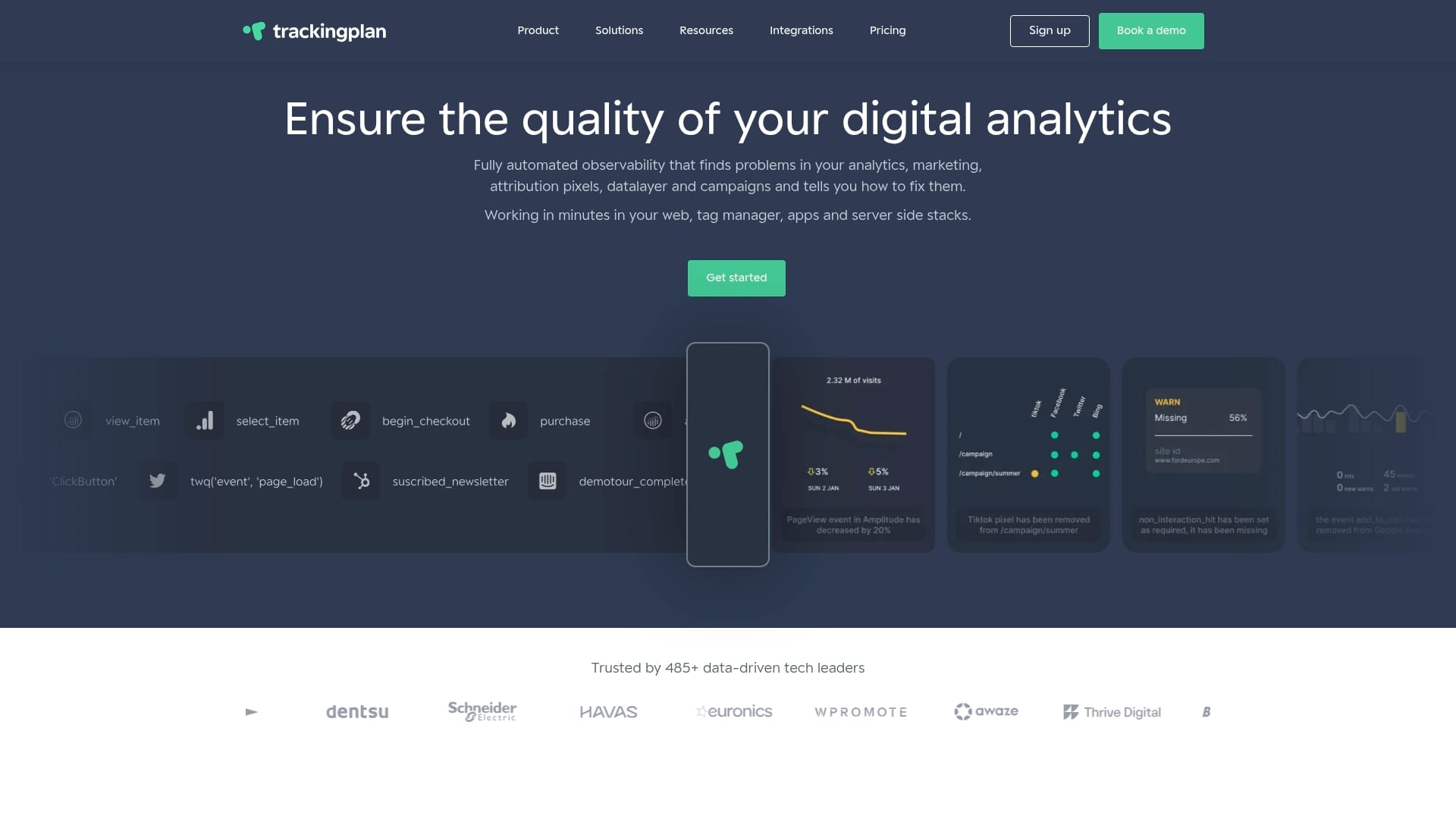
Trackingplan automatically discovers, monitors, and audits your analytics implementations across web, app, and server-side environments. It connects directly to your digital analytics integrations and provides real-time alerts for broken pixels, schema mismatches, and anomalies. Explore web tracking monitoring to see how it fits your stack, or check out the ObservePoint alternatives page if you are evaluating platforms.
Frequently asked questions
What is the first step when setting up data monitoring for a marketing team?
Begin by defining and prioritizing your key data quality dimensions such as completeness, accuracy, and consistency. Without a shared definition of what good data looks like, monitoring has no benchmark to measure against.
How does automated anomaly detection improve marketing data reliability?
Automated real-time monitoring catches tracking issues within minutes rather than days, giving teams time to act before data loss affects campaign decisions. Manual checks simply cannot match that speed at scale.
Why is UTM standardization critical for campaign tracking?
Standardizing UTMs ensures accurate attribution across all marketing channels and prevents fragmented traffic source data. Even small inconsistencies like mixed capitalization create separate traffic sources in your analytics tool.
What is a typical edge case that disrupts marketing data collection?
Ad blockers can suppress 30 to 40% of browser tracking, creating significant gaps in conversion data. Consent mode configurations and duplicate events from enhanced measurement are also frequent culprits.
How often should digital marketing teams audit their tracking setup?
Audits should happen on a regular schedule and after every major campaign or platform update. A 24-hour post-launch check on your top conversion events catches the majority of tracking breaks before they compound.
Recommended
- How to Detect Tracking Issues for Reliable Analytics Data | Trackingplan
- Step by Step Analytics Monitoring for Accurate Tracking | Trackingplan
- Data quality best practices: 7 Essentials for Reliable Analytics | Trackingplan
- Data quality monitoring tools: Elevate Analytics with Trusted Data | Trackingplan