
Most landing page advice stops at copy, layout, and button color. That misses the part that ultimately determines whether your team can trust any result at all. A page can look polished, load fast, and still waste budget if the Meta pixel fires twice, the Google Ads conversion never lands, or UTMs break between ad click and form submission.
That matters because landing-page performance is uneven. One 2026 roundup puts the average conversion rate at around 6.5% across industries, while only the top 25% of landing pages reach 5% or higher, according to Involve.me's landing page statistics roundup. In practice, that means many teams are optimizing pages that already sit on shaky measurement.
The better playbook for landing pages best practice is broader. Yes, the page needs one clear goal. Yes, the headline and CTA need to make sense immediately. But the technical layer matters just as much. If you can't verify event quality, campaign tagging, consent handling, and page performance, you can't tell whether your A/B test won or your data just got noisier.
The strongest landing pages make the goal obvious within about five seconds by putting the headline, benefit-led copy, social proof, and CTA above the fold, while reducing navigation and friction, according to Framer's landing page best practices. The tools below help with that visible layer and the invisible one underneath, so every click, lead, and sale is both easier to win and easier to trust.
1. Trackingplan
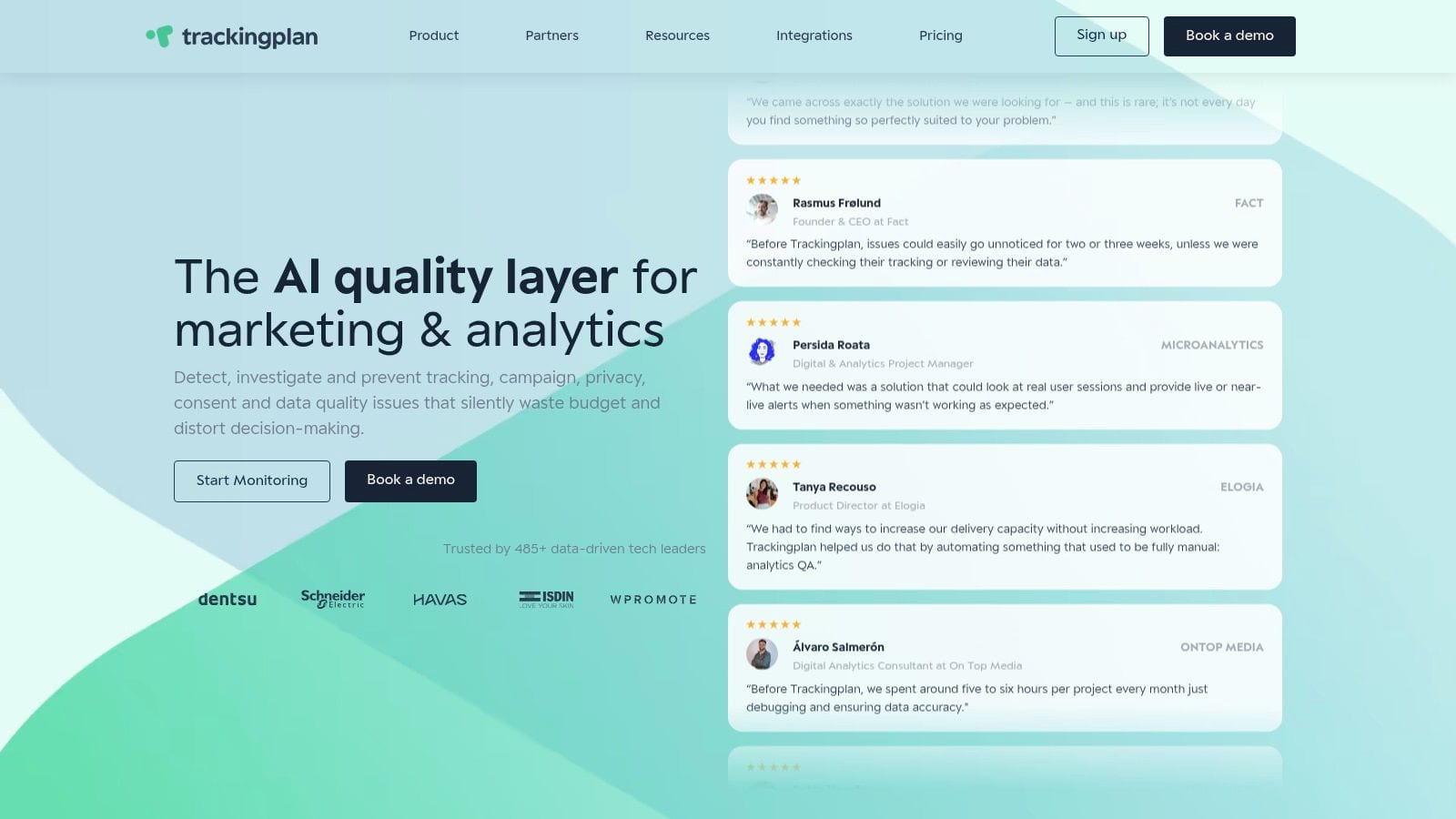
Trackingplan earns its place on this list for one reason. A landing page can look polished and still fail as a marketing asset if the measurement layer is unreliable.
That risk shows up in everyday release work. A developer updates a form. A tag manager publish changes event order. Consent rules block one destination but not another. The page still loads, the CTA still works, and the dashboard still fills with numbers. What breaks is trust in those numbers.
Trackingplan focuses on that problem. It monitors analytics and marketing instrumentation across web, app, and server-side setups, which makes it useful for teams that need landing page advice to extend beyond copy, layout, and button color.
Where it changes the workflow
Its value is highest in paid acquisition, experimentation, and multi-tool reporting. If a lead event fires twice on one variant, drops a property on mobile, or never reaches an ad platform after consent is denied, the test result is compromised before anyone starts analysis.
For landing pages best practice, that makes technical QA part of conversion work, not a separate cleanup task. Marketers need confidence that campaign traffic is tagged correctly. Analysts need stable event names and properties. Developers need a fast way to spot regressions after releases.
Trackingplan helps teams verify:
- Conversion event integrity: Forms, thank-you pages, custom events, and ad-platform pixels fire as intended.
- Campaign-tagging hygiene: UTMs and campaign parameters persist correctly across redirects, forms, and destinations.
- Schema consistency: Event names and properties stay aligned after page updates or template changes.
- Consent and privacy behavior: Tags respect consent choices and avoid sending data where they should not.
- Shared issue visibility: Marketers, analysts, and developers can work from the same record instead of trading screenshots and conflicting test results.
Practical rule: If paid traffic is involved, tracking QA belongs in the launch checklist.
A useful companion read is Trackingplan's explanation of data observability for digital analytics teams. For paid media teams, their guide on how to optimize Google Ads tracking and measurement is also relevant, especially when landing page performance and ad-platform reporting stop matching.
Best fit and trade-offs
Trackingplan fits teams with frequent releases, multiple traffic sources, several measurement destinations, or active testing programs. Agencies also benefit because client landing pages often break at the tracking layer first, after template edits, consent-banner changes, or tag updates.
It is less useful for very small sites with low change volume and simple reporting needs. If a team runs occasional campaigns and can validate events manually, the setup overhead may outweigh the benefit. Some visibility also depends on how consent mode, blockers, and server-side routing are configured.
What works well in practice
The strongest benefit is operational clarity. Teams can separate a real conversion drop from a measurement failure before they change bids, pause campaigns, or call a test loser.
That matters more than many landing page guides admit. Good pages need persuasive copy and low friction, but they also need measurement that survives real-world deployment. Trackingplan brings that technical discipline into the same workflow as campaign execution.
One trade-off is procurement. Pricing is not listed publicly, so evaluation usually starts with a sales conversation. For teams where a broken landing-page event can distort reporting across GA4, Google Ads, Meta, and BI tools, that is often a reasonable exchange.
2. Google Ads Help
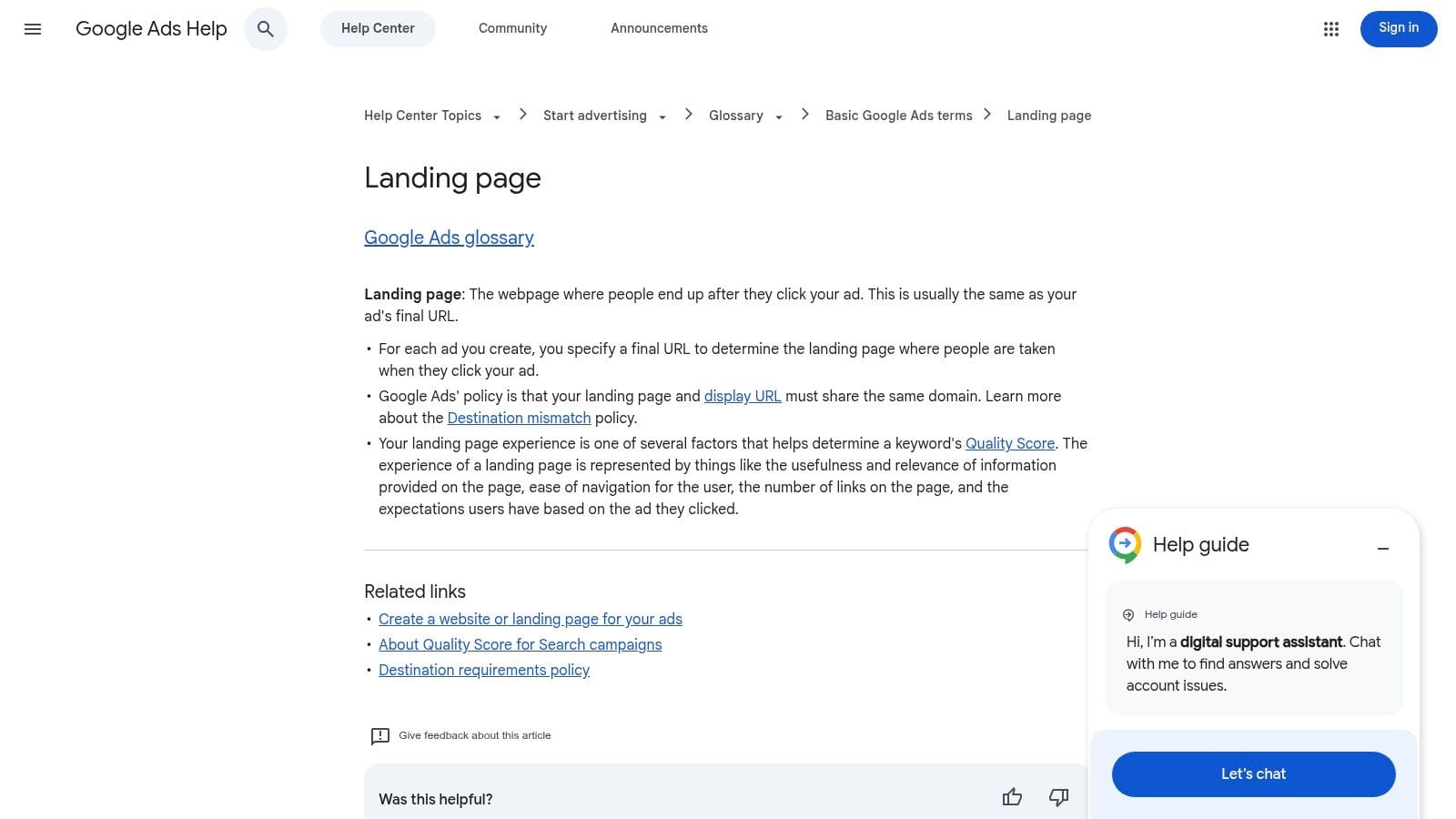
Google Ads Help on landing page experience is the reference I send to paid media teams when they need the vendor view, not another generic CRO article. It's tightly focused on what Google expects from pages tied to ad traffic, which makes it useful when campaign performance and page quality need to be discussed in the same meeting.
This is not a design inspiration resource. It's a practical operations guide for message match, ease of navigation, and post-click relevance.
Why paid teams should use it
Google's guidance is useful because it forces clarity around intent. If the ad promises one thing and the page starts talking about something broader, the experience degrades immediately. That mismatch doesn't just hurt conversions. It also creates downstream problems for quality, reporting, and budget efficiency.
Paid search teams can use it to tighten:
- Ad-to-page alignment: Keep core wording and offer logic consistent.
- Mobile usability: Check whether the page remains easy to act on under mobile conditions.
- Navigation discipline: Remove unnecessary exits from campaign traffic.
- Form friction: Ask only for the information you need.
A strong companion read is Trackingplan's guide on how to optimize Google Ads performance with cleaner measurement. It helps bridge the gap between media optimization and instrumentation quality, which Google's help docs don't cover in detail.
The most expensive landing page bug is often invisible. The campaign keeps spending, while attribution quietly degrades.
Limits to keep in mind
Google Ads Help is excellent when you're diagnosing ad-specific landing page issues. It's less helpful for broader UX strategy, persuasion design, or experimentation methodology. You won't get rich pattern libraries or deep research on why one proof block beats another.
Still, for campaign operators, this belongs in the stack. It gives marketers a neutral standard they can use with designers and developers when a page feels off but the problem hasn't been named clearly yet.
3. Unbounce
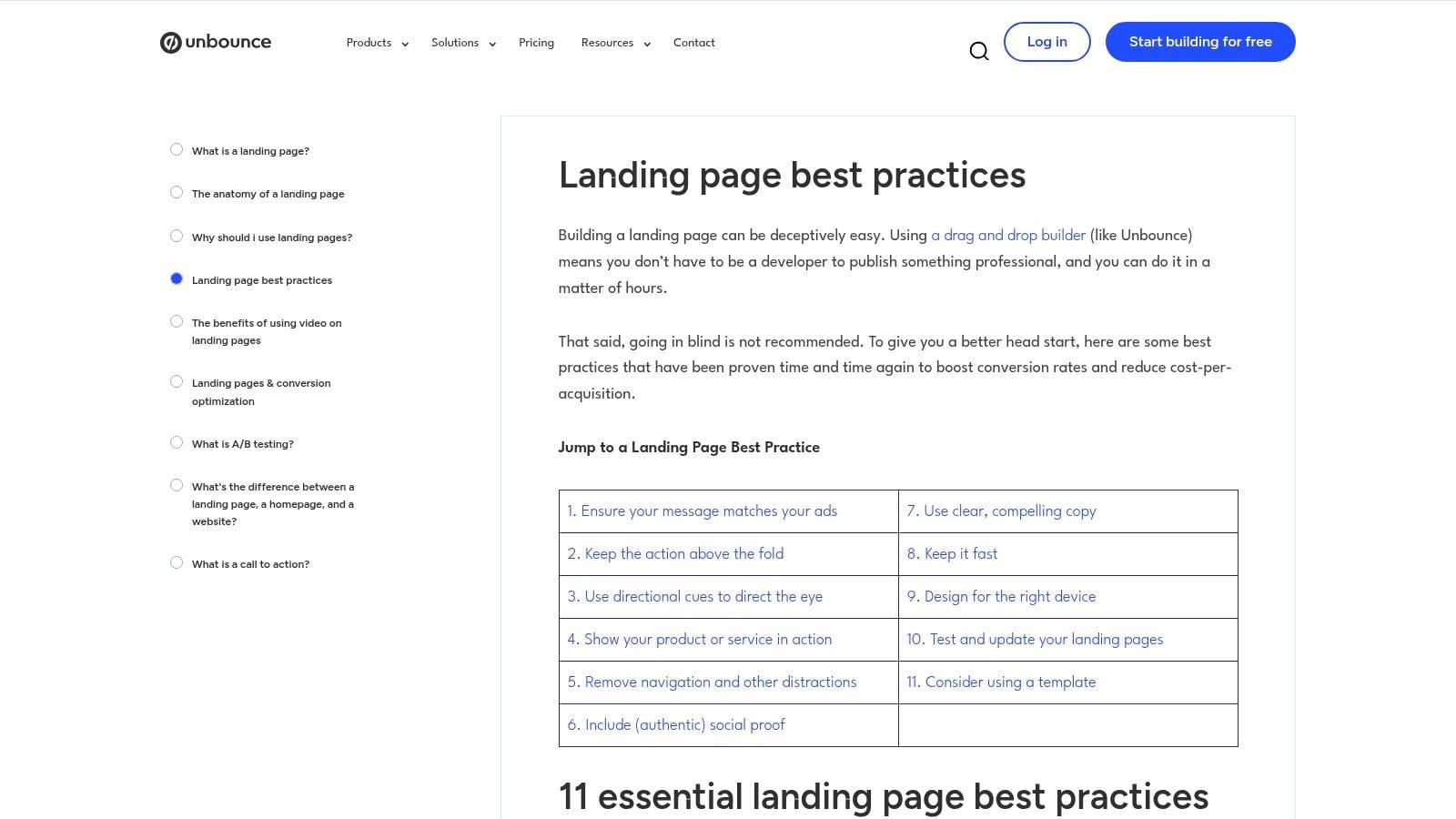
Unbounce is one of the better marketer-friendly resources for landing pages best practice because it sits in the messy middle between advice and execution. It's not just saying “make the CTA clear.” It consistently pushes teams toward message match, mobile clarity, and above-the-fold relevance.
The useful part is that Unbounce also highlights a gap many teams underestimate. Best-practice guidance often tells you to align the headline to the ad and remove distractions, but it rarely tells you when a highly specific page is worth the maintenance cost versus when a reusable branded template is enough. Unbounce's own article makes that tension visible, which is valuable because multichannel campaigns rarely run on one message anymore.
Where Unbounce helps most
Use Unbounce when the team already understands the basics and needs sharper campaign-page alignment. It's especially helpful for performance marketers managing many variants by offer, audience, or channel.
The strongest applications are:
- Message match decisions: How closely the page should mirror the ad or email that drove the click.
- Mobile-first page review: Whether the page still communicates value immediately on smaller screens.
- Pre-launch QA: Whether the anatomy of the page supports one clear action.
- Benchmark framing: Whether your expectations are realistic for the offer and traffic source.
The trade-off
Unbounce is still a vendor, so its content naturally reflects the way landing page builders think about creation and optimization. That doesn't make the advice weak. It just means teams should pair it with independent research and technical validation.
If your problem is instrumentation, not messaging, Unbounce won't solve that. But if your team needs a practical framework for deciding how specific a landing page should be for a given campaign, it's one of the more useful places to start.
4. CXL
CXL's article on designing unique landing pages is for teams that are tired of checkbox advice. It pushes you away from “change the button color” thinking and toward a harder question: what evidence would make this page more convincing for this audience, and how would we test that properly?
That makes CXL particularly useful for experimentation owners, analysts, and senior marketers. It assumes you want stronger test design, not just faster page production.
Why it earns a place here
Many teams say they run experiments when what they really do is swap surface elements and hope. CXL is stronger on methodology. It tends to emphasize why a hypothesis exists, what variable is worth isolating, and how to avoid reading noise as insight.
That matters because landing-page optimization becomes expensive when teams test things they can't learn from. If a page changes in five places at once and tracking isn't stable, the outcome won't teach you much.
A good supporting resource is Trackingplan's article on ways to increase conversion while keeping measurement trustworthy. That pairing works well because CXL sharpens the experiment itself, while Trackingplan helps ensure the result is measured consistently.
Best use case
CXL fits best when your team already has traffic and can support disciplined testing. It's also a strong internal training asset for companies trying to raise the bar on CRO literacy across marketing and analytics.
Good landing pages don't come from more opinions. They come from better hypotheses and cleaner measurement.
Where it falls short
It requires time. Some material is gated, and the value depends on whether your team will apply the method. If you're looking for quick templates, CXL can feel heavier than necessary. If you're building a real experimentation program, that's exactly why it's useful.
5. VWO
VWO's landing page best practices guide is practical in a different way from CXL. It's less academic and more operational. If your team needs to turn heuristics into test tickets, VWO is easier to work from.
I like it for organizations that need shared language across marketers, analysts, and conversion specialists. The guidance is straightforward, and it connects design and copy decisions to actual experimentation workflows.
What it does well
VWO helps teams move from “this page feels cluttered” to “this is the variable we should test first.” That sounds simple, but it's the step many landing-page programs skip.
It's especially useful for:
- Hypothesis building: Turning page issues into testable changes.
- Goal setting: Defining the conversion action before launching experiments.
- Team alignment: Giving non-specialists a common CRO vocabulary.
- Workflow repeatability: Running optimization across multiple pages or clients.
The real trade-off
The content is product-adjacent, and the platform side usually requires a sales conversation, so this isn't the best fit if you're only looking for free tactical reading. It also won't replace foundational UX research.
Still, if your team struggles to operationalize landing pages best practice at scale, VWO is strong because it treats optimization as a process, not a one-off redesign.
6. Nielsen Norman Group
Nielsen Norman Group is the tool on this list that isn't really a tool. It's a research anchor. That matters because a lot of landing-page debates are UX debates in disguise. Teams argue about whether a hero image should stay, whether users will scroll, or whether a testimonial block helps. NN/g gives those discussions a more durable foundation.
I go here when a team needs evidence about attention, scanning behavior, visual hierarchy, or credibility signals, not just another conversion checklist.
Why it belongs in a practitioner stack
Landing pages often fail because the top of the page tries to do too much. Users arrive, scan quickly, and decide whether the page is relevant. Research-based guidance helps teams trim what looks nice but slows recognition.
That's also why the common five-second principle keeps showing up in landing-page guidance. Users decide relevance quickly, so the page has to surface the headline, benefit-led copy, social proof, and CTA early, with minimal distraction, as noted earlier in the Framer guidance.
Best use in real teams
NN/g is most valuable during review and critique. It helps designers justify hierarchy choices, helps marketers simplify copy presentation, and helps developers understand why “just one more module” often hurts more than it helps.
Use it when you need to evaluate:
- Visual hierarchy: What users see first and what they miss.
- Content scanning: Whether the page is readable under fast, shallow attention.
- Credibility cues: Whether trust signals feel clear and believable.
- Mobile image restraint: Whether visuals support the task or just add weight.
The limitation is obvious. NN/g won't tell you how to wire your analytics or structure an ad account. It gives principles, not implementation. But those principles are often what keep a landing page from becoming a branded collage with no clear path to action.
7. web.dev
web.dev's LCP guidance is the most developer-facing resource in this list, and that's exactly why it matters. Marketers often treat page speed as a support task. On landing pages, it's part of conversion work.
Directive Consulting's B2B guidance recommends keeping pages responsive and loading in under 3 seconds, while also making the primary CTA prominent and maintaining accessibility basics such as labeled form fields, high-contrast UI, and keyboard navigation, according to Directive's B2B landing page best practices. web.dev is where developers get the implementation depth to act on that standard.
What developers can actually do with it
This is not broad CRO advice. It's engineering guidance for fixing the issues that make a landing page feel slow, unstable, or frustrating.
web.dev is useful for:
- Largest Contentful Paint work: Improve how quickly the main content becomes visible.
- Interaction responsiveness: Reduce delay caused by heavy scripts and main-thread work.
- Layout stability: Prevent the CTA or form from shifting during load.
- Diagnostic workflow: Use Lighthouse and DevTools to find root causes, not guess.
For teams that need more technical QA around post-click issues, Trackingplan's article on web page errors that break performance and tracking is a good extension. If you're comparing implementation utilities, this roundup of expert reviews of site speed tools can also help evaluate the overall tooling environment.
A landing page can have perfect copy and still lose because the browser spends too long rendering the first useful view.
Best fit and limits
web.dev belongs in every developer handoff for campaign pages. It turns “the page feels slow” into specific engineering tasks. But it won't help with offer framing, trust-building, or ad-to-page narrative. Use it alongside UX and messaging resources, not instead of them.
Landing Page Best Practices: 7-Resource Comparison
| Item | Implementation complexity | Resource requirements | Expected outcomes | Ideal use cases | Key advantages |
|---|---|---|---|---|---|
| Trackingplan | Low, lightweight JS snippet or SDKs, quick install | Minimal dev effort to install; integrations and consent config; paid tiers for scale | Continuous real‑user tracking, automated QA alerts, AI root‑cause and impact estimates | Teams needing automated data observability across analytics and ad destinations | Always‑on monitoring, AI‑assisted debugging, privacy‑first, broad integrations |
| Google Ads Help, Landing page experience | Very low, guidance and checklists, no tooling | Mostly marketer time; developer help for speed fixes | Better Quality Score and ad alignment, prioritized landing page fixes | Paid search and social advertisers optimizing campaign landing pages | Authoritative vendor guidance tied directly to ad performance |
| Unbounce, Best practices & Benchmark Report | Low, apply templates and checklist recommendations | Marketer resources; landing page builder or dev support; traffic for benchmarks | Improved messaging and design, realistic conversion targets via benchmarks | Marketers seeking practical templates, prioritization and benchmarks | Actionable examples and industry conversion benchmarks |
| CXL, Experiment‑driven CRO education | Medium–High, requires study and rigorous test setup | Subscription for courses, analyst time, commitment to training | Experiment‑driven optimization with statistical rigor and reduced false positives | Teams building formal experimentation programs and analysts | Deep methodology, test design rigor, research‑backed training |
| VWO, LPO guide + testing how‑tos | Medium, guides operationalization of experiments | Tooling (VWO or similar), testing team, possible platform costs | Scalable A/B testing workflow and validated hypotheses | Teams operationalizing experiments across pages or clients | End‑to‑end LPO + testing hygiene, practical how‑tos |
| Nielsen Norman Group (NN/g) | Low–Medium, research insights need translation to design | Design/UX expertise, time to apply research and training | Stronger UX, credibility, improved first impressions and hierarchy | Design‑led teams seeking evidence to justify UX decisions | Authoritative user research, eyetracking and credibility heuristics |
| web.dev (by Google), Core Web Vitals guidance | Medium, technical fixes often require engineering work | Developer time, performance tooling (Lighthouse, DevTools) | Improved Core Web Vitals, faster pages, reduced bounce and better conversions | Engineering teams focused on page performance and real‑user metrics | Concrete, engineering‑ready fixes maintained by Google |
Your Unified Landing Page Checklist
Landing pages fail in two places. They fail in persuasion, and they fail in measurement.
A page can have a strong offer, clear copy, and polished design, then still underperform because the form event misfires, UTMs break between tools, consent blocks key tags, or mobile layout shift hides the CTA at the wrong moment. Teams that treat landing page best practices as a copy-and-design exercise miss the operational side of conversion work. The better standard is cross-functional. Marketers, analysts, and developers need a shared release checklist, because conversion gains are only useful when the experience works and the reporting is trustworthy.
Scale makes that discipline more important. Salesgenie's landing page statistics are often cited to support building more pages, but the useful takeaway is segmentation with control. More pages can improve relevance across audiences and offers. They also create more room for broken templates, inconsistent tracking, mismatched messages, and reporting gaps if nobody owns QA end to end.
For marketers, start with the conversion path. Confirm that the page has one primary goal, one clear audience, and one promise that matches the ad or email click. Check the headline, supporting proof, CTA text, and form length together, not in isolation. If the offer is strong but the click context is weak, conversion rates usually reflect the mismatch.
For analysts, launch readiness starts before traffic arrives. Validate event names, required parameters, attribution fields, consent behavior, and parity across GA4, ad platforms, and downstream reporting. Compare what should fire with what fires on page load, form start, form submit, error state, and thank-you view. If one platform records leads and another does not, the page is not ready for paid spend.
For developers, performance and reliability sit inside the conversion checklist, not after it. Test load speed, layout stability, mobile rendering, keyboard access, validation states, and thank-you logic on real devices and browsers. Remove scripts that do not support the conversion goal. A page that looks finished in staging can still fail under production conditions.
Use one shared checklist.
Trackingplan fits that process by monitoring analytics and marketing instrumentation continuously and exposing issues before they distort reporting. That matters most when several teams touch the same page, because measurement errors rarely announce themselves. They show up later as inflated CPA, unclear attribution, and experiment results nobody can trust.
If your team is investing in landing pages, paid campaigns, and experimentation, Trackingplan gives you the layer that is often missing from the standard playbook. It helps marketers, analysts, and developers work from the same implementation reality, so optimization decisions rest on verified data instead of assumptions.