
TL;DR:
- Marketing data errors like missing, duplicate, inconsistent, inaccurate data undermine campaign insights and ROI.
- Regular validation, schema governance, and ownership are essential for preventing and fixing data quality issues.
- Automated monitoring tools help detect errors in real time, safeguarding decision-making and campaign performance.
Imagine your latest paid campaign hits every target metric on paper, then your CFO asks why revenue didn’t move. The culprit is almost never the creative or the targeting. It’s the data underneath. Marketing data errors quietly corrupt the numbers your team relies on to allocate budget, measure ROI, and optimize campaigns. Common types of marketing data errors include missing records, duplicates, inconsistencies, inaccurate values, and schema mismatches, each capable of sending your decisions in the wrong direction. This guide breaks down six error types, shows you how to spot them, and gives you practical steps to fix them before they cost you.
Table of Contents
- How to identify marketing data errors: Key criteria
- 1. Missing and incomplete data
- 2. Duplicate data entries
- 3. Inconsistent and inaccurate values
- 4. Schema and formatting mismatches
- The uncomfortable truth about data quality ownership
- See every data error before it costs you
- Frequently asked questions
Key Takeaways
| Point | Details |
|---|---|
| Missing data distorts results | Uncaptured or incomplete data leads to incorrect campaign reporting and decisions. |
| Duplicates inflate metrics | Removing duplicate entries prevents artificial metric increases and wasted spend. |
| Consistency boosts reliability | Consistent and accurate data enables better attribution and AI outcomes. |
| Schema mismatches break automation | Aligning data formats and schemas is essential for smooth platform integration. |
How to identify marketing data errors: Key criteria
Now that we see the impact of marketing data errors, start by using a clear framework to spot problems before they disrupt decisions. Not every data problem looks like an obvious error. Some hide in plain sight as slightly off numbers or fields that almost match. To catch them systematically, evaluate your datasets against five core quality criteria.
- Completeness: Are all expected data points present? Missing fields signal gaps in tracking or collection.
- Uniqueness: Does each record appear only once? Repeated entries inflate counts and skew analysis.
- Consistency: Do values follow the same format and logic across sources and time periods?
- Accuracy: Do the values reflect reality? Outdated or wrong entries corrupt reporting.
- Schema conformity: Do incoming data structures match the expected format for each platform or tool?
Poor performance on any of these criteria directly damages marketing attribution, making it impossible to know which channels and campaigns actually drove results. The key causes of data issues often trace back to rushed integrations, manual processes, or lack of monitoring after launch.
Pro Tip: Always validate data immediately after every major campaign launch. A quick completeness and consistency check in the first 24 hours can prevent weeks of bad reporting.
1. Missing and incomplete data
Once you know what to look for, it’s time to break down the first error type. Missing data is exactly what it sounds like: records or fields that should exist but don’t. A pixel that stops firing after a site update, a form that fails to pass UTM parameters, a server-side event that never reaches your data warehouse. Each gap is a blind spot.
Missing and incomplete data is one of the most common and damaging error types in marketing analytics. When conversion events go untracked, your attribution models assign credit incorrectly, your optimization algorithms learn from incomplete signals, and your budget decisions reflect a partial reality.
Any data not captured is lost ROI. Every untracked interaction is a signal your models never get to learn from, and that compounds over time.
Here’s how to address it systematically:
- Audit your tag and pixel coverage using a marketing observability guide to map every expected event against what’s actually firing.
- Run completeness checks on key fields like session ID, campaign source, and conversion event across all data pipelines.
- Identify drop-off points by comparing expected event volumes to actual volumes across channels.
- Restore or estimate missing values where possible using interpolation or data backfill, and document all assumptions.
Pro Tip: Set up automated data collection validation in your analytics stack. Real-time alerts for sudden drops in event volume are far more effective than weekly manual reviews.
2. Duplicate data entries
After filling gaps from missing data, we turn to another silent disruptor: duplicates. Duplicate records occur when the same data point gets recorded more than once. They’re surprisingly common and surprisingly destructive.
Duplicates frequently occur during integrations or manual upload errors, especially when multiple tools feed into a single data warehouse. A contact imported from your CRM and your email platform becomes two records. A conversion event fired twice by a misconfigured tag doubles your reported revenue.
The downstream effects are serious:
- Inflated metrics: Pageviews, conversions, and revenue all appear higher than they are.
- Poor retargeting: Audiences built on duplicate data over-represent certain users, wasting ad spend.
- Split testing errors: A/B test results become unreliable when the same user appears in both variants.
To catch and clean duplicates, use analytics discrepancy resolution techniques like deduplication scripts, fuzzy matching for near-identical records, and cross-channel reconciliation.
| Record type | Example | Impact |
|---|---|---|
| Duplicate contact | Same email, two IDs | Inflated list size, double messaging |
| Duplicate event | Conversion fired twice | Overstated revenue |
| Unique record | One email, one ID | Accurate reporting |
Regular deduplication should be a core maintenance task, not a one-time cleanup. Schedule it monthly at minimum.
3. Inconsistent and inaccurate values
With duplicates handled, let’s tackle errors that creep in at the value level. Inconsistent data is data that exists but doesn’t agree with itself. The same country might be stored as “US,” “USA,” and “United States” across three tools. Dates might appear as MM/DD/YYYY in one system and YYYY-MM-DD in another. These seem minor until you try to join datasets or run a segment.

Inconsistent formatting and inaccurate values undermine analytics reliability at every level. AI models and automation workflows are especially vulnerable because they treat each variation as a distinct value. Your personalization engine might address the same customer three different ways depending on which system’s data it reads.
Inaccurate values are a related but distinct problem. These are entries that were once correct but are now outdated, or were simply wrong from the start. An email address with a typo, a campaign cost that was manually entered incorrectly, a channel label applied to the wrong source.
| Dataset type | Example | Analysis impact |
|---|---|---|
| Clean | “US” used consistently | Accurate geo segmentation |
| Inconsistent | “US”, “USA”, “United States” | Fragmented segments, missed users |
| Inaccurate | Wrong cost entry | Distorted ROAS calculations |
Action steps to fix this:
- Enforce naming standards across all tools and integrations from day one.
- Automate validation rules that reject or flag values outside accepted formats.
- Version your data schemas so changes are tracked and inconsistencies are caught early.
For teams relying on attribution tracking accuracy, inconsistent values are a direct threat to knowing which channels deserve credit. Even last-touch attribution models break down when source values don’t align. This is one reason marketing attribution remains broken for so many teams despite significant tooling investment.
4. Schema and formatting mismatches
Finally, let’s examine the invisible but impactful issues with schema and formatting. A schema mismatch happens when the structure of incoming data doesn’t match what the receiving system expects. Think of it as two systems speaking slightly different languages. The data arrives, but it lands in the wrong fields or gets rejected entirely.
Schema and formatting mismatches are often overlooked but can break data pipelines completely. When a field that used to send a string suddenly sends an integer, your entire pipeline can fail silently. Events stop recording. Automations freeze. Dashboards go stale.
Up to 45% of enterprise data issues stem from schema errors, making this one of the most structurally damaging error types in complex Martech stacks. Yet it’s also one of the most preventable.
Here’s a step-by-step approach to realign schema across platforms:
- Document your current schema for every data source, including field names, data types, and accepted values.
- Compare schemas across integrations to identify mismatches before they cause failures.
- Set up schema validation at ingestion points so mismatched data is flagged immediately rather than silently corrupting your database.
- Run a structured campaign attribution audit to catch any schema-related gaps in your attribution data.
- Communicate schema changes across all teams before deploying updates to any connected system.
Schema governance isn’t glamorous, but it’s the foundation that every other data quality effort depends on.
The uncomfortable truth about data quality ownership
Here’s what most data quality guides won’t tell you: the biggest obstacle to fixing marketing data errors isn’t technical. It’s organizational. Most teams treat data quality as a reactive problem, something you fix after a campaign goes wrong or a dashboard breaks. That mindset is the root cause of recurring errors.
In our experience working with marketing and analytics teams, the organizations with the cleanest data share one trait. They’ve made someone accountable for it. Not a committee. Not a shared responsibility. One person or one team owns data quality as an ongoing function, not a project.
The second uncomfortable truth is that data errors compound. A missing pixel in week one means your optimization algorithm trains on incomplete data in week two. By week four, your automated bidding is optimizing toward a distorted reality. The error didn’t stay in week one. It multiplied.
The teams that recover fastest from data errors are the ones who invested in monitoring before the errors happened. Automated anomaly detection, schema validation at ingestion, and real-time alerts for event volume drops aren’t luxuries. They’re the baseline for any team serious about campaign performance in 2026.
If your current process relies on someone manually checking dashboards to catch errors, you’re already behind. The question isn’t whether errors are happening right now. It’s whether you have the systems to know about them before they cost you.
See every data error before it costs you
Marketing data errors don’t announce themselves. They quietly distort your numbers while your team makes decisions based on flawed signals.
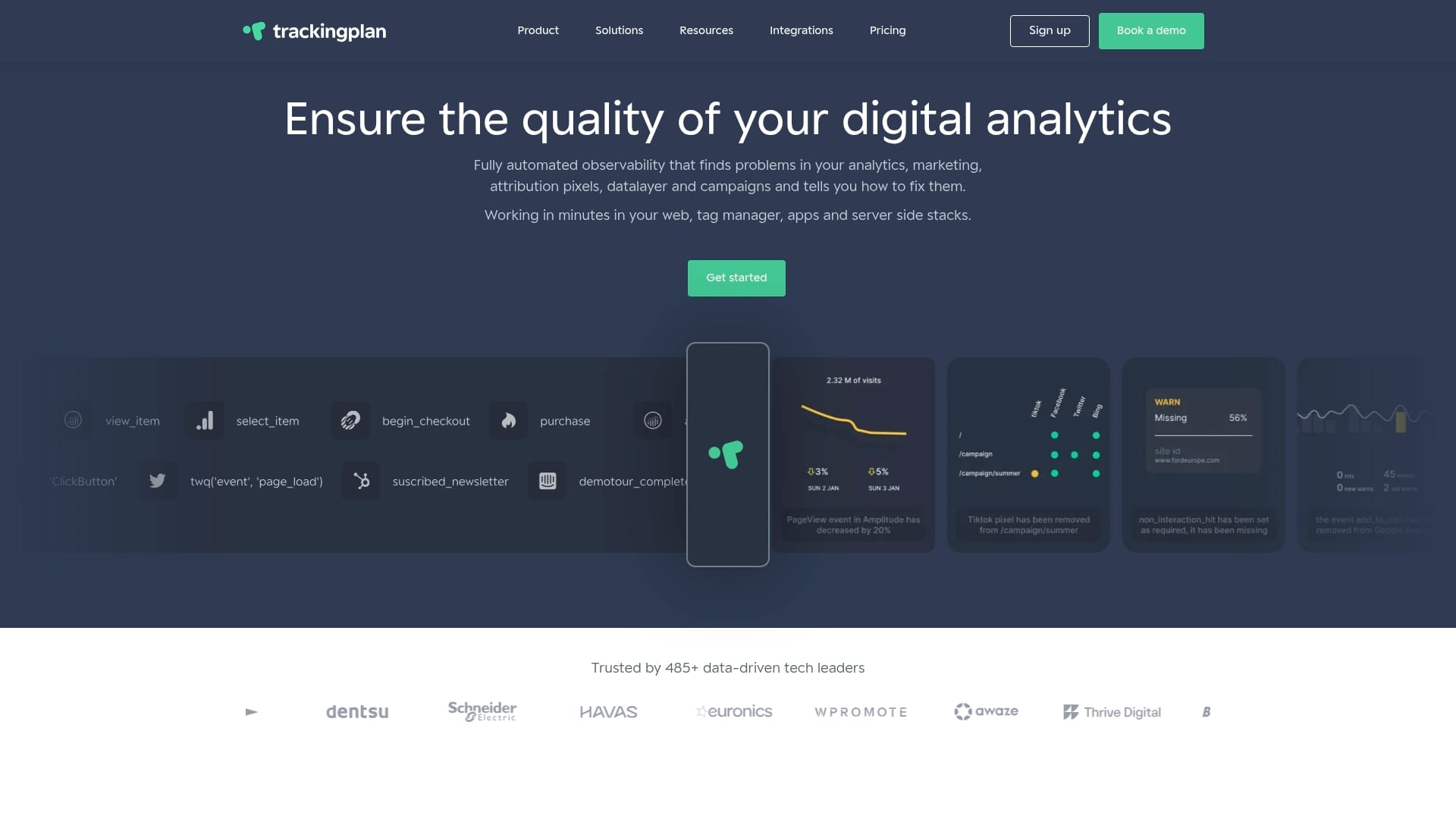
Trackingplan gives digital marketing and analytics teams automated visibility into every layer of their tracking stack. From missing pixels and broken events to schema mismatches and attribution gaps, Trackingplan detects issues in real time and sends alerts directly to Slack, Teams, or email. You get root-cause analysis without manual digging, continuous monitoring without extra headcount, and the confidence that your campaign data actually reflects reality. If your team is serious about data accuracy, Trackingplan is built for exactly that.
Frequently asked questions
Which marketing data error causes the most campaign loss?
Missing and incomplete data typically causes the largest negative impact by distorting both reporting and optimization signals simultaneously.
How do inconsistent data values undermine analytics?
Inconsistent values lead to inaccurate reporting, misattribution, and failed personalization because systems treat each variation as a separate entity.
Can schema mismatches break marketing automations?
Yes. Schema mismatches often prevent data syncing entirely, causing automation workflows to stall or execute on incomplete information.
How often should data quality checks be performed?
Proactive teams validate marketing data weekly at minimum, with additional checks immediately following every new campaign launch or integration update.