
Key Takeaways
Introduction: The Critical Need for Accurate Digital Analyticc
Your marketing stack generates millions of data points daily. Each pixel, tag, and event tracking call must fire correctly to paint an accurate picture of campaign performance. When tracking breaks, you’re flying blind.
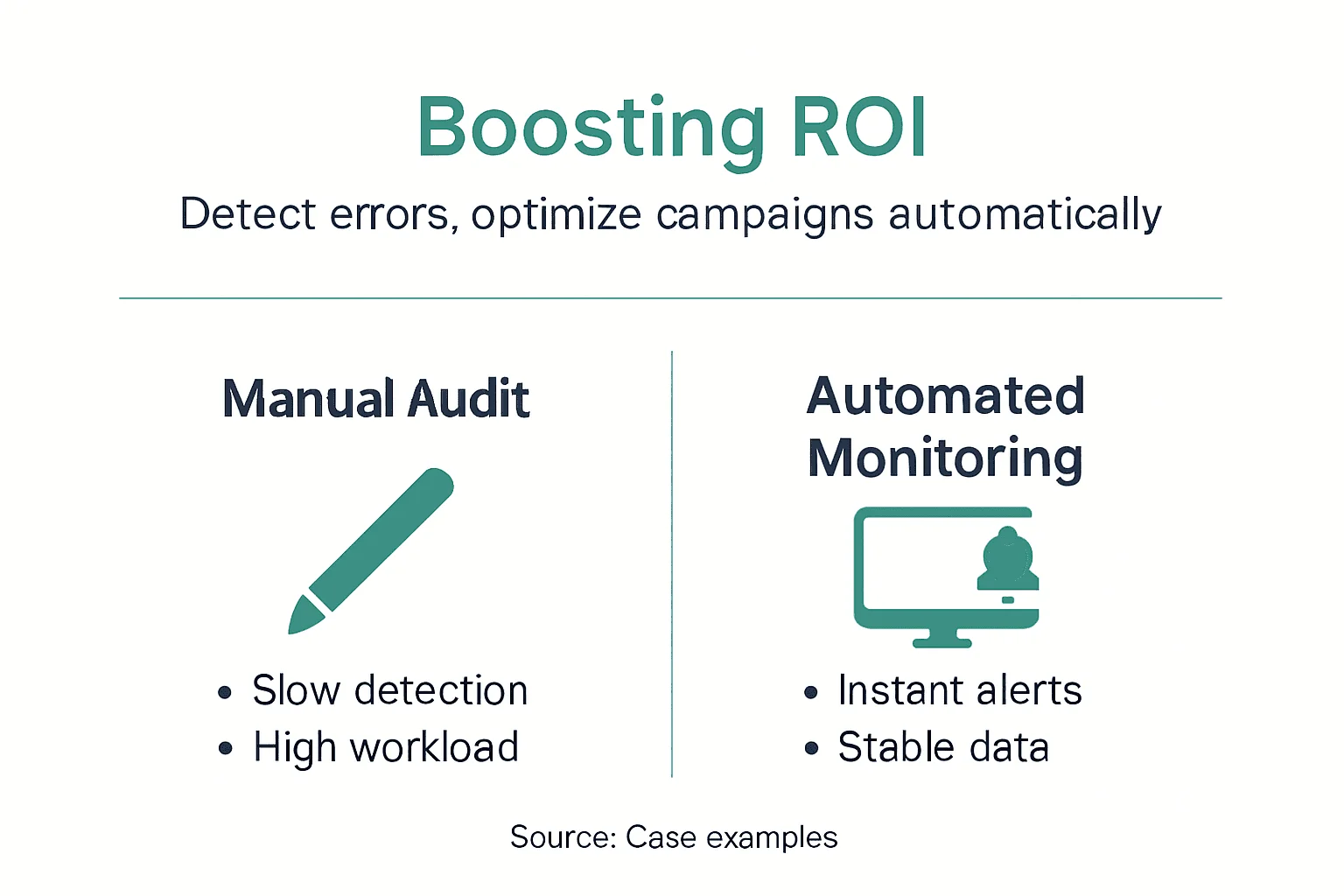
Manual digital marketing analytics audits introduce human error at every step. A single misconfigured tag can misattribute conversions for months before anyone notices. Data and Analytics Challenges for Digital Marketing in 2024 reveals that manual audits consume 30 to 50% of digital marketers’ time and cause delayed error detection. That’s half your team’s capacity spent checking tags instead of optimizing campaigns.
The consequences ripple outward. Broken tracking directly reduces marketing ROI by misattributing which channels drive conversions. You allocate budget to underperforming channels while starving your best performers. Meanwhile, your competitors with accurate data pull ahead.
Common tracking challenges include:
- Missing or duplicated event tags that create blind spots in user journeys
- Schema mismatches between development and production environments
- UTM parameters stripped by redirects or privacy tools
- Cookie consent changes that break attribution models
- Server-side tracking failures invisible to browser-based debugging
Marketing performance monitoring becomes a full-time job. Your analysts spend hours manually validating implementations instead of uncovering insights. This resource drain compounds as your martech stack grows. Every new tool adds complexity and failure points.
Quality assurance in digital analytics traditionally relied on periodic spot checks. You might audit major campaigns or quarterly releases. Between audits, errors accumulate silently. By the time you discover problems, damage is done.
Automated analytics offers a better path forward.
How Automated Analytics Improve Data Accuracy and Reliability
Automation fundamentally changes how you maintain tracking quality. Instead of periodic manual reviews, automated systems continuously monitor every data point flowing through your analytics pipeline.
Real-time monitoring operates 24/7. The moment a tag fails to fire or sends malformed data, you receive an alert. According to research, automated analytics can detect up to 90% of tracking errors before they impact campaigns. Compare that to manual processes that might catch 40% of issues weeks later.
Automated platforms excel at detecting tracking issues across multiple dimensions:
- Missing events that should fire based on historical patterns
- Incorrect property values like wrong currency codes or product IDs
- Schema violations where new properties appear unexpectedly
- Traffic anomalies suggesting implementation problems
- Cross-platform inconsistencies between web, mobile, and server data
AI-powered root cause analysis accelerates troubleshooting. When errors surface, the system traces them to specific code changes, deployment timestamps, or third-party script conflicts. Your developers receive precise diagnostics instead of vague bug reports.
Pro Tip: Set up alerts to notify different team members based on error severity. Route critical attribution failures to your analytics lead immediately while batching minor warnings for weekly review.
Consider this comparison:
Analytics monitoring steps become streamlined. Your team transitions from reactive firefighting to proactive optimization. When you trust your data quality, you make confident decisions faster.

Automation also enables continuous QA for analytics implementations. Every code deployment triggers automatic validation against your expected tracking schema. Errors get caught in staging before reaching production.
The reliability gains compound over time. Clean data feeds better attribution models, more accurate forecasting, and deeper customer insights.
Efficiency Gains: Saving Time and Resources with Automation
Time is your analytics team’s scarcest resource. Manual validation workflows devour hours that could drive strategic value.
Typical manual audit cycles look like this: Export data samples from multiple platforms. Build spreadsheets comparing expected versus actual events. Manually inspect tag firing sequences in browser consoles. Document discrepancies. File tickets with developers. Wait for fixes. Repeat validation.
Each campaign launch triggers this cycle. Multiply across dozens of campaigns monthly and you see why Marketing Land reports automation reduces manual audit time by over 80%, allowing teams to focus on strategic tasks.
Automated systems eliminate repetitive validation work:
Time is your analytics team’s scarcest resource. Manual validation workflows devour hours that could drive strategic value.
Typical manual audit cycles look like this: Export data samples from multiple platforms. Build spreadsheets comparing expected versus actual events. Manually inspect tag firing sequences in browser consoles. Document discrepancies. File tickets with developers. Wait for fixes. Repeat validation.
Each campaign launch triggers this cycle. Multiply across dozens of campaigns monthly and you see why Marketing Land reports automation reduces manual audit time by over 80%, allowing teams to focus on strategic tasks.
Automated systems eliminate repetitive validation work:
- Continuous monitoring replaces periodic spot checks
- Automatic schema validation catches issues without manual inspection
- Instant alerts replace delayed discovery processes
- Built-in dashboards eliminate custom reporting needs
Faster error resolution minimizes campaign downtime and revenue loss. When tracking breaks during a peak shopping period, every hour of delay costs conversions. Automated alerts cut mean time to detection from days to minutes.
Pro Tip: Start by automating validation for your highest-value campaigns and most complex tracking implementations. Quick wins build momentum for broader adoption.
The efficiency dividend extends beyond your analytics team. Developers spend less time debugging tracking issues. Marketing managers get reliable data for optimization decisions. Agencies managing multiple clients scale accurate tracking monitoring without proportional headcount growth.
Automation cuts our analytics QA time by 85%. We now audit 12 client sites with the same effort that previously covered 2 manually.
Resource reallocation creates strategic opportunities. Your senior analysts focus on uncovering growth insights instead of validating tag implementations. You invest saved budget into testing new channels or advanced analytics capabilities.
Campaign stability improves dramatically. Automated monitoring catches breaking changes from browser updates, third-party script modifications, or unexpected site changes before they cascade into attribution failures.
The cumulative impact transforms your analytics operation from a cost center into a strategic asset.
Impact on Marketing Attribution and ROI Optimization
Accurate tracking data forms the foundation of effective marketing attribution. When you know precisely which touchpoints influence conversions, you allocate budget to maximize returns.
Broken tracking creates attribution blind spots. A missing Facebook pixel underreports social channel performance. Misconfigured UTM parameters conflate organic and paid traffic. Server-side conversion tracking failures lose mobile app attribution entirely.
Automated analytics ensures attribution model integrity:
- Complete event capture across all customer touchpoints
- Consistent data schemas enabling cross-channel analysis
- Real-time anomaly detection when attribution patterns shift unexpectedly
- Validation that conversion pixels fire under all conditions
Better attribution drives measurable ROI improvements. When you correctly identify your most valuable channels, you shift budget from underperformers to winners. One retail client increased ROAS by 34% within 90 days by fixing attribution gaps that automated monitoring revealed.
Marketing performance watchdog capabilities enable rapid campaign optimization. You spot performance drops immediately rather than discovering them in monthly reports. This agility matters in competitive markets where timing determines success.
Consider these metrics from companies implementing automated analytics:
The TriEye referrer program demonstrates how precise tracking transforms partnership attribution. Automated validation ensures every referred conversion gets properly credited, eliminating disputes and enabling fair commission structures.
Clean data also improves predictive analytics. Machine learning models trained on accurate historical data generate better forecasts. You predict customer lifetime value, churn risk, and campaign performance with greater confidence.
Automation enables testing velocity. When you trust your measurement, you run more experiments. Faster learning cycles accelerate optimization and competitive advantage.
Common Misconceptions About Automated Analytics
Automation promises significant benefits, but misconceptions create unrealistic expectations that undermine adoption success.
Misconception 1: Automation replaces analytics teams entirely.
Reality: Automation does not replace human analysts but lets them focus on strategic analysis. Tools detect errors automatically, but interpreting business impact and deciding corrective actions requires human judgment. Your analysts transition from validators to strategists.
Misconception 2: Automated systems fix tracking problems automatically.
Reality: Automation excels at detection and diagnosis. Actually fixing broken implementations still requires developer action. The value lies in faster identification and precise root cause analysis that accelerates remediation. You eliminate the “we don’t know what’s broken” problem, not the need for fixes.
Misconception 3: Implementation is plug-and-play simple.
Reality: Effective automation requires thoughtful integration with your martech stack. Poor configuration creates alert fatigue from false positives or misses critical errors. Success demands upfront planning around monitoring scope, alert thresholds, and team workflows. Rushed implementations underdeliver.
Our first automation attempt failed because we didn’t customize alerting to our business context. Generic thresholds generated 200 alerts daily that teams ignored. Proper tuning reduced that to 8 meaningful alerts we could action immediately.
Understanding these realities helps set appropriate expectations. Automation amplifies your team’s capabilities when implemented strategically. It eliminates grunt work while preserving the judgment and creativity that drive marketing success.
Digital analytics QA becomes a collaborative process between automated systems and skilled professionals. The tools handle continuous monitoring and pattern recognition. Your team provides business context, prioritizes issues, and makes optimization decisions.
Approach automation as an enabler, not a replacement. The goal is elevating your team’s impact, not reducing headcount.
Practical Steps for Implementing Automated Analytics Effectively
Successful automation requires systematic planning and execution. Follow these steps to maximize value while avoiding common pitfalls.
Step 1: Audit your current tracking landscape.
Document all tracking implementations across web, mobile, and server environments. Identify pain points where manual processes consume excessive time or errors occur frequently. Prioritize automation opportunities based on business impact and implementation complexity.
Step 2: Select the right platform.
Evaluate solutions offering:
- AI-powered anomaly detection that learns your data patterns
- Real-time alerting via email, Slack, or Teams
- Comprehensive integrations with your existing martech stack
- Built-in privacy compliance features for GDPR, CCPA, and other regulations
- Scalability to handle your data volumes
Step 3: Plan integration carefully.
Map how automated monitoring connects to analytics platforms, tag managers, CDPs, and advertising tools. Test integrations in staging environments before production deployment. Verify data flows correctly and alerts trigger appropriately.
Step 4: Configure intelligent alerting.
Customize thresholds based on your business context. A 10% traffic drop might be catastrophic for one campaign but normal variance for another. Set up alert routing so the right people receive relevant notifications at appropriate urgency levels.
Step 5: Train your team.
Ensure analysts, marketers, and developers understand how to interpret alerts and execute response workflows. Document procedures for common error types. Schedule regular review sessions to discuss patterns and optimization opportunities.
Avoid these common implementation failures:
- Starting too broad instead of focusing on high-value use cases first
- Neglecting alert customization, causing fatigue from irrelevant notifications
- Failing to establish clear ownership for responding to different error types
- Skipping integration testing, leading to blind spots or data conflicts
Analytics monitoring steps should become routine team practices. Weekly reviews of monitoring dashboards surface trends and improvement opportunities. Monthly audits verify automation continues meeting your evolving needs.
Privacy compliance deserves special attention. Automated systems must respect consent preferences, handle PII appropriately, and maintain audit trails. Privacy hub resources provide frameworks for compliant monitoring implementations.
Successful automation evolves continuously. As your martech stack grows and campaigns become more sophisticated, expand monitoring coverage and refine alerting rules. The investment pays dividends through sustained data quality and operational efficiency.
Enhance Your Digital Analytics with Trackingplan’s Automated Solutions
Your marketing success depends on data you can trust. Trackingplan delivers automated analytics monitoring purpose-built for digital marketing teams facing complex tracking challenges.
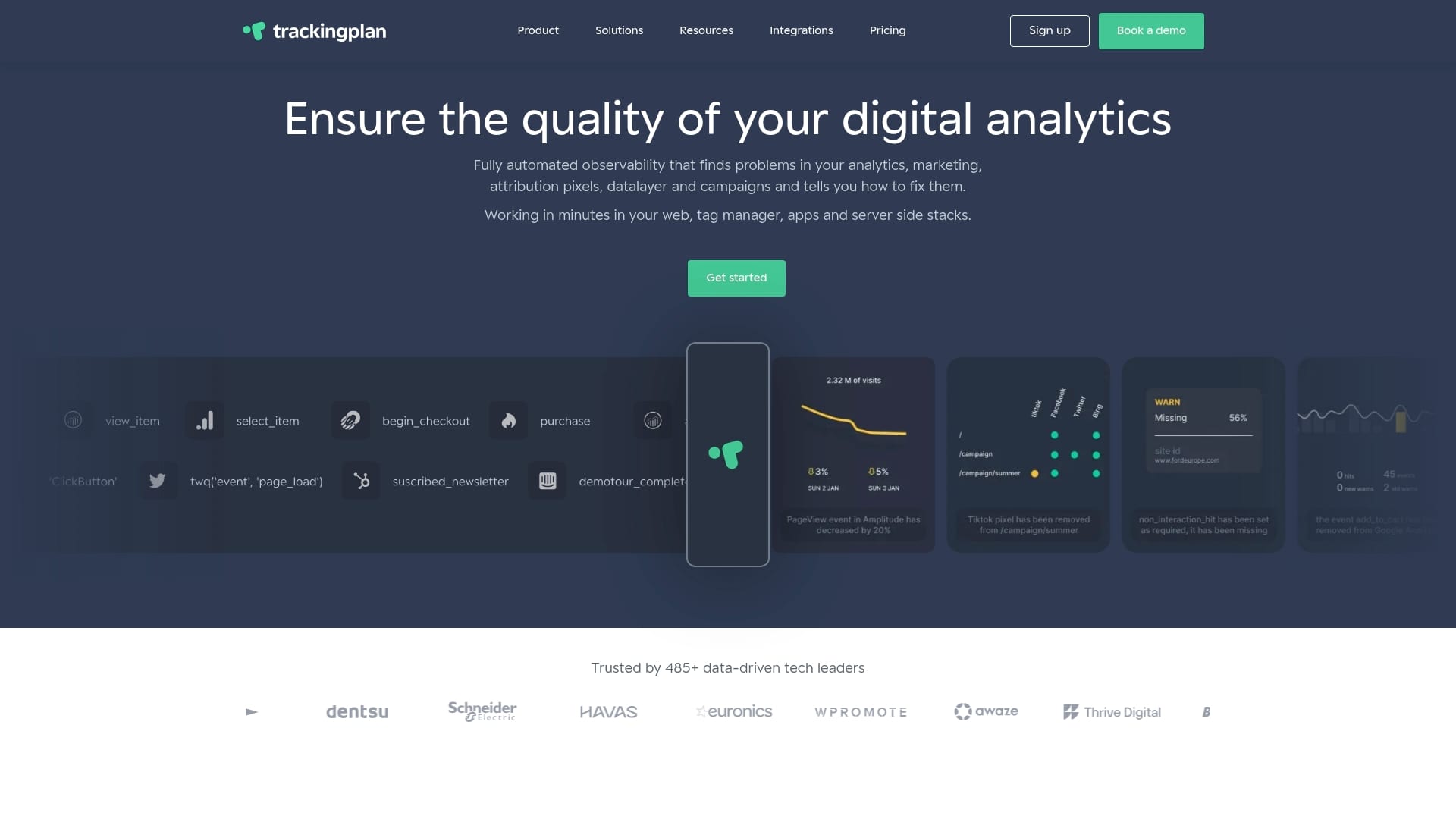
Real-time error detection catches issues before they impact campaign performance. AI-powered alerts notify your team the moment tracking breaks, complete with root cause analysis for faster resolution. Seamless integrations with digital analytics tools ensure comprehensive monitoring across your entire martech stack.
Trackingplan’s platform enables digital marketing analytics growth by eliminating data quality as a bottleneck. Your team spends less time firefighting tracking problems and more time optimizing campaigns. Built-in privacy compliance protects your organization while maintaining measurement accuracy.
The marketing performance watchdog monitors attribution models, campaign tracking, and conversion pixels continuously. You gain confidence in your data and make decisions faster. Discover how automated analytics transforms your marketing operations today.
Frequently Asked Questions About Automated Analytics
What types of tracking errors can automation detect?
Automated systems identify missing event tags, incorrect property values, schema mismatches, UTM parameter stripping, cookie consent issues, duplicate events, and cross-platform inconsistencies. They also catch traffic anomalies suggesting implementation problems. Comprehensive monitoring covers web, mobile app, and server-side tracking issues simultaneously.
Does automation eliminate the need for analytics teams?
No, automation augments rather than replaces skilled analysts. Tools handle repetitive validation work, freeing your team to focus on strategic insights, optimization decisions, and business recommendations. Human expertise remains essential for interpreting alerts, prioritizing fixes, and translating data into action.
How quickly can automated alerts detect data issues?
Most automated platforms identify problems in real time or within minutes of occurrence. Detection speed depends on monitoring frequency and data pipeline complexity. Critical errors typically trigger immediate notifications, while minor anomalies may batch into periodic summaries to prevent alert fatigue.
What should companies consider before implementing automated analytics?
Evaluate integration complexity with your existing martech stack, privacy compliance requirements, team readiness for new workflows, and alert customization needs. Start with focused use cases rather than attempting comprehensive automation immediately. Plan for training, testing periods, and iterative refinement of monitoring rules.