
TL;DR:
- A user journey tracking list documents every customer interaction, event, and data signal from initial contact to retention. Maintaining this list as a live document ensures accurate data collection, which is essential for reliable insights and marketing ROI. Continuous audits and proper implementation practices help prevent data errors that can undermine journey analysis.
A user journey tracking list is a structured catalog of every touchpoint, event, and data signal you collect as customers move from first contact through purchase and retention. Organizations in the top quartile of journey analytics maturity achieve 5.7x marketing ROI compared to 1.8x for the bottom quartile. That gap is not accidental. It reflects the difference between teams that track user behavior systematically and those that rely on fragmented data. This guide gives you the exact components, tools, and practices to build a tracking system that drives real revenue.
1. What belongs on a user journey tracking list
A complete user journey tracking list covers five core categories: channel instrumentation, identity resolution, touchpoint mapping, path analysis, and outcome measurement. Miss any one of them and your customer journey analysis will have blind spots that distort every decision downstream.

Channel instrumentation means tagging every source of traffic with UTM parameters and confirming that pixels fire correctly across web, app, and server-side environments. Without clean source data, attribution breaks immediately.
Identity resolution stitches together behavior across devices and sessions into a single customer profile. This is technically complex, but unifying customer profiles is non-negotiable for accurate multi-touch attribution.
Touchpoint mapping documents every interaction point, from a paid search ad click to a support chat. Industry guidance recommends keeping maps to 4–7 stages to maintain usability. More stages create action paralysis rather than clarity.
Path analysis uses raw behavioral data to reveal the actual routes customers take, not the routes you assumed they would take. Path discovery from raw data surfaces hidden friction points that funnel reports miss entirely.
Outcome measurement ties every journey stage to a business KPI: revenue, conversion rate, customer lifetime value, or churn rate. Journey analytics should measure economic impact, not just produce visual diagrams.
Pro Tip: Build your tracking list as a living spreadsheet with columns for event name, trigger condition, data layer variable, destination tool, and last-verified date. Review it every quarter.
2. Essential channel and instrumentation tracking
Channel tracking is the foundation of any reliable user journey tracking list. Every marketing channel needs a documented instrumentation plan before you can analyze customer paths with confidence.
Start with UTM taxonomy. Define a consistent naming convention for source, medium, campaign, content, and term parameters across every team that runs campaigns. One inconsistent UTM string corrupts weeks of attribution data. Pair this with cross-channel tracking practices that account for paid search, organic, email, social, and direct traffic separately.
Server-side tracking deserves a dedicated row in your list. Browser-based pixels are increasingly blocked by ad blockers and privacy browsers. Server-side implementations capture events that client-side scripts miss, giving you a more complete picture of actual user behavior.
Document every pixel and tag: Google Ads conversion tags, Meta Pixel, LinkedIn Insight Tag, and any analytics SDK running in your mobile app. Confirm each one fires on the correct trigger and passes the correct parameters. A missing pixel on a checkout confirmation page silently kills your conversion data.
3. Identity resolution and cross-device stitching
Identity resolution is the process of connecting anonymous sessions, logged-in profiles, and device-level identifiers into one unified customer record. Without it, a customer who researches on mobile and converts on desktop looks like two separate users.
The three main approaches are deterministic matching (using email or login ID), probabilistic matching (using device fingerprinting and behavioral signals), and cookie-based stitching (limited by browser restrictions). Deterministic matching is the most accurate. Probabilistic matching fills gaps where login data is unavailable.
Your tracking list should document which identity method applies at each stage of the journey. Pre-login sessions need probabilistic or cookie-based stitching. Post-login sessions should switch to deterministic matching automatically. Failing to document this creates silent gaps in your customer journey analysis.
User behavior tracking methods have evolved significantly as third-party cookies phase out. First-party data collection, consent management, and server-side identity graphs are now the standard approach for teams serious about measurement accuracy.
4. Touchpoint mapping and journey stage design
Touchpoint mapping translates your instrumentation data into a visual model of the customer experience. The standard industry term for this practice is customer journey mapping, and it works best when it combines qualitative insight with quantitative evidence.
Journey mapping provides qualitative visualizations while analytics provides the quantitative evidence needed to act on them. Neither alone is sufficient. A map without data is a guess. Data without a map is noise.
Structure your journey in clear stages. A typical B2C model runs: Awareness, Consideration, Decision, Purchase, Onboarding, and Retention. A B2B model often adds Evaluation and Expansion stages. 64% of UX teams use collaborative journey mapping, making it one of the most widely adopted alignment tools across product, marketing, and customer success.
At each stage, record the primary channel, the key event or action, the emotion or intent signal (where qualitative research supports it), and the KPI that defines success. This structure turns a static diagram into a measurement framework.
5. Top tools for tracking user journeys
Choosing the right platform shapes what your tracking list can actually measure. The tools below represent distinct categories of capability.
| Tool | Primary strength | Best for |
|---|---|---|
| Mixpanel | Event-based funnel and retention analysis | Product and growth teams |
| Salesforce Marketing Cloud | Cross-channel orchestration and journey automation | Enterprise marketing teams |
| Google Analytics 4 | Path exploration and acquisition reporting | Teams needing free, broad coverage |
| Hotjar | Session recordings and heatmaps | UX and conversion rate teams |
| Trackingplan | Automated tracking audits and data quality monitoring | Analytics and marketing ops teams |
Mixpanel excels at granular event tracking and cohort retention analysis. It shows you exactly where users drop off in a funnel and which behaviors predict long-term retention.
Salesforce Marketing Cloud handles journey analytics as a continuous lifecycle rather than a one-time report. Its journey builder connects email, SMS, push, and advertising touchpoints into a single orchestrated flow.
Google Analytics 4 introduced path exploration reports that show the most common sequences of pages and events. These reports are a practical starting point for identifying drop-off patterns without additional tool spend.
Trackingplan sits at a different layer. It monitors the accuracy of your tracking implementation across all other tools, alerting you when pixels break, events stop firing, or schema mismatches appear. Clean data in every upstream tool depends on catching those errors fast.
Pro Tip: Do not evaluate tools by feature lists alone. Run a proof-of-concept with your actual event taxonomy and confirm the tool handles your identity resolution approach before committing.
6. How to segment journey data without losing focus
Segmentation is where customer journey analysis either generates insight or generates confusion. The most common mistake is segmenting too early and too narrowly.
Starting broad in path analysis before applying detailed segments prevents over-segmentation and surfaces the major drop-off points first. Find the biggest leaks in your funnel before you start slicing by device type or traffic source.
Once you have identified the high-impact friction points, apply segments in this order:
- Behavioral segments: New vs. returning visitors, single-session vs. multi-session users, feature adopters vs. non-adopters.
- Channel segments: Paid vs. organic, email-driven vs. direct, mobile app vs. web.
- Demographic segments: Geography, company size (for B2B), or product tier.
- Value segments: High-lifetime-value customers vs. one-time buyers, churned vs. retained.
Collaborative mapping across marketing, product, and customer success teams prevents each department from building its own siloed segment definitions. Shared segment definitions produce consistent reporting across tools.
Capture qualitative signals alongside quantitative data. Survey responses, support ticket themes, and session recordings add context that click data alone cannot provide. A high exit rate on a pricing page means something different if users are leaving because pricing is unclear versus because pricing is too high.
7. Best practices for maintaining a dynamic tracking system
A user journey tracking list becomes worthless the moment it stops reflecting your actual implementation. Treat it as a living document, not a project deliverable.
Linking journey maps to live analytics dashboards keeps insights current and prevents the common failure mode of beautiful diagrams that nobody uses after the initial workshop.
The core maintenance practices are:
- Quarterly UTM audits: Pull a report of all UTM values hitting your analytics tool and flag any that deviate from your naming convention. Rogue UTMs from agency partners or new team members are the most common source of attribution errors.
- Event tracking verification: After every major site or app release, confirm that key events still fire correctly. Deployments frequently break tracking without anyone noticing until weeks later.
- Pixel health checks: Verify that third-party pixels load on the correct pages and pass the correct parameters. A checkout pixel that stops firing after a site redesign can cost significant ad spend before anyone catches it.
- Schema change reviews: When your product team adds or renames a feature, update your event schema and tracking list to match. Schema drift is the leading cause of broken reports.
“Frequent tracking audits and data quality checks are crucial for reliable journey insights and ROI.” — Trackingplan campaign monitoring research
Treating journey analytics as a continuous cycle rather than a one-time project is what separates teams that consistently improve conversion from those that run the same analysis every year and wonder why nothing changes.
McKinsey research shows that advanced journey personalization delivers 5–8x ROI and 5–15% revenue increases. That level of return requires data that is accurate, current, and connected to business outcomes. A well-maintained tracking list is the infrastructure that makes it possible.
Connect your tracking implementation to revenue metrics directly. Map each journey stage to a dollar value or conversion rate so that when tracking breaks, the business impact is immediately visible. This framing also makes the case for investing in tracking quality to stakeholders who do not think in data terms.
Key takeaways
A complete user journey tracking list combines instrumentation, identity resolution, touchpoint mapping, path analysis, and outcome measurement to produce customer journey insights that directly improve marketing ROI.
| Point | Details |
|---|---|
| Start with instrumentation | Document every UTM, pixel, and event before mapping journey stages. |
| Resolve identity across devices | Stitch sessions into unified profiles to enable accurate multi-touch attribution. |
| Keep journey stages to 4–7 | More stages create action paralysis and reduce the map’s practical usefulness. |
| Segment after finding major drop-offs | Start broad in path analysis, then apply behavioral and channel segments. |
| Treat the tracking list as a living document | Audit UTMs, events, and pixels quarterly to keep data accurate and current. |
What I have learned from building tracking lists that actually get used
The biggest failure mode I see is not bad data. It is good data that nobody trusts. Teams spend months building a tracking list, run one journey analysis, produce a slide deck, and then watch the whole thing gather dust because the underlying data was never verified.
The fix is not a better visualization tool. It is a discipline around data quality that runs parallel to the analysis work. Every time I have seen a journey tracking program actually change marketing decisions, there was someone on the team whose explicit job was to verify that the tracking was working correctly. Not occasionally. Continuously.
The second thing I have learned is that qualitative and quantitative data need to live in the same conversation. Analysts who only look at click paths miss the emotional context that explains why users behave the way they do. Researchers who only run interviews miss the scale signals that tell you which friction points actually matter. The teams that get this right bring both types of data into the same room and let them challenge each other.
Journey analytics drives better ROI when it is connected to revenue, not just experience metrics. If your tracking list does not have a column for business outcome, add one before you do anything else. That single change shifts the entire program from a reporting exercise to a growth function.
The omnichannel view matters more than any single channel insight. Customers do not experience your brand one channel at a time. Your tracking list should not either.
— David
How Trackingplan supports accurate journey tracking for marketing teams
Accurate journey analysis depends entirely on accurate tracking data. Broken pixels, misfired events, and schema mismatches corrupt every report built on top of them.
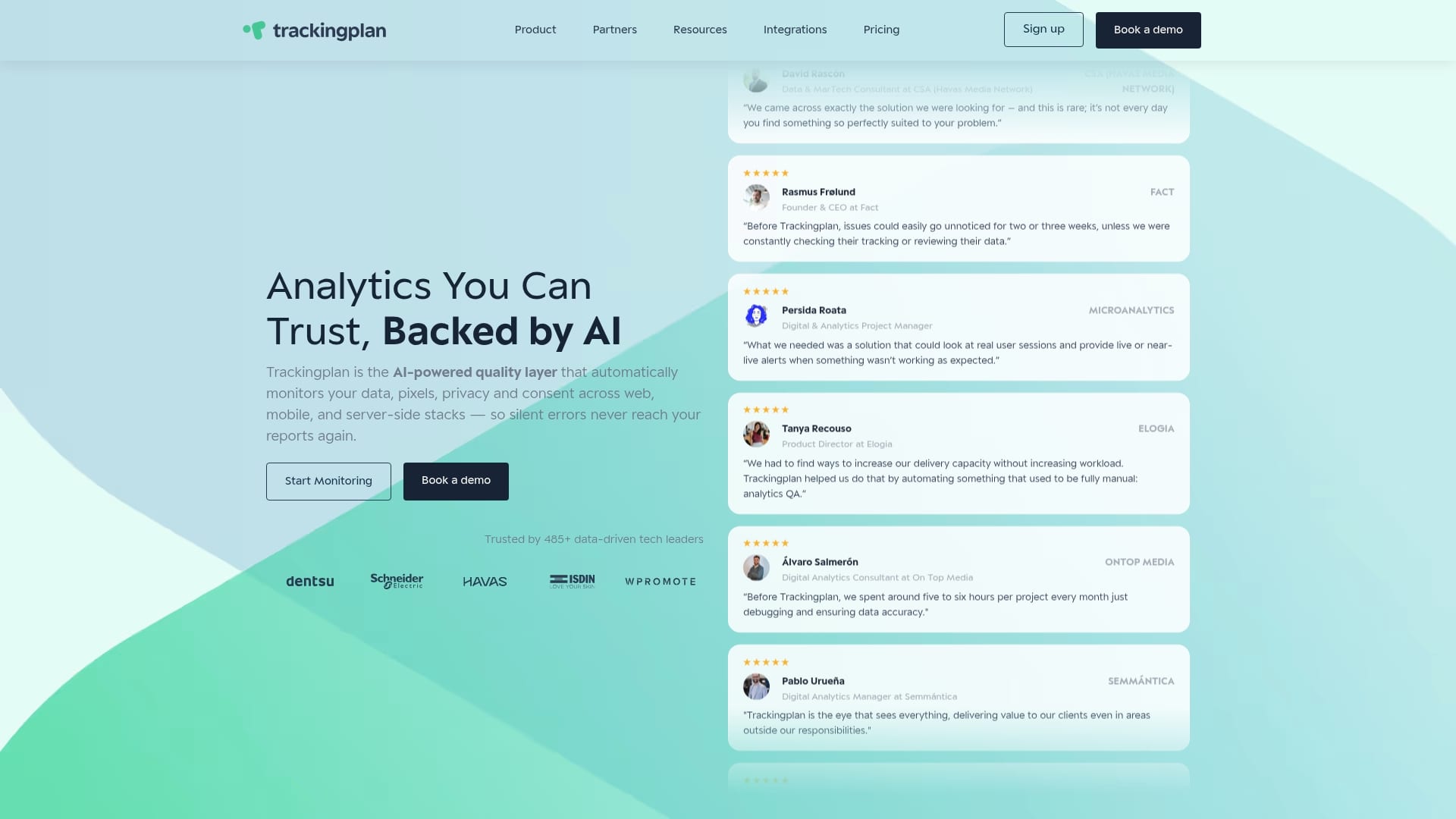
Trackingplan automates the monitoring and auditing of your entire analytics implementation, including pixels, events, UTMs, and server-side tracking. It detects errors in real time and sends alerts via Slack, email, or Teams before bad data reaches your dashboards. For teams managing complex Martech stacks, Trackingplan’s digital analytics integrations connect directly with the platforms you already use, giving you a continuous quality layer across every tool in your stack. Clean data is not a nice-to-have. It is the prerequisite for every insight on your tracking list.
FAQ
What is a user journey tracking list?
A user journey tracking list is a structured document that catalogs every event, touchpoint, and data signal collected as customers move through the stages of their relationship with a brand, from awareness through retention.
How many stages should a user journey map have?
Industry guidance recommends 4–7 stages. Maps with more stages tend to cause action paralysis and reduce the practical usefulness of the exercise for cross-functional teams.
What tools are best for tracking user journeys?
Mixpanel, Google Analytics 4, Salesforce Marketing Cloud, and Hotjar each serve different tracking needs. Trackingplan adds a data quality layer that monitors whether those tools are receiving accurate data in the first place.
How often should you audit your tracking implementation?
Quarterly audits of UTM naming conventions, event firing, and pixel health are the minimum standard. Teams that release product updates frequently should run verification checks after every major deployment.
What is the difference between journey mapping and journey analytics?
Journey mapping produces qualitative visualizations of the customer experience. Journey analytics provides quantitative evidence from behavioral data. Effective tracking programs use both together to identify and fix friction points.