
Tracking errors are silent budget killers. You can run perfectly optimized campaigns, nail your creative, and still watch your attribution data fall apart because a pixel fired twice or a tag never loaded at all. Tracking implementations often contain up to 40% invisible errors like missing pixels and broken tags, meaning a huge share of your marketing decisions may rest on corrupted data. This guide walks you through every stage: what to prepare before you touch a single tag, how to set up GA4 and Tag Manager correctly, how to catch errors before they compound, and how to maintain accuracy over time.
Table of Contents
- What you need before you start: Tools, team, and data structure
- Step-by-step tracking setup: GA4 and Tag Manager best practices
- Catching invisible errors: Automated, manual, and hybrid QA
- Troubleshooting, edge cases, and maintenance for consistent results
- A new reality: Why automated, hybrid tracking is now non-negotiable
- Take your tracking further: Powerful, automated solutions
- Frequently asked questions
Key Takeaways
| Point | Details |
|---|---|
| Prepare with strong foundations | Document your data model, team responsibilities, and tracking tools to avoid setup headaches. |
| Follow GA4 setup best practices | Use Tag Manager, Enhanced Measurement, Consent Mode, and always test with debug tools. |
| Automate and audit regularly | Automated QA tools catch hidden errors and keep your analytics clean as tech changes. |
| Anticipate edge cases | Handle dual tagging, internal traffic, cross-domain, and AJAX issues for true accuracy. |
| Adopt hybrid tracking for the future | Combining client and server-side methods protects accuracy and privacy as standards evolve. |
What you need before you start: Tools, team, and data structure
After understanding the risks of tracking errors, let’s lay the groundwork for flawless implementation. The single biggest reason analytics projects collapse has nothing to do with the tools themselves. 73% of analytics projects fail from poor data quality, which almost always traces back to weak preparation. Getting this phase right is the highest-leverage thing you can do.
Start by assembling the right stack. At minimum, you need:
- Tag management system: Google Tag Manager or a server-side equivalent
- Analytics platform: GA4 as your primary measurement layer
- Consent Management Platform (CMP): Required for Consent Mode v2 compliance
- Data layer documentation: A living spec that maps every event, property, and value
- QA environment: A staging site that mirrors production
Team alignment matters just as much as tooling. You need a marketing lead who owns the measurement plan, a developer who implements the data layer, and a QA specialist who validates every release. Without clear ownership, errors slip through and nobody notices until the data is weeks stale.
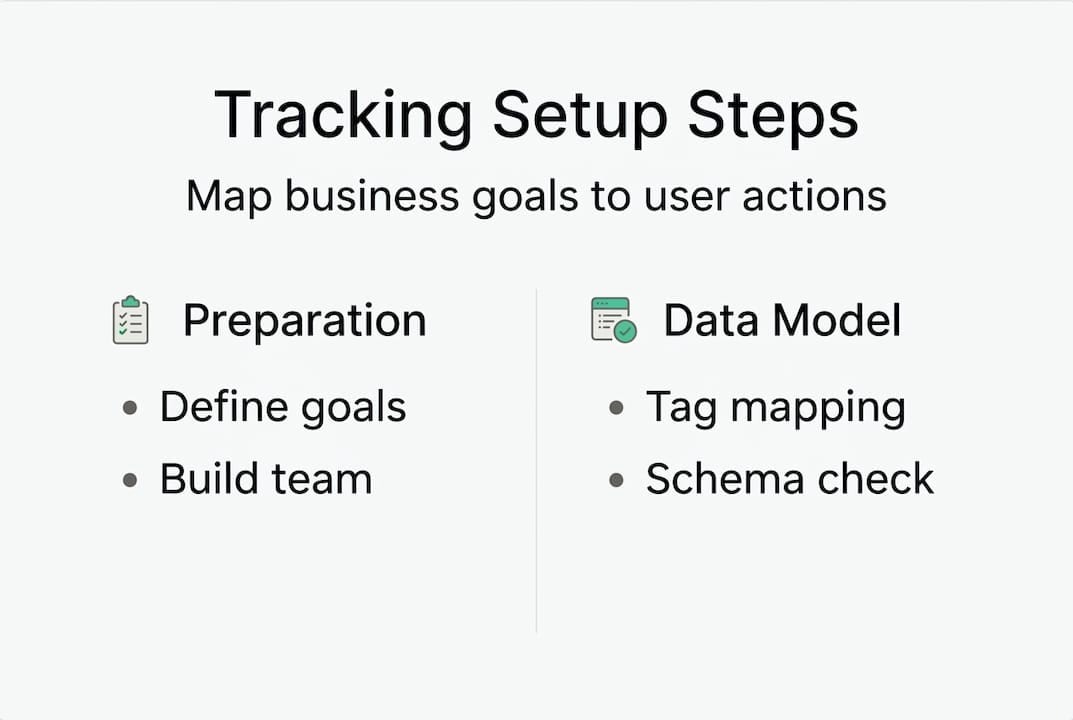
The data model is your foundation. Before writing a single tag, map your business goals to specific user actions. Decide which events represent real value (purchases, leads, video completions) and define the properties each event must carry. Following data quality best practices at this stage prevents schema mismatches that are nearly impossible to fix retroactively.
| Preparation area | Key task | Owner |
|---|---|---|
| Tool setup | Install GTM, GA4, CMP | Developer |
| Data model | Define events and properties | Analytics lead |
| Documentation | Write data layer spec | Analytics lead |
| QA environment | Configure staging site | Developer |
| Team alignment | Assign roles and sign-off process | Marketing manager |
Pro Tip: Document your data layer before any code is written and push a test event on day one. Catching schema errors early costs minutes. Catching them after three months of bad data costs weeks of cleanup.
If you are also navigating a platform switch, reviewing GA4 migration essentials before this prep phase will save you from duplicating work.
Step-by-step tracking setup: GA4 and Tag Manager best practices
With all prerequisites in place, follow these best-practice steps to implement robust tracking. 65% of websites now use GA4, making it the de facto standard, but a default install is rarely a correct install. The difference between a reliable setup and a broken one often comes down to a handful of configuration decisions.
Follow these GA4 setup steps in order:
- Create your GA4 property and immediately set data retention to 14 months. The default is two months, which silently truncates your historical analysis.
- Install via GTM only. Never run GTM and a direct gtag.js snippet simultaneously. Dual deployment is the most common cause of double-counted sessions and inflated conversion numbers.
- Enable Enhanced Measurement for scroll depth, outbound clicks, and file downloads, but review each toggle. Some Enhanced Measurement events conflict with custom event names.
- Define key events (formerly conversions) explicitly. Do not rely on auto-detected events for anything tied to budget decisions.
- Implement Consent Mode v2 through your CMP. Without it, you lose modeled data for users who decline cookies, and you risk regulatory exposure.
- Link Google Ads and BigQuery. Ads linking closes the attribution loop. BigQuery export gives you raw, unsampled data for deeper analysis.
| Deployment method | Accuracy | Flexibility | Recommended for |
|---|---|---|---|
| GTM only | High | High | Most implementations |
| Direct gtag.js | Medium | Low | Simple, static sites |
| Hybrid (GTM + server-side) | Very high | Very high | High-traffic or privacy-sensitive |
| Dual (GTM + gtag.js) | Low | Medium | Never recommended |
For sites where browser-based tracking is insufficient, server-side tracking alternatives offer a more resilient path, especially as third-party cookie deprecation accelerates.

Pro Tip: Always use GTM’s Preview and Debug mode before publishing any container version. A tag that looks correct in the interface can still fire on the wrong trigger or pass null values.
Catching invisible errors: Automated, manual, and hybrid QA
After your tracking is live, it’s vital to ensure what you measure reflects reality. The uncomfortable truth is that most tracking errors are invisible in day-to-day reporting. A missing event does not throw an error in your dashboard. It just quietly disappears from your data.
Manual QA, done well, catches roughly 30 to 50% of errors. It involves walking through user flows in a browser, checking the network tab, and validating events in GA4’s DebugView. It’s essential but not sufficient. Human reviewers miss intermittent errors, timing-dependent bugs, and regressions introduced by third-party script updates.
Automated audits change the math entirely. AI-driven audits detect 90% of discrepancies and cut detection time by 70%. That’s not a marginal improvement. That’s the difference between catching a broken checkout tag on Tuesday and discovering it on Friday after losing four days of conversion data.
Here’s what your QA checklist should cover:
- Missing tags: Events that should fire on key pages but don’t
- Double-counting: Duplicate event triggers from overlapping tag rules
- Bot and internal traffic: Unfiltered traffic that inflates session counts
- Schema mismatches: Events firing with wrong property names or missing required fields
- Consent violations: Tags firing before user consent is recorded
For a structured approach to detecting tracking issues, combine automated scanning with manual spot checks after every deployment. The QA automation for analytics layer handles continuous monitoring while your team focuses on interpreting results rather than hunting for data gaps.
The target benchmark is over 98% data accuracy with error detection under two hours. Anything slower means decisions get made on bad data before anyone knows there’s a problem.
Pro Tip: Schedule automated audits to run quarterly at minimum, and always trigger one after a major site release. Regressions introduced by a CMS update or a new third-party script are among the hardest errors to catch manually.
When something does break, debugging analytics problems efficiently requires knowing exactly where in the data pipeline the failure occurred.
Troubleshooting, edge cases, and maintenance for consistent results
Even the best setup will encounter obstacles; here’s how to troubleshoot and future-proof your tracking. The issues that derail long-term tracking quality are rarely dramatic. They’re small, structural problems that compound over months until your data is no longer trustworthy.
Common edge cases that undermine tracking quality include:
| Edge case | Symptom | Recommended fix |
|---|---|---|
| Dual tagging | Doubled session and event counts | Remove direct gtag.js, use GTM only |
| Late config commands | Shortened session durations | Move config call before event calls |
| Unfiltered internal traffic | Inflated traffic and conversion data | Add IP exclusion filters in GA4 |
| AJAX/SPA form tracking | Missed or duplicate form submissions | Use custom listeners, not Enhanced Measurement |
| Cross-domain tracking | Broken sessions across subdomains | Configure linker parameters in GTM |
| Over-tracking | Data loss above 500 events per property | Audit and consolidate event taxonomy |
For maintenance, treat your tracking setup like production software. It needs scheduled reviews, not just reactive fixes. Follow this repeatable maintenance plan:
- Quarterly QA audit: Run automated scans and review alerts for any new anomalies.
- Post-release validation: After every site update, verify that key events still fire correctly.
- Filter and exclusion review: Update bot filters and internal IP exclusions as your team changes.
- Tool and platform upgrades: Monitor GA4, GTM, and CMP release notes for breaking changes.
- Privacy and regulatory review: Reassess your consent configuration annually or when regulations change in your markets.
Understanding the tracking success factors that separate reliable implementations from fragile ones will help you prioritize which parts of your stack deserve the most attention. For organizations managing sensitive user data, server-side tracking for privacy adds a compliance layer that client-side alone cannot provide.
A new reality: Why automated, hybrid tracking is now non-negotiable
All the concrete steps above point to a deeper strategic shift underway in analytics. The old mindset of “set it up once and check it occasionally” is genuinely obsolete in 2026. Tracking implementations degrade continuously. Scripts update, CMPs change consent flows, browsers restrict APIs, and new regulatory requirements arrive without warning.
Automated monitoring is now essential as implementations degrade over time, and quarterly audits are the minimum viable standard for catching regressions before they distort your reporting.
Beyond maintenance, the architecture debate has largely been settled. Pure client-side tracking is too fragile. Pure server-side tracking loses behavioral context. Hybrid tracking methods that combine client and server signals give you the accuracy of server-side with the richness of browser-level data. That balance is what modern attribution requires.
The teams winning at measurement right now are not the ones with the most sophisticated setups. They’re the ones who automated their error detection early, built clear ownership into their processes, and treat tracking as a continuous discipline rather than a one-time project. Start with your highest-value conversion paths, automate alerts for those first, and expand from there. The compounding benefit of clean data over 12 months dwarfs any short-term optimization you can make on corrupted numbers.
Take your tracking further: Powerful, automated solutions
If you want results you can trust without manual slog, here’s what to do next.
Every issue covered in this guide, from invisible pixel failures to schema drift and consent violations, is exactly what Trackingplan is built to catch automatically. The platform continuously monitors your entire analytics stack, surfaces anomalies in real time, and sends alerts to Slack, Teams, or email before bad data reaches your reports.
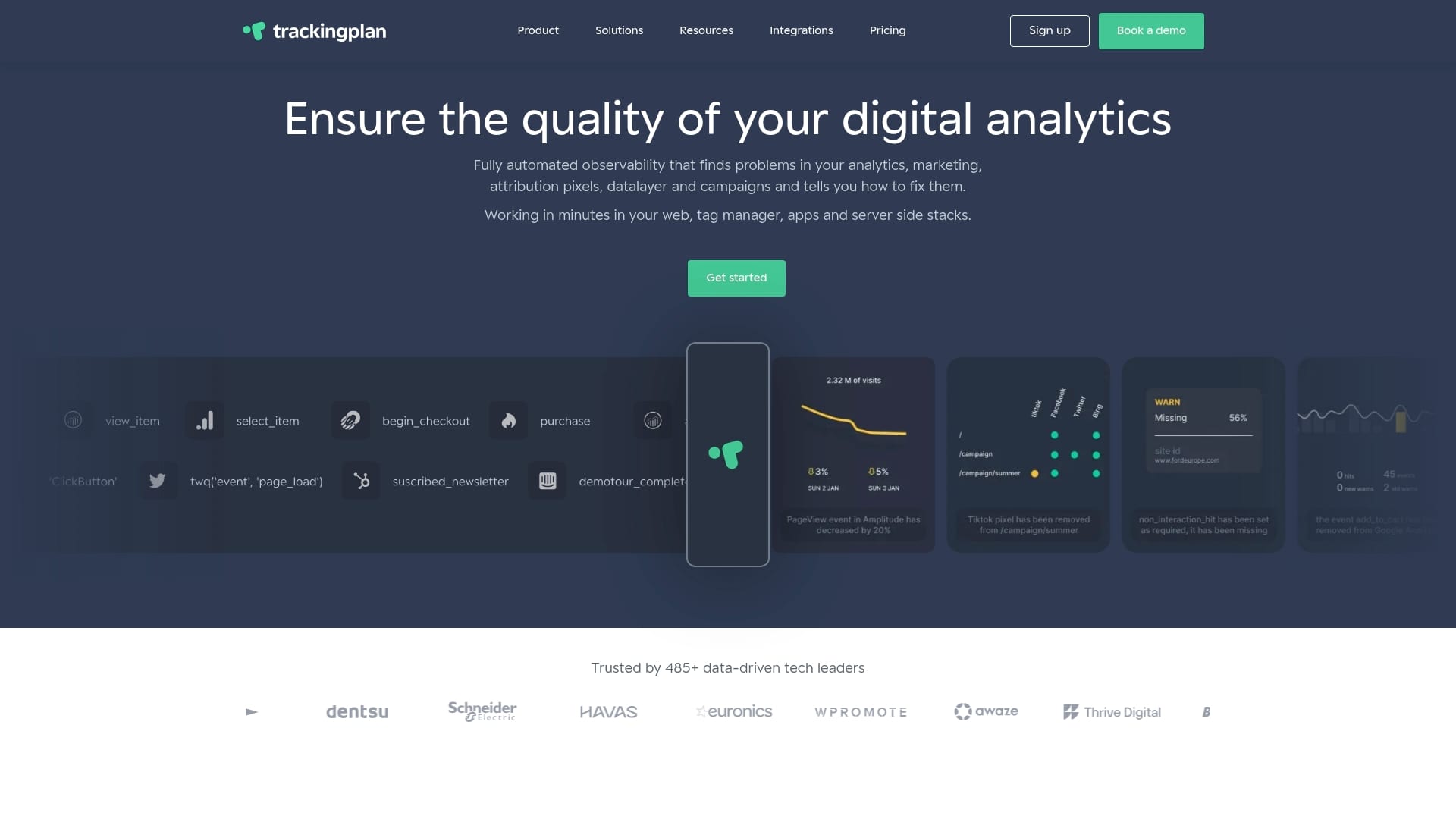
Trackingplan’s automated analytics QA covers GA4, ad pixels, attribution tools, and server-side implementations in one unified view. Privacy compliance checks run alongside tracking validation so you stay accurate and compliant at the same time. If you want to see how Trackingplan works across a real analytics stack, the live demo shows exactly how fast error detection can be when it’s automated.
Frequently asked questions
What are the most common tracking implementation mistakes?
The most common mistakes are missing pixels, double-counting events from dual tags, failing to filter internal traffic, and unreliable form tracking on AJAX or SPA sites. Each of these can silently corrupt your data for weeks before anyone notices.
How often should you audit your tracking setup?
Run automated audits quarterly and immediately after any major site or platform update to catch new tracking issues before they affect reporting decisions.
Is server-side tracking required for accurate analytics?
Hybrid client and server tracking is strongly recommended for higher accuracy, privacy compliance, and resilience to browser changes, but client-side alone can suffice for simple, low-stakes setups.
What is a good target for tracking data quality?
Aim for over 98% data accuracy and the ability to detect errors within two hours. Slower detection means marketing decisions get made on flawed data before the problem is even visible.