
TL;DR:
- Proper event tracking is essential for reliable attribution and campaign optimization.
- Teams should focus on the nine core ecommerce events and ensure data quality with unique transaction IDs, auditing quarterly.
Must-track marketing events are the specific digital actions within your analytics setup that reveal where customers convert, drop off, or disengage across every campaign and channel. Without them, your attribution data is guesswork and your ad spend is flying blind. The GA4 ecommerce event schema and industry benchmarks from conferences like DMEXCO 2026 now define the baseline for what “production-ready” tracking looks like. This article identifies the must-track marketing events that matter most, explains how to maintain data quality across all of them, and points you toward the industry events where tracking strategy is actively being redefined.
1. What are the essential ecommerce events every marketer must track?
The 9 must-track ecommerce events form the backbone of any reliable customer journey funnel: view_item_list, select_item, view_item, add_to_cart, remove_from_cart, view_cart, begin_checkout, add_payment_info, and purchase. Each event maps to a specific stage in the purchase funnel, giving you a clear picture of where customers fall off before converting.
Marking the purchase event as a key conversion is non-negotiable for ad platform ROAS optimization. Without it, Google Ads and Meta cannot accurately attribute revenue to campaigns, and your bidding algorithms are working with incomplete signals.
| Funnel stage | Event name | Tracking purpose |
|---|---|---|
| Discovery | view_item_list | Measures product exposure and list performance |
| Consideration | view_item | Tracks individual product page engagement |
| Intent | add_to_cart | Signals purchase intent for remarketing |
| Checkout | begin_checkout | Identifies checkout funnel entry and drop-off |
| Conversion | purchase | Records revenue and enables ROAS attribution |
The remove_from_cart and view_cart events are often skipped, but they reveal friction points that add_to_cart alone cannot explain. A high remove_from_cart rate after view_cart points to pricing or shipping cost issues, not product problems.
Pro Tip: Consistent, reliable event firing beats a comprehensive but drifting implementation every time. A smaller set of events that fire accurately gives you more useful data than a bloated setup that breaks after every platform update.
2. Which engagement events are must-tracks for campaign optimization?
In-person events deliver the highest ROI of any marketing channel, with 78% of marketers agreeing and 95% focused on proving that ROI through specific metrics. That means attendance counts alone are not enough. You need to track the actions that signal real engagement and pipeline impact.
The metrics that matter most go well beyond headcount:
- Qualified lead generation: Track form fills, badge scans, and demo requests tied to specific sessions or booth interactions.
- Attendee engagement rate: Measure session attendance duration, not just check-ins.
- Brand impact signals: Monitor social mentions, hashtag volume, and share-of-voice during the event window.
- Interactive participation: Poll responses and Q&A submissions in virtual and hybrid formats are direct engagement indicators.
- Post-event pipeline velocity: Track how quickly event-sourced leads move through your CRM stages compared to other channels.
Real-time data use during live events is where most marketing teams leave money on the table. Integrating ticketing platform data and social dashboards during the event lets you shift promotional spend toward sessions or activations that are generating the most engagement right now, not after the event ends.
Pro Tip: Treat event data as a continuous feedback loop, not a post-mortem task. The teams that act on live signals during the event consistently outperform those who wait for the final report.
3. How to prioritize and maintain data quality in event tracking
Data quality is the single biggest threat to reliable marketing measurement. Duplicate purchase events, inconsistent item IDs, and broken variant tracking are the most common issues that silently corrupt your analytics reports. Each one produces a different type of error, but all of them lead to the same outcome: decisions made on bad data.

The transaction_id field is your first line of defense. Every purchase event must carry a unique transaction ID for deduplication across GA4, your CRM, and ad servers. Verify this quarterly by comparing GA4 purchase counts against your backend platform records.
| Data quality issue | Root cause | Recommended fix |
|---|---|---|
| Duplicate purchase events | Thank-you page reloads firing the event twice | Use server-side signals or unique transaction IDs |
| Inconsistent item IDs | Multiple systems using different product identifiers | Define a single source of truth for product data before implementation |
| Incomplete item arrays | Platform-native integrations missing custom parameters | Audit and customize your data model in staging before production |
| Tracking bloat | Too many events added without a defined schema | Set a schema governance process and review after every platform update |
Avoiding thank-you page load triggers for purchase events is a practice most teams learn the hard way. A customer refreshing the confirmation page fires a second purchase event, inflating revenue figures and breaking CRM alignment. Server-side confirmation is the fix.
Platform-native integrations are a common trap. They ship with limited parameters and rarely match your actual data model. Always audit your data model in staging before pushing to production, especially after a platform update or migration.
4. How to avoid tracking bloat and keep your schema clean
Tracking bloat degrades data quality faster than almost any other issue. Defining your source of truth for products and cart logic before implementation is the step most teams skip, and it is the one that causes the most downstream pain.
The fix is a schema governance process. Before adding any new event, document what it measures, who owns it, and how it connects to your existing user journey tracking framework. This prevents duplicate events with different names measuring the same action, which is one of the most common causes of inflated funnel metrics.
Unified ownership of GA4 ecommerce events is non-negotiable. When multiple teams or integrations write to the same event stream without coordination, conflicts are inevitable. Assign one team as the authority on the event schema and require sign-off before any new event goes live.
5. Top industry marketing events to sharpen your tracking strategy in 2026
The best way to stay current on tracking standards is to attend the conferences where those standards are being built. Several key events in 2026 are directly relevant to marketing analytics professionals.
- DMEXCO 2026: Track-based masterclass sessions focus on moving from AI experimentation to real-world value creation. The event benchmarks tech stacks and attribution frameworks across enterprise marketing teams.
- Digital Marketing Asia 2026: Agentic workflows and agent-to-agent journey tracking are the headline themes. This is where autonomous marketing tool measurement is being defined for the next cycle.
- Affiliate World Europe: Focused on performance marketing and attribution, with sessions covering cross-platform tracking and incrementality measurement.
- Annual marketing summits and webinars: Regional marketing summits and upcoming marketing webinars from organizations like the American Marketing Association offer practical sessions on GA4 implementation, privacy-compliant tracking, and data governance.
Selecting the right event depends on your current gap. If your attribution model is the problem, DMEXCO’s tech stack benchmarking sessions are worth the trip. If you are building toward autonomous campaign management, Digital Marketing Asia’s agentic workflow content is the most forward-looking available in 2026.
Pro Tip: When evaluating essential marketing conferences, look at the session format before the speaker list. Track-based masterclasses with hands-on implementation content produce more usable takeaways than keynote-heavy programs.
6. What ecommerce tracking audits should look like on a recurring basis
A quarterly audit rhythm is the minimum for any team running GA4 ecommerce tracking across a live platform. The audit has four fixed checkpoints: transaction ID uniqueness, item array completeness, event firing consistency across devices, and cross-platform revenue alignment.
Cross-platform alignment is where most audits surface the biggest gaps. Your GA4 revenue number, your ad platform conversion value, and your backend order total should agree within a small margin. When they diverge, the cause is almost always a duplicate event, a missing transaction ID, or a server-side signal that is not firing correctly.
Testing in a staging environment before every platform update is not optional. A Shopify theme update or a WooCommerce plugin change can silently break your checkout events without triggering any visible error. The ecommerce data quality practices that separate reliable analytics from noise are almost entirely about catching these breaks before they reach production.
Key Takeaways
Reliable marketing event tracking requires a small, consistently firing event set, a unique transaction ID on every purchase, and a quarterly audit rhythm that catches platform-driven breaks before they corrupt your data.
| Point | Details |
|---|---|
| Core ecommerce events | Track all 9 GA4 ecommerce events, with purchase marked as a key conversion for ROAS optimization. |
| Data quality first | Use unique transaction IDs and server-side signals to prevent duplicate purchase events and inflated revenue. |
| Engagement beyond attendance | Track qualified leads, session duration, and poll responses to measure real event marketing ROI. |
| Schema governance | Define a source of truth for product data and require sign-off before any new event goes live. |
| Audit on a schedule | Run quarterly cross-platform revenue checks and test in staging before every platform update. |
What I’ve learned about tracking complexity and practical utility
The most common mistake I see marketing teams make is treating event tracking as a one-time setup task. They build out a comprehensive schema, launch it, and then assume it works indefinitely. It does not. Platforms update, integrations drift, and within two quarters the data is unreliable enough to make bad decisions look reasonable.
The teams with the best analytics are not the ones with the most events. They are the ones with the fewest events that fire correctly every single time. That discipline is harder than it sounds. There is always pressure to add one more event, one more parameter, one more integration. Each addition is a new failure point.
The trend toward agentic workflows and autonomous marketing attribution makes this discipline more important, not less. When AI tools are making spend decisions based on your event data, a duplicate purchase event does not just skew a report. It actively misdirects budget. The stakes for data quality are rising faster than most teams realize.
My practical advice: pick your 9 core ecommerce events, lock the schema, assign one owner, and audit quarterly. Add events only when you can articulate exactly what decision they will inform. That constraint forces clarity and keeps your data trustworthy.
— David
Trackingplan and the data quality gap in marketing event tracking
Marketing teams that run regular audits still miss issues that only appear at scale or across multiple integrations. Broken pixels, schema mismatches, and silent tracking failures accumulate between manual checks and distort the data you rely on for spend decisions.
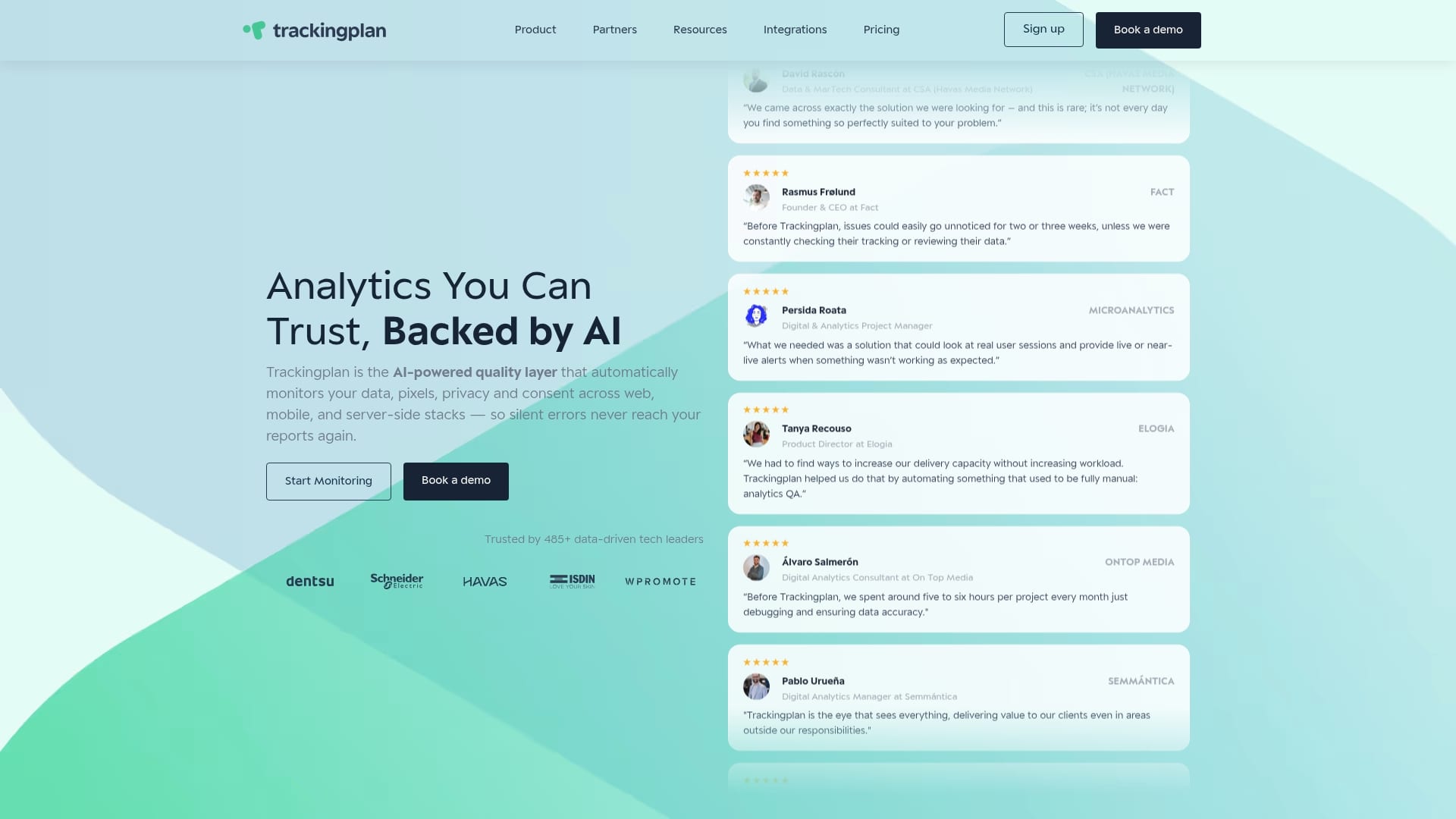
Trackingplan monitors your digital analytics tools continuously, surfacing tracking errors, missing events, and data anomalies in real time via Slack, email, or Teams. The platform runs automated audits across your full Martech stack, so you catch a broken checkout event or a duplicate purchase signal the moment it happens, not at the end of the quarter. For teams managing web tracking monitoring across multiple sites or platforms, Trackingplan replaces the manual audit cycle with always-on coverage.
FAQ
What are must-track ecommerce events in GA4?
The 9 must-track ecommerce events are view_item_list, select_item, view_item, add_to_cart, remove_from_cart, view_cart, begin_checkout, add_payment_info, and purchase. Marking purchase as a key conversion is required for accurate ROAS optimization across ad platforms.
How do I prevent duplicate purchase events?
Use a unique, immutable transaction_id on every purchase event and trigger it via a server-side signal rather than a thank-you page load. This prevents double-counting when customers refresh the confirmation page.
Which marketing conferences focus on tracking and attribution in 2026?
DMEXCO 2026 and Digital Marketing Asia 2026 are the two most relevant events for tracking and attribution professionals. DMEXCO covers AI-driven tech stack benchmarking, while Digital Marketing Asia focuses on agentic workflows and autonomous attribution frameworks.
How often should I audit my GA4 ecommerce tracking?
A quarterly audit is the minimum recommended cadence. Each audit should verify transaction ID uniqueness, item array completeness, and cross-platform revenue alignment between GA4, your ad platforms, and your backend order data.
What causes tracking bloat and how do I fix it?
Tracking bloat happens when events are added without a defined schema or ownership process. Fix it by establishing a single source of truth for your product and cart data, documenting every event’s purpose, and requiring approval before any new event goes live.