Explore, in the menu, holds the tools to dig into your raw tracking data. Use them when you want to see the data with your own eyes; when you’d rather ask a question, open a thread.
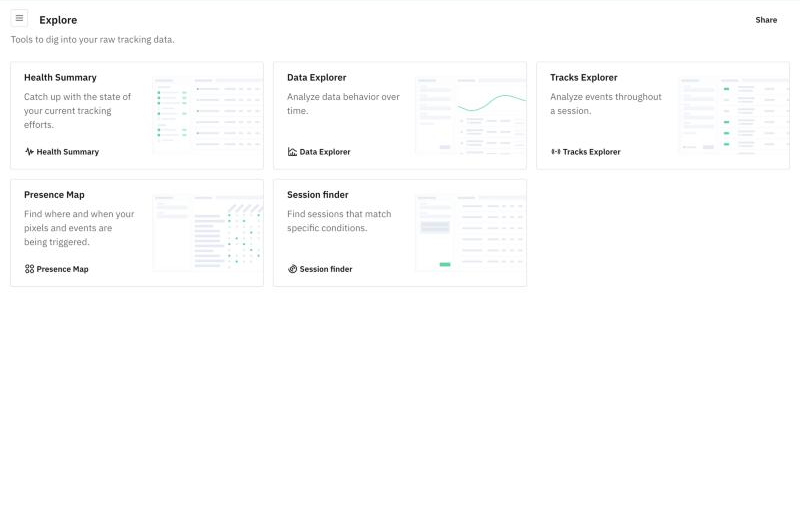
- Health Summary: catch up on the state of your tracking.
- Data Explorer: see how your data behaves over time.
- Tracks Explorer: follow the events of a session, one by one.
- Presence Map: find where and when your pixels and events fire.
- Advanced Views: ready-made views of data quality trends, formerly called Advanced Reports.
- Session Finder: find sessions that match specific conditions.
To narrow down what you see in any of them, see Filters & Data Segmentation.