With Slack connected, you can ask Trackingplan about your plan right where your team already talks. Connect it from Settings & Members > Connect.
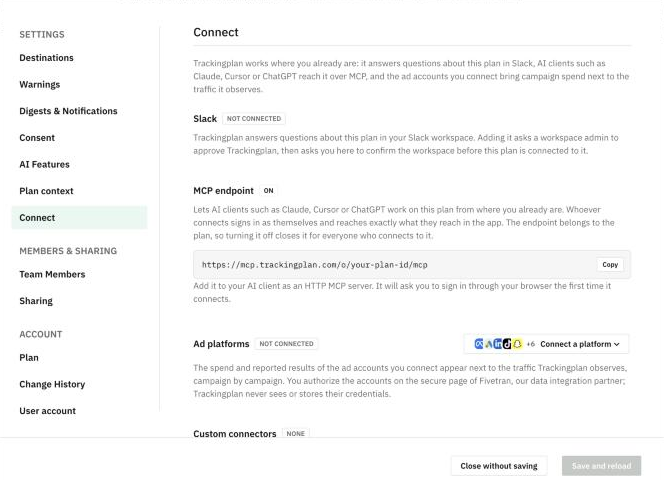
Connect Slack
- Open the plan selector at the bottom of the menu and click Settings & Members.
- Click Connect. The Slack block shows whether the plan is connected.
- Add Trackingplan to Slack. A workspace admin has to approve it, so check with yours first if that is not you.
- Back in Trackingplan, confirm the workspace. The plan is then connected to it.
Send audit results to Slack
Each audit can post its results in a Slack channel, so your team sees them without opening Trackingplan. In the audit's settings, open Notifications, enter the Slack channel and choose Every run or Only when it needs attention. See Audits.