Starred, in the menu, holds everything you starred in the plan: threads, reports, events, properties, KPIs and acquisition sources. Star an item from its list or its menu to keep it there.
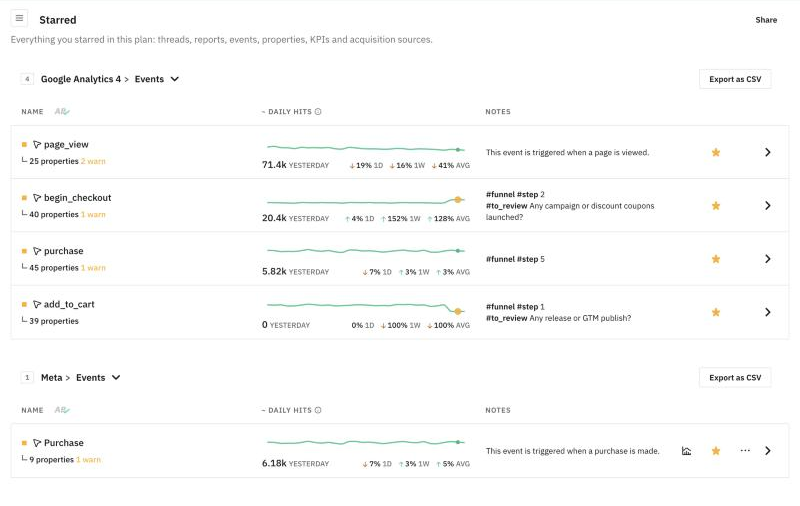
Starred events are grouped by destination, with their daily hits and notes. Export as CSV downloads each list.
Star the events, user attributes and acquisition data (referrers, campaigns, mediums, sources, landings and pages) you check most often, and keep a closer eye on them.
They go to your Starred Items list, so the events and properties that matter most, from every provider, are always one click away.
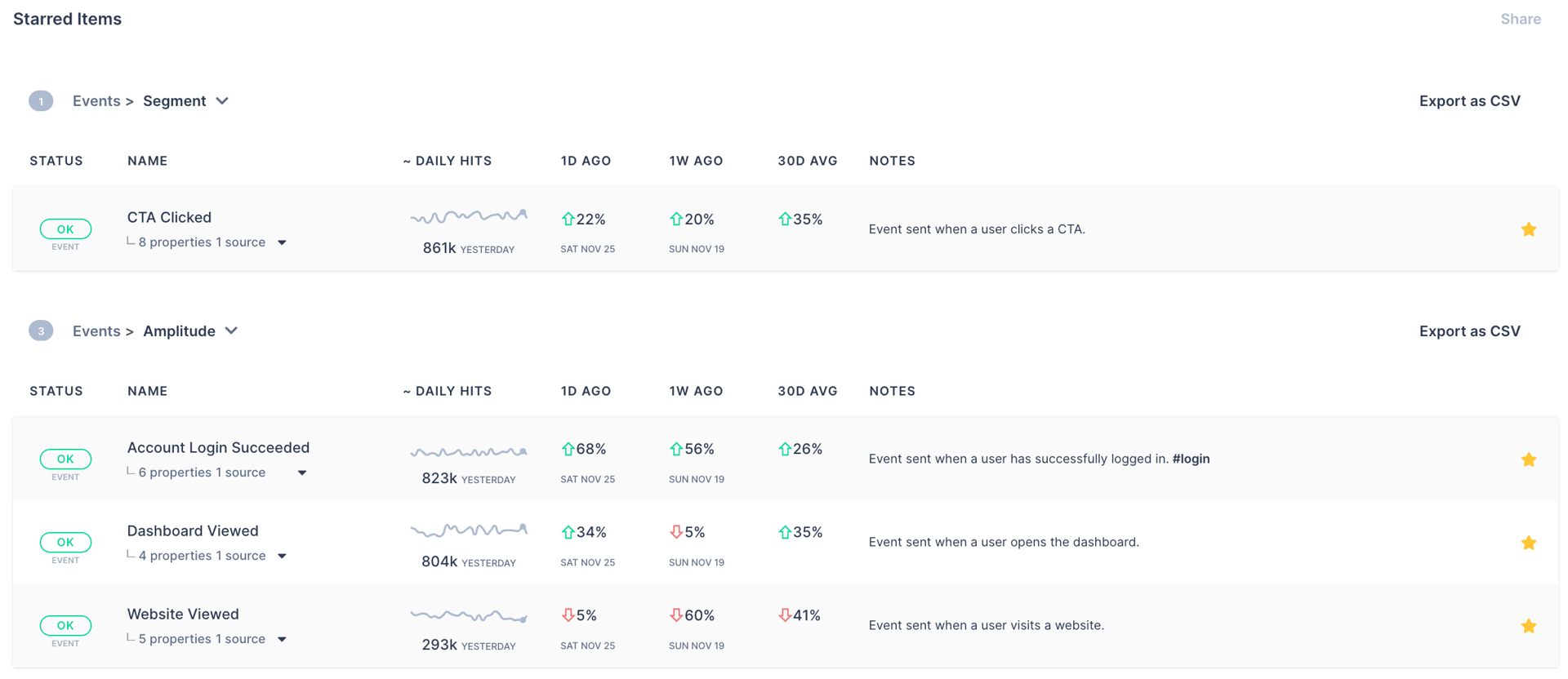
You can also create a personalized digest with only your starred events, campaigns, pages and so on. Every day, you get the status of the parts of your data collection that matter most.
Starred Events in Reports
Starred events are available as a filter directly in Trackingplan’s Data Explorer, Tracks Explorer, and Root Cause Analysis.
Select “Starred Events” > “All Events” to see only the tracks that contain your starred events, across all your destinations, in a single view.
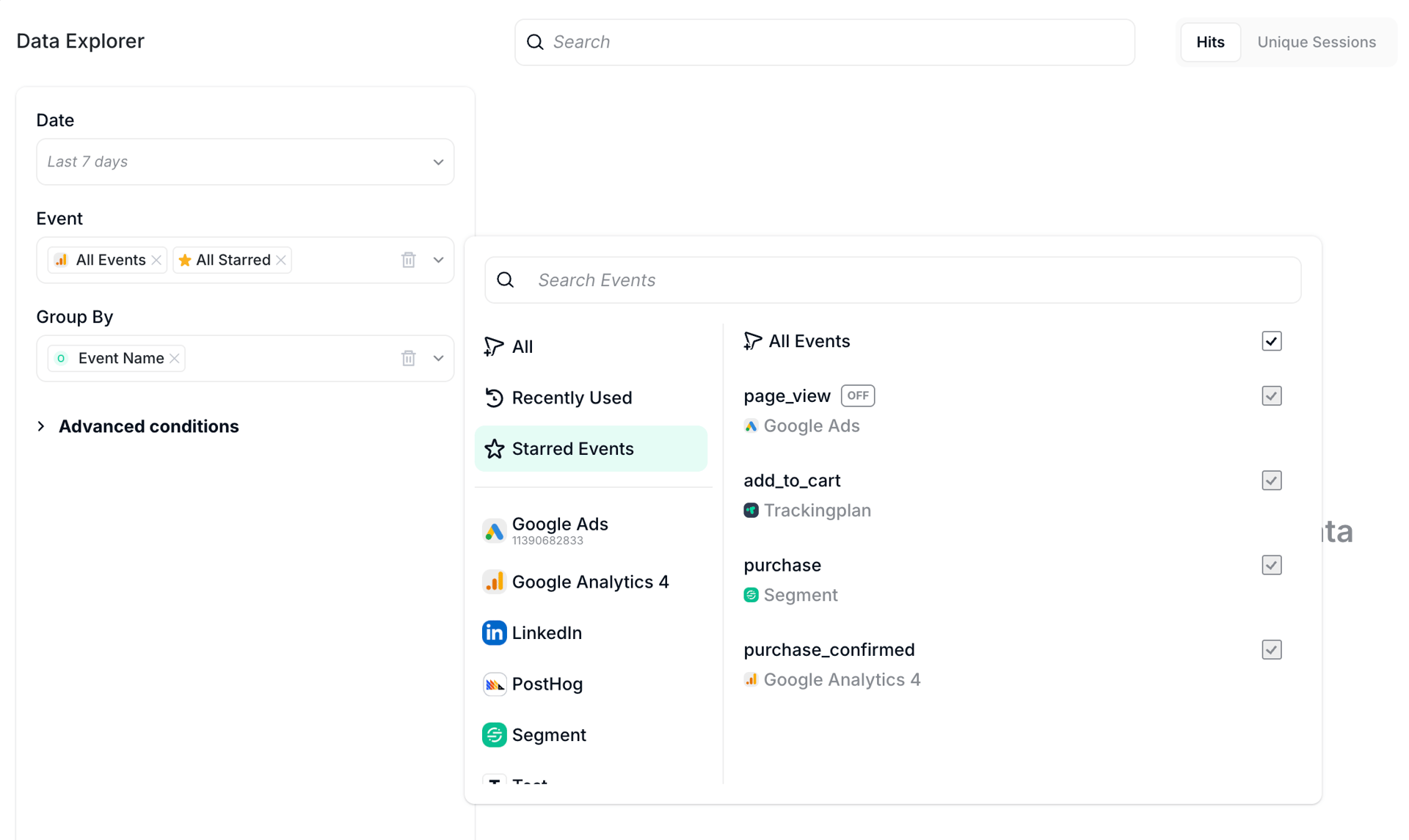
Saved reports and shared links that use the All Starred filter stay up to date. Every time you open them, they reflect your current starred events, not a snapshot from the day you created them. Nothing to maintain.